by NickN » Sat Dec 26, 2009 2:31 pm
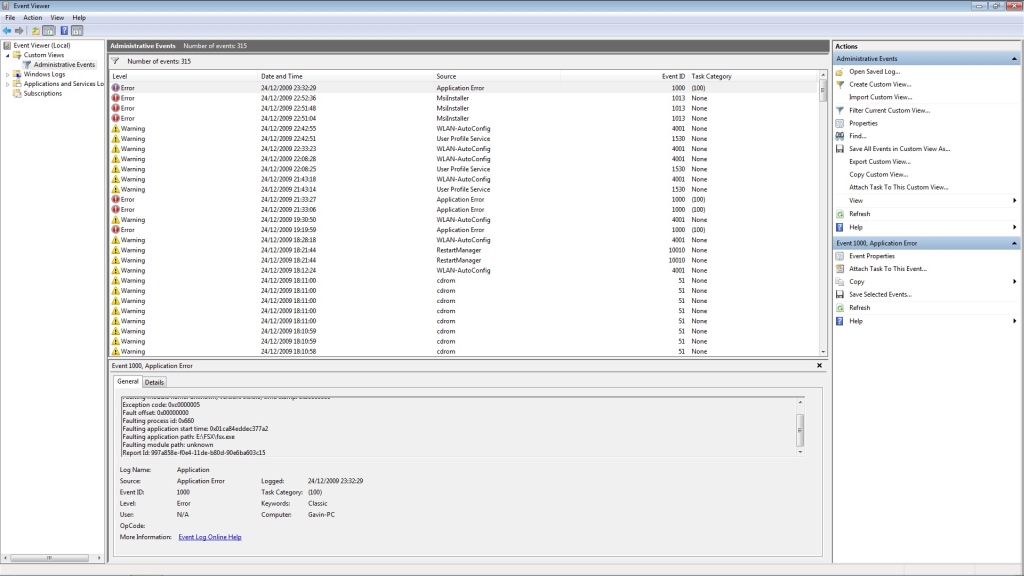
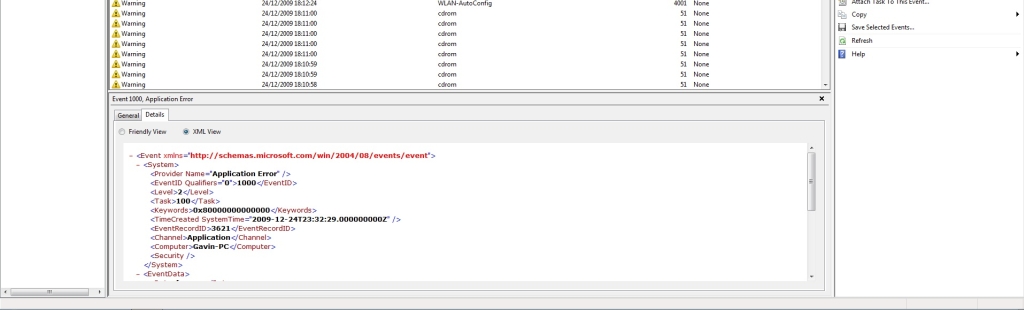
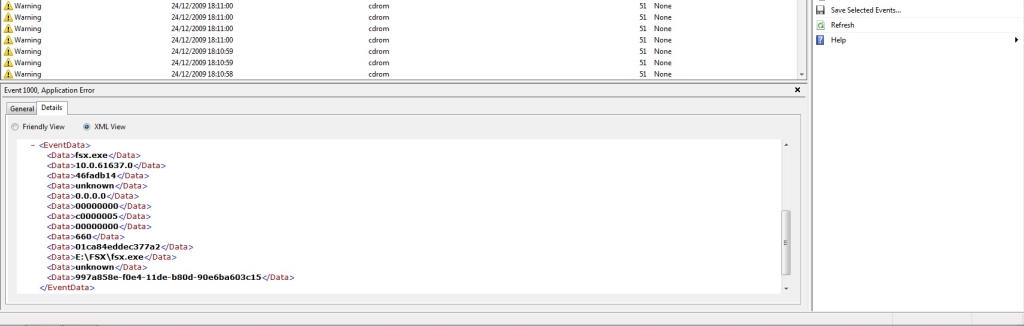
Guys.. I have no idea whats causing this
I dont use Vista W7 for FSX, I use XPx64
When you come across issues like this and you are running Vista or W7, the first thing you do want to be sure of is that FSX is not installed into the PROGRAM FILES or PROGRAM FILES (x86) folders. There is a long list of issues that can be associated with installing FSX into Program Files with or without UAC enabled. Its always best to eliminate any Windows nanny issues by installing FSX into
a. Best: Its own hard drive
b. 2nd Best: If a 2nd HDD is not available a folder on the root of C named FSX or Flight Simulator X (any name is fine) and make sure that folder has been granted full permissions
Past that, unless there is a defined repeat in the same module crashing which is known and a fix has been posted, its a matter of process of elimination starting with confirming the stability of the hardware. Clocking can bring on issues especially if there is a unstable stick of memory in the system be it a defect or clock voltages wrong.
If the hardware is confirmed by removing the clock, making sure voltages and settings are correct for a non-clocked system, and, stress tests like oCCT and memory tests such as MEMTEST have confirmed the components then start the process of elimination for addons by removing them one by one.
Its possible a OS or DX corruption issues has occurred too. Be sure to have all your DX and OS updates installed and when it comes to drivers DONT CHANGE THEM WHEN THEY WORK! One of the worst things I see people do is right away when a driver is released they go right to it and install the damn thing.. the bottom line is, if it aint broke, dont fix it when it comes to drivers!
All of the above is why seasoned MSFS users, especially those who clock, keep partition backups of their installations when they get a system up and running without issues and they keep those backups up to date. When problems like this come up its very easy to confirm hardware or software by restoring their known working backups. If the problem is still present then the issue is likely hardware.
and they do not use system re-gore to do that..
Last edited by
NickN on Sat Dec 26, 2009 2:37 pm, edited 1 time in total.