Hello
http://www.simviation.com/simviation/?I ... &mark=4613
is the model I would like to install.

Simviation Forums
Flight Simulator and other chat
Flight Simulator and other chat
 by Dougal » Sun Jun 07, 2009 11:01 am


by Hagar » Sun Jun 07, 2009 11:15 am



by Hagar » Sun Jun 07, 2009 12:06 pm
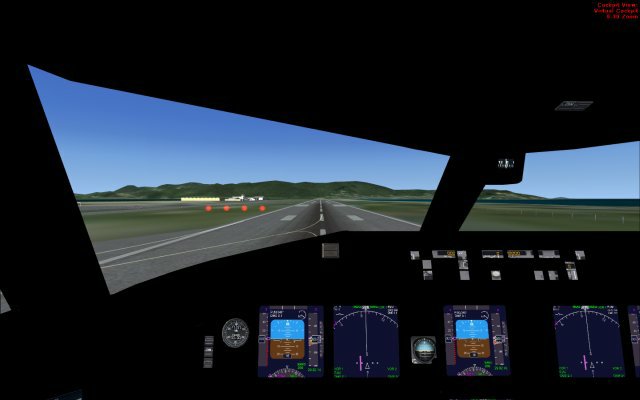
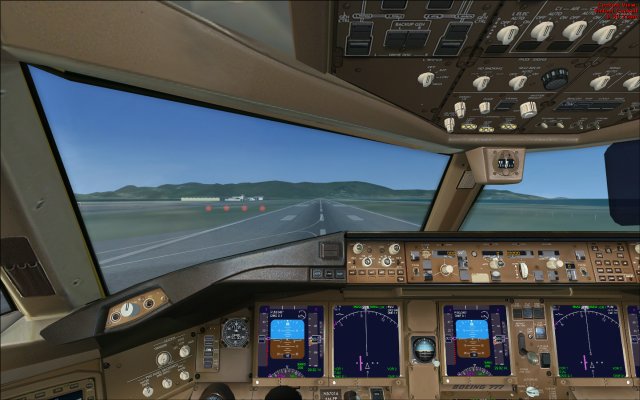
by Dougal » Sun Jun 07, 2009 12:44 pm

by Dougal » Sun Jun 07, 2009 1:14 pm
by Hagar » Sun Jun 07, 2009 1:18 pm
by Dougal » Sun Jun 07, 2009 1:26 pm
by Hagar » Sun Jun 07, 2009 1:31 pm
by pete » Sun Jun 07, 2009 1:47 pm


by Dougal » Sun Jun 07, 2009 4:04 pm

by Dougal » Sun Jun 07, 2009 4:08 pm


by Hagar » Sun Jun 07, 2009 4:09 pm
Okay - so... next question then.....
I have the Wilco 777-200, which has a naff flight model (IMO)
Might there be a way of merging the Posky 773 with the Wilco panel?
by pete » Sun Jun 07, 2009 4:31 pm
by Hagar » Sun Jun 07, 2009 4:37 pm
by pete » Sun Jun 07, 2009 4:39 pm
mmmm... I refer to the actual 'Panel for the Posky 777' ......
I checked it Pete. It's just the same. See Dougal's shot. http://i594.photobucket.com/albums/tt30/dougal95/MAIN-PC-2009-jun-7-002.jpg
Return to Flight Simulator X (FSX) and Steam
Users browsing this forum: Evan Popchock and 355 guests