When correct you should have this:
C:/Program Files/Microsoft Games/FS9/Addon Scenery. That is where you have to put your scenery. Nowhere else.
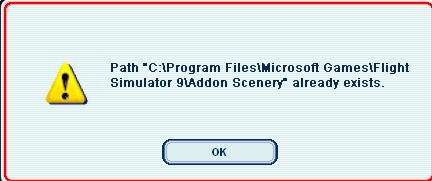
Start FS9. Go to Settings ---> Scenery Library ---> Add Area. Open the Addon Scenery folder. Select the scenery you want to install (remember not to open it, just select it). Click OK. Restart the sim and it should work.
Like I wrote before, a scenery has to have a folder containing a scenery folder and a texture folder.
If everything still fails there is a second option. Not recommended but it will work. Copy the Scenery and Texture folders of the scenery you downloaded directly into the Addon Scenery folder and answer yes on overwrite. Next time you start your sim it will automatically update the database. Problem is that the scenery is very hard to remove again if you don't like it.
I hope this helped a bit,
Crash


 by a1 » Fri Apr 27, 2007 10:11 pm




