OK...
Firstly, make sure that you uninstall all of the ATi drivers you currently have on your system. Do this using Add/Remove programmes.
Then, go
here and download Driver Cleaner Pro. (Do this even if you have already removed them using Add/Remove programmes) Once it's finished downloading, install, and run the programme. Select ATI, ATI CCC, and ATI uninstall utility. Then click start cleaning.
After cleaning has finished, go into the C:\ drive and delete any folders that say ATI.
Next, reboot.
Now go to the ATi site, and download the latest CCC and Display drivers. (Download the single installer, do not opt for the separate downloads)
Make sure that you have both .NET 1.1, and .NET 2.0 installed (both available from Microsoft website)
Run the ATi installer, and afterward reboot your system.
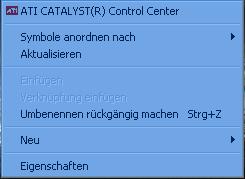
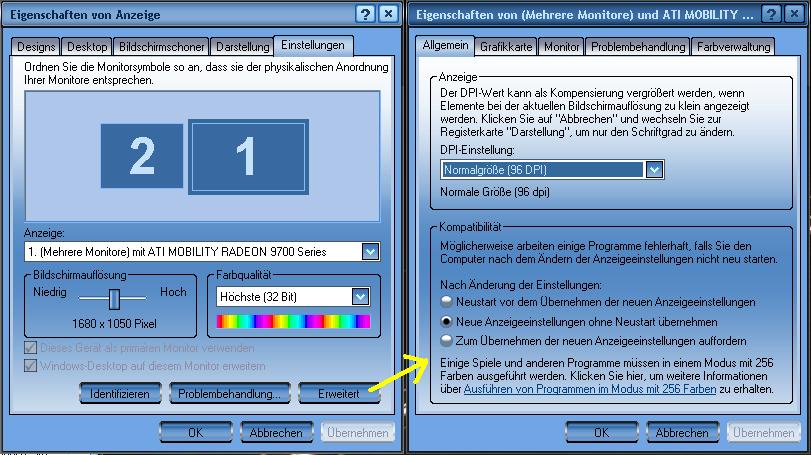
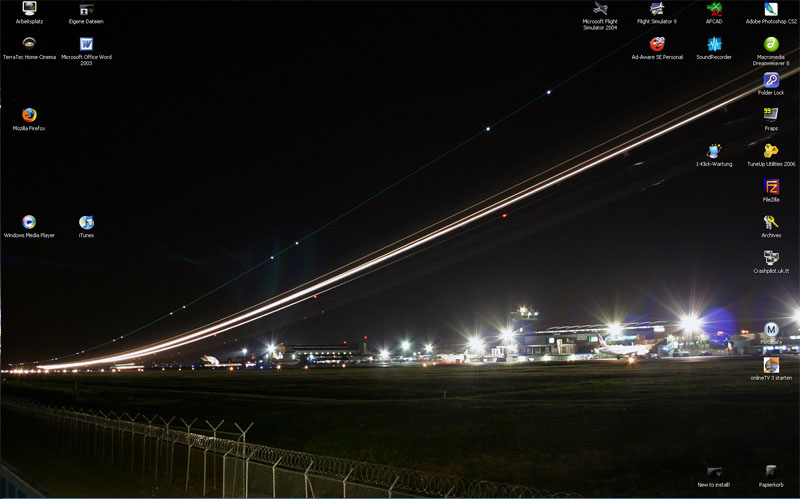
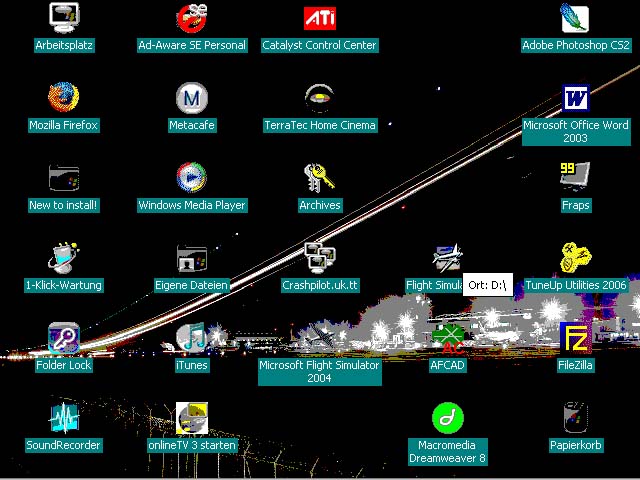
If on boot up, you screen seems to have shrunk again, log in, and right click on the desktop, go to Properties > Settings > and choose the 1024 x 768 option on the small slider to the left hand side of the box. Click OK, and Apply.
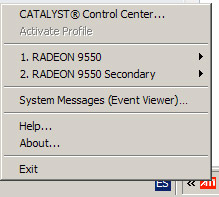
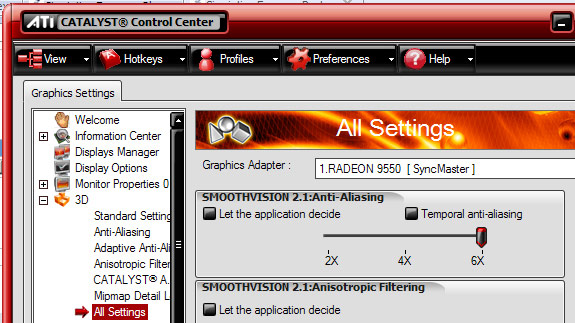
Now go into the ATI CCC and change the following settings:
AA=4x
AF=16x,
Catalyst AI to ADVANCED,
Texture Quality HIGH or MAXIMUM
Wait for Vertical Refresh to #3 on the slider (Application Controlled)
Make sure under API Specific: Enable Geometry Instancing, Support DTX Texture, and Triple Buffering are checked, nothing else.
Under VPU recover, uncheck prepare error report but leave Enable VPU checked


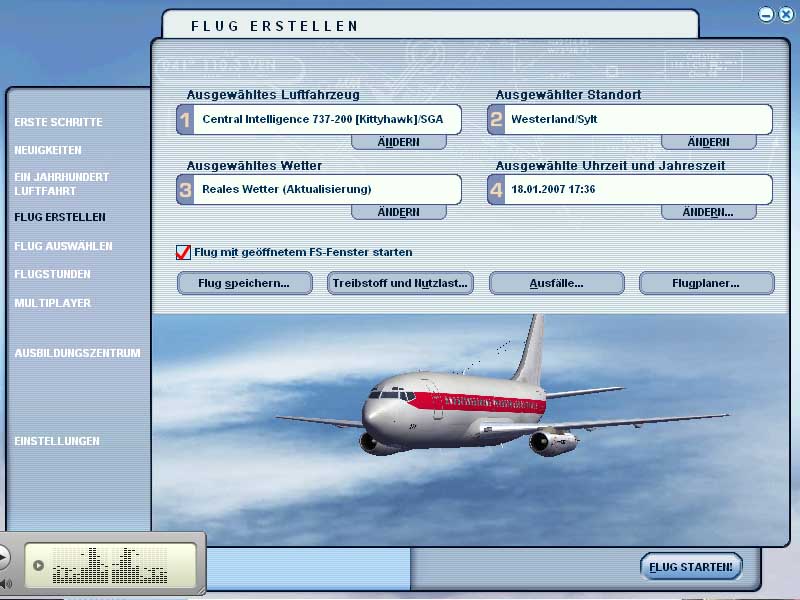
 , only the CatalystControlCenter doesn't work, but I don't care, that's why I removed the CCC). I previously deinstalled the VGA driver and after the catalyst installation, I reinstalled VGA (without Control Panel, everything looks crappy with it and PC lags).