bombardier wrote:hagar:
i did what you said but the plane is white as a ghost in the plane list. thats what I do not get, it downloaded the full mbs and it should have all the folders with it. should not have to play a game of treasure hunt to look for the folders.
The auto-installer makes this one slightly more complicated. I always direct the install path to a folder outside the FSX directory, for example the Desktop. I can then check the files out before manually installing them in the usual way.
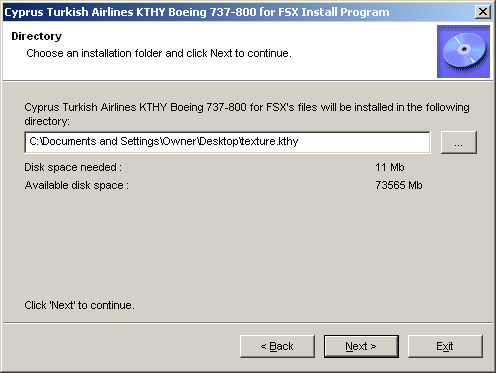
This is how I installed this one. Use the Browse button on the right to direct the install path to a new folder on the Desktop. Note that I named the new folder
texture.kthy (The path to your Desktop will be slightly different to mine.)
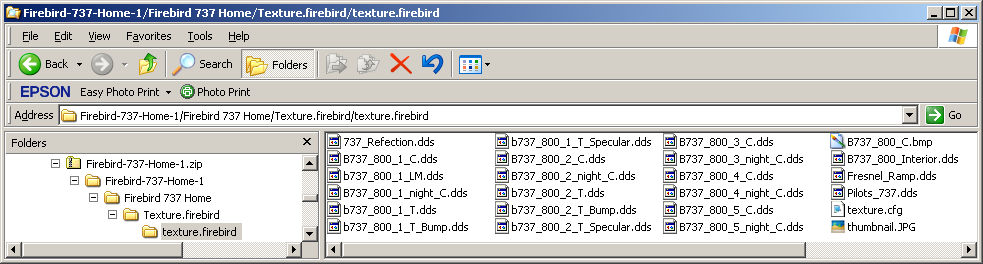
This is what it contains. Note the file named texture.cfg & also the image named thumbnail.jpg
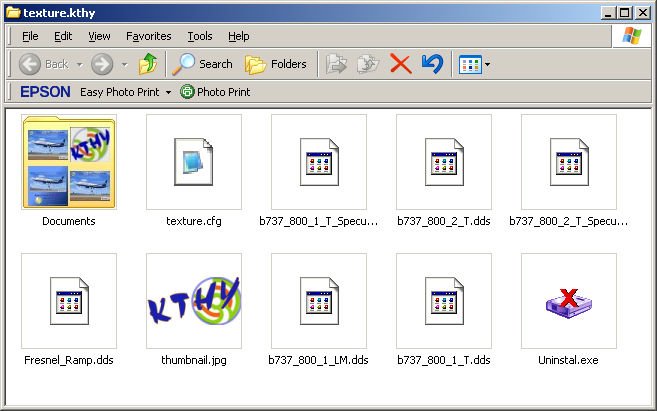
Paste the complete texture.kthy folder into your FSX B737_800 folder in the usual way.
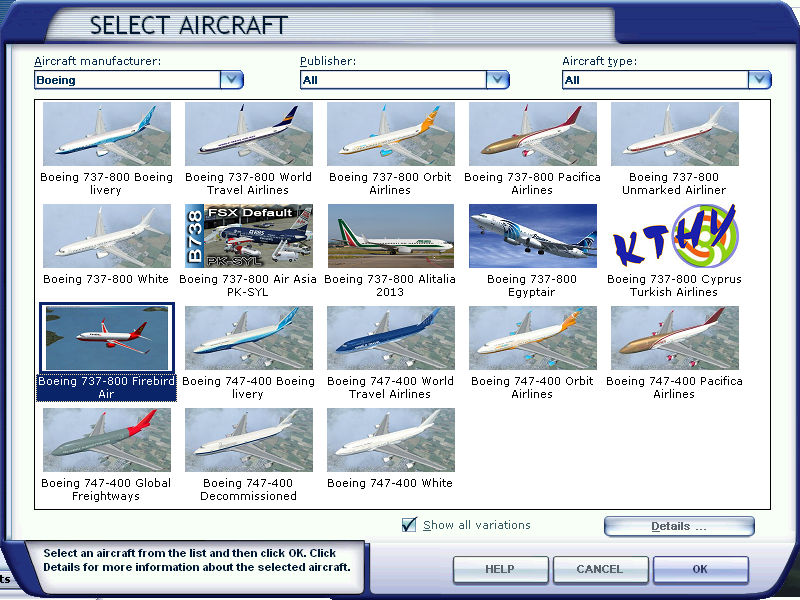
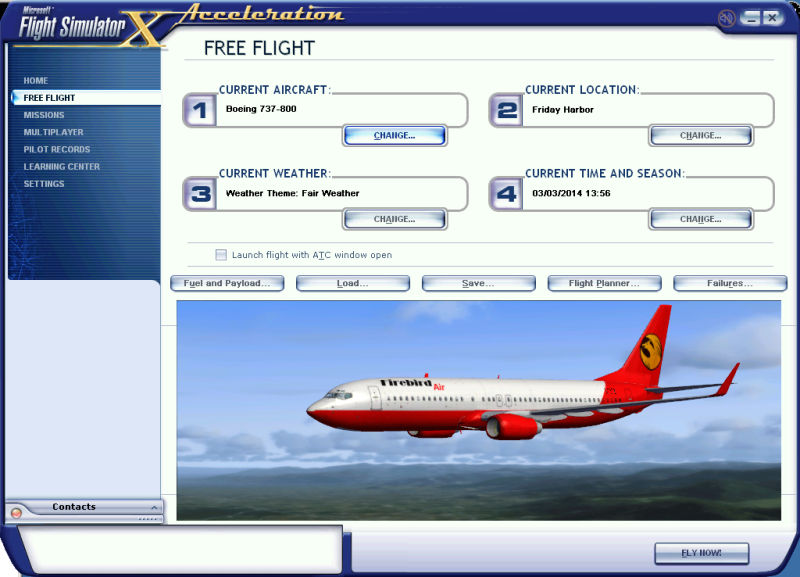
This is what you get.
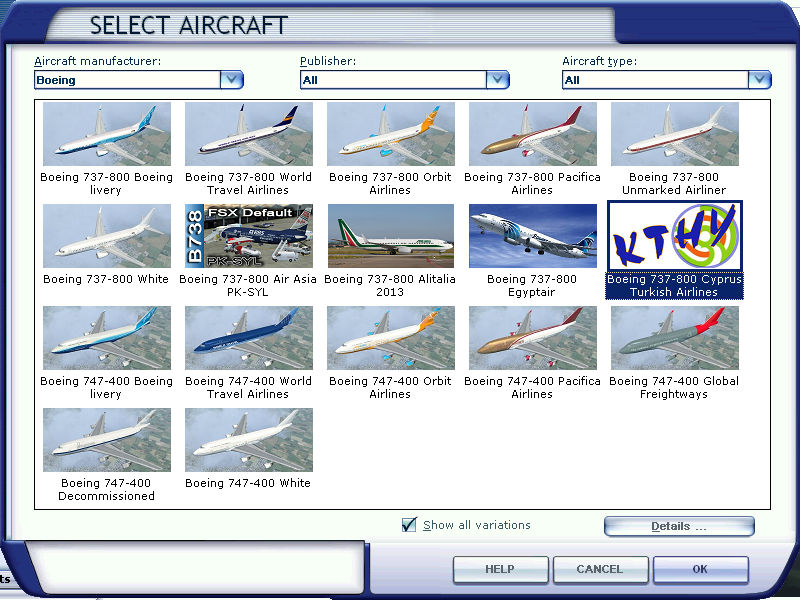
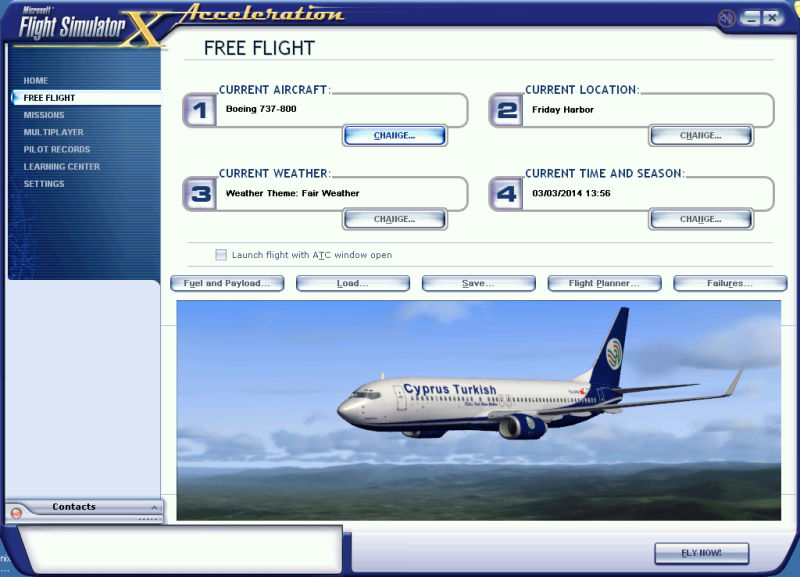
this is a prime example why creators should check to make sure all folders are there and works properly. so us who download the planes do not need to waste time asking where are the folders and what not. its like playing a game of hide and seek.
I understand what you're saying but please remember this is Freeware. It costs nothing except a few minutes of your time to download a file & if you don't like it or it doesn't work for you then you can simply delete it. Nothing lost. Most repainters are ordinary people like you & me, not professionals, & this is possibly the author's first attempt at uploading files for public download. Many of today's respected FS developers made their first hesitant steps into this interesting hobby in this way. Look on it as an enjoyable learning curve & you should get years of pleasure from it, just like I have.