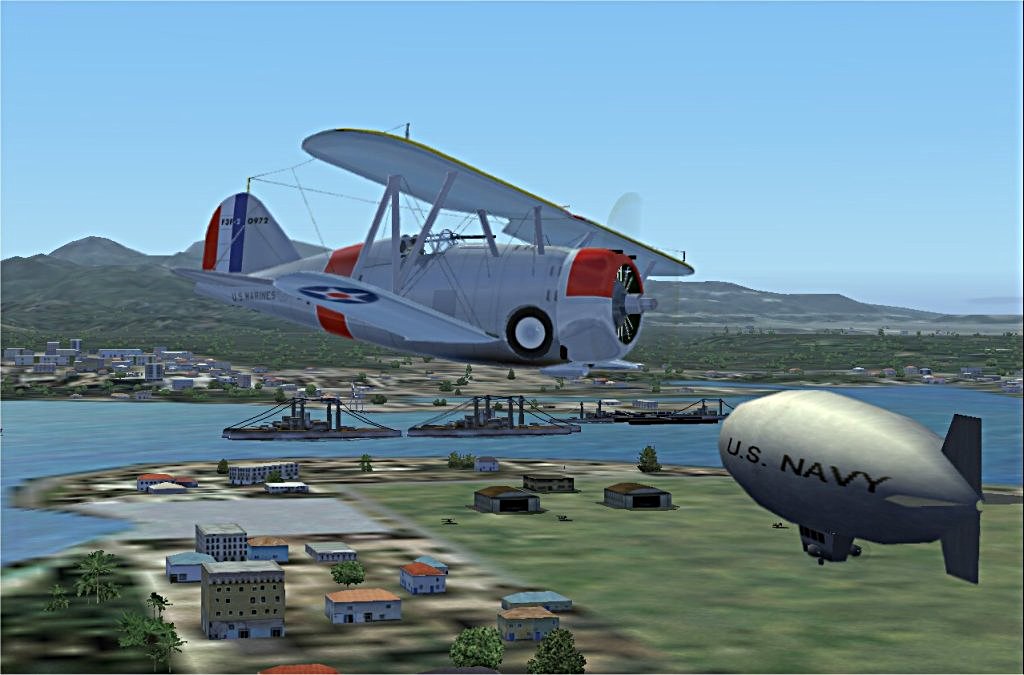
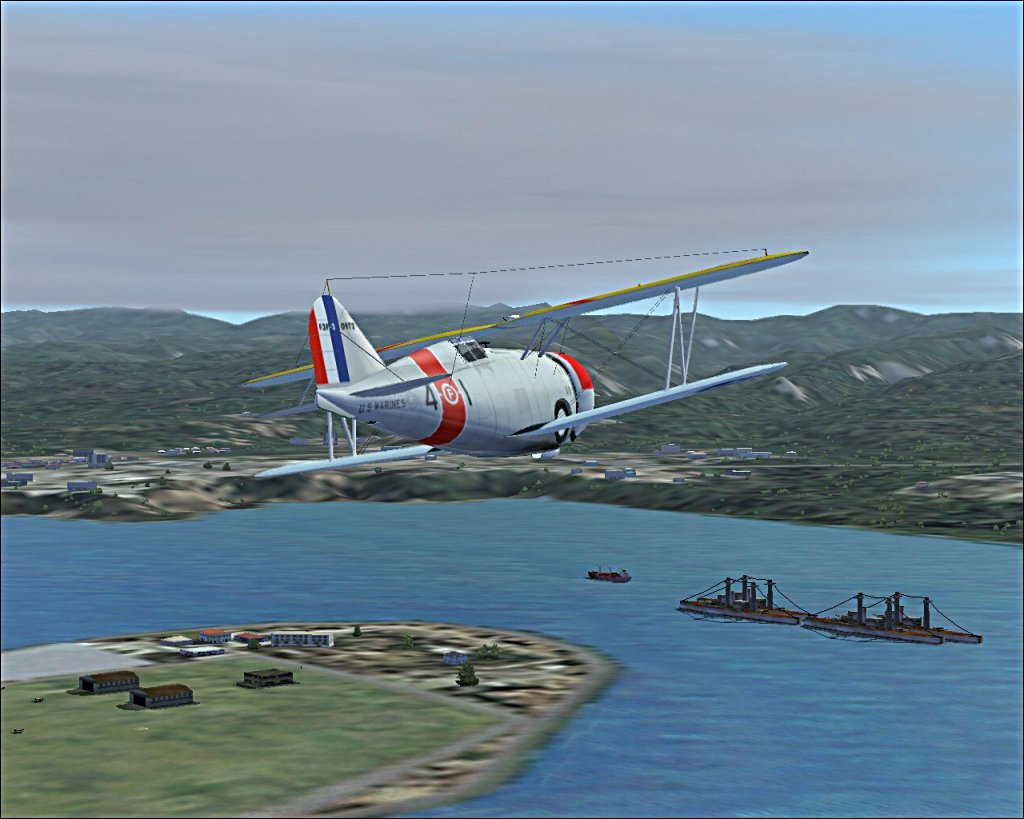
Prewar Pearl
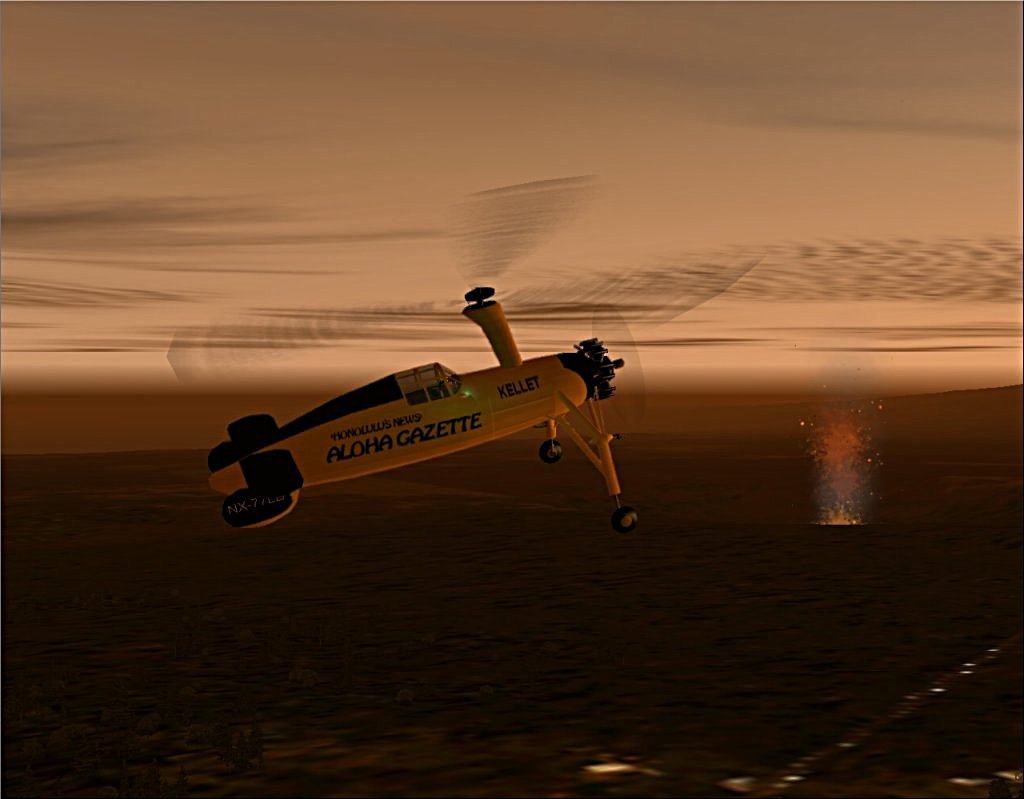
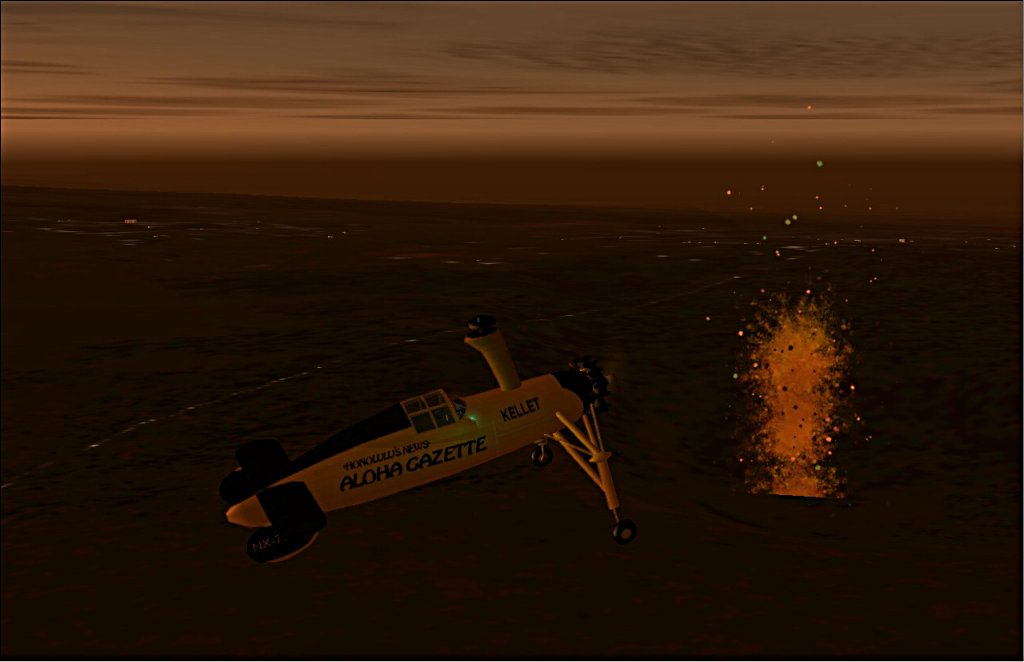
Newsworthy
I love flying Jimmy Buffett around the keys.
Hemishpere Dancer

Flight Simulator and other chat
 by patchz » Mon May 11, 2009 11:31 am



by tcco94 » Mon May 11, 2009 10:10 pm


by Brando14100 » Tue May 12, 2009 3:11 pm
by patchz » Tue May 12, 2009 3:46 pm
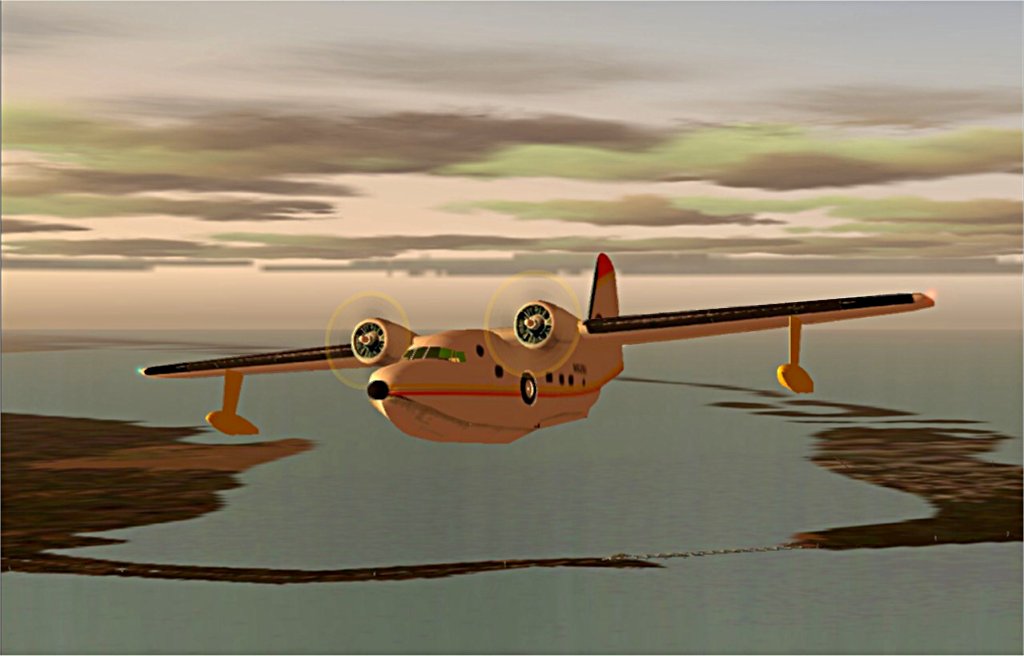
Awesome plane in 3 and 4. Try using different camera angles to make your shots look more interesting and to show more of the plane.
8-)
by Daube » Tue May 12, 2009 4:44 pm


by Brando14100 » Tue May 12, 2009 5:17 pm
Just one remark, sorry if you already explained it in a previous topic of yours, but your screenshots look all blurry ! I'm not referering to the blurriness of the terrain, I'm really refering the the picture itself ! What program do you use for scaling and saving your screenshots ?
by patchz » Tue May 12, 2009 9:25 pm
I like the first and last shots. The last one has something... I don't know, it's so classic, but still looks good. The first one has some interesting details in it, and I like the plane.
Just one remark, sorry if you already explained it in a previous topic of yours, but your screenshots look all blurry ! I'm not referering to the blurriness of the terrain, I'm really refering the the picture itself ! What program do you use for scaling and saving your screenshots ?
by Brando14100 » Tue May 12, 2009 9:39 pm
I like the first and last shots. The last one has something... I don't know, it's so classic, but still looks good. The first one has some interesting details in it, and I like the plane.
Just one remark, sorry if you already explained it in a previous topic of yours, but your screenshots look all blurry ! I'm not referering to the blurriness of the terrain, I'm really refering the the picture itself ! What program do you use for scaling and saving your screenshots ?
I use RapidShot to capture and Jasc Paint Shop Pro 7 to resize/edit. And I think therein lies the problem. First, I can't get AA to work, no matter what I do. I've tried turning it on in the card and off in FS9, on in FS9 and off in the card, and on in both. That is where I left it. I still end up with jaggies. So, I end up having to manually remove the jaggies which causes a little blur. But when I resize, the compression worsens the blur. PSP 7, as far as I can tell, has no provision for adjusting the amount of compression. I am getting some help from Harold, but it is going to take some time. Hopefully soon, some, if not all of my problems will be fixed.
by Daube » Wed May 13, 2009 3:35 am
I like the first and last shots. The last one has something... I don't know, it's so classic, but still looks good. The first one has some interesting details in it, and I like the plane.
Just one remark, sorry if you already explained it in a previous topic of yours, but your screenshots look all blurry ! I'm not referering to the blurriness of the terrain, I'm really refering the the picture itself ! What program do you use for scaling and saving your screenshots ?
I use RapidShot to capture and Jasc Paint Shop Pro 7 to resize/edit. And I think therein lies the problem. First, I can't get AA to work, no matter what I do. I've tried turning it on in the card and off in FS9, on in FS9 and off in the card, and on in both. That is where I left it. I still end up with jaggies. So, I end up having to manually remove the jaggies which causes a little blur. But when I resize, the compression worsens the blur. PSP 7, as far as I can tell, has no provision for adjusting the amount of compression. I am getting some help from Harold, but it is going to take some time. Hopefully soon, some, if not all of my problems will be fixed.

by Hagar » Wed May 13, 2009 4:44 am
I like the first and last shots. The last one has something... I don't know, it's so classic, but still looks good. The first one has some interesting details in it, and I like the plane.
Just one remark, sorry if you already explained it in a previous topic of yours, but your screenshots look all blurry ! I'm not referering to the blurriness of the terrain, I'm really refering the the picture itself ! What program do you use for scaling and saving your screenshots ?
I use RapidShot to capture and Jasc Paint Shop Pro 7 to resize/edit. And I think therein lies the problem. First, I can't get AA to work, no matter what I do. I've tried turning it on in the card and off in FS9, on in FS9 and off in the card, and on in both. That is where I left it. I still end up with jaggies. So, I end up having to manually remove the jaggies which causes a little blur. But when I resize, the compression worsens the blur. PSP 7, as far as I can tell, has no provision for adjusting the amount of compression. I am getting some help from Harold, but it is going to take some time. Hopefully soon, some, if not all of my problems will be fixed.
Paint Shop Pro 7... I was using that in the past.
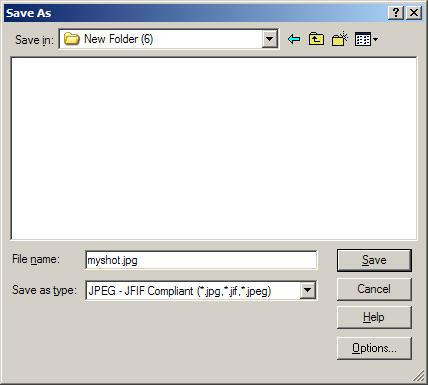
When you save your shot, choose "Save As".
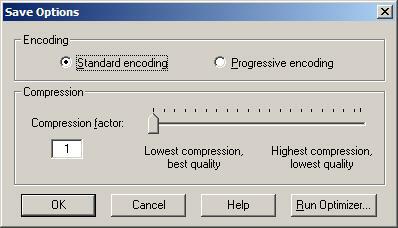
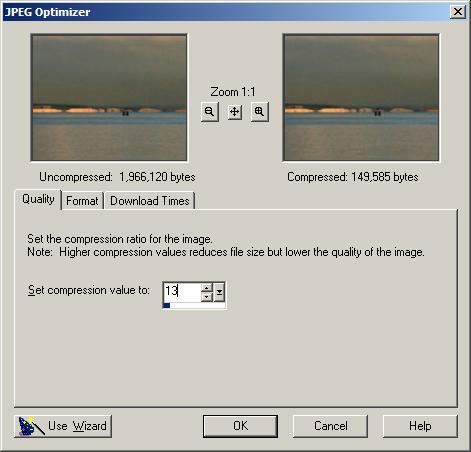
In the popup window, choose the JPG format. Then you should see a new button, kind of "advanced options", or "optimisation assistant" or something like that. There, you will be able to precisely thune the compression according to the filesize.


by Daube » Wed May 13, 2009 8:40 am
by patchz » Wed May 13, 2009 2:02 pm
Return to Simulation Screenshots Showcase
Users browsing this forum: No registered users and 362 guests