
Flight Simulator and other chat
 by OVERLORD_CHRIS » Mon Jan 05, 2009 12:49 am


by FlyingPerson » Mon Jan 05, 2009 6:01 am

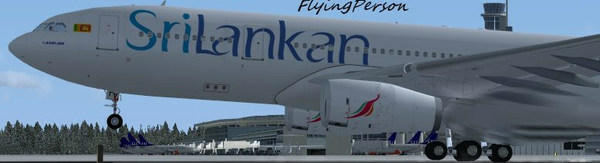


by haroldkip » Mon Jan 05, 2009 8:07 am


by OVERLORD_CHRIS » Mon Jan 05, 2009 11:04 am
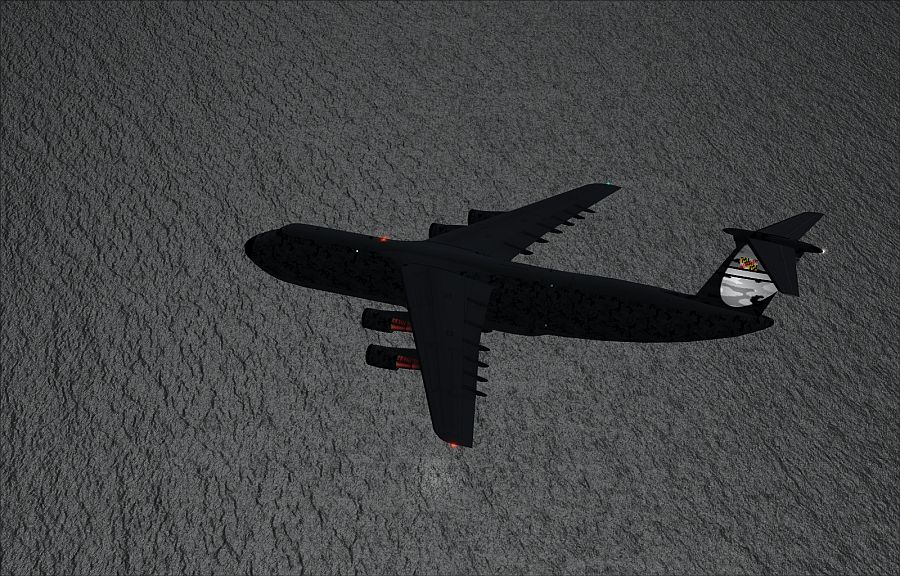
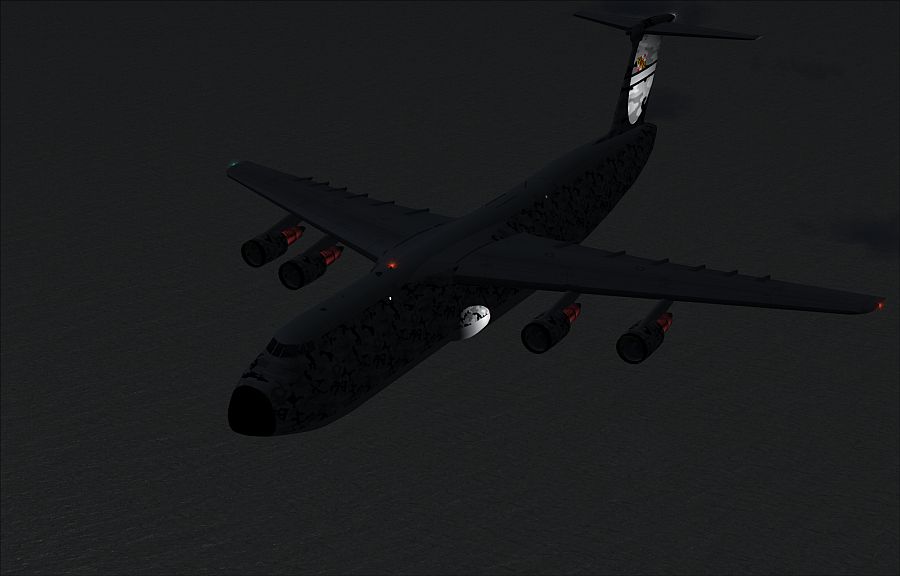
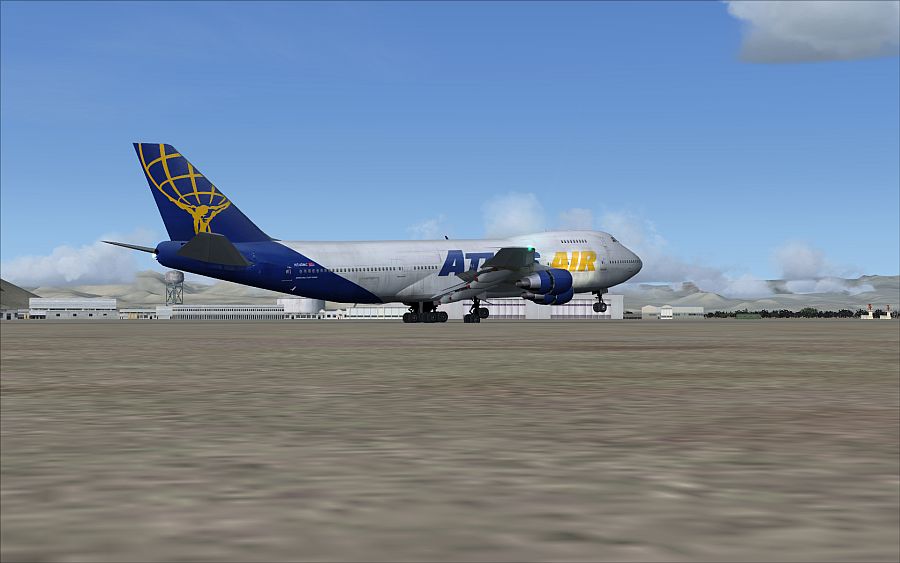
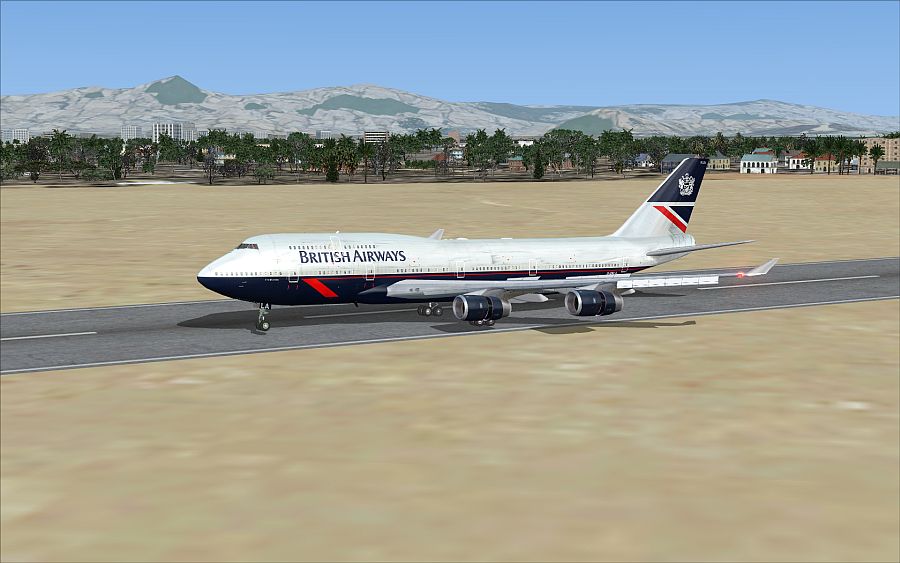
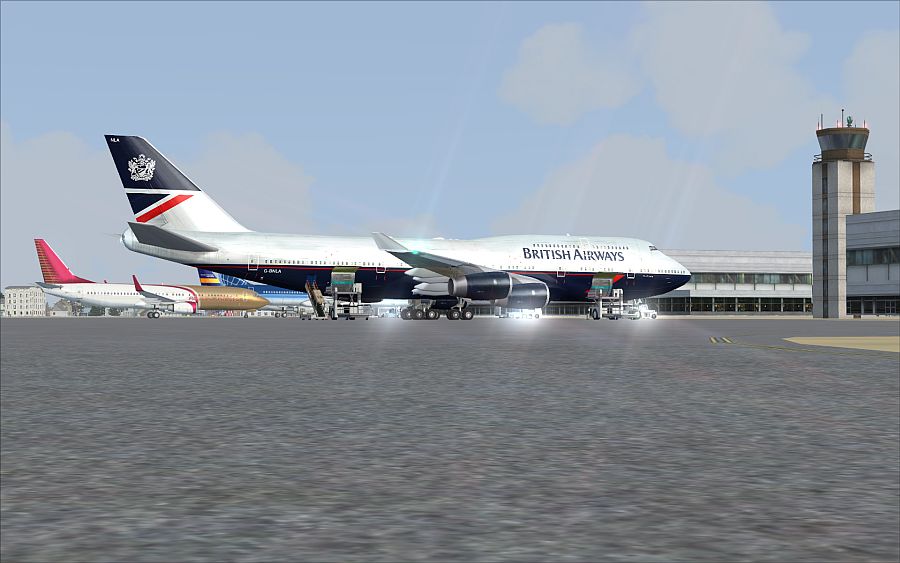
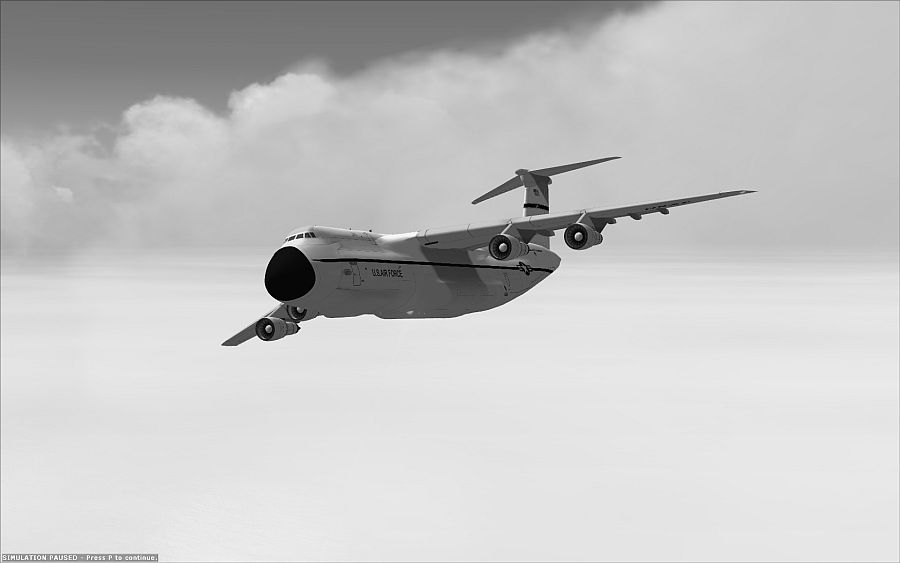
Sweet and sharp shots Chris.
If I may suggest, while on the ground, I would lower the camera a bit more and tilt it up to loose some of the ground.
I feel that it takes the 'head room' out of a screen shot. Giving a shot a little more skies and clouds makes it - for me - a little more pleasant to look at ...
 ?
? by Anxyous » Mon Jan 05, 2009 11:10 am

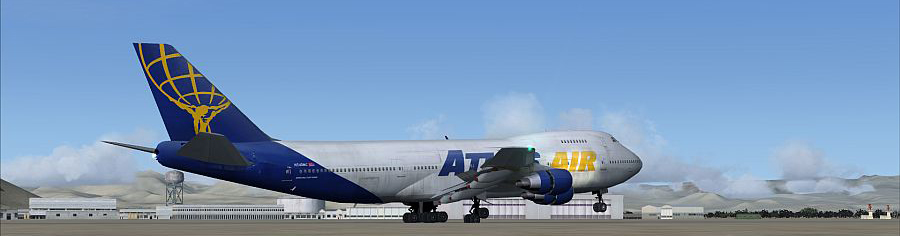
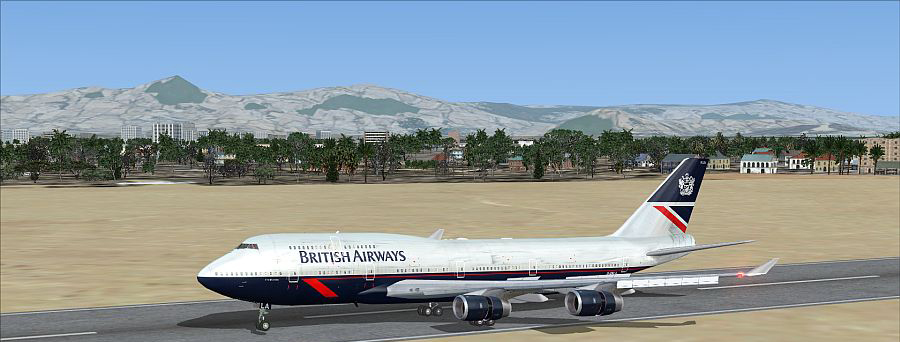
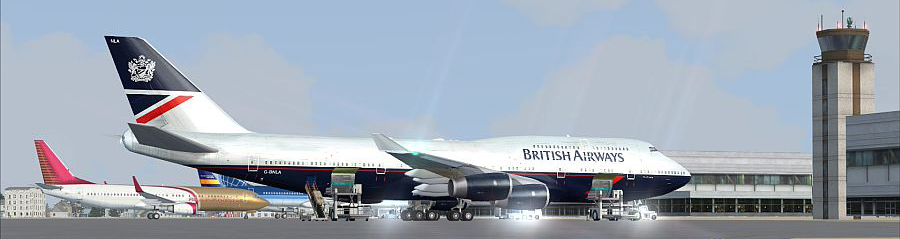


by OVERLORD_CHRIS » Mon Jan 05, 2009 1:56 pm
by haroldkip » Mon Jan 05, 2009 3:13 pm
would you be able to give me an example of so I may perfect that method?
But listen to what Harold has to say, that guy can get some seriously unholy angles!
by Rich H » Mon Jan 05, 2009 4:35 pm

by Brando14100 » Mon Jan 05, 2009 10:28 pm
by OVERLORD_CHRIS » Tue Jan 06, 2009 7:22 am
by ShaneG_old » Tue Jan 06, 2009 7:35 am
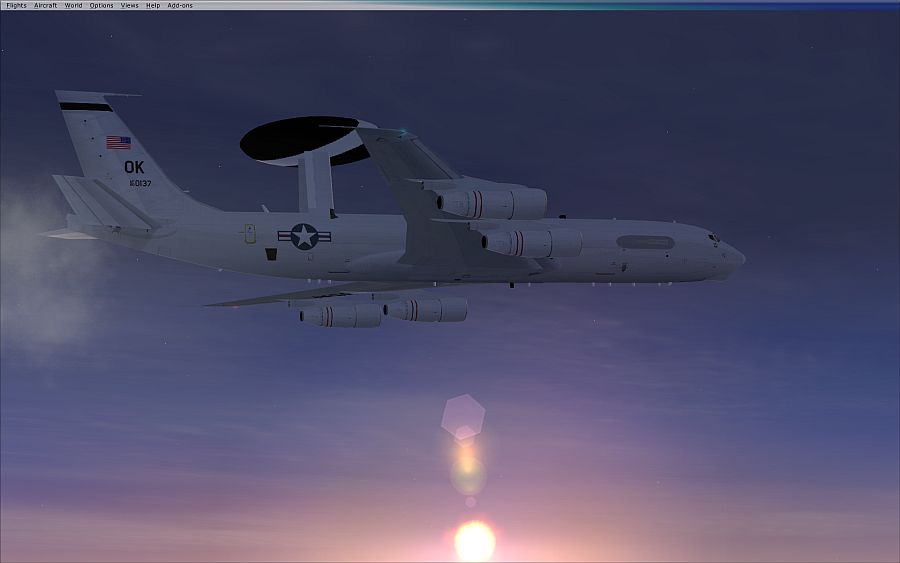
Yeah the bar in the E-3 photo, I have yet to figure out how to make it go away after it is up there, and forgot to crop it out.
by Daube » Tue Jan 06, 2009 7:59 am

by OVERLORD_CHRIS » Tue Jan 06, 2009 1:33 pm
The E-3 shot would have been great without the menu bar.
Nice shots overall, but the last one should go to the "edited shots" forum
Return to Simulation Screenshots Showcase
Users browsing this forum: No registered users and 174 guests