
More Heavy's

Flight Simulation Screenshots displaying your Flight Simulation Experience. MSFS, FSX, Prepar3D, XPlane and other Flight Simulators. Focus is your Flight Simulator Experience. Please upload to Simviation (Button at top right)

More Heavy's

Postby OVERLORD_CHRIS » Mon Jan 05, 2009 12:49 am
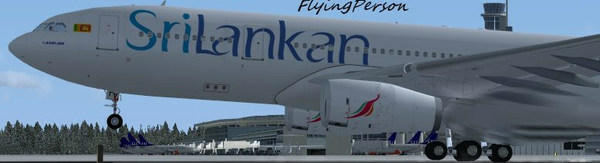
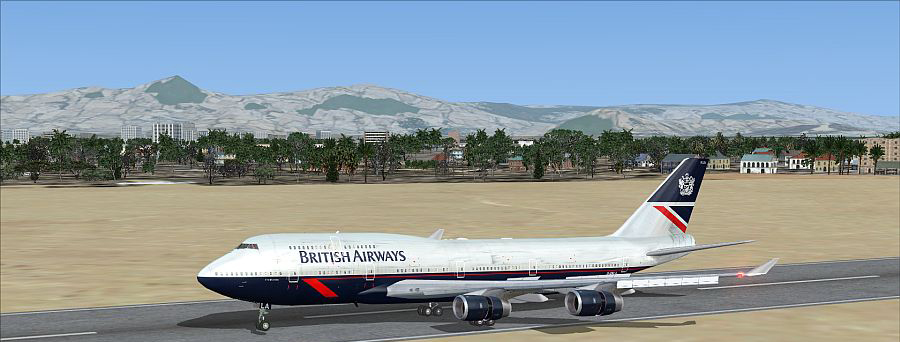
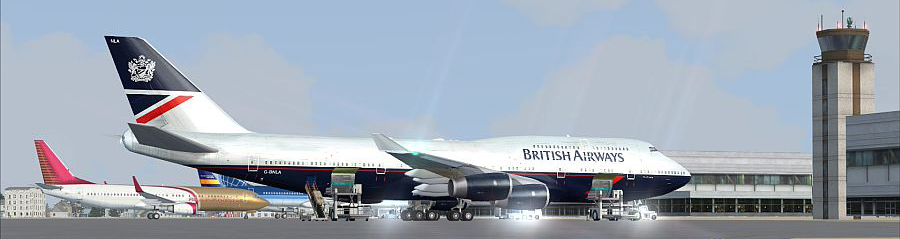
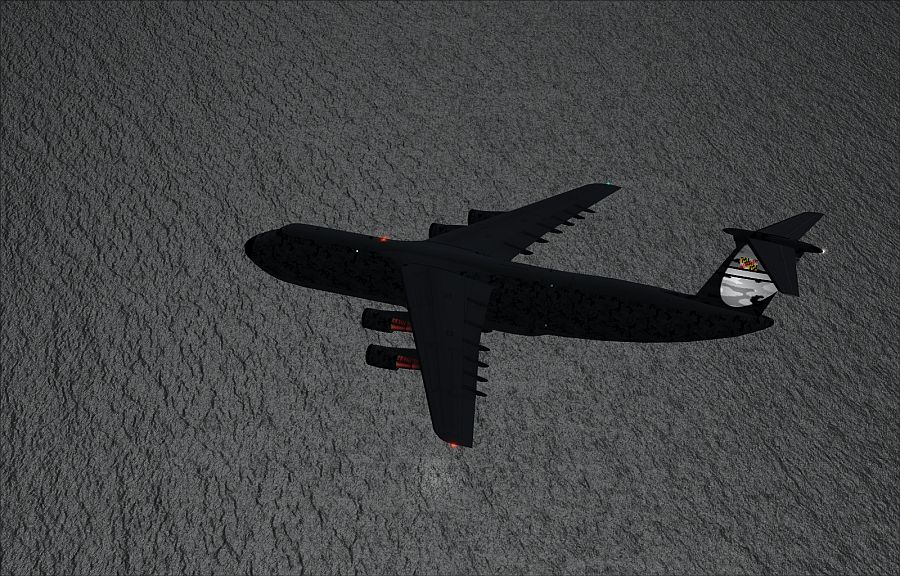
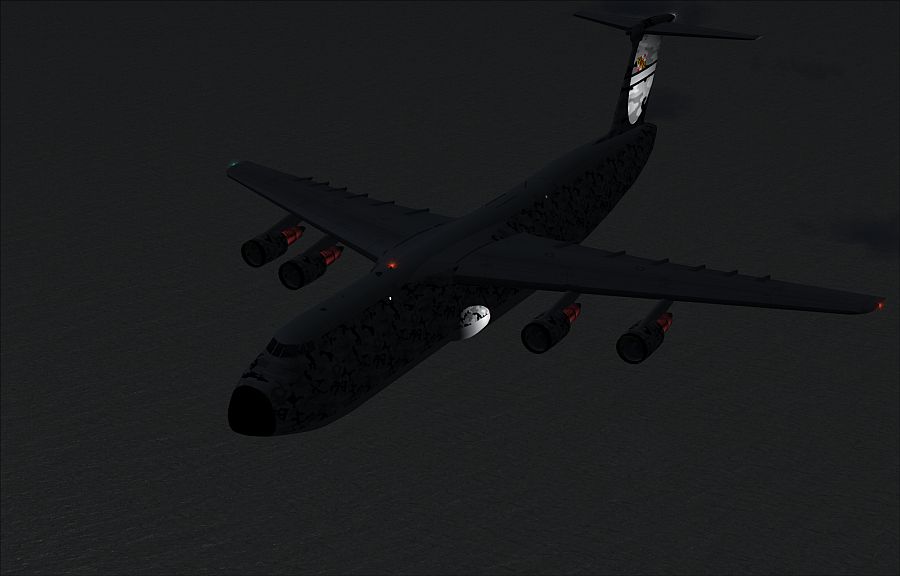
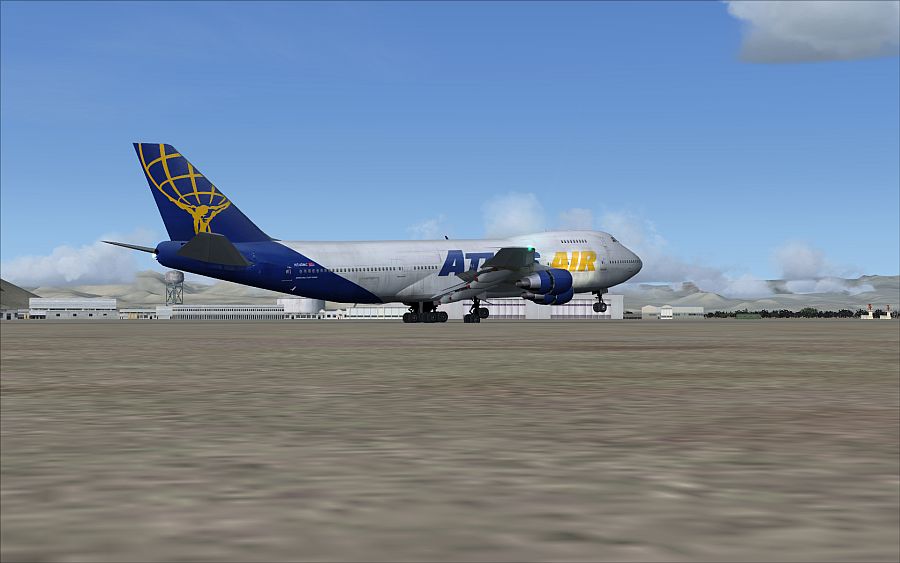
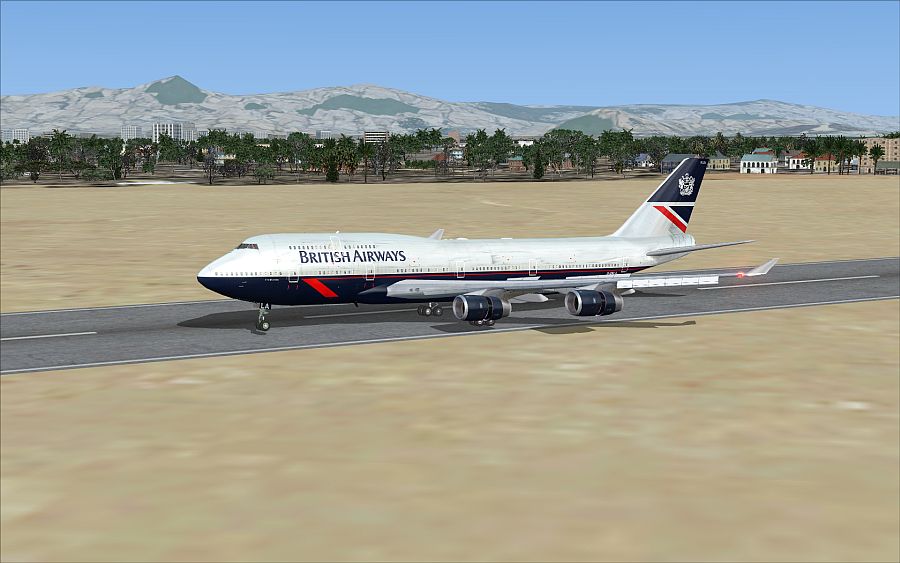
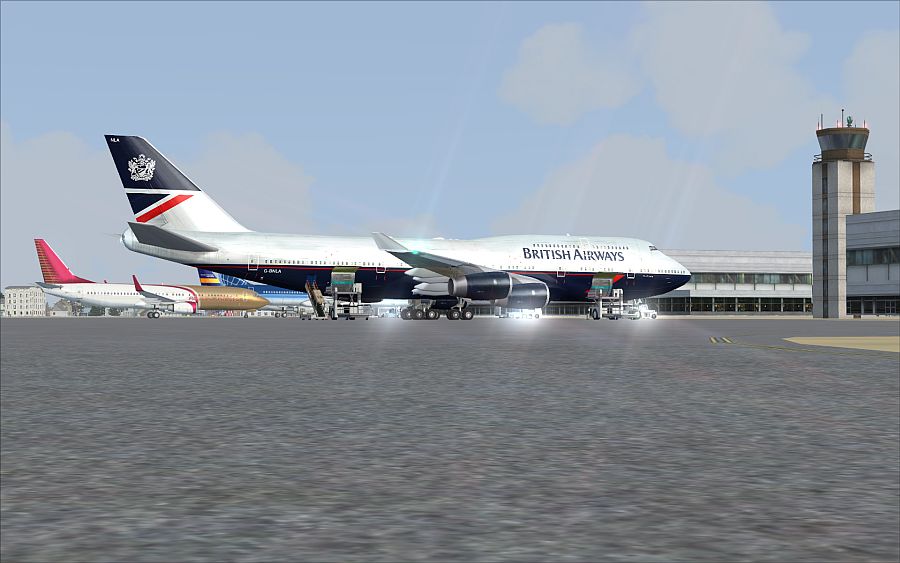
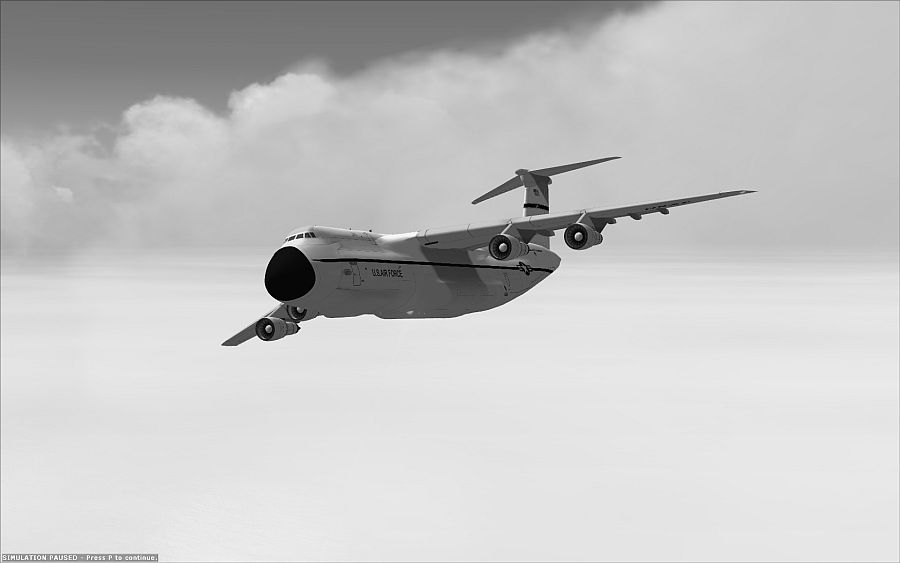
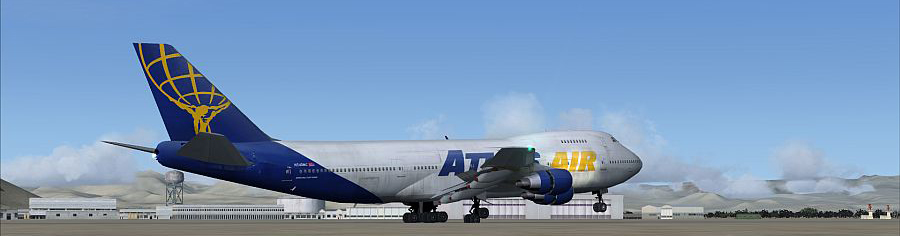
Have not posted in awhile do to work but here are some heavy's I have been flying between work.

Image

Image

Image

Image

Image

Image

Image
Image
User avatar
OVERLORD_CHRIS
Major
Major
 
Posts: 1136
Joined: Fri Aug 17, 2007 10:56 am
Location: Chalreston SC

Re: More Heavy's

Postby FlyingPerson » Mon Jan 05, 2009 6:01 am

Simply beautiful. :o
Specs
Intel M C2D P8400 2.26 GhZ
nVidia GeForce 9600M GT
4 GB DDR3
320 GB HD
Windows Vista Home Premium SP1 32

Image


Flown: B
User avatar
FlyingPerson
Captain
Captain
 
Posts: 573
Joined: Sun Nov 09, 2008 3:54 pm
Location: Near Oslo, Norway

Re: More Heavy's

Postby haroldkip » Mon Jan 05, 2009 8:07 am

Sweet and sharp shots Chris.

If I may suggest, while on the ground, I would lower the camera a bit more and tilt it up to loose some of the ground.
I feel that it takes the 'head room' out of a screen shot. Giving a shot a little more skies and clouds makes it - for me - a little more pleasant to look at ...
Last edited by haroldkip on Mon Jan 05, 2009 5:08 pm, edited 1 time in total.
User avatar
haroldkip
Lieutenant Colonel
Lieutenant Colonel
 
Posts: 5906
Joined: Wed Apr 12, 2006 5:13 am
Location: Amsterdam, The Netherlands

Re: More Heavy's

Postby OVERLORD_CHRIS » Mon Jan 05, 2009 11:04 am

Sweet and sharp shots Chris.

If I may suggest, while on the ground, I would lower the camera a bit more and tilt it up to loose some of the ground.
I feel that it takes the 'head room' out of a screen shot. Giving a shot a little more skies and clouds makes it - for me - a little more pleasant to look at ...

Thank you for the kind words, would you be able to give me an example of so I may perfect that method ;)?

I try and mimic some the neat shoots that some of the other members have, but that is as close as I get. :-/
Image
User avatar
OVERLORD_CHRIS
Major
Major
 
Posts: 1136
Joined: Fri Aug 17, 2007 10:56 am
Location: Chalreston SC

Re: More Heavy's

Postby Anxyous » Mon Jan 05, 2009 11:10 am
Cropping works as well.

I took the liberty with these shots, I hope you don't mind? :)

Image

Image

Image

The shots are very different now...

But listen to what Harold has to say, that guy can get some seriously unholy angles! :)
Last edited by Anxyous on Mon Jan 05, 2009 11:12 am, edited 1 time in total.
Image
User avatar
Anxyous
Major
Major
 
Posts: 2593
Joined: Mon Dec 25, 2006 4:04 pm

Re: More Heavy's

Postby OVERLORD_CHRIS » Mon Jan 05, 2009 1:56 pm

Ooooh I see, I never even thought of that simple task, it does look better now,....and takes up less space.

I'll try and do that for now on, thanks buddies.  :)
Image
User avatar
OVERLORD_CHRIS
Major
Major
 
Posts: 1136
Joined: Fri Aug 17, 2007 10:56 am
Location: Chalreston SC

Re: More Heavy's

Postby haroldkip » Mon Jan 05, 2009 3:13 pm

would you be able to give me an example of so I may perfect that method?


It all depends on what you want to show in a shot really. But sure ... take a look at (ahum) my Kai Tak series; shot 2 in part II is a rather good example of what I mean. In part III you can see different examples of 'depends on what you want to show". In the first I definitely wanted those two AI contrails together with the clouds in the shot. I sacrificed the scenery. In the second I really wanted that 'in your face feel' including the marshaller, but from another angle or even at closer range that guy just didn't look good. With number three I wanted to show how crowded the area around an aircraft can get just after landing. Cropping it to a relatively 'small' images did just that. Finally I wanted to show the ramp at Kai Tak where all the aircraft were parked.

I personally just don't like a lot of ground in the foreground of a screenshot, unless the ground itself is interesting. A pile of concrete or a lot of grass just doesn't do it for me ...

My way of taking screenshots may seem a little over-reacted, but I just want to post interesting shots, instead of posting shots just for posting them ... as - unfortunately - we see quite a lot in here ...

If you like, then also take a look at my Little White Flower series or Charlie Whiskey series.

Those feature exaggerated examples of 'no ground & lots of sky'. I found out that with Walk and Follow I could rotate my image 90 degrees to get really 'high' screenshots with an opposite aspect ratio (3:4 instead of 4:3). This way I could get a lot of clouds in my shots or do great tailshots ...

Hope this helps and you like ;)


But listen to what Harold has to say, that guy can get some seriously unholy angles!


Thank you for your kind words Andy ... I appreciate it a lot!

I'll try to invest some more time this year to help people grow as an screenartist ;)
Last edited by haroldkip on Mon Jan 05, 2009 5:10 pm, edited 1 time in total.
User avatar
haroldkip
Lieutenant Colonel
Lieutenant Colonel
 
Posts: 5906
Joined: Wed Apr 12, 2006 5:13 am
Location: Amsterdam, The Netherlands

Re: More Heavy's

Postby Rich H » Mon Jan 05, 2009 4:35 pm

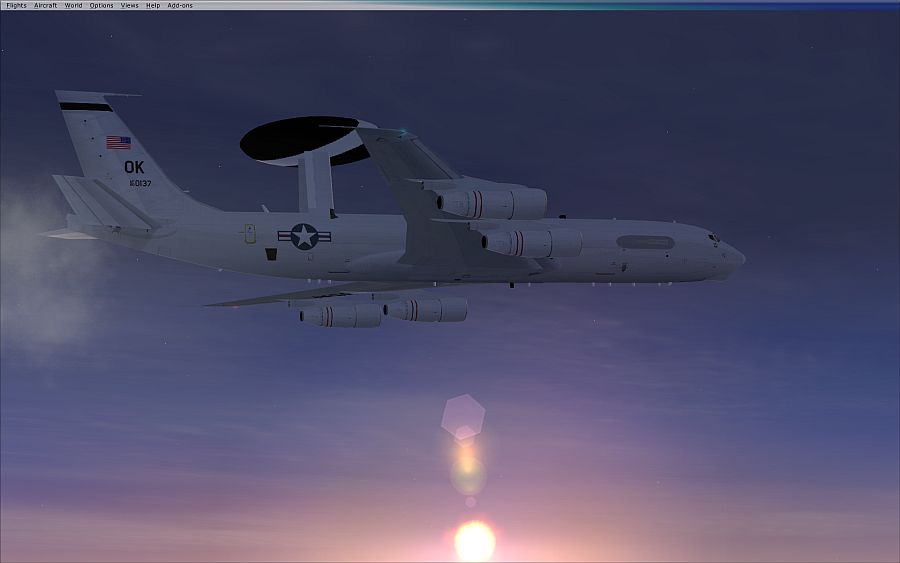
And some very heavy aircraft. Nice shots, though don't like the bar in the E-3 shot.
Image

"Politics" is made up of two words, "Poli", which is Greek for "many", and "tics", which are blood sucking insects. - Gore Vidal
User avatar
Rich H
Major
Major
 
Posts: 2017
Joined: Mon Jun 02, 2008 11:40 am
Location: Solihull, U.K.

Re: More Heavy's

Postby Brando14100 » Mon Jan 05, 2009 10:28 pm

Wow. These are really nice. I like the lighting a lot.

8-)
Brando14100
 

Re: More Heavy's

Postby OVERLORD_CHRIS » Tue Jan 06, 2009 7:22 am

@ Harold- I see what you are talking about, granted your stuff looks photo like.


Yeah the bar in the E-3 photo, I have yet to figure out how to make it go away after it is up there, and forgot to crop it out.
Image
User avatar
OVERLORD_CHRIS
Major
Major
 
Posts: 1136
Joined: Fri Aug 17, 2007 10:56 am
Location: Chalreston SC

Re: More Heavy's

Postby ShaneG_old » Tue Jan 06, 2009 7:35 am

Yeah the bar in the E-3 photo, I have yet to figure out how to make it go away after it is up there, and forgot to crop it out.


Press and hold alt for a few seconds to make it go away, ;)


Killer shots! Really like the E-3 shot, even with the bar. [smiley=thumbsup.gif]
Last edited by ShaneG_old on Tue Jan 06, 2009 7:35 am, edited 1 time in total.
ShaneG_old
Lieutenant Colonel
Lieutenant Colonel
 
Posts: 9700
Joined: Tue Mar 11, 2008 11:52 am

Re: More Heavy's

Postby Daube » Tue Jan 06, 2009 7:59 am

The E-3 shot would have been great without the menu bar.
Nice shots overall, but the last one should go to the "edited shots" forum ;)
User avatar
Daube
Lieutenant Colonel
Lieutenant Colonel
 
Posts: 6611
Joined: Wed Oct 05, 2005 8:34 am
Location: Nice (FR)

Re: More Heavy's

Postby OVERLORD_CHRIS » Tue Jan 06, 2009 1:33 pm

The E-3 shot would have been great without the menu bar.
Nice shots overall, but the last one should go to the "edited shots" forum ;)

Wait , Making it Black and White qualifies it for "edited screen shoots"??

And I will redo the E-3 Shoot with out the bar.
Image
User avatar
OVERLORD_CHRIS
Major
Major
 
Posts: 1136
Joined: Fri Aug 17, 2007 10:56 am
Location: Chalreston SC


Return to Simulation Screenshots Showcase

Who is online

Users browsing this forum: No registered users and 629 guests