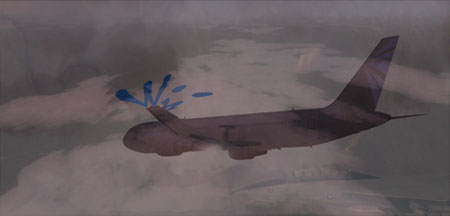
Over.. really, I don't know
 ! Can't remember. I just thought this was nice.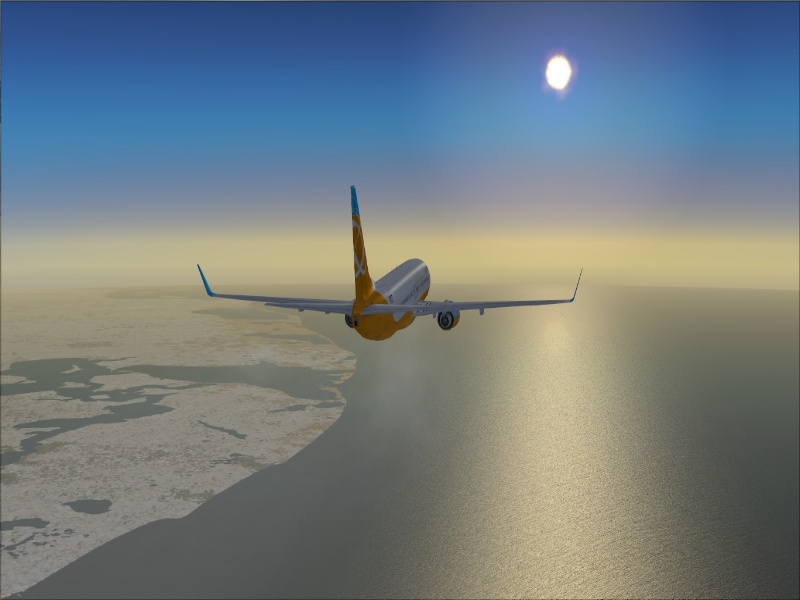
Default 737, haven't got around to get any other liveries for it yet.
Hope you like!

Flight Simulator and other chat
 by FlyingPerson » Fri Jan 02, 2009 5:55 pm
! Can't remember. I just thought this was nice.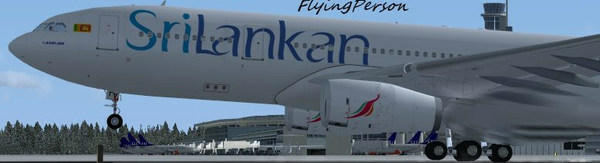


by a1 » Fri Jan 02, 2009 6:20 pm




by machineman9 » Fri Jan 02, 2009 6:30 pm
Just go down to The StudioV and witht he tutorials you will become a pro. ;


by FlyingPerson » Fri Jan 02, 2009 6:39 pm
) in my next screenshot(s)! )
)by Wii » Fri Jan 02, 2009 6:52 pm

by lunitic_8 » Fri Jan 02, 2009 9:15 pm
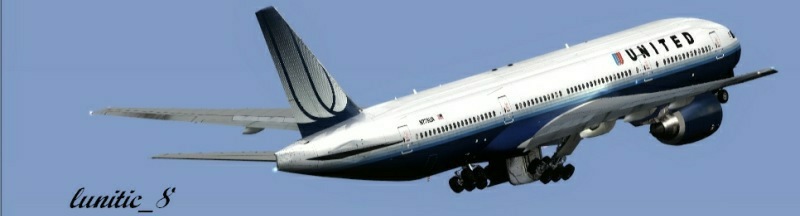

by Brando14100 » Fri Jan 02, 2009 10:13 pm
by FlyingPerson » Sat Jan 03, 2009 6:33 am
) to make it a bit less quality, but way smaller in size. I like this option.
by Anxyous » Sat Jan 03, 2009 6:44 am



by FlyingPerson » Sat Jan 03, 2009 6:55 am
by Anxyous » Sat Jan 03, 2009 8:01 am
I love your avatar by the way
by JSpahn » Sat Jan 03, 2009 9:48 am


by FlyingPerson » Sat Jan 03, 2009 10:50 am
by haroldkip » Sat Jan 03, 2009 5:25 pm

by Brando14100 » Sat Jan 03, 2009 10:58 pm
Return to Simulation Screenshots Showcase
Users browsing this forum: No registered users and 302 guests