
Simviation Forums
Flight Simulator and other chat
Flight Simulator and other chat
 by haroldkip » Mon Apr 21, 2008 4:09 pm
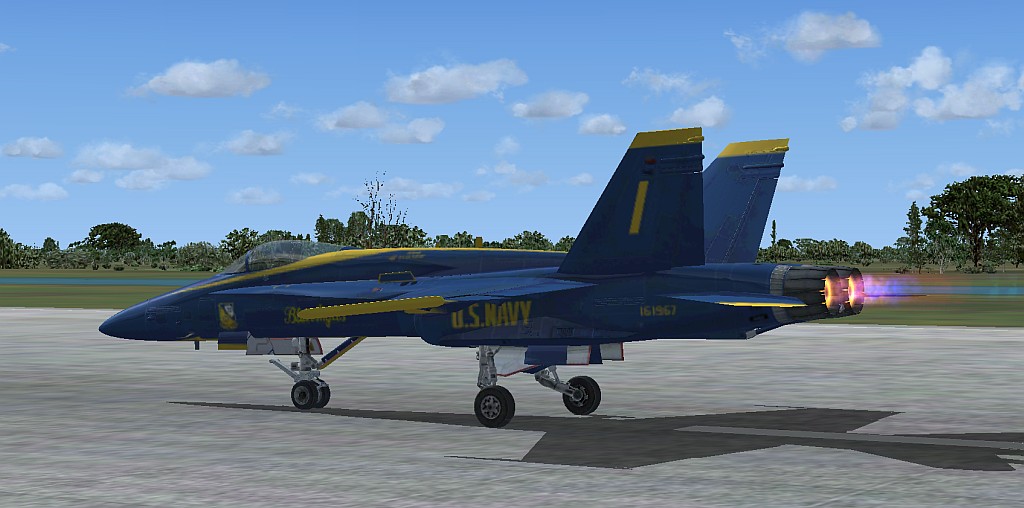
good shot




by Brando14100 » Mon Apr 21, 2008 4:56 pm
by Brando14100 » Mon Apr 21, 2008 5:00 pm
by haroldkip » Mon Apr 21, 2008 5:12 pm
I can't mess with my video card. Can't be tinkered with according to my father. AA is checked in the sim, so I guess that's all I can do for that.
by Brando14100 » Mon Apr 21, 2008 5:19 pm
by haroldkip » Mon Apr 21, 2008 5:38 pm
Is there a way to check in the system? It's Vista by the way.
Would it run FSX good?
by Brando14100 » Mon Apr 21, 2008 5:47 pm
by haroldkip » Mon Apr 21, 2008 5:57 pm
ATI Mobility Radeon X1400
by Brando14100 » Mon Apr 21, 2008 6:06 pm
by haroldkip » Mon Apr 21, 2008 6:39 pm
I'm a little scared to post this in the hardware section after reading that as I don't know my current system specs. :-/ Also, I'm basically asking exactly what he told me not to. :-/
Return to Simulation Screenshots Showcase
Users browsing this forum: No registered users and 310 guests