
Simviation Forums
Flight Simulator and other chat
Flight Simulator and other chat
 by Anark » Fri Dec 21, 2007 8:29 pm



by firemonte007 » Fri Dec 21, 2007 8:37 pm



by jobrober » Fri Dec 21, 2007 8:43 pm

by StACAttack » Sat Dec 22, 2007 9:00 pm
by spitfire boy » Sun Dec 23, 2007 9:07 am
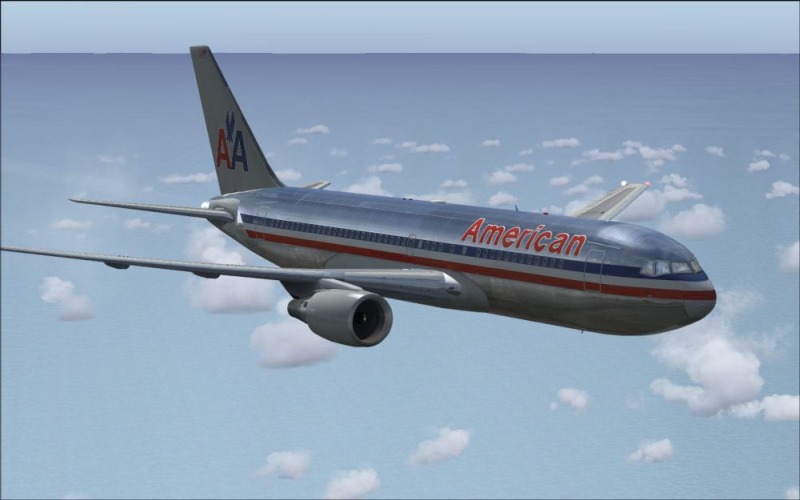
I cant upload a screenshot because it says "This attachment causes the attachments directory to exceed it maximum capacity by approximately 11913 kilobytes and cannot be uploaded." My image is only 54kb?!
Please tell me if you know what the problem is.

Any images over 100 kb in weight, and being smaller than 800 wide will not be VALID! ....I thought that meant 800 or bigger. Maybe a Mod could clarify this for us.



by jankees » Sun Dec 23, 2007 12:39 pm

by jobrober » Sun Dec 23, 2007 9:45 pm
by Clipper » Sun Dec 23, 2007 10:27 pm



by jobrober » Tue Dec 25, 2007 2:35 am
by spitfire boy » Tue Dec 25, 2007 4:09 am
by jobrober » Tue Dec 25, 2007 2:54 pm
by spitfire boy » Wed Dec 26, 2007 3:13 pm
I turned off Active Sky for the shot, but i was wondering if it is allowed?
Return to Simulation Screenshots Showcase
Users browsing this forum: No registered users and 273 guests