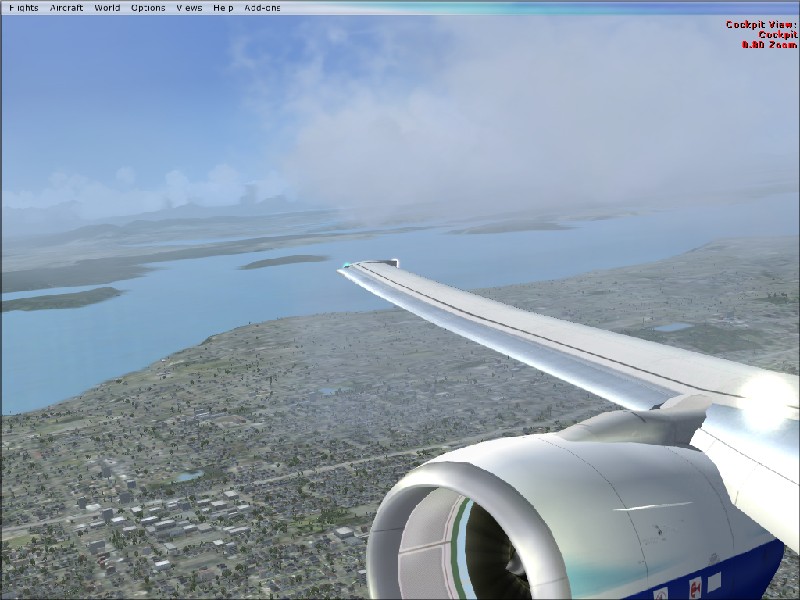
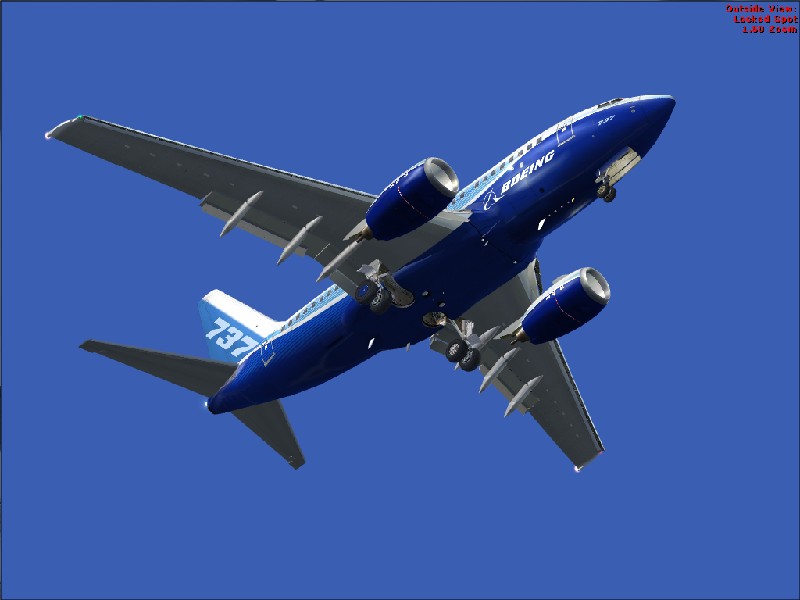
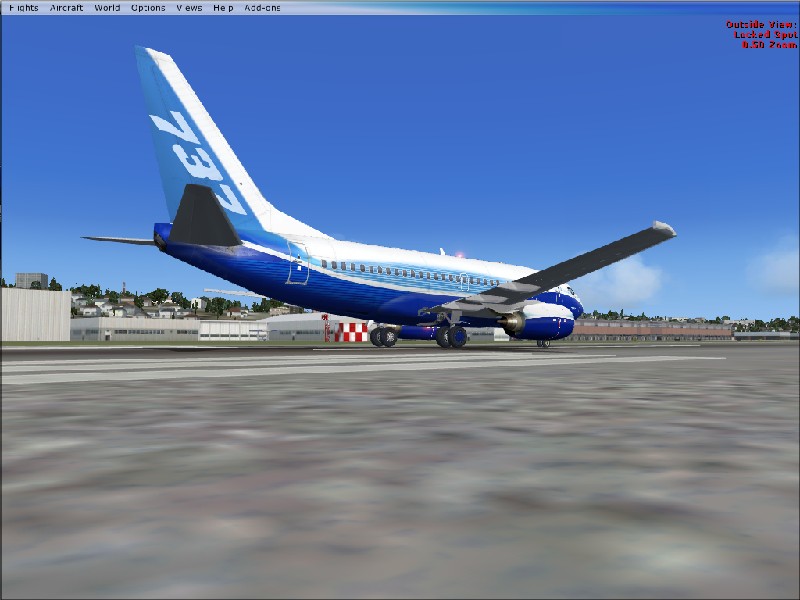
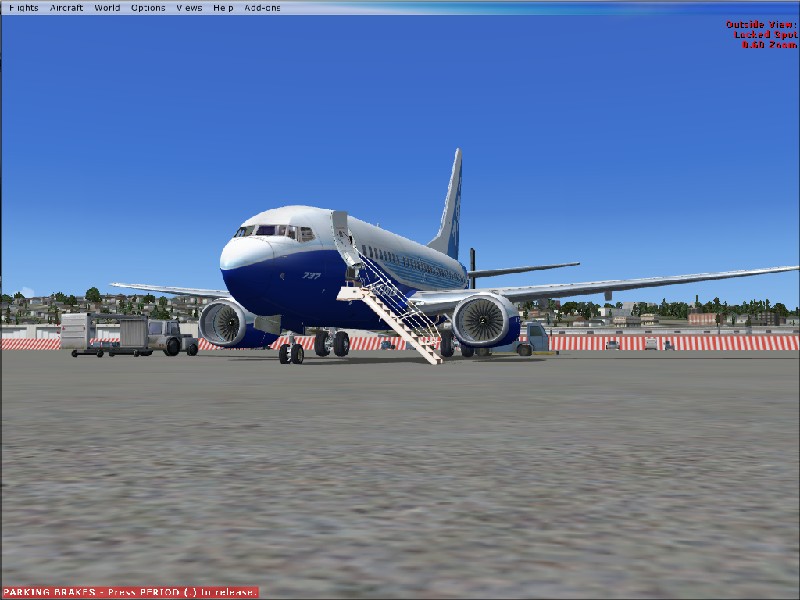

More of mine.

Flight Simulation Screenshots displaying your Flight Simulation Experience. MSFS, FSX, Prepar3D, XPlane and other Flight Simulators. Focus is your Flight Simulator Experience. Please upload to Simviation (Button at top right)

More of mine.

Postby Michael E. » Wed Jul 25, 2007 11:48 am

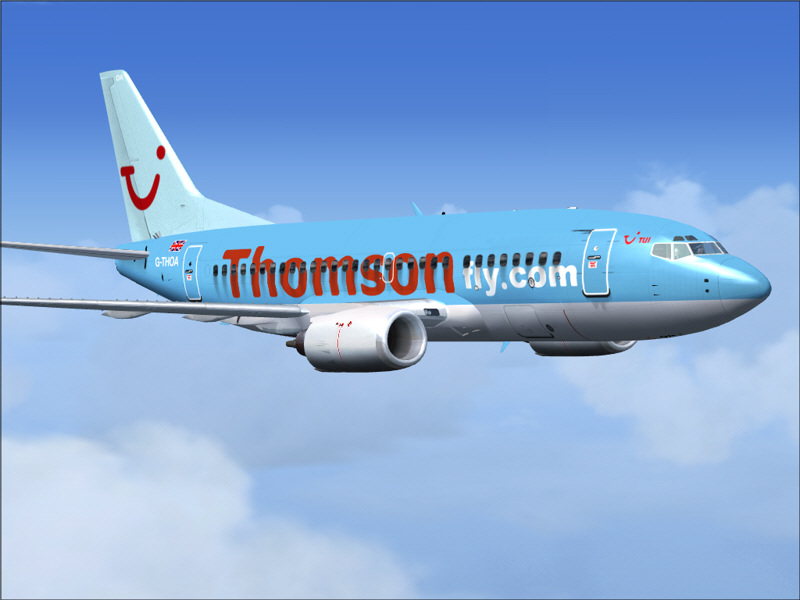
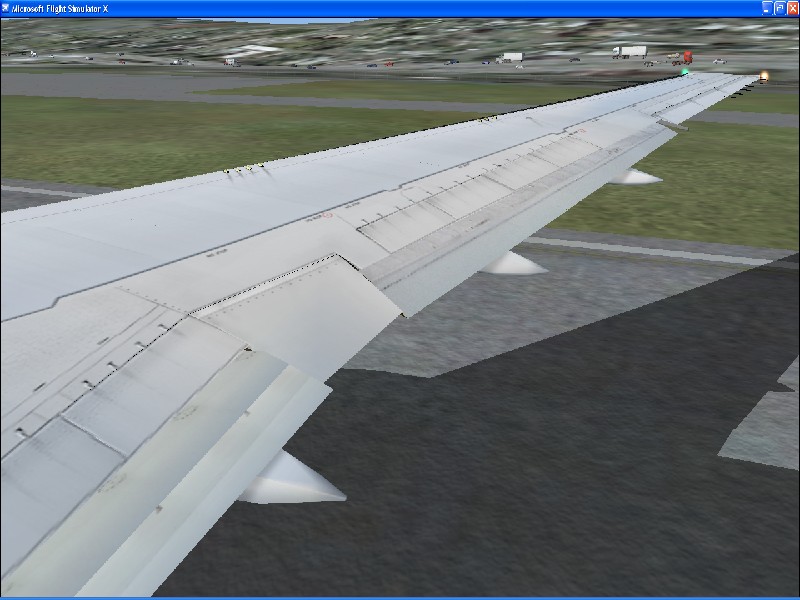
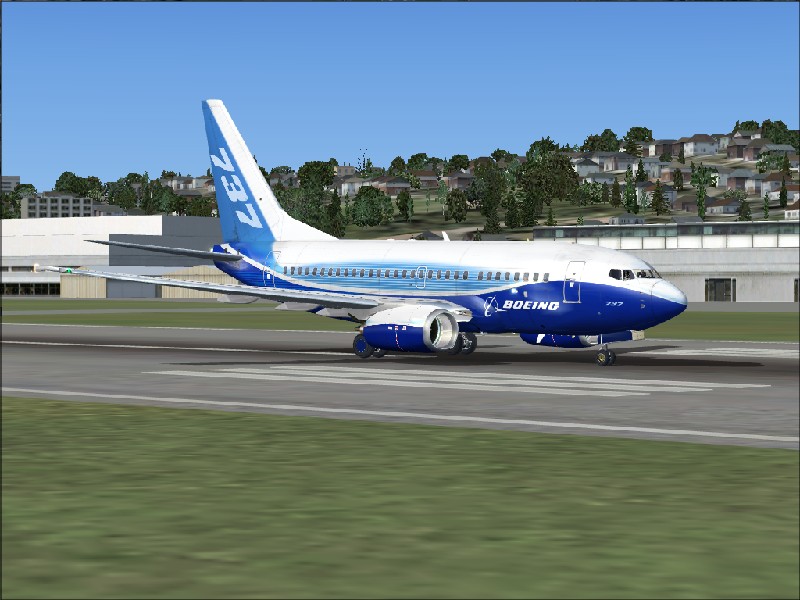
Here are some more of my pictures. This time in FSX
Image
Image
Image
Image
Image
Michael E.
2nd Lieutenant
2nd Lieutenant
 
Posts: 60
Joined: Sun Jul 22, 2007 3:09 pm
Location: Dublin, Ireland

Re: More of mine.

Postby spitfire boy » Wed Jul 25, 2007 12:08 pm

Quite good - although there are still some problems with jaggies.

Also, try to get rid of the text in the top right corner, the toolbar at the top, and that parking brake sign in the last one.

Nonetheless, with every shot I've seen from you you've made progress. Keep at it!! :D :)
Last edited by spitfire boy on Wed Jul 25, 2007 12:08 pm, edited 1 time in total.
Image


[center]
User avatar
spitfire boy
Major
Major
 
Posts: 2587
Joined: Mon May 21, 2007 4:46 pm
Location: Wherever you think I'm not

Re: More of mine.

Postby Cessna93 » Wed Jul 25, 2007 12:13 pm
Turn on the AA (Anti Analize) in FS and on your graphics card.
Image
User avatar
Cessna93
1st Lieutenant
1st Lieutenant
 
Posts: 387
Joined: Sun May 27, 2007 10:14 am
Location: United Kingdom, Wickwar

Re: More of mine.

Postby Michael E. » Wed Jul 25, 2007 12:42 pm

Another one

Image
Michael E.
2nd Lieutenant
2nd Lieutenant
 
Posts: 60
Joined: Sun Jul 22, 2007 3:09 pm
Location: Dublin, Ireland

Re: More of mine.

Postby Mictheslik » Wed Jul 25, 2007 1:16 pm

Turn on the AA (Anti Analize) in FS and on your graphics card.


It stands for Anti Aliasing ;)

.mic
[center]Image
User avatar
Mictheslik
Lieutenant Colonel
Lieutenant Colonel
 
Posts: 5517
Joined: Wed Mar 30, 2005 11:32 am
Location: Bristol, England

Re: More of mine.

Postby Michael E. » Wed Jul 25, 2007 2:10 pm

Turn on the AA (Anti Analize) in FS and on your graphics card.


It stands for Anti Aliasing ;)

.mic


I know, but how do you turn it on on your graphics card, I have it on on FSX.

p.s. My graphics card - nvidia geforce 7500 le
Michael E.
2nd Lieutenant
2nd Lieutenant
 
Posts: 60
Joined: Sun Jul 22, 2007 3:09 pm
Location: Dublin, Ireland

Re: More of mine.

Postby MOUSY » Wed Jul 25, 2007 2:25 pm

Only turn it on in the sim if your Graphics Card can't support it (which i believe it can). That only serves to murder your frames.
In your graphics settings in the NVidia Control Panel look for Performance and Quality Settings. You should see a bar for AA. Set it to suitably. (Most people say 4xS or 8xS is enough)
[align=center][img]http://www.simviation.com/phpupload/uploads/1379790172.png[/img]
Current Work in Progress: CaribSky: GrenadaX
[url]www.facebook.com/richersimulations[/url][/align]
User avatar
MOUSY
Major
Major
 
Posts: 2110
Joined: Thu Jan 19, 2006 8:47 pm
Location: Commonwealth of Dominica

Re: More of mine.

Postby Michael E. » Wed Jul 25, 2007 2:36 pm

Only turn it on in the sim if your Graphics Card can't support it (which i believe it can). That only serves to murder your frames.
In your graphics settings in the NVidia Control Panel look for Performance and Quality Settings. You should see a bar for AA. Set it to suitably. (Most people say 4xS or 8xS is enough)


where do you get it? or where on my computer is it
Michael E.
2nd Lieutenant
2nd Lieutenant
 
Posts: 60
Joined: Sun Jul 22, 2007 3:09 pm
Location: Dublin, Ireland

Re: More of mine.

Postby EGNX » Wed Jul 25, 2007 3:06 pm

Ah, Same card as me. So you should be able to produce quality of similar standard.

Image

To turn Anti Aliasing on with the video card. Go to 'Control Panel', then 'Appearance and Personalization' and it should say somewhere 'NVIDIA Control Panel. Click it and the NVIDIA Control Panel should open up. There should be lots of different settings you can change and tweek. Just look around for Anti Aliasing and see what results you can get.

If this doesn't work then simply go into FSX, click 'Settings', there should be a button named 'Customize'. Click it and the Settings Display Box should open up, in this you can alter all the different display settings within in FSX. The first area it should bring you to will be the Graphics tab, and simply check the Anti - Aliasing box to enable it.  ;)
Image
User avatar
EGNX
Major
Major
 
Posts: 1431
Joined: Thu Jul 14, 2005 3:49 pm
Location: Leicester, England

Re: More of mine.

Postby haroldkip » Wed Jul 25, 2007 6:13 pm

Anti Analize

I think that is hilarious! ;D ;D ;D

Sorry mate ... don't want to diss you.
Anti Analize could well be what it would does though ;)
User avatar
haroldkip
Lieutenant Colonel
Lieutenant Colonel
 
Posts: 5906
Joined: Wed Apr 12, 2006 5:13 am
Location: Amsterdam, The Netherlands

Re: More of mine.

Postby mpicco » Wed Jul 25, 2007 7:08 pm

Those jaggies dont look like aliasing to me, it looks like bad resizing.
Dont use Paint to resize the images, you need a better program like PS or Paintshop Pro... cant think of any freeware out of the blue...

Nice shots though, i like that new "dreamliner" livery... but yeah, you should remove the menu before the shot...
mpicco
2nd Lieutenant
2nd Lieutenant
 
Posts: 130
Joined: Thu Jul 05, 2007 2:40 pm

Re: More of mine.

Postby spitfire boy » Thu Jul 26, 2007 2:38 am

To add to what mpicco has said, irfanview, a freeware image program available here, is somewhat regarded as a godsend by many people relatively new to the screenshot section; I count myself among those people. It is a freeware piece of software with, amongst other things, a handy 'resample' function (essentially resizing, but it smoothes out the image in the process, and also retains the ratio of height to width that you originally had), several basic filters that can end up looking really nice, and a slider-bar that allows you to fine-tune how much your image is compressed when you save in '.jpg' format.

I myself was recommended it by guys in these forums, I have found it an extremely useful addition to my computer. All I can say is, go get it, you won't regret doing so.
Last edited by spitfire boy on Thu Jul 26, 2007 2:39 am, edited 1 time in total.
Image


[center]
User avatar
spitfire boy
Major
Major
 
Posts: 2587
Joined: Mon May 21, 2007 4:46 pm
Location: Wherever you think I'm not

Re: More of mine.

Postby Michael E. » Thu Jul 26, 2007 4:12 am

OK i think it made a huge difference:
Michael E.
2nd Lieutenant
2nd Lieutenant
 
Posts: 60
Joined: Sun Jul 22, 2007 3:09 pm
Location: Dublin, Ireland

Re: More of mine.

Postby spitfire boy » Thu Jul 26, 2007 4:55 am

[quote]OK i think it made a huge difference:
Image


[center]
User avatar
spitfire boy
Major
Major
 
Posts: 2587
Joined: Mon May 21, 2007 4:46 pm
Location: Wherever you think I'm not

Re: More of mine.

Postby cpthammond » Thu Jul 26, 2007 9:55 am

This Anti-Aliasing makes such a huge difference, If only Microsoft could maybe have it ticked default after install may people enjoy it more..
cpthammond
Ground hog
Ground hog
 
Posts: 9
Joined: Tue May 13, 2008 6:26 pm
Location: EGYD


Return to Simulation Screenshots Showcase

Who is online

Users browsing this forum: No registered users and 216 guests