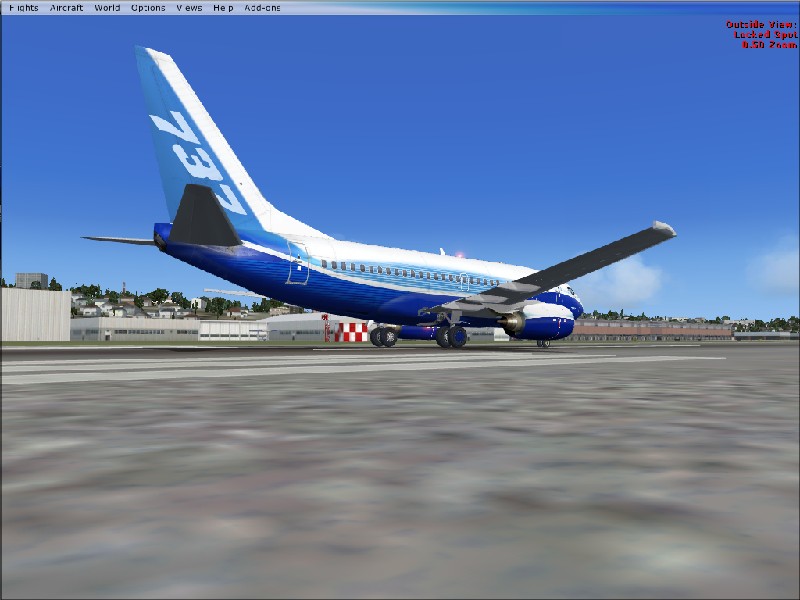
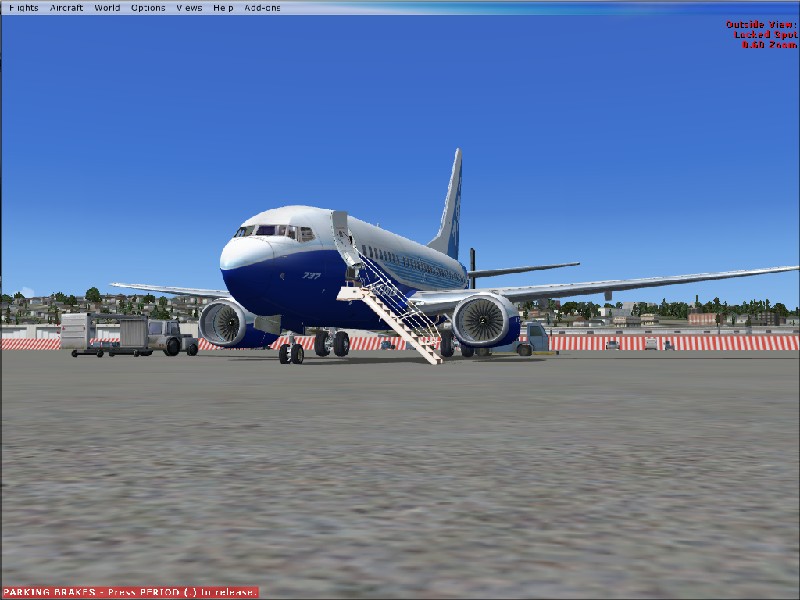

Flight Simulator and other chat
 by Michael E. » Wed Jul 25, 2007 11:48 am

by spitfire boy » Wed Jul 25, 2007 12:08 pm





by Cessna93 » Wed Jul 25, 2007 12:13 pm


by Mictheslik » Wed Jul 25, 2007 1:16 pm
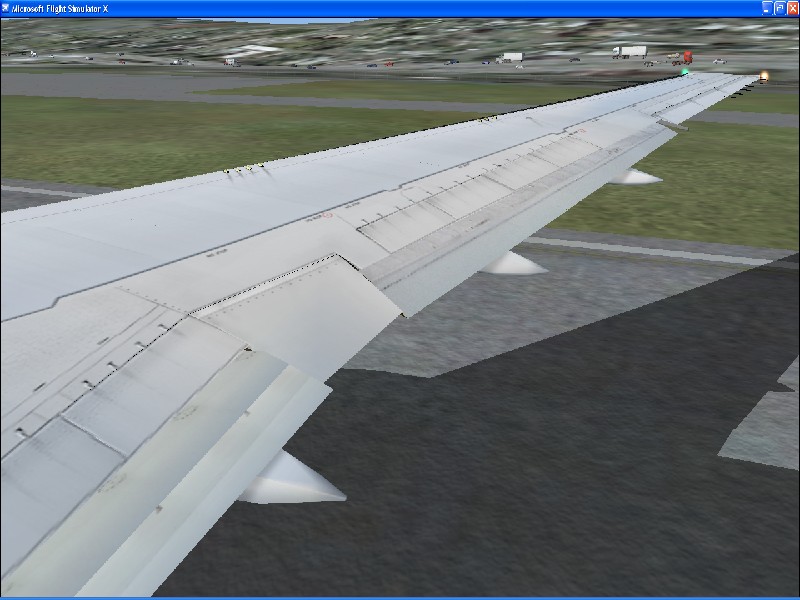
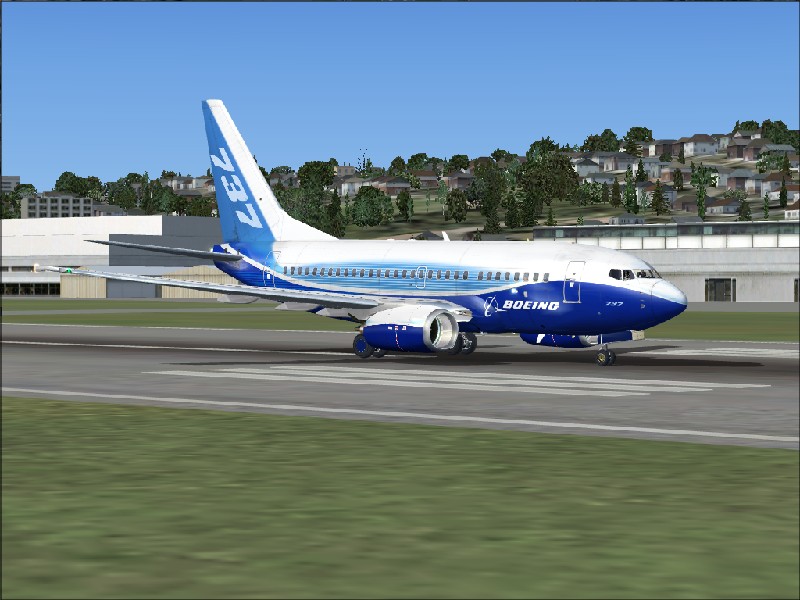
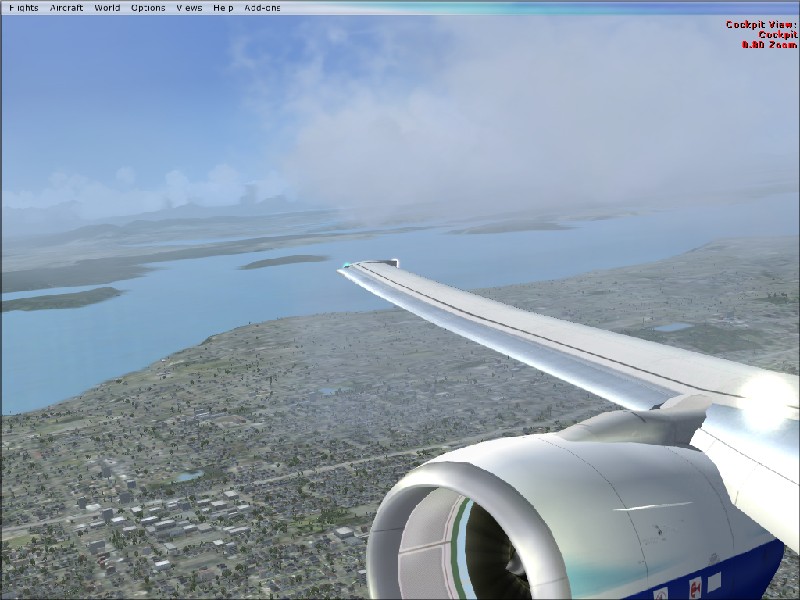
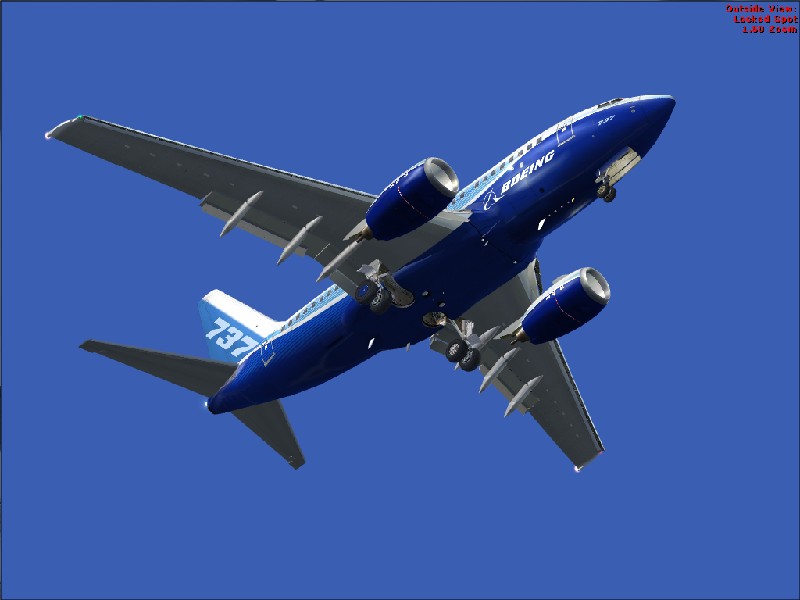
Turn on the AA (Anti Analize) in FS and on your graphics card.



by Michael E. » Wed Jul 25, 2007 2:10 pm
Turn on the AA (Anti Analize) in FS and on your graphics card.
It stands for Anti Aliasing
.mic
by MOUSY » Wed Jul 25, 2007 2:25 pm
by Michael E. » Wed Jul 25, 2007 2:36 pm
Only turn it on in the sim if your Graphics Card can't support it (which i believe it can). That only serves to murder your frames.
In your graphics settings in the NVidia Control Panel look for Performance and Quality Settings. You should see a bar for AA. Set it to suitably. (Most people say 4xS or 8xS is enough)
by EGNX » Wed Jul 25, 2007 3:06 pm
by haroldkip » Wed Jul 25, 2007 6:13 pm
Anti Analize


by mpicco » Wed Jul 25, 2007 7:08 pm
by spitfire boy » Thu Jul 26, 2007 2:38 am
by spitfire boy » Thu Jul 26, 2007 4:55 am
by cpthammond » Thu Jul 26, 2007 9:55 am

Return to Simulation Screenshots Showcase
Users browsing this forum: No registered users and 278 guests