c and c welcome!
ben

Flight Simulator and other chat
 by Ben R » Mon Jul 16, 2007 3:04 pm


by Pappy44 » Mon Jul 16, 2007 3:11 pm

by spitfire boy » Mon Jul 16, 2007 3:14 pm

by Ben R » Mon Jul 16, 2007 3:20 pm
by spitfire boy » Mon Jul 16, 2007 3:42 pm
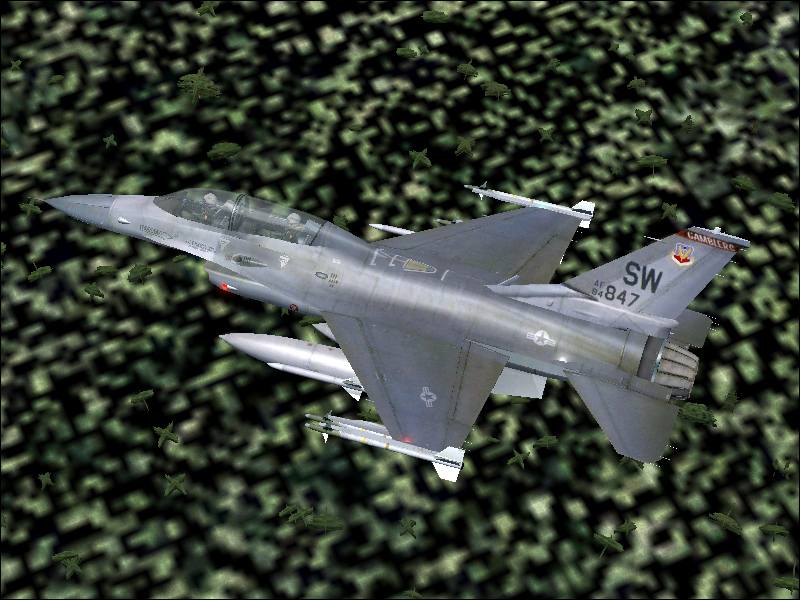
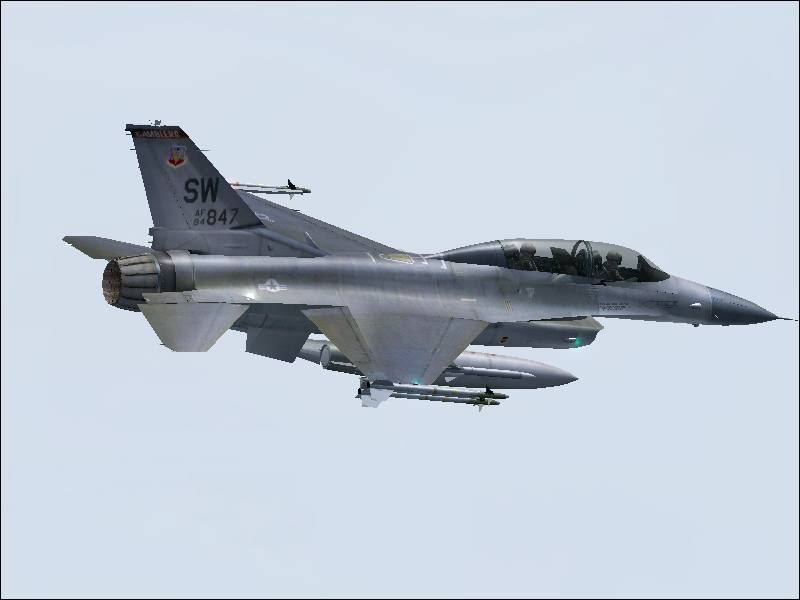
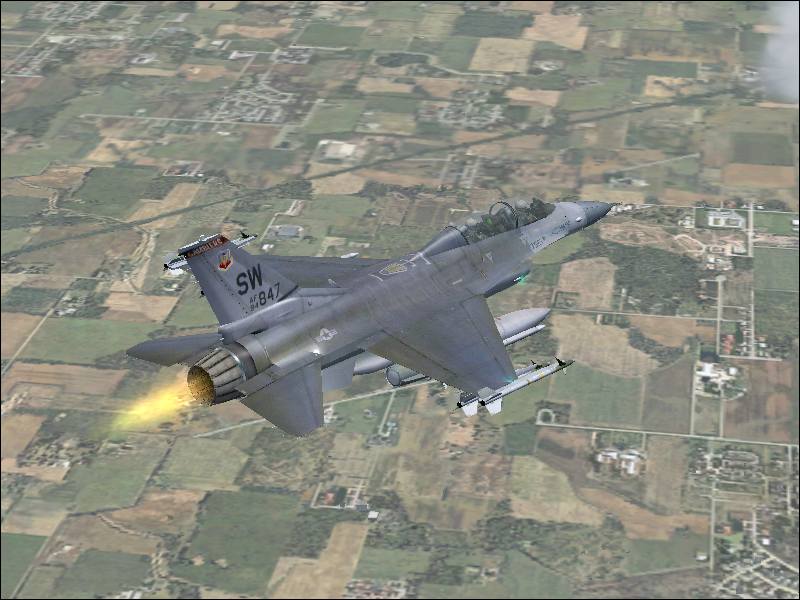
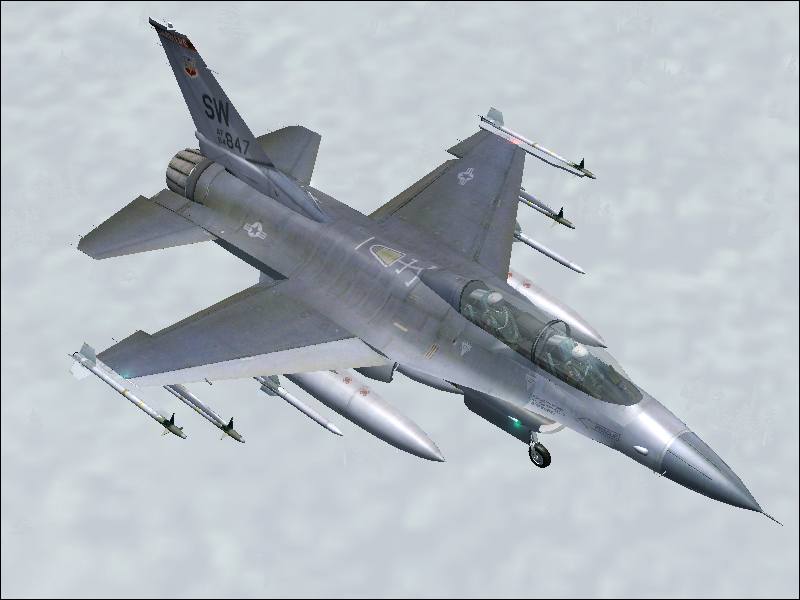
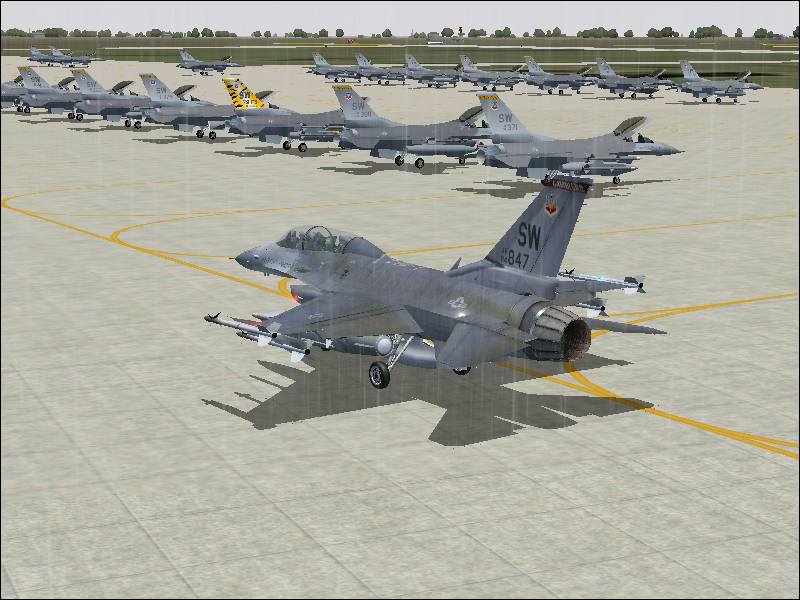
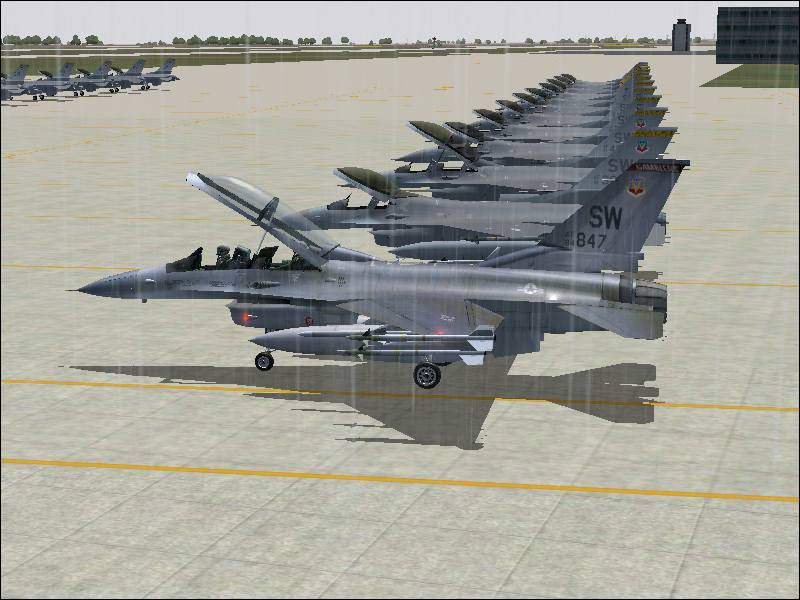
lol...its not photoshopped in..its all normal freeware..
and with the jaggies..i dno how to get em off with infranview and AA is on..
by Ben R » Mon Jul 16, 2007 3:48 pm
by Ben R » Mon Jul 16, 2007 3:54 pm
by haroldkip » Mon Jul 16, 2007 4:08 pm


by spitfire boy » Mon Jul 16, 2007 4:10 pm
by Conan Edogawa » Mon Jul 16, 2007 4:57 pm



by Ben R » Tue Jul 17, 2007 1:11 am
Return to Simulation Screenshots Showcase
Users browsing this forum: No registered users and 392 guests