cspyro. You didn't add the .jpg file extension to the path so I can't check the file size from right-click Properties. This made me suspicious so I downloaded your image to check it out. I found it's in BMP format @ 1.37 Kb which is above the forum limit. It's not difficult to use a graphics editor like IrfanView to convert BMP images to the correct size & format.
Open the BMP in IrfanView & resize as necessary.
Then File/Save As in JPEG - JPG format. Choose a file name without spaces that is unique to you.
Use dashes or underscores to separate words if you wish.
Adjust the file size with the 'Save quality' slider & check the file size before uploading your images.
I've done this one for you. Saved from IrfanView in JPG format at 95% Save quality it comes out at 96.6 Kb. The file name is da-a321-1.jpg The exact path is
http://www.simviation.com/yabbuploads/da-a321-1.jpg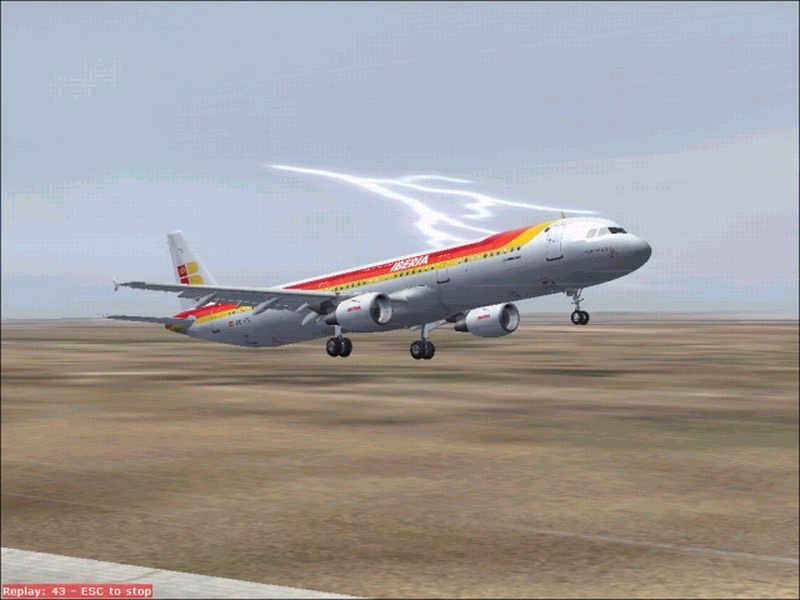
Hope this helps. It's a nice shot.