Hi BJ080,
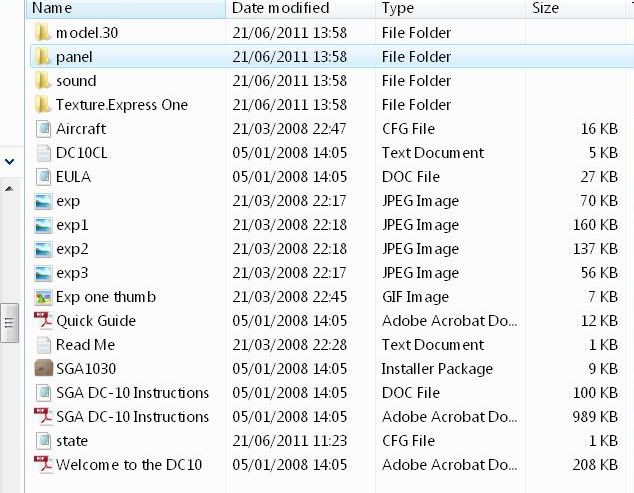
If your having trouble with screen shots, there is another way you can get the info onto the screen in txt mode without you having to do much typing, just a little copy and pasting.
Sorry Steve, I think this is just complicating matters. As BJ080 has already posted a screenshot of a folder in this topic I assume he knows how to do it ---> http://i200.photobucket.com/albums/aa191/anuthee/configaircraftfile.jpg



 That elusive plane I have been trying to get rid of all these weeks was in the My Computer area. So now All is so clear and working, thanks for all your patience and good teaching guys. Kind regards to you all