
Simviation Forums
Flight Simulator and other chat
Flight Simulator and other chat
 by MrMichel » Tue Dec 28, 2010 2:23 am

by skybolt66 » Tue Dec 28, 2010 3:14 am

by Hagar » Tue Dec 28, 2010 3:54 am



by MrMichel » Tue Dec 28, 2010 2:42 pm
by Hagar » Tue Dec 28, 2010 3:41 pm
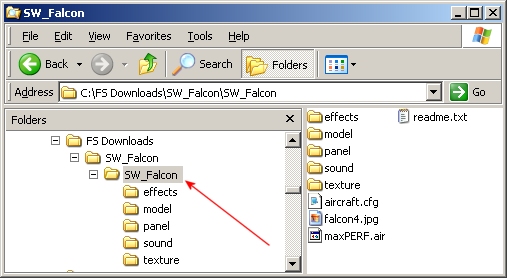
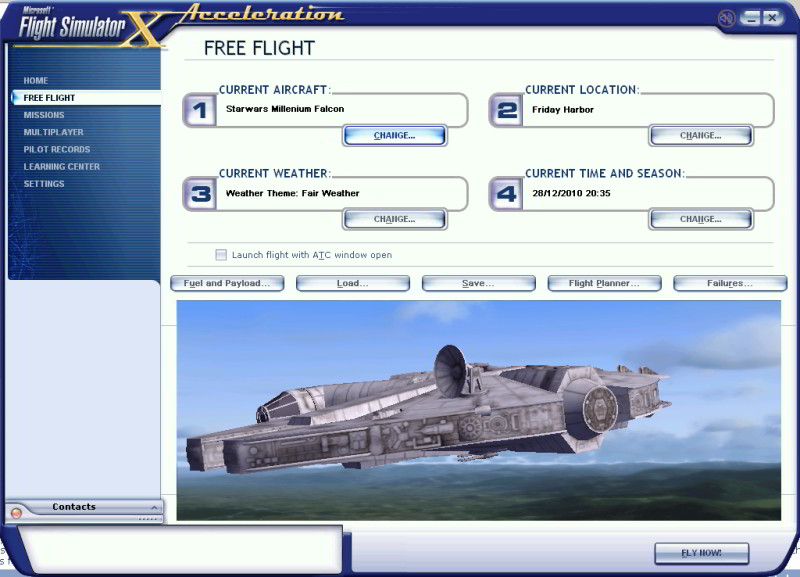
After i posted last night I realized i didnt have sp1 or sp2 installed does that matter?. I do not have acceleration (does that matter)?
by MrMichel » Tue Dec 28, 2010 4:22 pm
by Groundbound1 » Tue Dec 28, 2010 4:47 pm

 )
)

by Boikat » Tue Dec 28, 2010 4:51 pm
Woohoo I got it to work. Is there any guages for the Millenium Falcon? I am still wondering if i need to do something different



by MrMichel » Wed Dec 29, 2010 1:47 am
by Hagar » Wed Dec 29, 2010 5:07 am
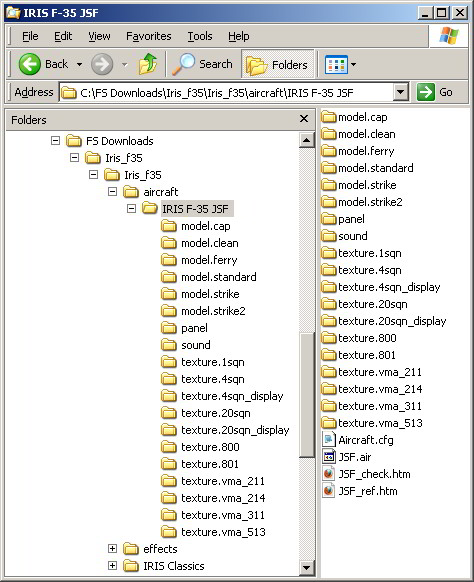
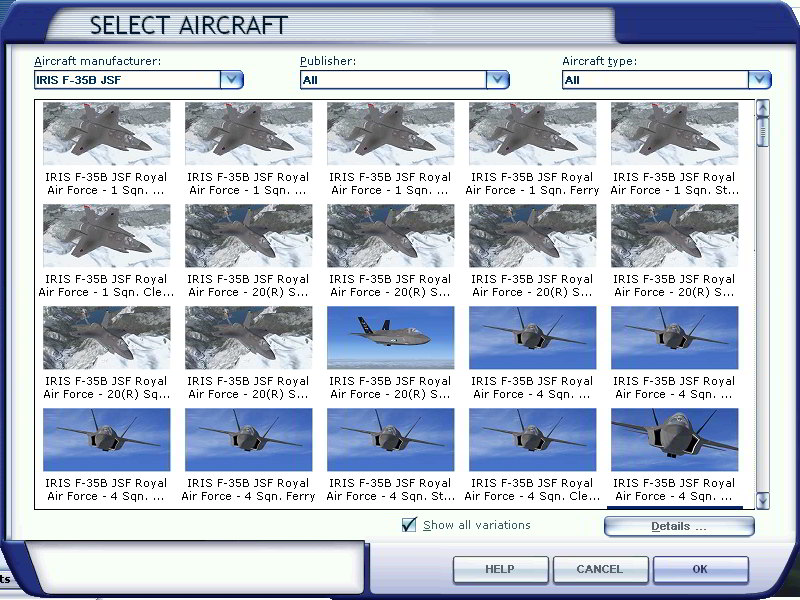
So i downloaded the Iris f-35 and now I am having hte same problems as before... i also downloaded a f 15.. neither of them appear in my game as usable aircraft??? thanks in advance for the help
Return to Flight Simulator X (FSX) and Steam
Users browsing this forum: No registered users and 430 guests