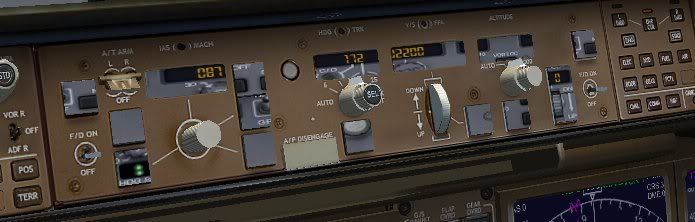
thats the 2d panel, not the vc
yeah,that is also what i could get after downloading the aircraft,and the 2 panel folder that in this thread (page 2) says..only the 2d panel,but it even doesnt work..how can i get the vc?..must i download something from the 'model packages' section? :-?
yup. you need to download one of the model packages that say vc at the end in addition to the texture files and such.
First of all, decide which one you want. Wheather it be the british airways livery, or the continental livery for example. You decide which one you want.
Next, you will need to download one of the models. they are listed in sort of a confusing way so you will need to pay attention. I know you want the vc, so you will need to choose a model that has vc at the end of the title.
this is the one I used; OS772V2_GE90--L_VC model
Then, go to the panel section and download the vc panel sp1 (or newest version), and either of the texture files. You only need 1 of the texture files, not both. The 32 bit is if you have a pretty good computer with a good graphics card. The other is for any computer capable of running FS
One you have all those, start arranging them into one main folder just like the default planes. You should have one folder that says the plane, like "posky 777 continental" This will have all the basics in it. Start putting the other parts in that folder like the panel. It will ask you to overwrite the original, say yes. And just do that for the other things. If you need reference, just look in the folder of a default plane to get an idea where things go. Once you get that sorted, give it a try and see if it shows in the sim. If it does, cool. Go and follow my instructions on getting the vc gauges working, and you will be all set.
My specs... A hard drive, motherboard, graphics card, some memory, a keyboard, mouse, and monitor - in other words, nothing special.
My Posky