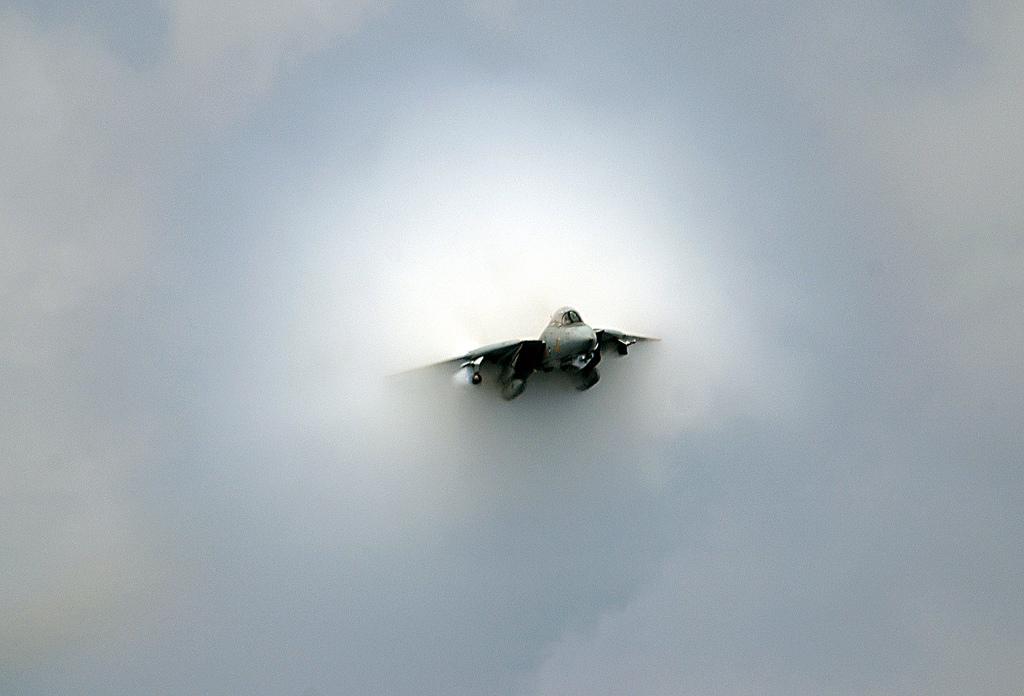
How to view from different angle?

FSX including FSX Steam version.

How to view from different angle?

Postby HF Kwong » Mon Apr 26, 2010 11:04 pm

I have seen a lot of pictures showing view the plane from different angle during flying, especially those from top down or from the back of the plane.

In FSX, I am sure it is not F9, F10, F11 nor F12.

So, which command did you use to view them?

Thank you.

I just like to see different Airport and nice scenery.
HF Kwong
Ground hog
Ground hog
 
Posts: 8
Joined: Mon Apr 26, 2010 9:08 pm
Location: Hong Kong

Re: How to view from different angle?

Postby C170b » Tue Apr 27, 2010 12:20 am

Do you know how to get into spot, (outside) view? (It's either the A key or the S key. Just keep pressing the key to cycle through the views) Do you have a joystick? If so use the hat switch. If not press and hold the space bar. Then move the mouse. The view should move.
Dell XPS 720: Liquid Cooled Intel Core 2 Quad Q6600 2.40Ghz 8MB Cache, 2GB DDR3 SDRAM at 800MHZ, Seagate Barracuda HDD 250GB (7200RPM w/DataBurst), Seagate 300GB HDD, Seagate Grizzly HDD 500GB, Dell H750P-00 Power Supply (100-240v), Dual 16X DVD/CD +/-RW
C170b
2nd Lieutenant
2nd Lieutenant
 
Posts: 233
Joined: Mon Feb 09, 2009 8:47 pm
Location: KLMO

Re: How to view from different angle?

Postby HF Kwong » Tue Apr 27, 2010 1:00 am

Thank you for the reply.
I just like to see different Airport and nice scenery.
HF Kwong
Ground hog
Ground hog
 
Posts: 8
Joined: Mon Apr 26, 2010 9:08 pm
Location: Hong Kong

Re: How to view from different angle?

Postby B_7772 » Tue Apr 27, 2010 1:35 am

Another way is to right click the screen, where you will find quick links to all of the views.
B_7772
 

Re: How to view from different angle?

Postby HF Kwong » Fri Apr 30, 2010 7:29 pm

Thank you for everyone reply.

I found the answer:

Press F11, hold the spacebar and move your mouse around

Thank you for all the help. Happy flying.
I just like to see different Airport and nice scenery.
HF Kwong
Ground hog
Ground hog
 
Posts: 8
Joined: Mon Apr 26, 2010 9:08 pm
Location: Hong Kong

Re: How to view from different angle?

Postby Keithajb » Sun May 02, 2010 2:52 pm

Hold spacebar and move your mouse around!
User avatar
Keithajb
Ground hog
Ground hog
 
Posts: 1
Joined: Sun May 02, 2010 2:31 pm
Location: Scotland

Re: How to view from different angle?

Postby yancovitch » Sun May 02, 2010 4:04 pm

that's fine, but let's say the plane on the screen has the tail cut off and you want to move it forward, without moving back?
i7-7700k ....msi geforce gtx 1060....msi z270 gaming m5 lga 1151 motherboard....CORSAIR Vengeance LPX 16GB (2 x 8GB) ram.....
User avatar
yancovitch
Major
Major
 
Posts: 3530
Joined: Sat Aug 02, 2003 12:48 pm
Location: born montreal, lived vancouver, now live in burns lake bc.

Re: How to view from different angle?

Postby Tomcat5 » Mon May 03, 2010 7:45 pm

that's fine, but let's say the plane on the screen has the tail cut off and you want to move it forward, without moving back?


Whenever that happens for me, I just restart the sim and it's fixed.  Don't save the flight when you restart it, just start fresh.
Asus G71GX-RX05 from BestBuy.
User avatar
Tomcat5
2nd Lieutenant
2nd Lieutenant
 
Posts: 181
Joined: Mon Sep 07, 2009 6:45 pm
Location: KGED


Return to Flight Simulator X (FSX) and Steam

Who is online

Users browsing this forum: No registered users and 505 guests