FSX Blurries?!? ...ugh ohh, not this again...:P

FSX including FSX Steam version.

FSX Blurries?!? ...ugh ohh, not this again...:P

Postby XxRazgrizxX » Mon Apr 05, 2010 7:55 pm

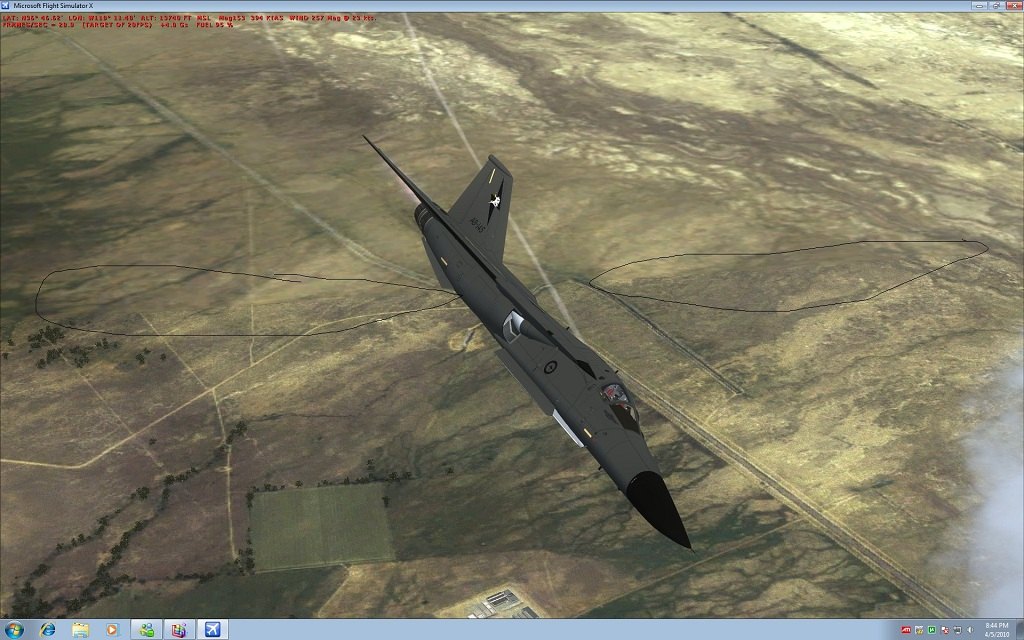
i have a top end system (specs are on my forum signature pic) and i have downloaded some awesome photoreal scenery but ive tried a bunch of tweaks...scanned hundreds of forum threads...and i cant seem to get rid of the blurries...here this is what i mean

Image
HD: http://i222.photobucket.com/albums/dd45 ... ghdfhj.jpg
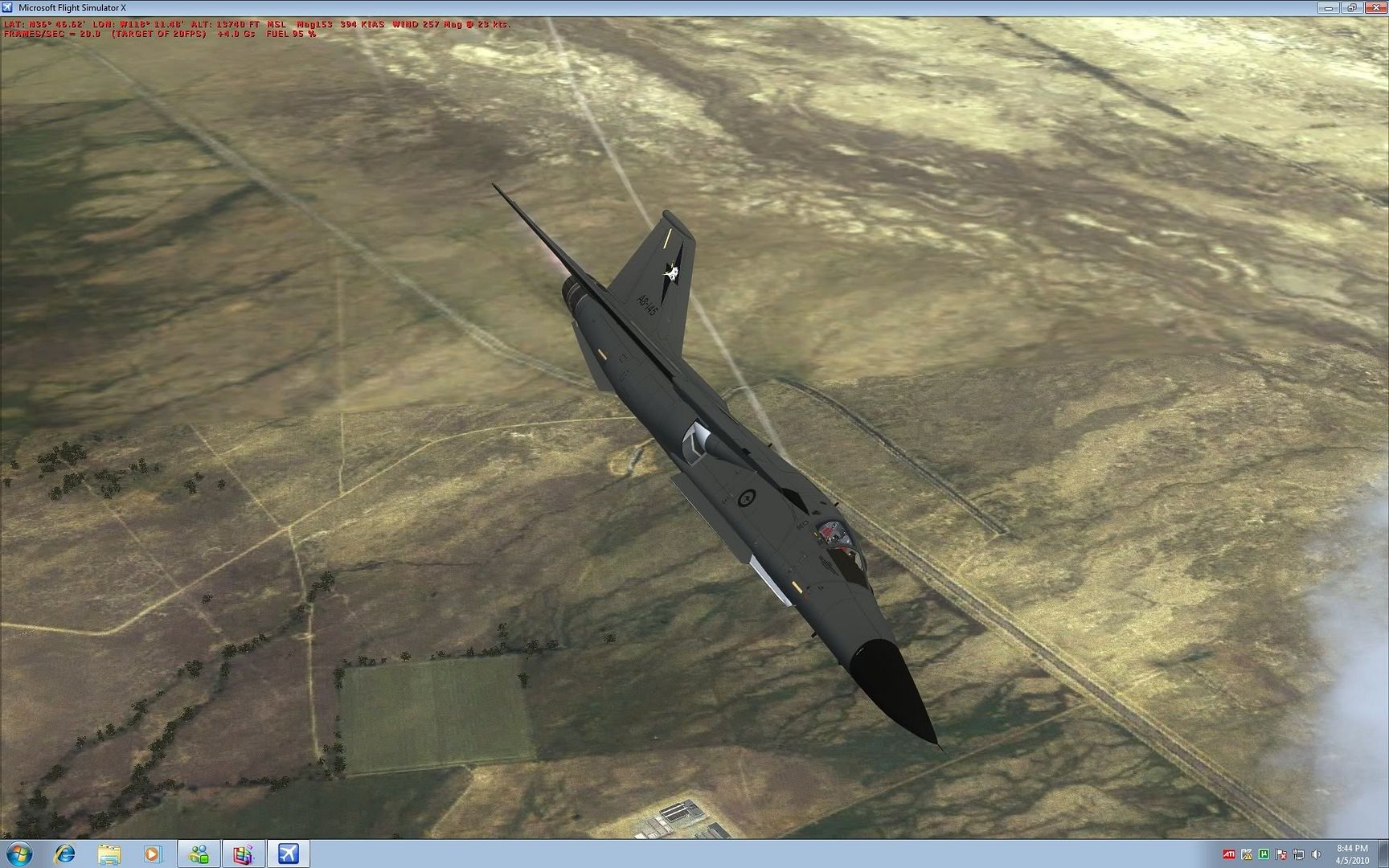

now i dont care if it impacts my performance at all i just want to know if theres any way to make all ground textures the same without these annoying blurries!

Image
Image

http://www.youtube.com/user/Razgriz100000
User avatar
XxRazgrizxX
1st Lieutenant
1st Lieutenant
 
Posts: 372
Joined: Thu Oct 09, 2008 9:13 pm
Location: KPTK --- Clarkston, MI

Re: FSX Blurries?!? ...ugh ohh, not this again...:P

Postby FuturePilot » Mon Apr 05, 2010 9:09 pm

There is a setting in FSX where you can change the viewing distance...not sure if you have tried that, maybe just don't fly a supersonic jet!  :D
ASUS M4A89GTD, 16GB 1333MHz DDR3 RAM, 160GB 10,000 RPM HDD + 1TB 7200 RPM HDD, AMD Phenom II x4 965BE 3.4
User avatar
FuturePilot
Major
Major
 
Posts: 1553
Joined: Wed Apr 08, 2009 9:47 pm
Location: MD, TN, and Grand Cayman

Re: FSX Blurries?!? ...ugh ohh, not this again...:P

Postby XxRazgrizxX » Mon Apr 05, 2010 9:53 pm

[quote]There is a setting in FSX where you can change the viewing distance...not sure if you have tried that, maybe just don't fly a supersonic jet!
Image
Image

http://www.youtube.com/user/Razgriz100000
User avatar
XxRazgrizxX
1st Lieutenant
1st Lieutenant
 
Posts: 372
Joined: Thu Oct 09, 2008 9:13 pm
Location: KPTK --- Clarkston, MI

Re: FSX Blurries?!? ...ugh ohh, not this again...:P

Postby Bob70 » Mon Apr 05, 2010 11:57 pm

[quote][quote]There is a setting in FSX where you can change the viewing distance...not sure if you have tried that, maybe just don't fly a supersonic jet!
Image
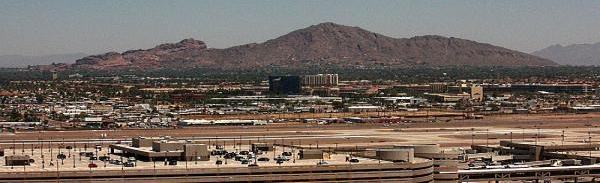
Camelback Mountain....Looking north from Sky Harbor Int.
User avatar
Bob70
Global Moderator
Global Moderator
 
Posts: 3069
Joined: Thu Nov 30, 2006 12:23 pm
Location: Phoenix Arizona , USA

Re: FSX Blurries?!? ...ugh ohh, not this again...:P

Postby XxRazgrizxX » Tue Apr 06, 2010 11:53 pm

Figured it out, even with the sliders fully maxed, if you look in the fsx.cfg under [TERRAIN] theres a line that says:
LOD_RADIUS=4.500000

change it to:
LOD_RADIUS=9.000000

and this has little if any impact on frames and almost completely eliminates the blurries!
Image
Image

http://www.youtube.com/user/Razgriz100000
User avatar
XxRazgrizxX
1st Lieutenant
1st Lieutenant
 
Posts: 372
Joined: Thu Oct 09, 2008 9:13 pm
Location: KPTK --- Clarkston, MI


Return to Flight Simulator X (FSX) and Steam

Who is online

Users browsing this forum: No registered users and 540 guests