Fresh FSX install

FSX including FSX Steam version.

Fresh FSX install

Postby Frequent Flyer » Sat Apr 03, 2010 2:09 pm

I was wandering, how would a fresh FSX install affect my frame rates?
Will it make any difference?

Image
User avatar
Frequent Flyer
Major
Major
 
Posts: 1567
Joined: Tue Mar 31, 2009 6:52 am
Location: Lucy's Sky with Diamonds

Re: Fresh FSX install

Postby Tech Diver » Sat Apr 03, 2010 2:24 pm

That's much to broad a question to answer without some more information. That is, what is your current frame rate? Has it dropped over time? Have you installed many addons?

Pete
Last edited by Tech Diver on Sat Apr 03, 2010 2:24 pm, edited 1 time in total.
Tech Diver
2nd Lieutenant
2nd Lieutenant
 
Posts: 196
Joined: Fri Oct 30, 2009 8:47 am
Location: Concord, Massachusetts

Re: Fresh FSX install

Postby Frequent Flyer » Sat Apr 03, 2010 2:30 pm

That's much to broad a question to answer without some more information. That is, what is your current frame rate? Has it dropped over time? Have you installed many addons?

Pete


I have several addons installed (around 15-20 airplanes and loads of sceneries), and no, I don't think my frame rates have reduced. I have around 15-25 fps flying low and slow, without traffic at all but with most scenery settings maxed (apart for autogen).
I'm just wandering if I can get better results from my machine (Intel Core2 Quad, Q9300 @ 2.50GHz, 2.50 GHz 3.24 of RAM - I have no idea what this means so simply copied :D)
Last edited by Frequent Flyer on Sat Apr 03, 2010 2:31 pm, edited 1 time in total.
Image
User avatar
Frequent Flyer
Major
Major
 
Posts: 1567
Joined: Tue Mar 31, 2009 6:52 am
Location: Lucy's Sky with Diamonds

Re: Fresh FSX install

Postby Thai09 » Sat Apr 03, 2010 2:37 pm

I would say yes, do a fresh install every 3-4 months, and OS re-install from time to time too!

Keep you on the toes PC/Tech wise also. :D
Thai09
2nd Lieutenant
2nd Lieutenant
 
Posts: 144
Joined: Fri Nov 06, 2009 3:47 am

Re: Fresh FSX install

Postby Bob70 » Sat Apr 03, 2010 5:29 pm

Well my FSX is still running just find. The install was done when FSX was first released around three years ago if my memory serves me. I have just tons of aircraft and addon scenery. I'd hate to even think of doing a new install. If it ain't broke leave it alone. When ever my performance starts to drop off and things start to slow down it's time to DEFRAG the drive that you have FSX installed on. Thats the secret to keeping your Sim running smooth. DEFRAG! DEFRAG! DEFRAG! The Windows default defrager is junk. I use Ultimate Defrag. There is a freeware version available at this time. Get it here. http://download.cnet.com/UltimateDefrag-Freeware-Edition/3000-2094_4-10582157.html

Before you go to all the trouble of doing a new install give it a shot and see if things improve. What have you got to lose.

:) Bob
Image
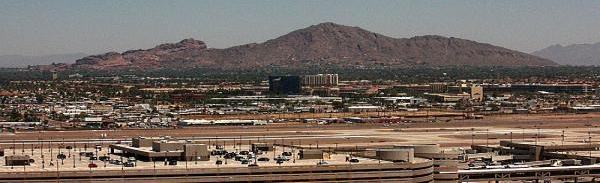
Camelback Mountain....Looking north from Sky Harbor Int.
User avatar
Bob70
Global Moderator
Global Moderator
 
Posts: 3069
Joined: Thu Nov 30, 2006 12:23 pm
Location: Phoenix Arizona , USA

Re: Fresh FSX install

Postby Frequent Flyer » Sat Apr 03, 2010 5:32 pm

Well my FSX is still running just find. The install was done when FSX was first released around three years ago if my memory serves me. I have just tons of aircraft and addon scenery. I'd hate to even think of doing a new install. If it ain't broke leave it alone. When ever my performance starts to drop off and things start to slow down it's time to DEFRAG the drive that you have FSX installed on. Thats the secret to keeping your Sim running smooth. DEFRAG! DEFRAG! DEFRAG! The Windows default defrager is junk. I use Ultimate Defrag. There is a freeware version available at this time. Get it here. http://download.cnet.com/UltimateDefrag-Freeware-Edition/3000-2094_4-10582157.html

Before you go to all the trouble of doing a new install give it a shot and see if things improve. What have you got to lose.

:) Bob


I guess that saved me hours of staring on FSX re-installing
Last edited by Frequent Flyer on Sat Apr 03, 2010 5:39 pm, edited 1 time in total.
Image
User avatar
Frequent Flyer
Major
Major
 
Posts: 1567
Joined: Tue Mar 31, 2009 6:52 am
Location: Lucy's Sky with Diamonds

Re: Fresh FSX install

Postby Bob70 » Sat Apr 03, 2010 5:47 pm

Well my FSX is still running just find. The install was done when FSX was first released around three years ago if my memory serves me. I have just tons of aircraft and addon scenery. I'd hate to even think of doing a new install. If it ain't broke leave it alone. When ever my performance starts to drop off and things start to slow down it's time to DEFRAG the drive that you have FSX installed on. Thats the secret to keeping your Sim running smooth. DEFRAG! DEFRAG! DEFRAG! The Windows default defrager is junk. I use Ultimate Defrag. There is a freeware version available at this time. Get it here. http://download.cnet.com/UltimateDefrag-Freeware-Edition/3000-2094_4-10582157.html

Before you go to all the trouble of doing a new install give it a shot and see if things improve. What have you got to lose.

:) Bob


I guess that saved me hours of staring on FSX re-installing
Last edited by Bob70 on Sat Apr 03, 2010 5:51 pm, edited 1 time in total.
Image
Camelback Mountain....Looking north from Sky Harbor Int.
User avatar
Bob70
Global Moderator
Global Moderator
 
Posts: 3069
Joined: Thu Nov 30, 2006 12:23 pm
Location: Phoenix Arizona , USA

Re: Fresh FSX install

Postby olderndirt » Sat Apr 03, 2010 6:11 pm

I'm just wandering if I can get better results from my machine (Intel Core2 Quad, Q9300 @ 2.50GHz

Ask the guys at the 'overclock' forum if you might be a candidate.
Last edited by olderndirt on Sat Apr 03, 2010 6:12 pm, edited 1 time in total.
[img]http://www.simviation.com/yabbuploads/oldrt18.jpg
User avatar
olderndirt
Major
Major
 
Posts: 3495
Joined: Sat Dec 20, 2008 3:07 pm
Location: Rochester, WA

Re: Fresh FSX install

Postby Ang2dogs » Sun Apr 04, 2010 1:34 am

If it ain't broke leave it alone. When ever my performance starts to drop off and things start to slow down it's time to DEFRAG the drive that you have FSX installed on. Thats the secret to keeping your Sim running smooth. DEFRAG! DEFRAG! DEFRAG!
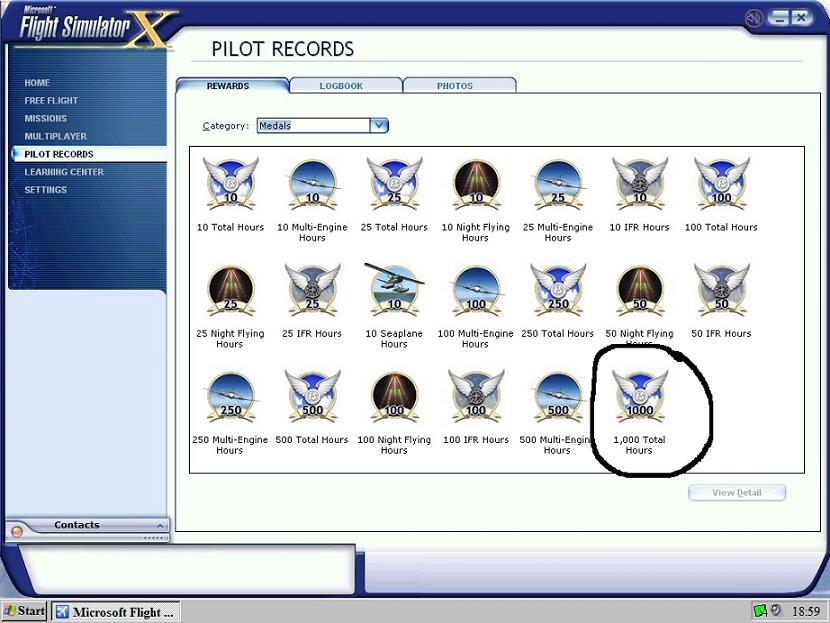
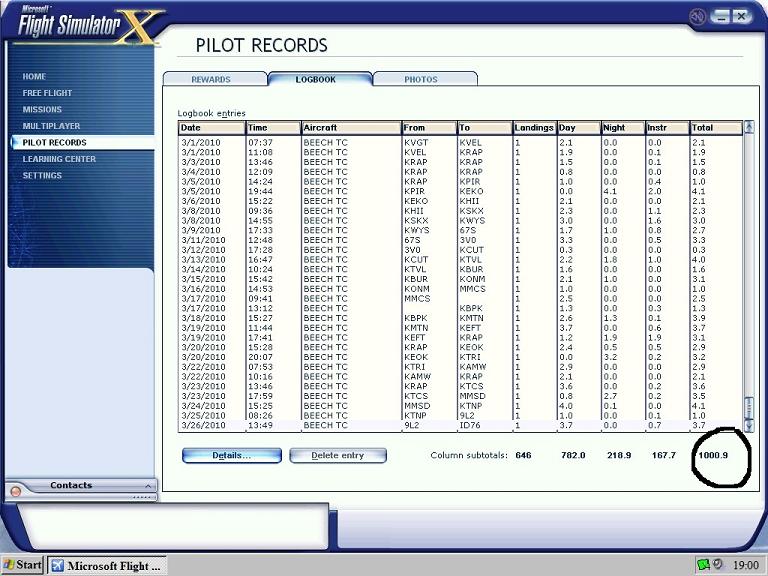
:) Bob


Right on Bob, after much tweeking and many reinstalls, been running the sim now almost 2 years now, without a problem, and I belive defraging after every flight helps.

Image

Image

So far my sim has been running pretty smooth, avg 18-24fps, and I'm running on 2.20gigs pentium 4, 1000ram, and an ati 256MB graphics card. Got the sliders set 3/4's, AA is on along with anisotropic filtering. Once in a blue moon I'll get a few microsutters, but other than that, I can't complain.
User avatar
Ang2dogs
Captain
Captain
 
Posts: 862
Joined: Sun Aug 19, 2007 12:38 am
Location: black mountain hills of Dakota

Re: Fresh FSX install

Postby Frequent Flyer » Sun Apr 04, 2010 11:26 am

I'm just wandering if I can get better results from my machine (Intel Core2 Quad, Q9300 @ 2.50GHz
Ask the guys at the 'overclock' forum if you might be a candidate.


The situation isn't bad enough for me to start messing with that - yup, I know I can get better results... :P
I'll defrag my machine (actually done that lots of times with the default application, but the new defragger shows my disc as a complete mess :(), install my new (top secret) aircraft... And be the happiest simmer (for a moment or two) :D
Image
User avatar
Frequent Flyer
Major
Major
 
Posts: 1567
Joined: Tue Mar 31, 2009 6:52 am
Location: Lucy's Sky with Diamonds


Return to Flight Simulator X (FSX) and Steam

Who is online

Users browsing this forum: No registered users and 514 guests