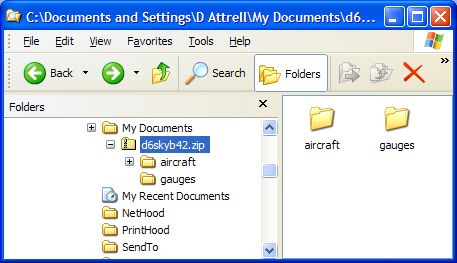
I have tried to follow the downloading instructions published here, and have been successful on other occasions. (And unsuccessful too), but not this time. I am trying to download one of Barry Blaisdell's Dash6_LongNose_Skybus. The aircraft does not show up in FS9 - even though repeated attempts are interrupted with the message that the file already exists and asking whether or not I want to replace the existing files - which I do - but then cannot locate the file in FS9. Very frustrating. Help available?
Cessna 152

Simviation Forums
Flight Simulator and other chat