 Hi, all.
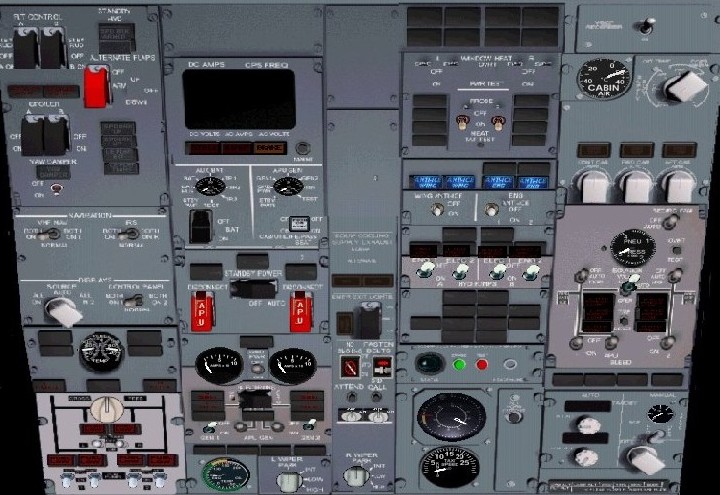
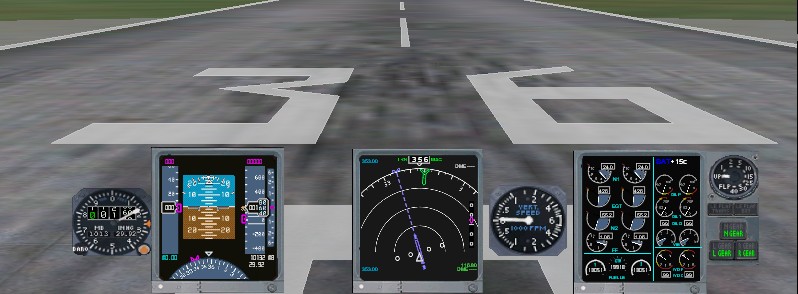
You may have noticed some of my other topics over time regarding panels. Anyway thanks so much for all of your help it has now paid off and I have been able to make a shiny new 737NG panel (now in late beta stage).

Flight Simulator and other chat
 by gilesh » Thu Jan 19, 2006 6:40 pm
Hi, all.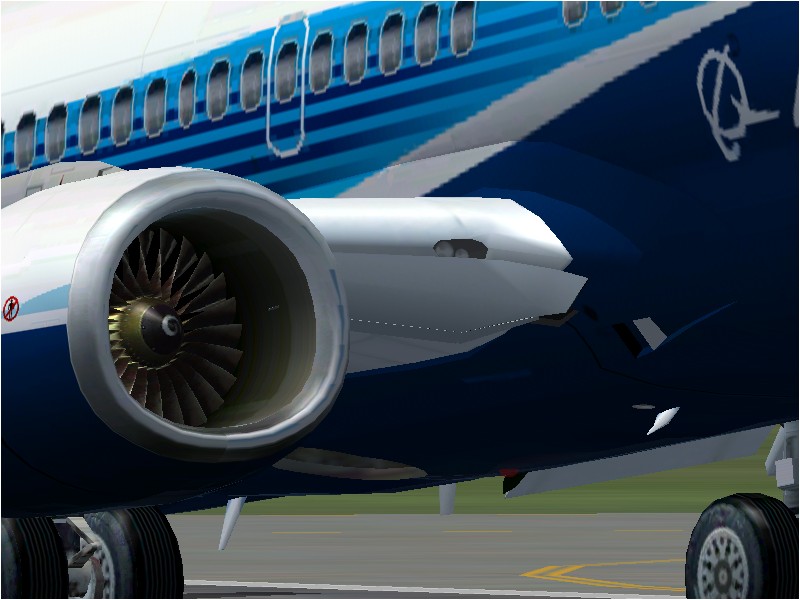

by GA_Pilot » Thu Jan 19, 2006 6:43 pm


by Alphajet_Enthusiast » Fri Jan 20, 2006 8:57 am

 (although Airbus is my true love)


by microlight » Fri Jan 20, 2006 11:21 am

by simonmd » Fri Jan 20, 2006 8:13 pm

by gilesh » Fri Jan 20, 2006 9:03 pm
Yep you can easily turn off the hud. I will upload a pic later of the panel with the hud turnd off.by DeepSpace » Sun Jan 22, 2006 7:28 am
 very good looking panel. Good job . Here are some pics of the NG's HUD if you need some reference.
by Nexus » Sun Jan 22, 2006 10:33 am
by Gary R. » Sun Jan 22, 2006 12:03 pm

by Gary R. » Sun Jan 22, 2006 12:10 pm
by Alphajet_Enthusiast » Sun Jan 22, 2006 1:20 pm
Nono. You have completely misunderstood the purpose of a head-up-display. The HUD allows the pilots to fly low visibility approaches without using the autopilot. The Boeing 737 HUD, also consists of additional guidance raw material, like localizer and glide slope.
To further dig deeper into the subject: the HUD in the 737 is driven by it's own FGC (flight guidance computer), which means that you cant couple the AP to the HUD. In other words you hand fly CATII landings. So again, please tell me how a HUD is VFR related?
Ask American Airlines if they think the HUD is a waste of money. Their 738's doesnt have the "rollout" mode in their AFDS, which renders their 738's unable to autoland. Solution: install a HUD instead. :)
by Nexus » Sun Jan 22, 2006 3:05 pm
by Icelandair Pilot » Mon Jan 23, 2006 7:27 am

by gilesh » Fri Jan 27, 2006 8:08 pm
by elite marksman » Fri Jan 27, 2006 8:45 pm
 ) Stupid homework...
 Return to FS 2004 - A Century of Flight
Users browsing this forum: No registered users and 129 guests
