
Simviation Forums
Flight Simulator and other chat
Flight Simulator and other chat
 by gijake » Fri Jan 06, 2006 10:14 pm

by Papa9571 » Fri Jan 06, 2006 10:17 pm


by gijake » Fri Jan 06, 2006 10:22 pm
by Papa9571 » Fri Jan 06, 2006 10:27 pm
by Papa9571 » Fri Jan 06, 2006 10:39 pm
by TacitBlue » Fri Jan 06, 2006 11:37 pm


by Alphajet_Enthusiast » Sat Jan 07, 2006 7:15 am
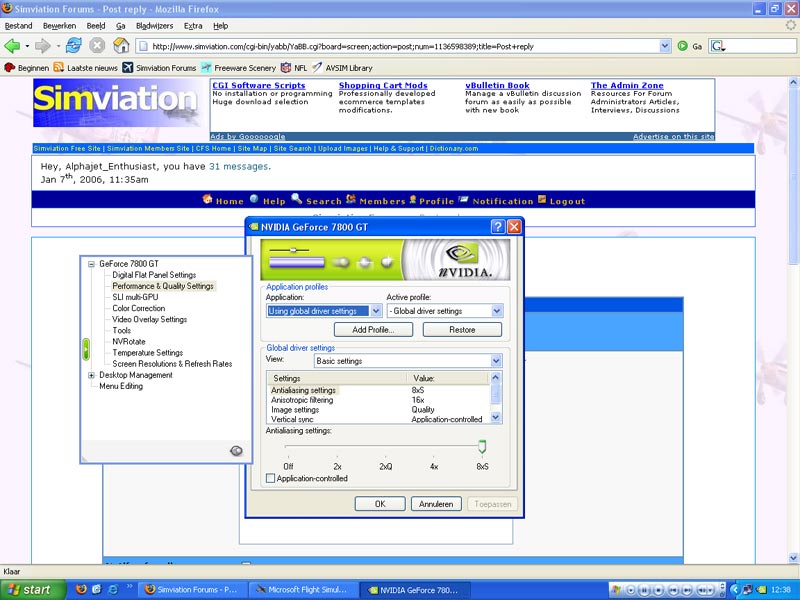
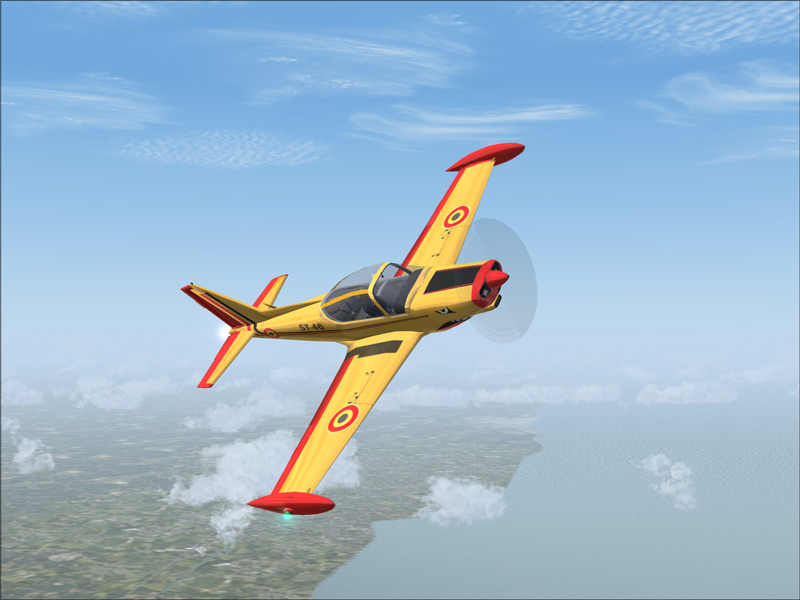


by Gunny04 » Sat Jan 07, 2006 9:40 am
by C » Sat Jan 07, 2006 9:54 am
That shot has got to be more than 100k


by Hagar » Sat Jan 07, 2006 10:09 am
That shot has got to be more than 100k
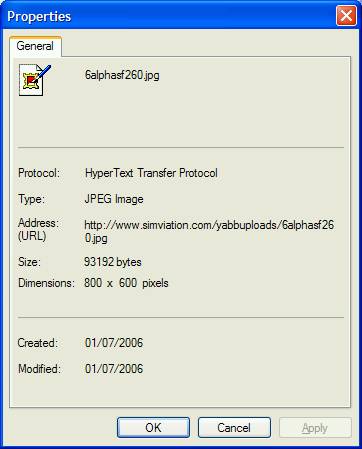


by Alphajet_Enthusiast » Sat Jan 07, 2006 4:24 pm

Return to FS 2004 - A Century of Flight
Users browsing this forum: No registered users and 100 guests

 )
)
