New Member...

FSX including FSX Steam version.

Re: New Member...

Postby FlyBaby » Sun Jul 27, 2014 4:41 pm

help will be welcomed. What else do you need to know? And yes, I was disappointed when the aircraft didn't show up in X's aircraft "aircraft row".
I dl file, un zip, place in temp folder, open to "airplanes" and drag and drop or copy. Do you have to drag and drop or is copy ok.
FlyBaby
Ground hog
Ground hog
 
Posts: 11
Joined: Sat Jul 26, 2014 7:12 pm

Re: New Member...

Postby FlyBaby » Sun Jul 27, 2014 4:43 pm

FlyBaby wrote:help will be welcomed. What else do you need to know? And yes, I was disappointed when the aircraft didn't show up in X's aircraft "aircraft row".
I dl file, un zip, place in temp folder, open to "airplanes" and drag and drop or copy. Do you have to drag and drop or is copy ok.

I open files in temp folder then move individual files all at once. Wrong, huh?
FlyBaby
Ground hog
Ground hog
 
Posts: 11
Joined: Sat Jul 26, 2014 7:12 pm

Re: New Member...

Postby FlyBaby » Sun Jul 27, 2014 4:47 pm

of course, "copy" leaves the original files in Aircraft "un zipped" folder as long as that is what read me instructs.
FlyBaby
Ground hog
Ground hog
 
Posts: 11
Joined: Sat Jul 26, 2014 7:12 pm

Re: New Member...

Postby CHUCK79 » Sun Jul 27, 2014 4:59 pm

Let's start at the beginning, FlyBaby :D

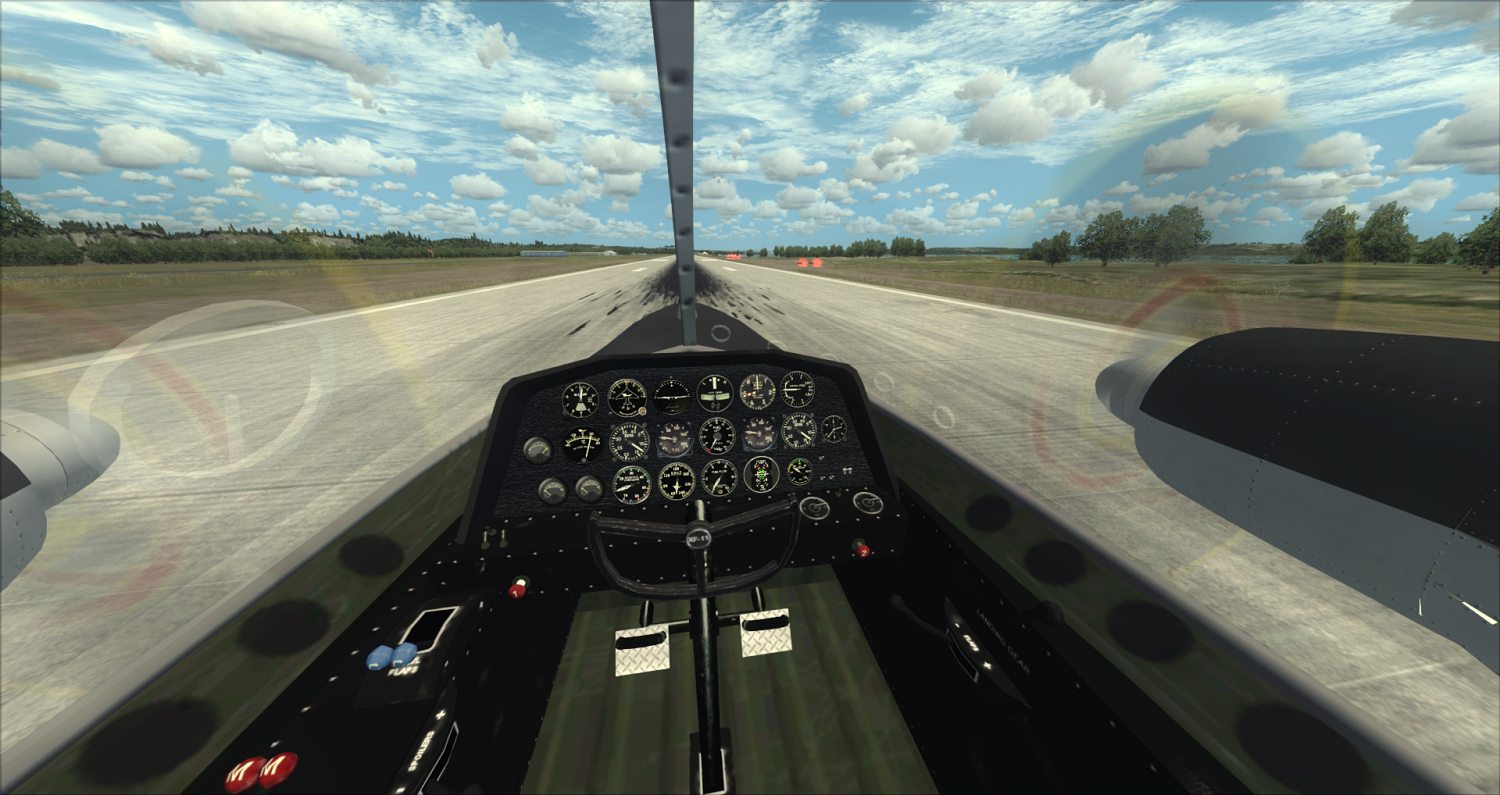
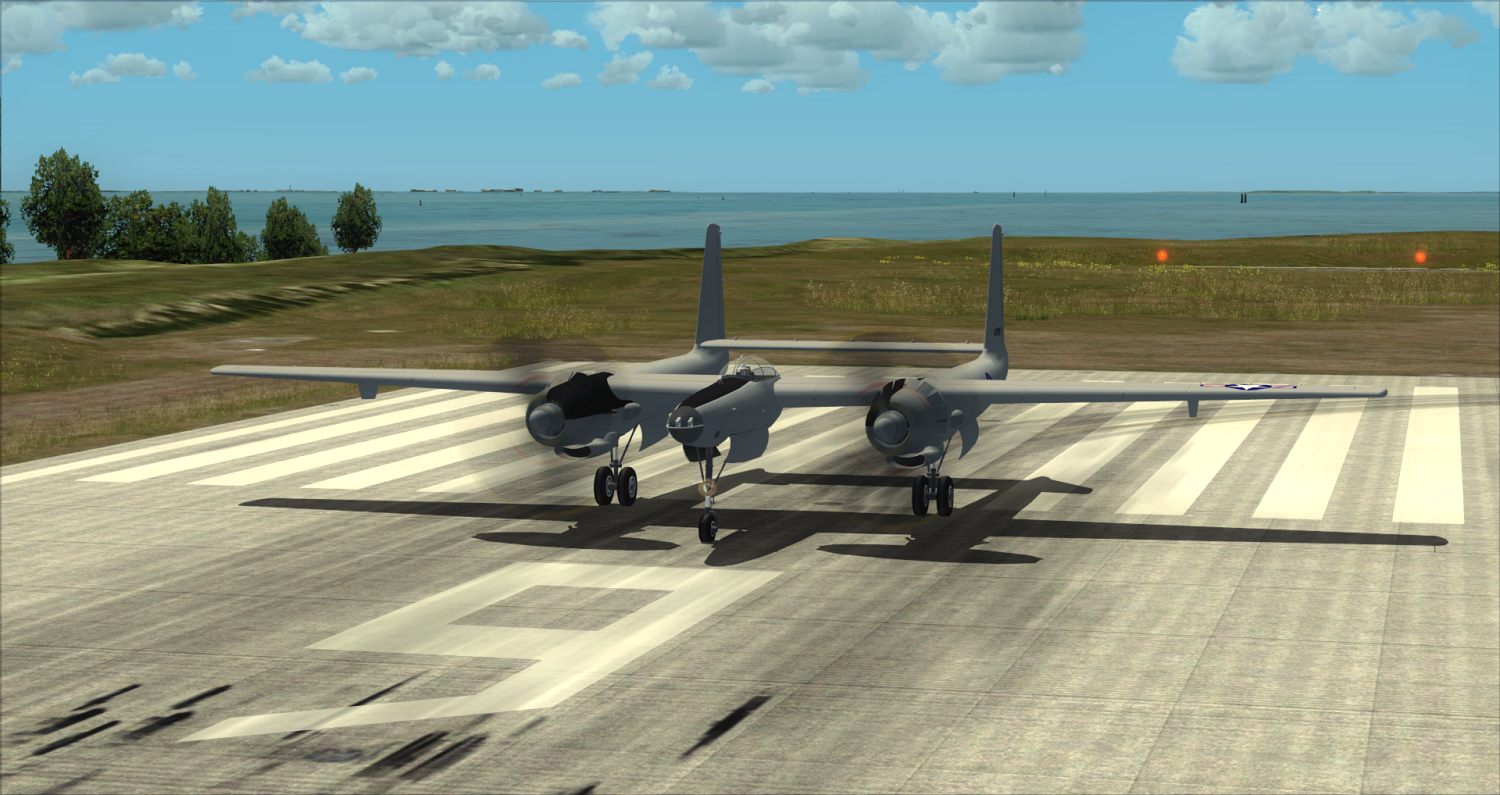
I'll use the Hughes XF11A Restoration Package (I assume this is the one) as the example.

After you download from SimV the file will be in zip form in whatever folder you choose to download into. Extract the file into that same folder. Once extracted and opened there will be two files inside. One folder called HughesXF11A and a text document called README. We can skip the README 'cuz that's what I'm explaining here. The only file that really matters here is the HUGHESXF11A folder (it contains the model, panel, sound and texture folders FSX needs to recognize and display the aircraft). Move this folder to your FSX/SimObjects/Airplanes folder.

I downloaded and installed the aircraft into my sim using these directions and I experienced no problems:

Image


Image
That's it :D
User avatar
CHUCK79
Global Moderator
Global Moderator
 
Posts: 6168
Joined: Fri Mar 26, 2010 10:13 am
Location: KOMK

Re: New Member...

Postby mrplanecrazzy » Sun Jul 27, 2014 5:33 pm

Okay, so I'll play point man here.
I can just about guarantee that any help offered to FlyBaby will soon be rescinded in 3....2....1 :snooty:
Intel(R) Core™ i7-4790K - ASUS Z97-A - NVIDIA GeForce GTX 780 - 250GB Samsung 840 EVO - 1.5TB Gaming Western Digital VelociRaptor 10,000RPM - Corsair 32GB (8GBx4) DDR3/2133MHz - 900 Watts -Apevia Warlock Power Supply LG 49" 4K Monitor 4096x2160
User avatar
mrplanecrazzy
2nd Lieutenant
2nd Lieutenant
 
Posts: 92
Joined: Tue Jul 01, 2014 9:55 pm
Location: KORL

Re: New Member...

Postby CHUCK79 » Sun Jul 27, 2014 5:45 pm

mrplanecrazzy wrote:Okay, so I'll play point man here.
I can just about guarantee that any help offered to FlyBaby will soon be rescinded in 3....2....1 :snooty:


Let's give him a chance guys......I've been frustrated to that point before :D
User avatar
CHUCK79
Global Moderator
Global Moderator
 
Posts: 6168
Joined: Fri Mar 26, 2010 10:13 am
Location: KOMK

Re: New Member...

Postby OldAirmail » Sun Jul 27, 2014 6:26 pm

FlyBaby wrote:Think about it for a moment.

Just how are we supposed to help you? (When you gave us no background information)


FlyBaby wrote:
for your info airmail,(name calling), Ive been flying MSFS since the early 90's. I have literally thousands of hours on it and real flight time as well. I actually flew the king Air around the world once....in real time! I also am fluent in computer. So....what does assuming make you? I have 6 add on aircraft that I have already downloaded and installed and run fine but I AM relatively new to add on aircraft. Maybe some of these that I have from here are not full versions idk. So, I already listed the ones I have already DLed and the others I have already deleted but I kept the ones mentioned.
Ok....Im running windows 7 with 3gb ram and 500gb hd. Gateway NV55c.

Than you.

There's no way to help if we don't know what you have and what you can do.

Chuck has downloaded one of the files that gave you trouble. No problem there.


One thing that comes to mind (because I've done it too when dragging & dropping a file/folder) is have you checked that the un-zipped folder in in the SimObjects > Airplanes folder?

Another possibility, along the same line, is that you accidently dropped it into another airplanes folder.
.. .
Get the most out of your controls - SPAD.neXt

Image
. . . . . .Any time, any plane, any weather.
. . . . . . . . . . . . . Prepar3d V4
User avatar
OldAirmail
Major
Major
 
Posts: 4814
Joined: Sun Feb 17, 2013 3:06 pm
Location: Concrete, WA ICAO - 3W5

Re: New Member...

Postby FlyBaby » Sun Jul 27, 2014 7:12 pm

Fozzer wrote:Early days yet... ;) ....

It takes time...and patience!.... to figure out how things work....

...like anything else... ;) ...!

Paul.

P.S.....I could do with a new "Member". My old one has worn out.


lol
FlyBaby
Ground hog
Ground hog
 
Posts: 11
Joined: Sat Jul 26, 2014 7:12 pm

Re: New Member...

Postby FlyBaby » Sun Jul 27, 2014 7:27 pm

OldAirmail wrote:We do have plenty of people new to FSX, and flight sims in general, who come here with questions.

Lord knows when I first tried FSX, and my plane went EVERYWHERE but up, I thought that it was a CR%P&* game and I'd just delete the whole thing.

But I (literally) said to myself "I must be doing something wrong - LOTS of people like it?" :think:


And, so far as I have seen, no one criticizes newbies for asking "dumb" questions, because the questions aren't really dumb. They're simply basic questions.

We all have them when we start out. That's life.


But being belligerent and expecting immediate answers comes across as childish.

Not the best way to seek help.


FlyBaby, you're welcome back, there's a lot of people willing to help you.

We do need a bit more info though.


Your calling ME belligerent? You sir have done nothing but insulted me. Go back and read your first answer to my first post's. Then you say you did the same install and it works just peachy! And posted pic's too! In a attempt to rub it in my face! Bugger off dude. Don't need 'ya.
FlyBaby
Ground hog
Ground hog
 
Posts: 11
Joined: Sat Jul 26, 2014 7:12 pm

Re: New Member...

Postby FlyBaby » Sun Jul 27, 2014 7:30 pm

As a matter of fact, most of the "help" I have received has been bullshit. Don't really need any of 'ya. Kids or just Jerks. Frequency change approved.
FlyBaby
Ground hog
Ground hog
 
Posts: 11
Joined: Sat Jul 26, 2014 7:12 pm

Re: New Member...

Postby OldAirmail » Sun Jul 27, 2014 8:05 pm

Ahhhh. NOW I understand.
.. .
Get the most out of your controls - SPAD.neXt

Image
. . . . . .Any time, any plane, any weather.
. . . . . . . . . . . . . Prepar3d V4
User avatar
OldAirmail
Major
Major
 
Posts: 4814
Joined: Sun Feb 17, 2013 3:06 pm
Location: Concrete, WA ICAO - 3W5

Re: New Member...

Postby OldAirmail » Sun Jul 27, 2014 8:07 pm

.
.
.
.
.
.
.
.
.
.
.
.
.
.
.
.
.
.
.
.
.
.
.
.
.
.
.
.
.
.
.
.
.
.
.
.
.
.
.
.
.
.
.
.
.
.
.
.
.
.
Image
.. .
Get the most out of your controls - SPAD.neXt

Image
. . . . . .Any time, any plane, any weather.
. . . . . . . . . . . . . Prepar3d V4
User avatar
OldAirmail
Major
Major
 
Posts: 4814
Joined: Sun Feb 17, 2013 3:06 pm
Location: Concrete, WA ICAO - 3W5

Re: New Member...

Postby mrplanecrazzy » Sun Jul 27, 2014 8:20 pm

OldAirmail wrote:.
.
.
.
.
.
.
.
.
.
.
.
.
.
.
.
.
.
.
.
.
.
.
.
.
.
.
.
.
.
.
.
.
.
.
.
.
.
.
.
.
.
.
.
.
.
.
.
.
.
Image


Image
Intel(R) Core™ i7-4790K - ASUS Z97-A - NVIDIA GeForce GTX 780 - 250GB Samsung 840 EVO - 1.5TB Gaming Western Digital VelociRaptor 10,000RPM - Corsair 32GB (8GBx4) DDR3/2133MHz - 900 Watts -Apevia Warlock Power Supply LG 49" 4K Monitor 4096x2160
User avatar
mrplanecrazzy
2nd Lieutenant
2nd Lieutenant
 
Posts: 92
Joined: Tue Jul 01, 2014 9:55 pm
Location: KORL

Re: New Member...

Postby logjam » Mon Jul 28, 2014 12:54 am

Yeah, take that! And that! and stuff it in yer tailpipe ya stupid ole troll. If you think you got me fooled, just think again. <<t
User avatar
logjam
Major
Major
 
Posts: 1301
Joined: Tue Mar 26, 2002 3:10 am
Location: Lillooet, BC Canada

Re: New Member...

Postby Tug002 » Mon Jul 28, 2014 5:53 am

FlyBaby wrote:
Tug002 wrote:It took an hour to remove 8 aircraft? That should have taken about 3 or 4 mins. I think you are right, having a bad day. I am just thankfull for a fourm like this where everyone is happy to help when there is a problem :D .

Keep smiling
Tug :)[/quote
I had to open my "aircraft un zipped" folder and match files there with the files in MSFS so I knew which files to remove. That take a lot longer than a few min. And plz, spare me the little kid friggin comments plz. Grow up.


Hey there FlyBaby, It was never my intention to insult you as you may have taken it. As I said "must be having a bad day". That said you must keep a very clean computer as I figured you would just delete the Aircraft folder as I do and not take the time to delete each file, but then I am a lazy person :D . I can understand your frustration when it comes to installing addons as I too had the same problem when I first started adding them to my stable of aircraft. With a few questions and a little help from forums I eventually learned how to do it properly. Perhaps if you let the good people here in the forum know which aircraft that you are looking for they may be able to point you in the right direction so you will find the full aircraft that you are looking for as I sometimes downloaded partial aircraft or updates to aircraft that you needed to already have installed to work. You will find that the people here in this forum will be more than happy to hel you with your problems if given the chance to do so, if this forum wasn't a good place to be I would never had joined.

Keep smiling
Tug :)
User avatar
Tug002
Captain
Captain
 
Posts: 861
Joined: Wed Apr 16, 2014 7:34 am
Location: Ontario, Canada. CYSH

PreviousNext

Return to Flight Simulator X (FSX) and Steam

Who is online

Users browsing this forum: No registered users and 447 guests