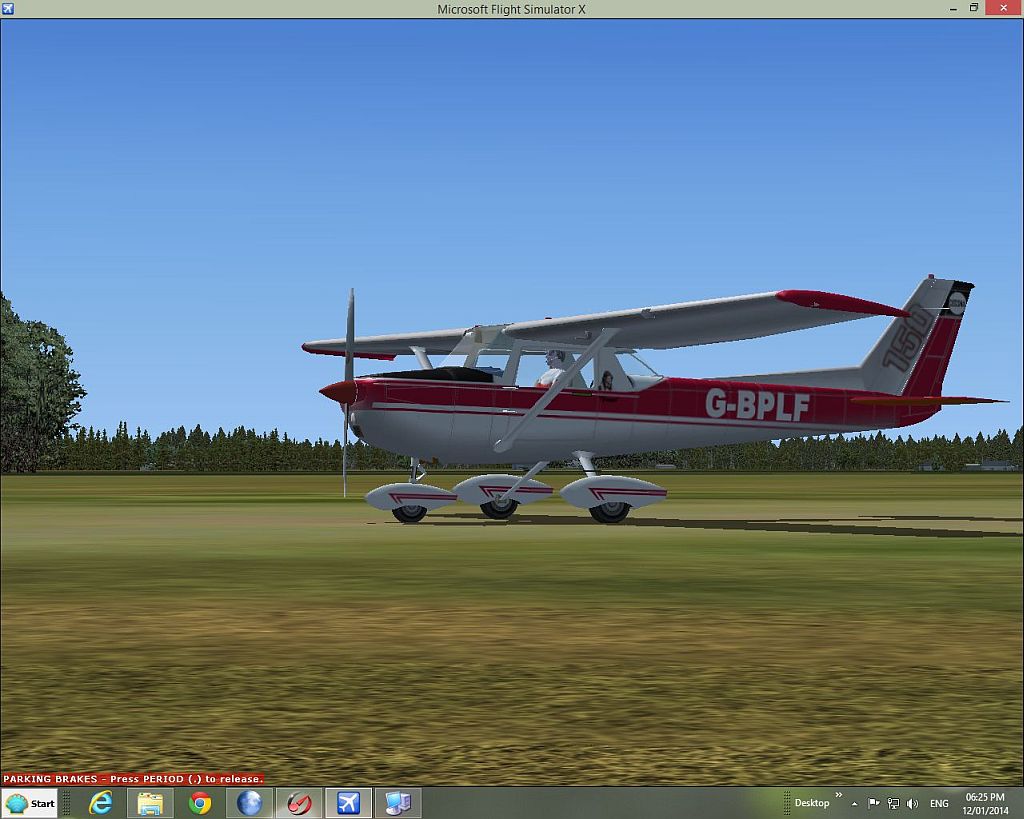
Some of you might know about the excellent freeware Cessna C-150 from Fravin, which was made for FS9 some years ago.
That model looked extremely cool, but unfortunately it was not possible to use it into FSX, due to many transparency problems.
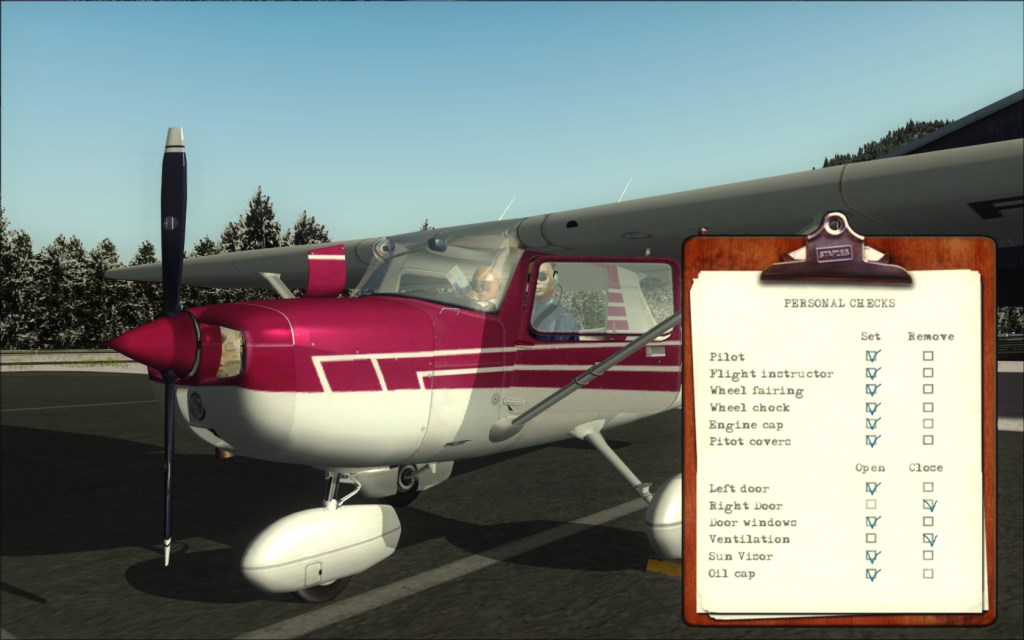
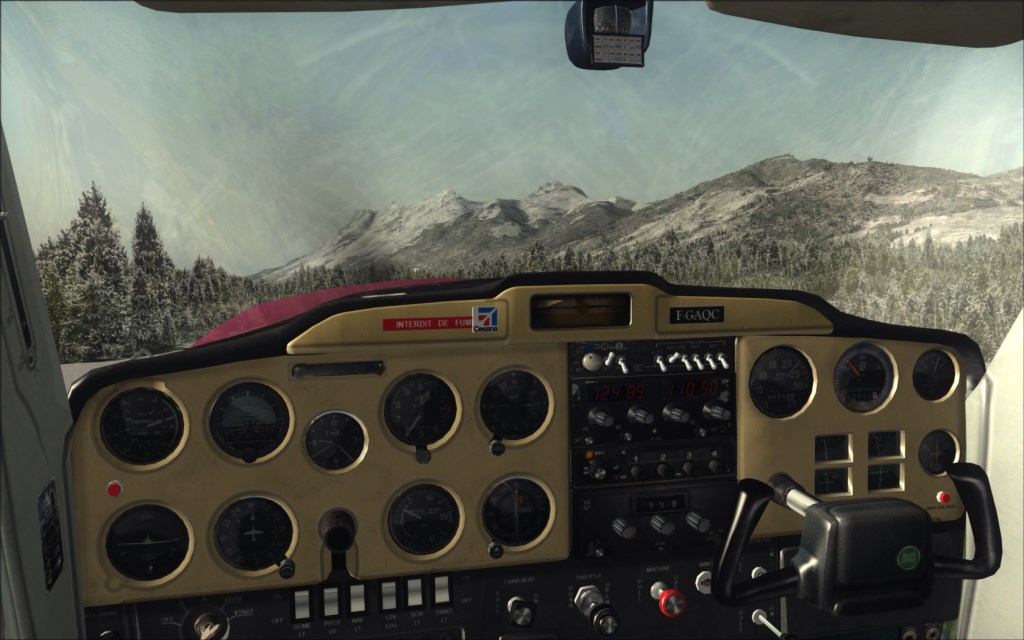
Well, with the authorization from Fravin himself, that little Cessna has been edited and recompiled in native FSX format ! And it even got some cool new features with that, including a configuration panel were you can show/hide some elements like the pilot or the wheel fairings, and many more cool little details, including clickspots in the cockpit to hide or show yokes, etc...
Some details about the download:
- The plane can be downloaded from the French-VFR website only: http://frenchvfr.free.fr/download.php?lng=en
- Go to the FSX/P3D aircraft category to find it
- If you click on the page "2" in the category list, you'll find the "Aircraft Repaints" category. There are some pretty cool additional repaints for the Cessna in there.
- You don't need to be registered on that site to download

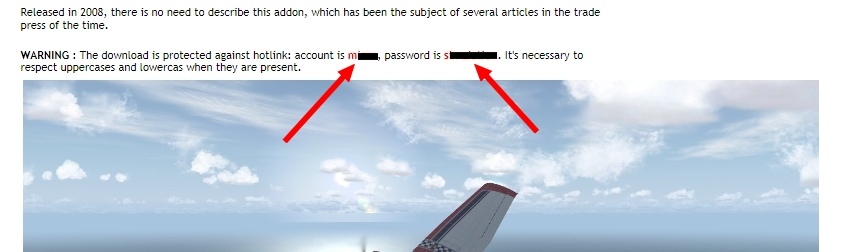
- To avoid hotlinking, the download requires a user and password input, but these are clearly written in red on the download page.
- The webpage is available in English (my link above should work). DO NOT USE GOOGLE TRANSLATE, because the username and password in the text will get translated too, so they will become invalid

Here are more explanation from the author of the conversion:
Hi,
It's not necessary to be registred on French-VFR to download an aircraft or an other model; if you do, it will be very nice of you.
Each download is protected with a username/password which are NOT your username member.
All necessary data are detailed in the few lines joined to the download area: you have just to read theses lines. So don't use "Google Translation" on my site, username and perhaps password will be also translated ... so your problems come from there.
To avoid this problem, I have create my homesite with two langages: French and English and I translate systematically all my download pages in English.
Download howto:
1) On the banner page of French-VFR, click on the English flag (at left top of the page) to switch the language site and then go to the Download area and read the instructions: username and password are colored in red.
2) If you have used wrongs username/password and if your explorer have memorized theses settings, try to use another program like Firefox or reset your security parameters (memorized accounts/password).
Here are a few screenshots showing the plane, as well as the configuration tablet:
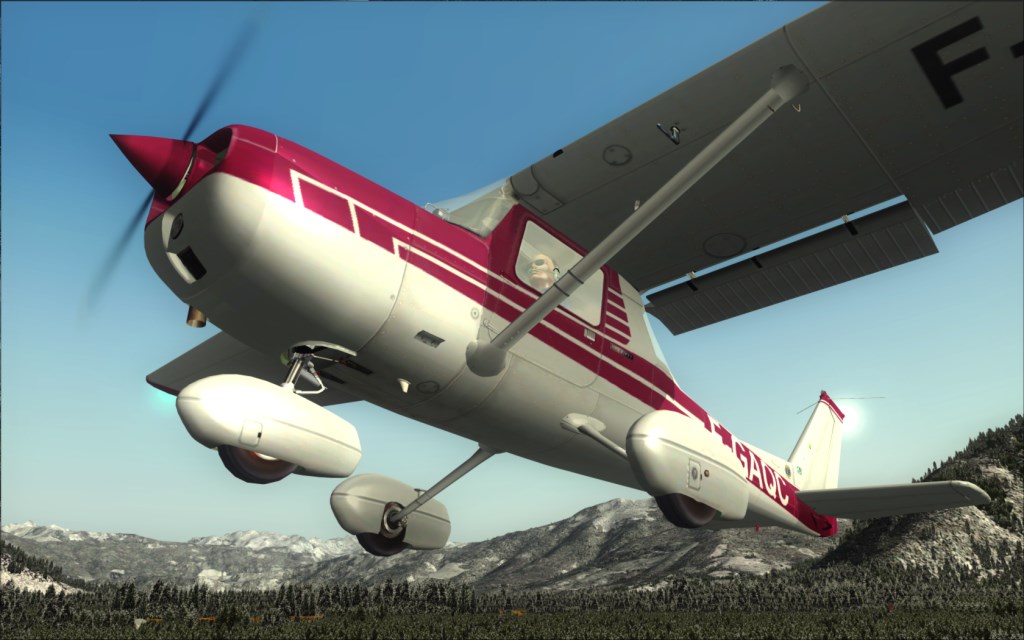
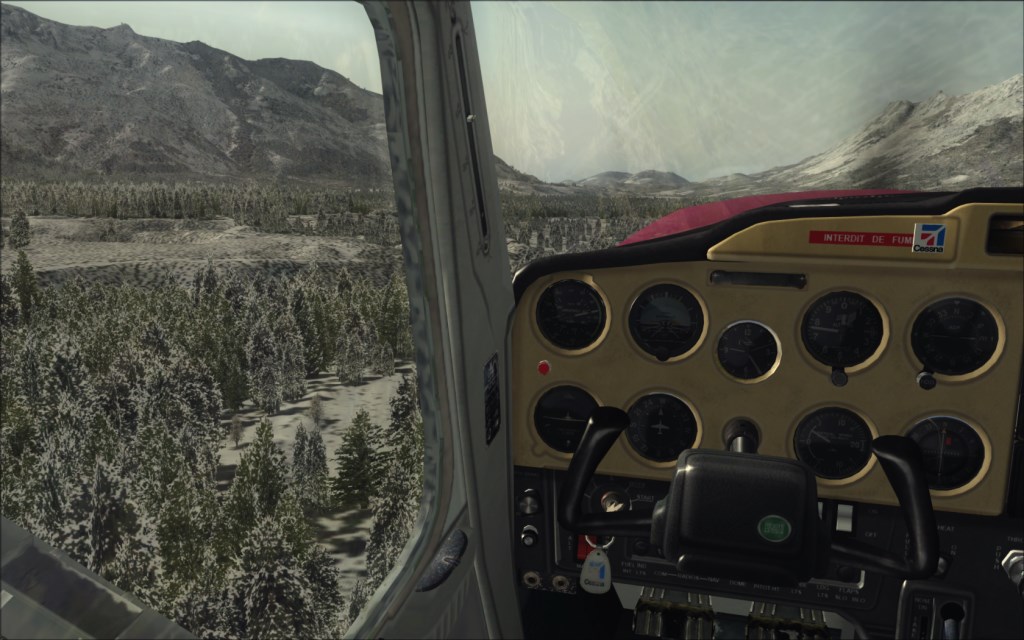
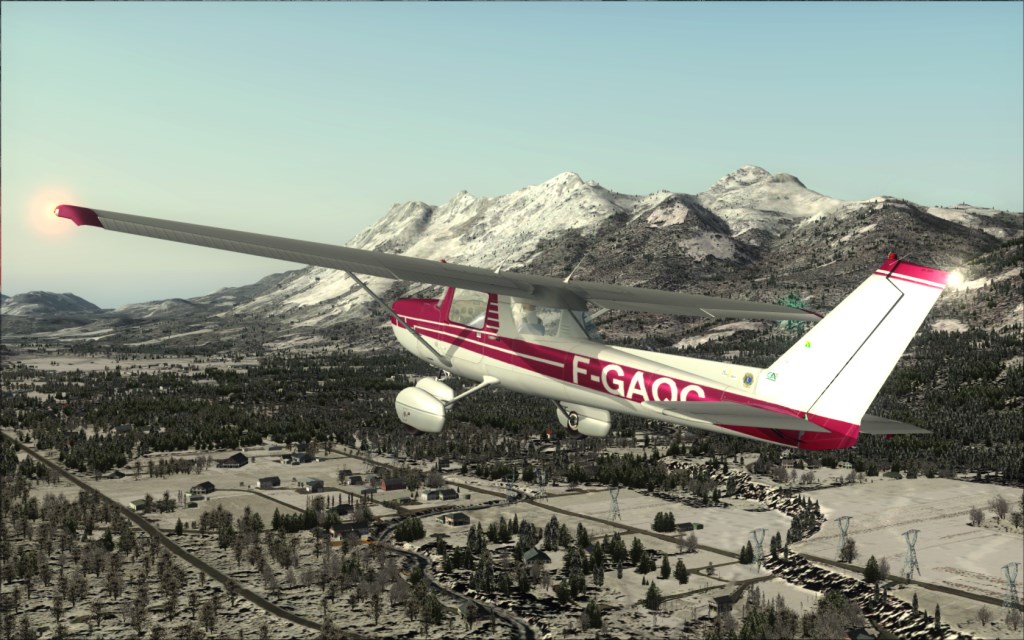
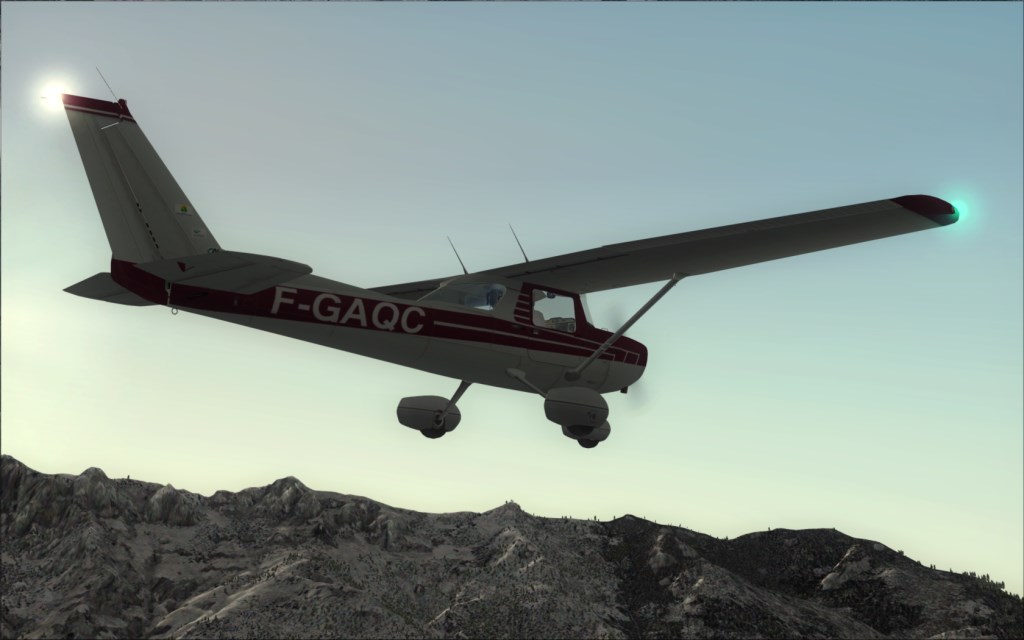
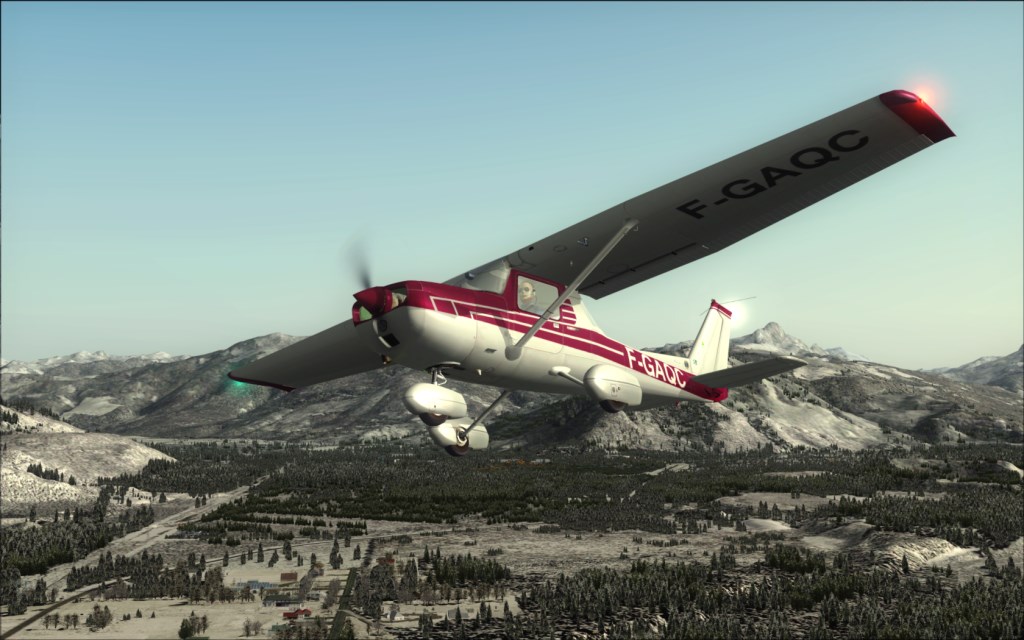






 ....!
....! ....!
....! ...!
...!