hondax78 wrote:So for some reason the radio stack in the defaul Cessna 172 and King Air 350 is messed up. It in the 172 it looks like this.
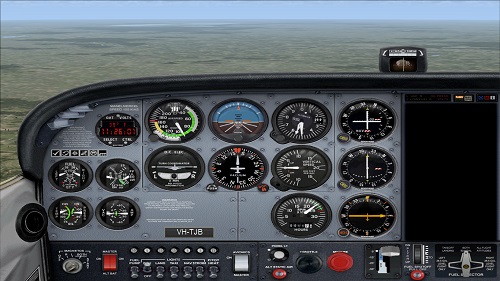
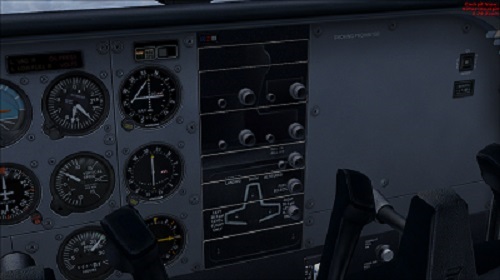
The only thing that I can think of is that I got some files mixed up when I was installing an addon.
Any ideas on how to fix this?
That is oblivious is it not. You somehow managed to replace the gauge that the plane used you will need to check the aircraft cfg file and find out what gauge you are now using. I am at work right now so I do not know what gauge you should be using. You can try to use system restore and go back before you made the changes. Or if you have done things the right way you have a back up of the gauge file and of the aircraft file. But I rather doubt it.
If I have said it once I have said it a thousand times BACKUP your FSX FOLDERS. And last but not least look before you put anything into FSX.
You have to think ahead before installing new files into FSX you have to make sure it is not going to alter something that is already there.
I not trying to blast you as everyone makes mistakes including myself. But you have to learn from them.
NEVER install anything into FSX without first making sure it will not effect anything.
Odds are what ever you installed replaced the gauge that the two aircraft used and you should have got a warning about a existing file with the same name and you ignored it. Never replace a file unless you are absolutely sure you know what you are doing, even then I find my self backing up or changing the name of the old file just in case.
A ounce of prevention is worth a ton of cure.


 Defaul 172 radio stack no showing properly
 by FarmKid » Sat Oct 05, 2013 1:46 pm