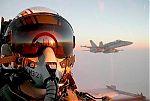
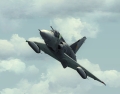
was flying a bit and thought that would be a nice shot.
Hovercontrol Dauphin Fs9/FSX
Scenery: Default near St. Barth and St.Martin.
Give Comments

Flight Simulator and other chat
 by Raoul98 » Sat Feb 11, 2012 2:21 pm


by jetprop » Sun Feb 12, 2012 4:08 am

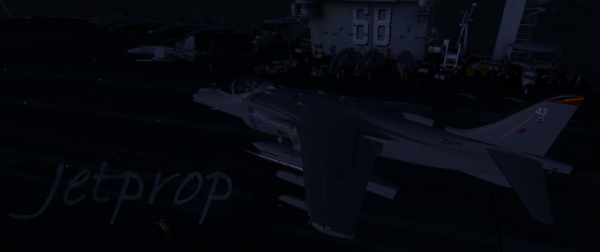

by Raoul98 » Sun Feb 12, 2012 4:18 am

by Daube » Sun Feb 12, 2012 1:10 pm


by Raoul98 » Sun Feb 12, 2012 1:28 pm
by Daube » Sun Feb 12, 2012 1:34 pm
by Raoul98 » Sun Feb 12, 2012 1:47 pm
by andy190 » Sun Feb 12, 2012 3:35 pm

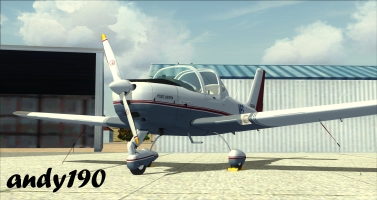
by Raoul98 » Sun Feb 12, 2012 4:07 pm
by Flying Trucker » Mon Feb 13, 2012 9:26 am

by Raoul98 » Mon Feb 13, 2012 1:45 pm
by hyperpep111 » Tue Feb 14, 2012 10:51 pm
Return to Simulation Screenshots Showcase
Users browsing this forum: pete and 315 guests