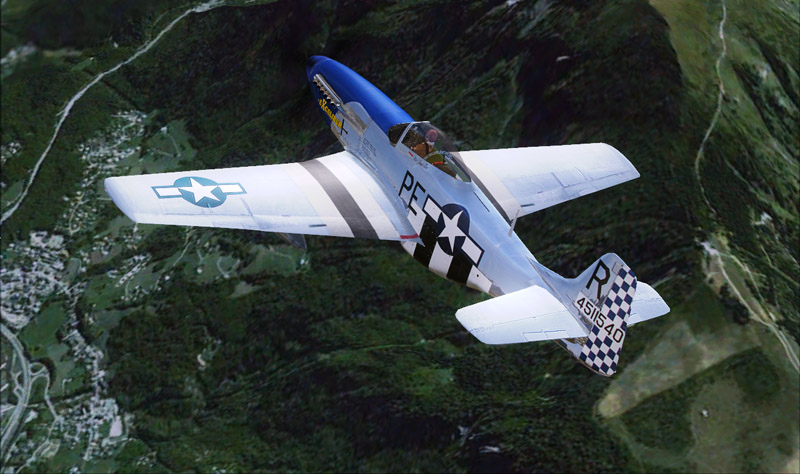
Flight Simulation Screenshots displaying your Flight Simulation Experience. MSFS, FSX, Prepar3D, XPlane and other Flight Simulators. Focus is your Flight Simulator Experience. Please upload to Simviation (Button at top right)
 by EJW » Sat Sep 26, 2009 5:00 pm
Freeware from Alpha.
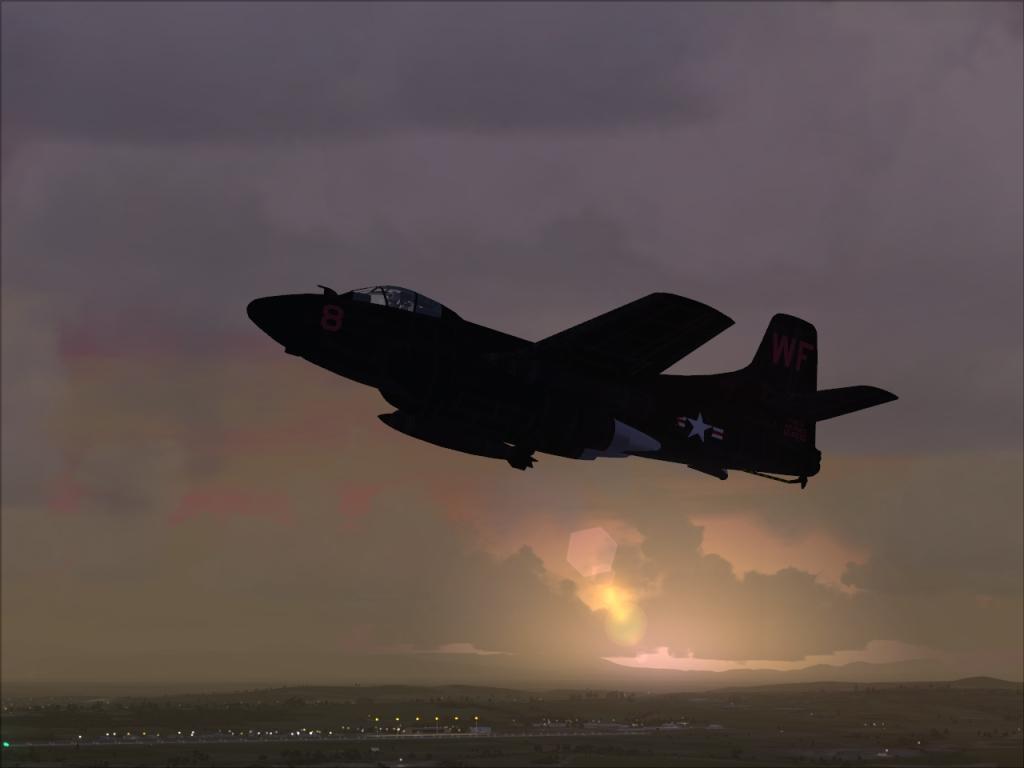
A little blurry for some reason???
Last edited by
EJW on Sat Sep 26, 2009 5:01 pm, edited 1 time in total.
-
EJW
- Major

-
- Posts: 2760
- Joined: Sun Apr 12, 2009 7:06 am
- Location: Lincolnshire, UK
by Daube » Sat Sep 26, 2009 5:10 pm
Excellent atmosphere, I just love the little haze and lighting of the visible ground scenery, very lovely 8-)
-

Daube
- Lieutenant Colonel

-
- Posts: 6611
- Joined: Wed Oct 05, 2005 8:34 am
- Location: Nice (FR)
by Daube » Sat Sep 26, 2009 5:12 pm
A little blurry for some reason???
You set the JPEG compression way too high. Your shot is only 30kb ! The compression made it blurry, you can see that when you look closely to the runway lights, for example.
-
Daube
- Lieutenant Colonel
-
- Posts: 6611
- Joined: Wed Oct 05, 2005 8:34 am
- Location: Nice (FR)
by EJW » Sat Sep 26, 2009 5:14 pm
A little blurry for some reason???
You set the JPEG compression way too high. Your shot is only 30kb ! The compression made it blurry, you can see that when you look closely to the runway lights, for example.
Thanks! I only started using Paint.NET an hour ago!

-
EJW
- Major
-
- Posts: 2760
- Joined: Sun Apr 12, 2009 7:06 am
- Location: Lincolnshire, UK
by Frequent Flyer » Sat Sep 26, 2009 5:26 pm
Great colours and the scenery seems to be very detailed.
-

Frequent Flyer
- Major
-
- Posts: 1567
- Joined: Tue Mar 31, 2009 6:52 am
- Location: Lucy's Sky with Diamonds
by EJW » Sat Sep 26, 2009 5:28 pm
Great colours and the scenery seems to be very detailed.
Yep, it's the FTX Tasmania demo. It's great!
-
EJW
- Major
-
- Posts: 2760
- Joined: Sun Apr 12, 2009 7:06 am
- Location: Lincolnshire, UK
by Daube » Sat Sep 26, 2009 5:29 pm
A little blurry for some reason???
You set the JPEG compression way too high. Your shot is only 30kb ! The compression made it blurry, you can see that when you look closely to the runway lights, for example.
Thanks! I only started using Paint.NET an hour ago!
Don't worry, there's nothing too complex.
Could you locate the JPEG quality option ? I believe it appears when you save the screenshot in JPEG format.
-
Daube
- Lieutenant Colonel
-
- Posts: 6611
- Joined: Wed Oct 05, 2005 8:34 am
- Location: Nice (FR)
by BrandonF » Sat Sep 26, 2009 5:34 pm
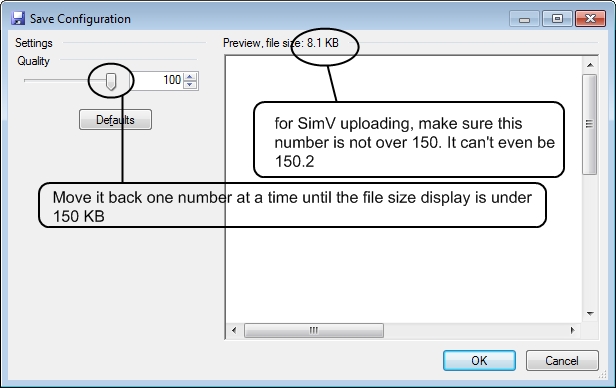
Maybe this will help you save an image with the highest quality possible. Welcome to the Wonderful World of PaintDotNet! It is a great program. You will like it. Trust me. It is amazing it is freeware!
This appears after you choose file type and where to save the image.
Last edited by
BrandonF on Sat Sep 26, 2009 5:36 pm, edited 1 time in total.
-
BrandonF
- Major
-
- Posts: 2288
- Joined: Wed Apr 22, 2009 11:37 pm
by EJW » Sun Sep 27, 2009 4:11 am
Thanks for your help and comments!
-
EJW
- Major
-
- Posts: 2760
- Joined: Sun Apr 12, 2009 7:06 am
- Location: Lincolnshire, UK
Return to Simulation Screenshots Showcase
Who is online
Users browsing this forum: No registered users and 377 guests