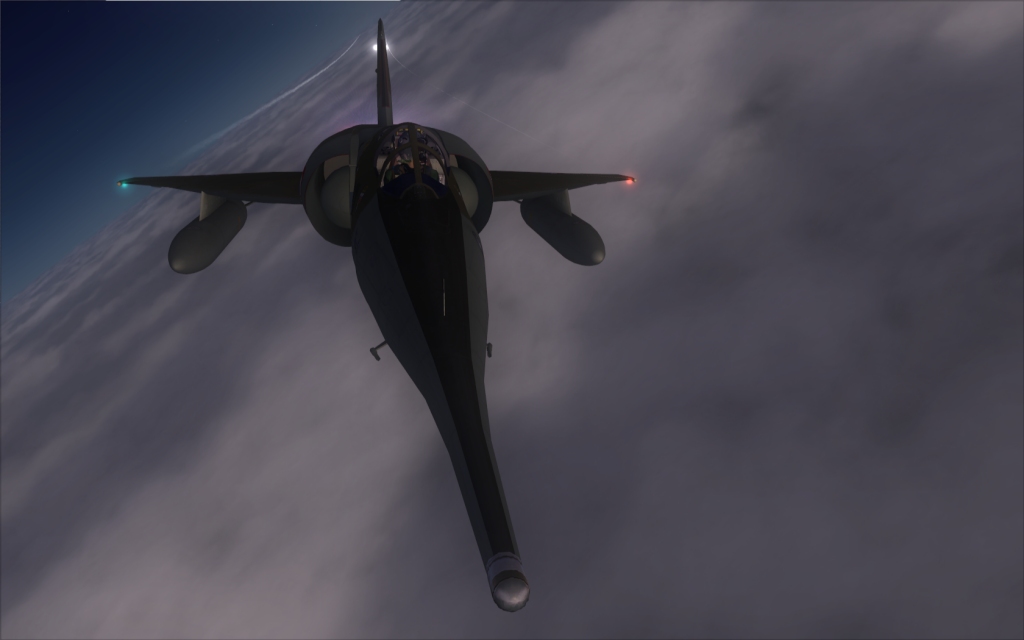
Testing angles

Flight Simulation Screenshots displaying your Flight Simulation Experience. MSFS, FSX, Prepar3D, XPlane and other Flight Simulators. Focus is your Flight Simulator Experience. Please upload to Simviation (Button at top right)

Testing angles

Postby Daube » Sat Jul 18, 2009 8:32 am

Hi all,

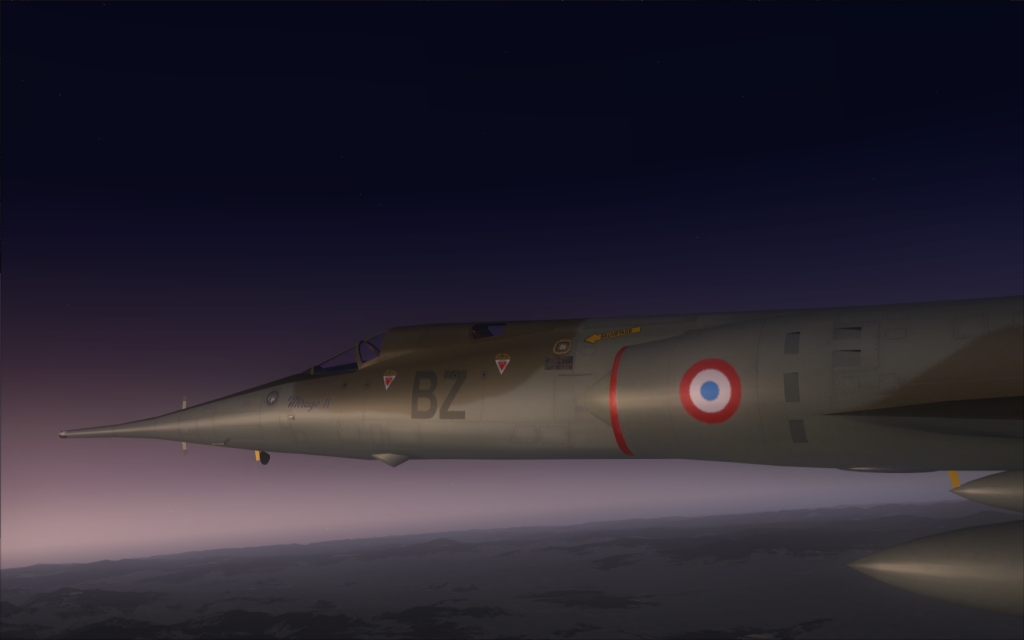
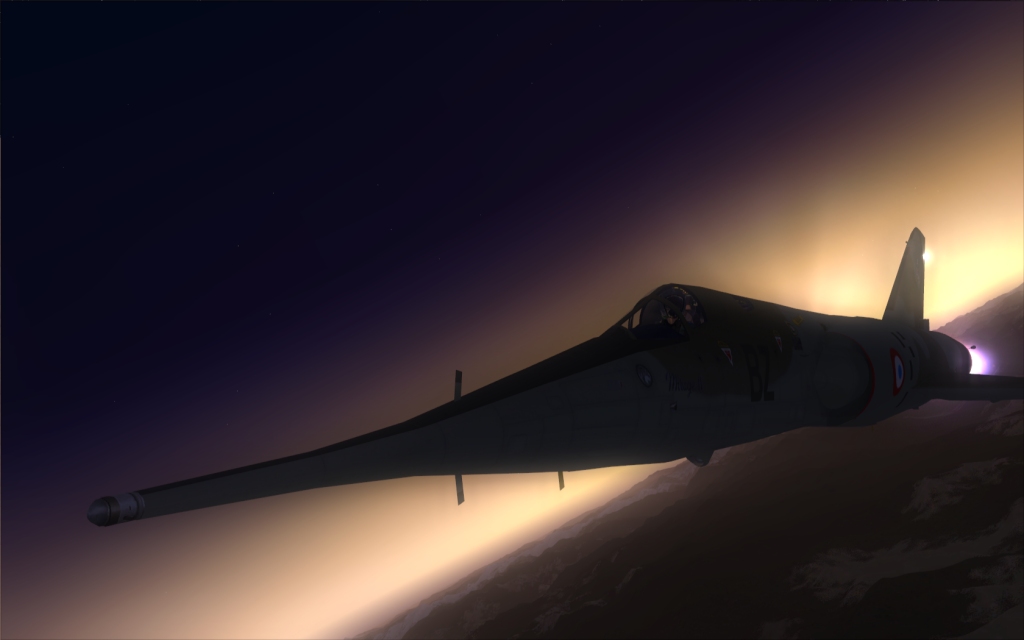
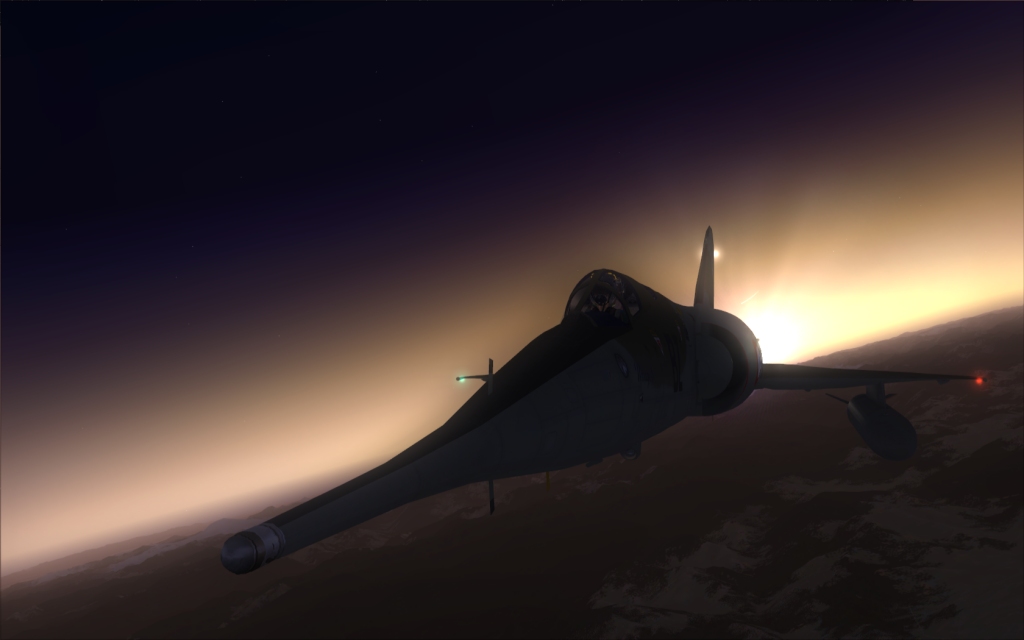
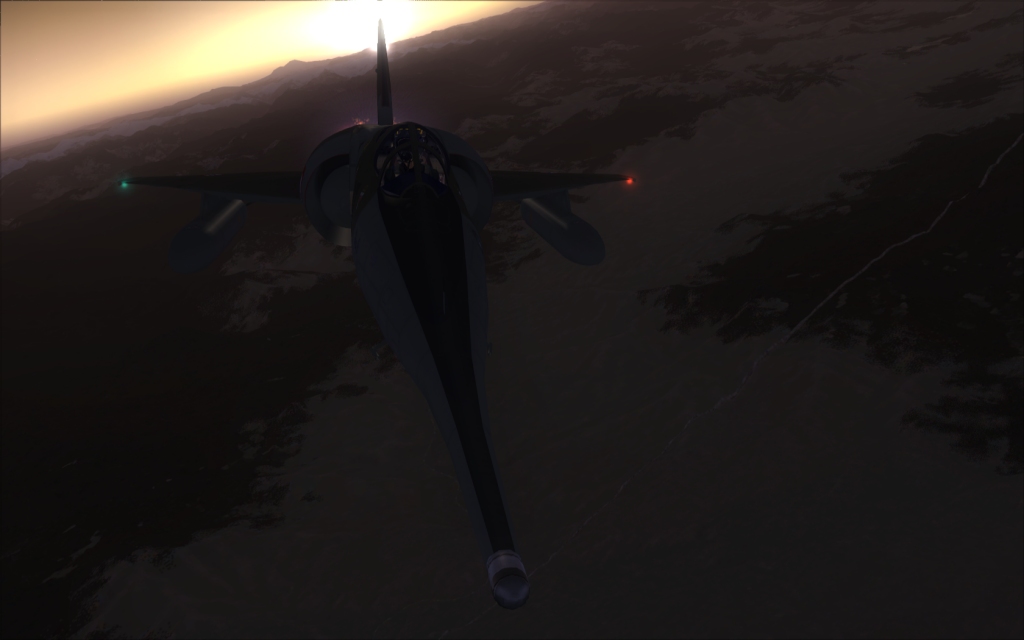
There are some models that were MUST-HAVEs back in FS9... and that are still MUST-HAVEs in FSX. The Mirage IV from Roland Laborie, one of the greatest virtual cockpits around, for one of the most beautifull european birds (and the one and only machine that visually express as much "power" as the russian machines).

I had a quick glance in the aircraft.cfg of the default Baron, took the camera definitions from there and pasted them into the aircraft.cfg of the Mirage, then started shooting. I still have to adjust the values to make them more convenient for such a big plane, but it works :)

Image

Image

Image

Image

Image

The shots are dark, I know. Hope you like them anyway, and of course, comments and criticism are very welcome as usual :)

User avatar
Daube
Lieutenant Colonel
Lieutenant Colonel
 
Posts: 6611
Joined: Wed Oct 05, 2005 8:34 am
Location: Nice (FR)

Re: Testing angles

Postby Daube » Sat Jul 18, 2009 9:04 am

Very nice! Did you use bloom? :)


Of course ! I cannot fly without this bloom module anymore. The normal FSX bloom does some good things depending on the situation, but it's way too much FPS-killer for my computer :/
User avatar
Daube
Lieutenant Colonel
Lieutenant Colonel
 
Posts: 6611
Joined: Wed Oct 05, 2005 8:34 am
Location: Nice (FR)

Re: Testing angles

Postby Brando14100 » Sat Jul 18, 2009 12:25 pm

Awesome angles and a really cool plane.

8-)
Brando14100
 

Re: Testing angles

Postby scalper_old » Mon Jul 20, 2009 11:34 am

neat shots.
scalper_old
Major
Major
 
Posts: 1431
Joined: Mon Dec 31, 1990 8:00 pm

Re: Testing angles

Postby Conan Edogawa » Mon Jul 20, 2009 2:32 pm

How did you get these angles? I still don't get it.

Got W&F and AC.

Nice shots ;)
Image

Specs: Intel Core2Quad Q6600 2,4GHz; 3,25GB RAM; nVidia EN8800GTS 512MB; Flight Simulator 9.1.
User avatar
Conan Edogawa
1st Lieutenant
1st Lieutenant
 
Posts: 488
Joined: Tue Dec 26, 2006 5:14 pm
Location: Hamburg, Germany

Re: Testing angles

Postby EJW » Mon Jul 20, 2009 2:44 pm

Looks great, I love the first shot and the nose shots. Great bomber!
EJW
Major
Major
 
Posts: 2760
Joined: Sun Apr 12, 2009 7:06 am
Location: Lincolnshire, UK

Re: Testing angles

Postby Daube » Mon Jul 20, 2009 4:21 pm

How did you get these angles? I still don't get it.

Got W&F and AC.

Nice shots ;)


All I did was copying the first three camera definitions from the aircraft.cfg of the default Baron, and pasting them into the aircraft.cfg of the Mirage.

Then, in he sim I had one more external view, and I could circle through the three modes (right wing, left wing and tail view) with the A key exactely like with the Baron. Then I moved the viewpoint using the assigned commands, like like in the VC view in fact, so CTRL+ENTER, CTRL+BACKSPACE, CTRL+SHIFT+ENTER, etc... In order to move the view to interesting location (like in front of the noze), and voila :)
User avatar
Daube
Lieutenant Colonel
Lieutenant Colonel
 
Posts: 6611
Joined: Wed Oct 05, 2005 8:34 am
Location: Nice (FR)


Return to Simulation Screenshots Showcase

Who is online

Users browsing this forum: No registered users and 546 guests