Re: Giving it a shot

Flight Simulation Screenshots displaying your Flight Simulation Experience. MSFS, FSX, Prepar3D, XPlane and other Flight Simulators. Focus is your Flight Simulator Experience. Please upload to Simviation (Button at top right)

Re: Giving it a shot

Postby olderndirt » Thu Jun 11, 2009 6:39 pm

Have a revised shot and am trying to put it in the thread but, though I've amended the file name and get the [img] message when I upload, all I get in the preview is a little red X in a white sqare.
[img]http://www.simviation.com/yabbuploads/oldrt18.jpg
User avatar
olderndirt
Major
Major
 
Posts: 3495
Joined: Sat Dec 20, 2008 3:07 pm
Location: Rochester, WA

Re: Giving it a shot

Postby Hagar » Thu Jun 11, 2009 6:45 pm

What is the file name?
Image

Founder & Sole Member - Grumpy's Over the Hill Club for Veteran Virtual Aviators
Member of the Fox Four Group
My Google Photos albums
My Flickr albums
User avatar
Hagar
Colonel
Colonel
 
Posts: 30869
Joined: Wed Jun 19, 2002 7:15 am
Location: Costa Geriatrica

Re: Giving it a shot

Postby olderndirt » Thu Jun 11, 2009 7:38 pm

Hagar, I,m going nuts - think it's /V440 OME 1967(2) or maybe (3).  Had one in yesterday - /V440 OME 1967 but it was too large.
[img]http://www.simviation.com/yabbuploads/oldrt18.jpg
User avatar
olderndirt
Major
Major
 
Posts: 3495
Joined: Sat Dec 20, 2008 3:07 pm
Location: Rochester, WA

Re: Giving it a shot

Postby Bob70 » Thu Jun 11, 2009 7:49 pm

[quote]Hagar, I,m going nuts - think it's /V440 OME 1967(2) or maybe (3).
Last edited by Bob70 on Thu Jun 11, 2009 7:53 pm, edited 1 time in total.
Image
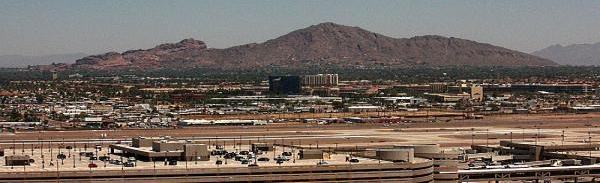
Camelback Mountain....Looking north from Sky Harbor Int.
User avatar
Bob70
Global Moderator
Global Moderator
 
Posts: 3069
Joined: Thu Nov 30, 2006 12:23 pm
Location: Phoenix Arizona , USA

Re: Giving it a shot

Postby olderndirt » Thu Jun 11, 2009 8:16 pm
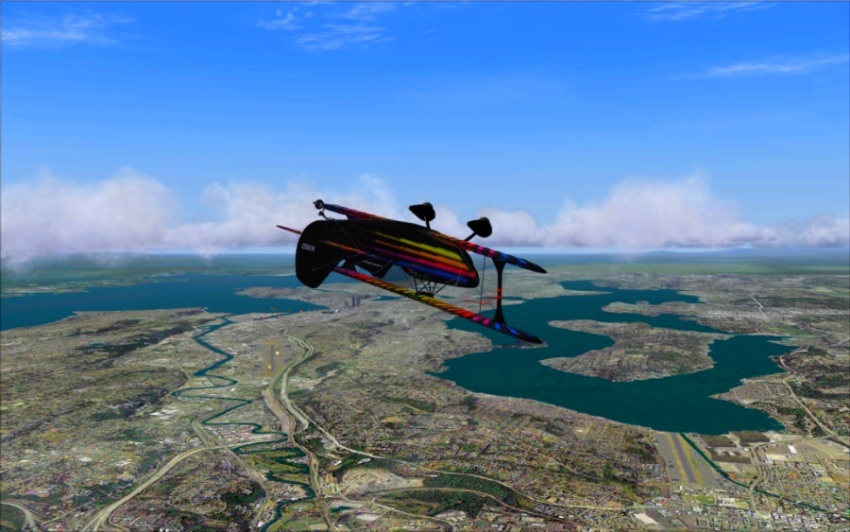
Image  Just making sure the last time wasn't a fluke  :)
[img]http://www.simviation.com/yabbuploads/oldrt18.jpg
User avatar
olderndirt
Major
Major
 
Posts: 3495
Joined: Sat Dec 20, 2008 3:07 pm
Location: Rochester, WA

Re: Giving it a shot

Postby Bob70 » Thu Jun 11, 2009 8:55 pm

Yea!!! You got it figured out. You know you can go up 1024 wide if you want to. Just stay under 150k per shot and 600k total per post. Give or take a few K on the total.  ;) We won't shoot you. ;D  Have fun. That's what it's all about.

:) Bob
Image
Camelback Mountain....Looking north from Sky Harbor Int.
User avatar
Bob70
Global Moderator
Global Moderator
 
Posts: 3069
Joined: Thu Nov 30, 2006 12:23 pm
Location: Phoenix Arizona , USA

Re: Giving it a shot

Postby Hagar » Fri Jun 12, 2009 3:15 am

[quote]Image.
Last edited by Hagar on Fri Jun 12, 2009 3:32 am, edited 1 time in total.
Image

Founder & Sole Member - Grumpy's Over the Hill Club for Veteran Virtual Aviators
Member of the Fox Four Group
My Google Photos albums
My Flickr albums
User avatar
Hagar
Colonel
Colonel
 
Posts: 30869
Joined: Wed Jun 19, 2002 7:15 am
Location: Costa Geriatrica

Re: Giving it a shot

Postby Fozzer » Fri Jun 12, 2009 4:45 am

[quote]Yea!!! You got it figured out. You know you can go up 1024 wide if you want to. Just stay under 150k per shot and 600k total per post. Give or take a few K on the total.
Last edited by Fozzer on Fri Jun 12, 2009 4:47 am, edited 1 time in total.
Win 8.1 64-bit. DX11. Advent Tower. Intel i7-3770 3.9 GHz 8-core. 8 GB System RAM. AMD Radeon HD 7700 1GB RAM. DVD ROM. 2 Terra Byte SATA Hard Drive. Philips 17" LCD Monitor. Saitek Cyborg X Fly-5 Joystick. ...and a Briggs and Stratton Petrol Lawn Mower.
User avatar
Fozzer
Colonel
Colonel
 
Posts: 27370
Joined: Thu Jan 31, 2002 3:11 pm
Location: Hereford. England. EGBS.

Re: Giving it a shot

Postby olderndirt » Fri Jun 12, 2009 8:55 am


Just remember that many of us still suffer from the width restrictions in the new-type Forum*, even with a Monitor resolution of 1280 X 1024.

I have to restrict my Screen Shots to 900 pixels width to avoid the necessity of horizontal scrolling to view the complete Post/Screen shot!


Paul...G-BPLF...1280 X 1024... 8-)...!

* The Avatar area takes up more of the available width on this new Forum...;)...!
[img]http://www.simviation.com/yabbuploads/oldrt18.jpg
User avatar
olderndirt
Major
Major
 
Posts: 3495
Joined: Sat Dec 20, 2008 3:07 pm
Location: Rochester, WA

Re: Giving it a shot

Postby ShaneG_old » Fri Jun 12, 2009 9:01 am


Just remember that many of us still suffer from the width restrictions in the new-type Forum*,

* The Avatar area takes up more of the available width on this new Forum...;)...!


You do know that in your User CP, you can revert back to the old style
of the forum (Yabb 2.1)?
Last edited by ShaneG_old on Fri Jun 12, 2009 9:02 am, edited 1 time in total.
ShaneG_old
Lieutenant Colonel
Lieutenant Colonel
 
Posts: 9700
Joined: Tue Mar 11, 2008 11:52 am

Re: Giving it a shot

Postby olderndirt » Fri Jun 12, 2009 9:05 am

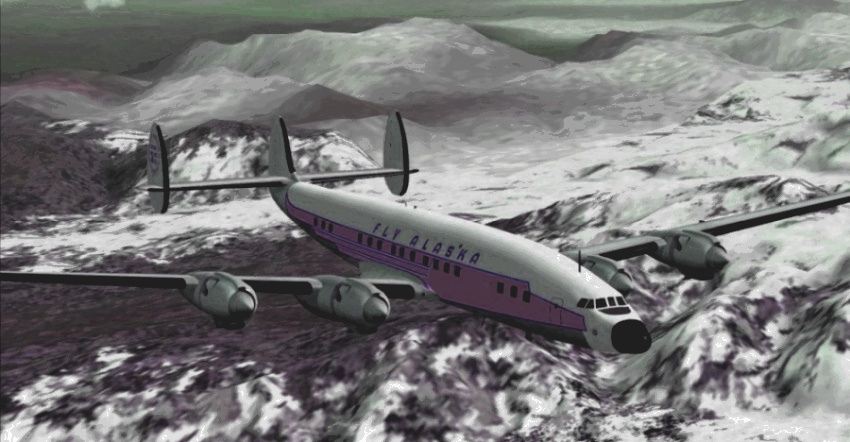
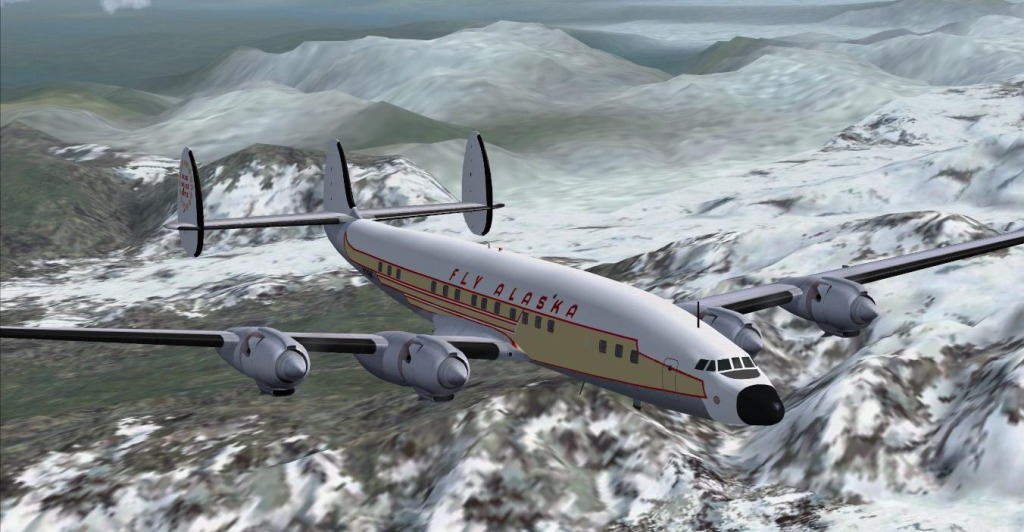
Glad you fixed it. The problem was caused by spaces in the file name & possibly the brackets. Stick to standard characters & use hyphens or underscores to separate words.

Here's the one you uploaded earlier. http://www.simviation.com/yabbuploads/V440%2520OME%25201967.jpg

It's a nice shot. Note the spaces have been filled with %2520. This happened automatically when you uploaded it.
The most confusing thing is when 'upload' tells you 'the file already exists, rename the file'.
[img]http://www.simviation.com/yabbuploads/oldrt18.jpg
User avatar
olderndirt
Major
Major
 
Posts: 3495
Joined: Sat Dec 20, 2008 3:07 pm
Location: Rochester, WA

Re: Giving it a shot

Postby yancovitch » Fri Jun 12, 2009 10:18 am

olderndirt ;D can't drive 100 meters without finding someone digging up something or other here in vancouver...yuk........
i7-7700k ....msi geforce gtx 1060....msi z270 gaming m5 lga 1151 motherboard....CORSAIR Vengeance LPX 16GB (2 x 8GB) ram.....
User avatar
yancovitch
Major
Major
 
Posts: 3530
Joined: Sat Aug 02, 2003 12:48 pm
Location: born montreal, lived vancouver, now live in burns lake bc.

Re: Giving it a shot

Postby olderndirt » Fri Jun 12, 2009 10:50 am

olderndirt ;D can't drive 100 meters without finding someone digging up something or other here in vancouver...yuk........
[img]http://www.simviation.com/yabbuploads/oldrt18.jpg
User avatar
olderndirt
Major
Major
 
Posts: 3495
Joined: Sat Dec 20, 2008 3:07 pm
Location: Rochester, WA

Re: Giving it a shot

Postby Hagar » Fri Jun 12, 2009 11:30 am

Glad you fixed it. The problem was caused by spaces in the file name & possibly the brackets. Stick to standard characters & use hyphens or underscores to separate words.

Here's the one you uploaded earlier. http://www.simviation.com/yabbuploads/V440%2520OME%25201967.jpg

It's a nice shot. Note the spaces have been filled with %2520. This happened automatically when you uploaded it.
The most confusing thing is when 'upload' tells you 'the file already exists, rename the file'.
Last edited by Hagar on Fri Jun 12, 2009 11:31 am, edited 1 time in total.
Image

Founder & Sole Member - Grumpy's Over the Hill Club for Veteran Virtual Aviators
Member of the Fox Four Group
My Google Photos albums
My Flickr albums
User avatar
Hagar
Colonel
Colonel
 
Posts: 30869
Joined: Wed Jun 19, 2002 7:15 am
Location: Costa Geriatrica

Re: Giving it a shot

Postby Fozzer » Fri Jun 12, 2009 12:11 pm


Just remember that many of us still suffer from the width restrictions in the new-type Forum*,

* The Avatar area takes up more of the available width on this new Forum...;)...!


You do know that in your User CP, you can revert back to the old style
of the forum (Yabb 2.1)?
Win 8.1 64-bit. DX11. Advent Tower. Intel i7-3770 3.9 GHz 8-core. 8 GB System RAM. AMD Radeon HD 7700 1GB RAM. DVD ROM. 2 Terra Byte SATA Hard Drive. Philips 17" LCD Monitor. Saitek Cyborg X Fly-5 Joystick. ...and a Briggs and Stratton Petrol Lawn Mower.
User avatar
Fozzer
Colonel
Colonel
 
Posts: 27370
Joined: Thu Jan 31, 2002 3:11 pm
Location: Hereford. England. EGBS.

PreviousNext

Return to Simulation Screenshots Showcase

Who is online

Users browsing this forum: No registered users and 558 guests