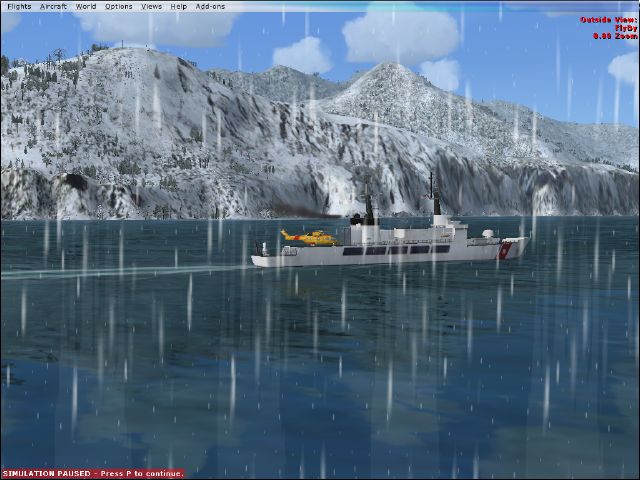
by YSHT » Tue Feb 17, 2009 4:52 am
i know it's blatantly obvious but for a top shot you have to get rid of the red writing and the bar at the top. now since you can't edit (including crop) pictures you have to do it in the sim. for the pause: press V for FSX, PRTSCR for basic screenshots or whatever you use if you have a screenshot program WHEN THE BOX IS FLASHING "OFF". on that note, turn slew off if it's on otherwise it will just alternate between the two. for the red writing top right, just wait and it should disappear... eventually. the taskbar: right click on the screen NOT THE TASKBAR ITSELF. select "Hide the Taskbar". I find that i have to repeat it to make it go away, i don't know about anyone else.
ASIDE FROM THAT, creative idea! i like it. also the shot is v good but personally i'd be more inclined to zoom in a tad. and action always works well. rather than the simple snow falling straight down, have the AC moving or something to that effect, even moving the camera should induce an apparent horizontal snowfall. Wind is good too.
My Specs:Intel Core i5 M430 @ 2.27GHz, 4GB RAM, ATI Mobility Radeon HD 5650 1GB Dedicated, FSX + Acceleration, Real-World RAA Pilot's Certificate