by ShaneG_old » Wed Jan 14, 2009 6:41 pm
I've been sitting here comparing them side by side, and to be honest, I can't really see the difference in the two resolutions. :-/
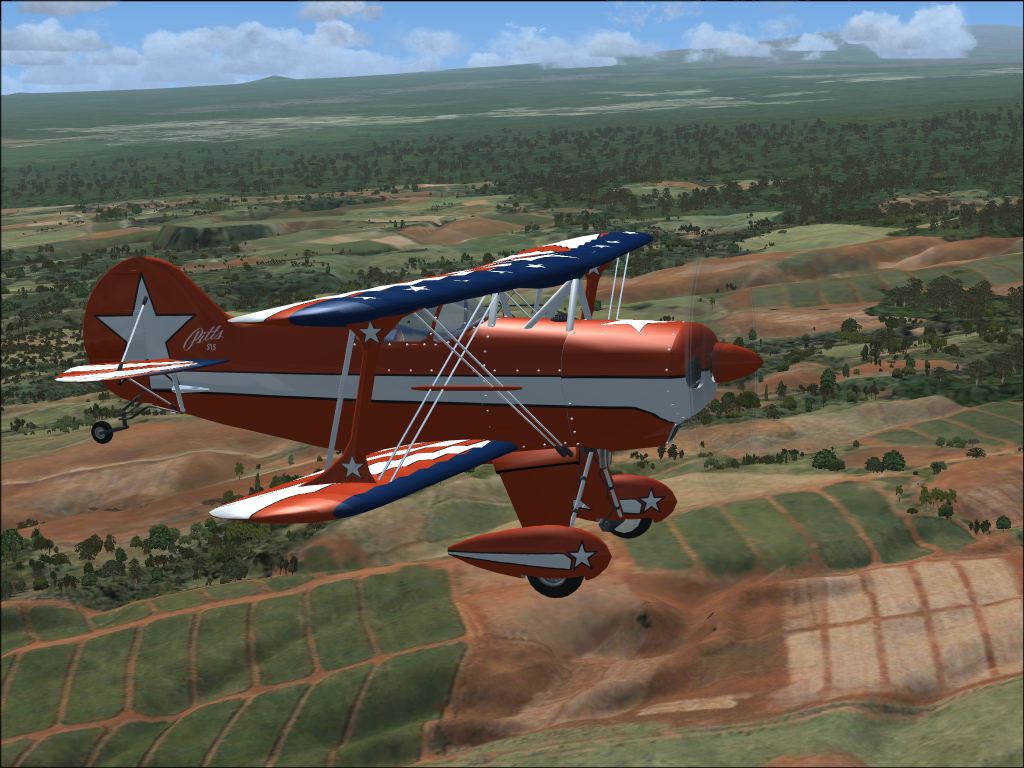
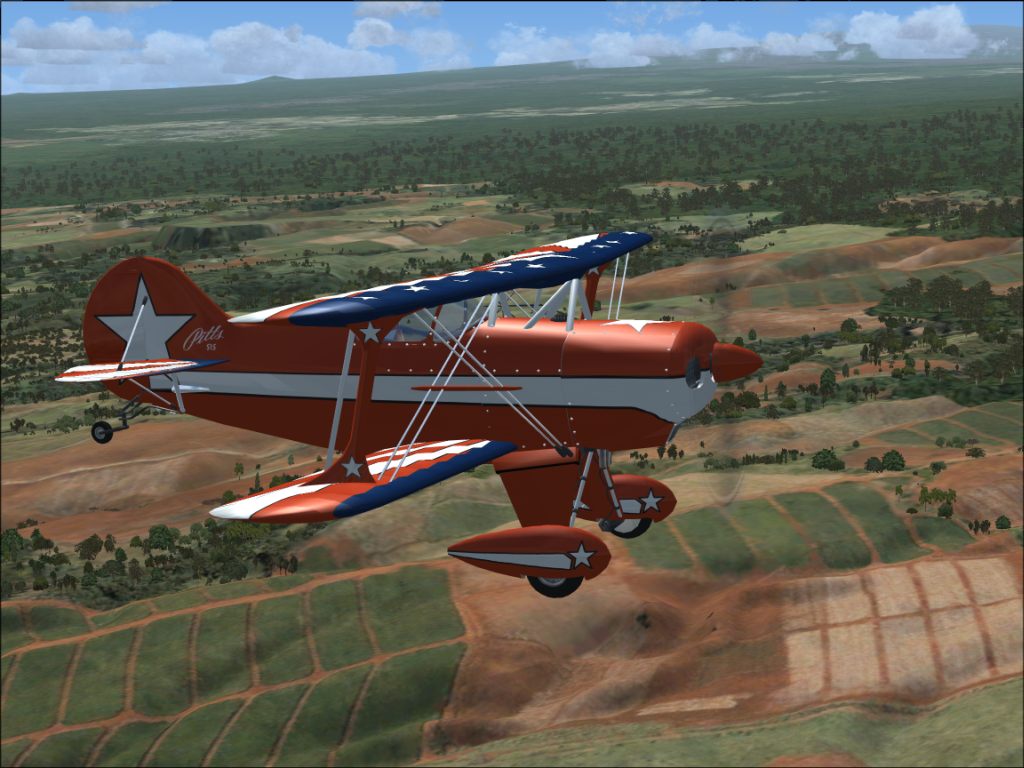
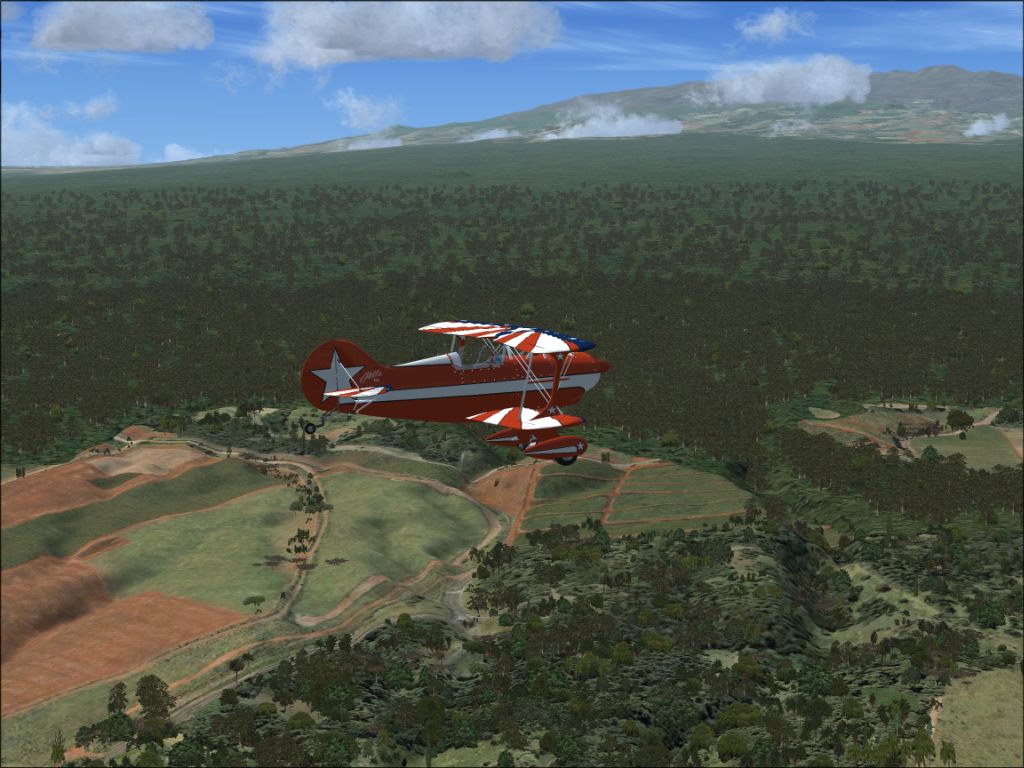
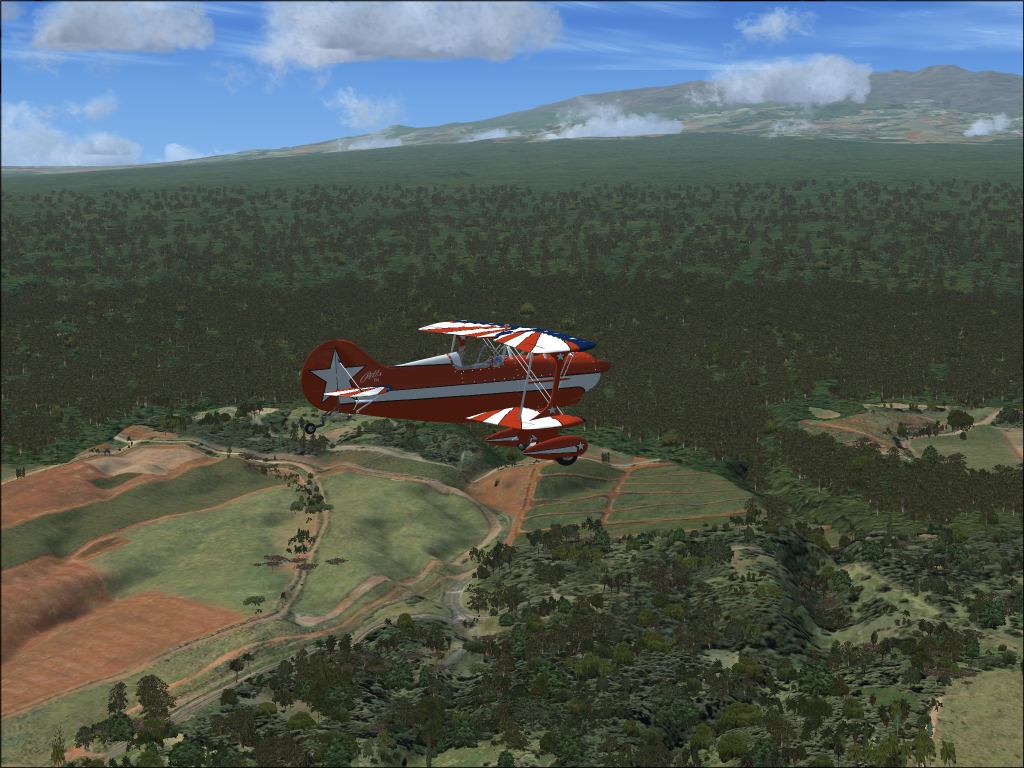
What I do see though, is that the scenery within say, a mile or so of the plane doesn't look too bad at all, while after that, it starts to break down dramatically. The autogen really shows this in the trees.
First thing that comes to mind would be that you're only running 1G of RAM. I see that you have 4G of virtual Ram, but I don't know much about that kind of thing, but I'm pretty sure it isn't helping in the way you want it to. If people are having problems with 2 or more Gigs of Ram, that could be it. The lack of a dual or quad core might also be hurting a bit.
Also, it appears that your visibility is set to unlimited, or somewhere rather close. If so then your system is having to render that distant scenery as well, which could take away from the quality of the rest of the scenery.
Just for the sake of trying, go into the user defined weather/advanced weather/ visibility tab- and set the tops to 99,999 and the visibility slider to 20/30 miles and then turn the cloud draw distance down to it's lowest level, I think it's 60m, that will provide a more realistic looking horizon, and should also keep the sim from trying to draw a ton of stuff that's nowhere near you.
May work, may not. It did help me.







 ) to 10 m.