
Around Duncan BC

Flight Simulation Screenshots displaying your Flight Simulation Experience. MSFS, FSX, Prepar3D, XPlane and other Flight Simulators. Focus is your Flight Simulator Experience. Please upload to Simviation (Button at top right)

Around Duncan BC

Postby scalper_old » Sat Jan 10, 2009 2:54 am

Image

Image

Image

Image

Image

Thanks.
scalper_old
Major
Major
 
Posts: 1431
Joined: Mon Dec 31, 1990 8:00 pm

Re: Around Duncan BC

Postby gtirob01 » Sat Jan 10, 2009 3:17 pm

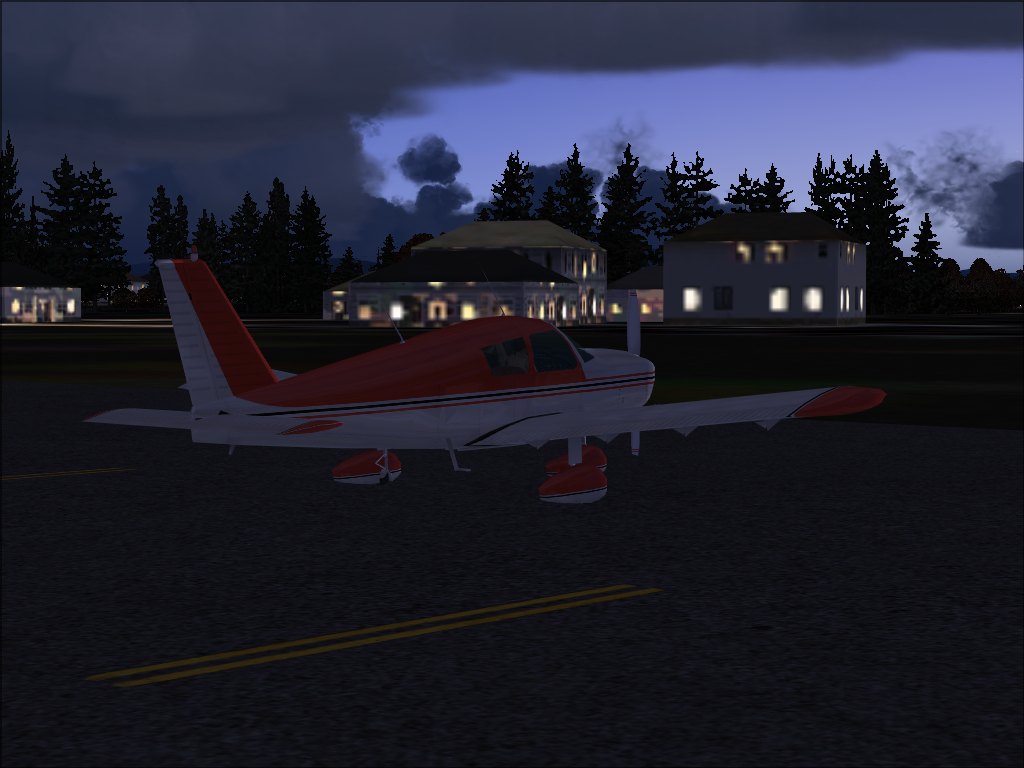
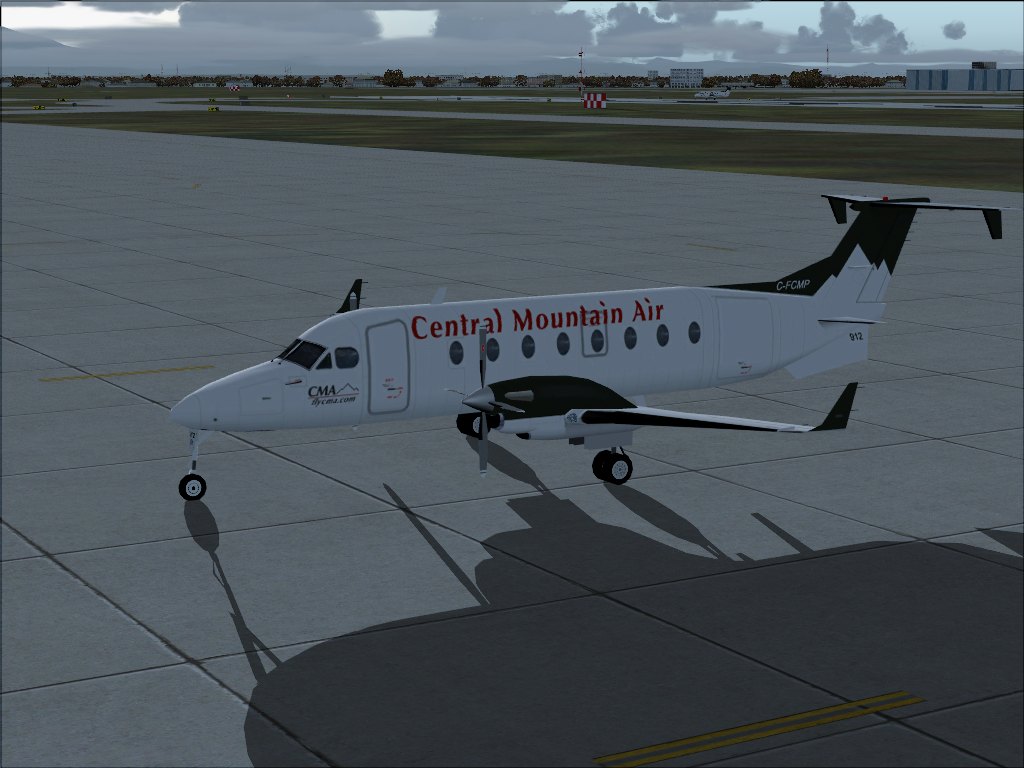
Some pretty nice shots, but I would recommend cropping them. #2 and #4 would benefit from it. All of those shots though, I can see being cropped for more impact.
My specs... A hard drive, motherboard, graphics card, some memory, a keyboard, mouse, and monitor - in other words, nothing special.

Image

My Posky
User avatar
gtirob01
Major
Major
 
Posts: 3605
Joined: Fri Jul 20, 2007 11:10 pm
Location: Ft. Walton Beach, FL

Re: Around Duncan BC

Postby haroldkip » Sun Jan 11, 2009 4:58 pm

My kind of area ...

Those are some nice shots but I believe that Rob has a point, but I don't believe cropping would solve it.
I always like to bring the camera lower to the ground and tilt it more up, so that my shots have a little more 'air' (literally); a little more breathing room ...
Last edited by haroldkip on Sun Jan 11, 2009 4:59 pm, edited 1 time in total.
User avatar
haroldkip
Lieutenant Colonel
Lieutenant Colonel
 
Posts: 5906
Joined: Wed Apr 12, 2006 5:13 am
Location: Amsterdam, The Netherlands

Re: Around Duncan BC

Postby Daube » Sun Jan 11, 2009 5:25 pm

Duncan BC ? Looks like a nice area to explore, I will give it a try later :)

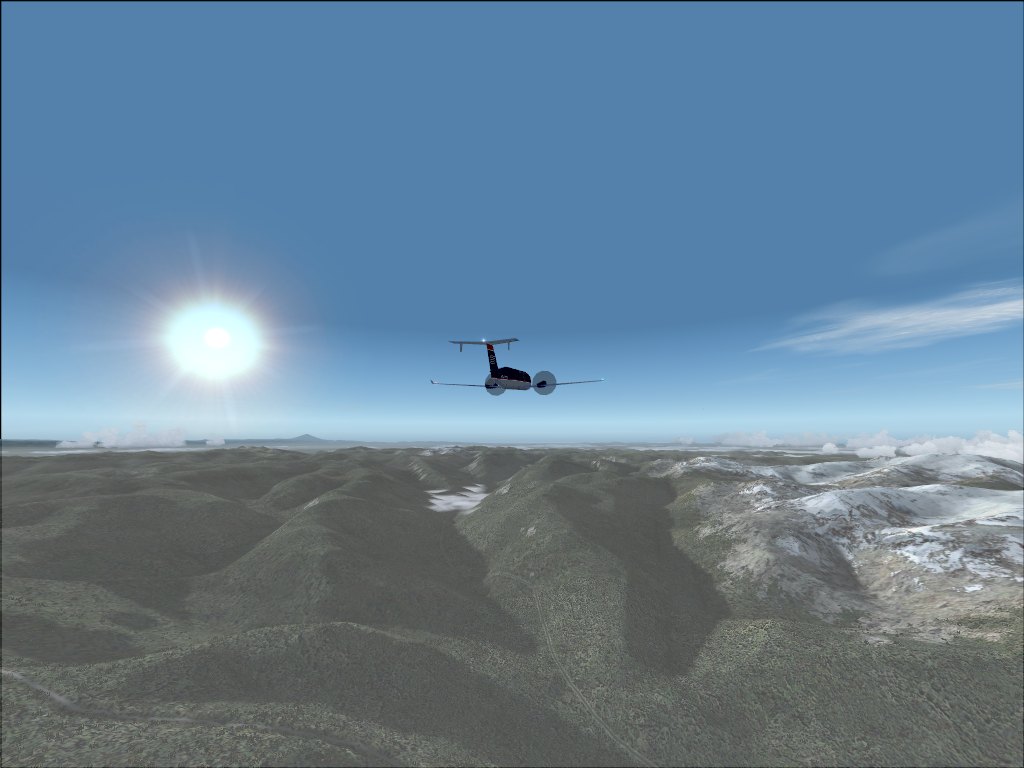
Those screenshots are nice but there some points that you must improve, so here are some advises:

- avoid making screenshots with AI planes. AI planes have very poor models, it helps performance a lot, but it doesn't help the screenshots at all ;)

- cropping is a good idea, you might have seen several members here have been using this technique to make the shots look more original. But to me, cropping is a little bit like cheating (it's kind of editing the shot), and I prefer the technique suggested by Harold: find a better angle of view, trying to hide the imperfections of the surrounding scenery, and showing the nice stuff as much as possible.

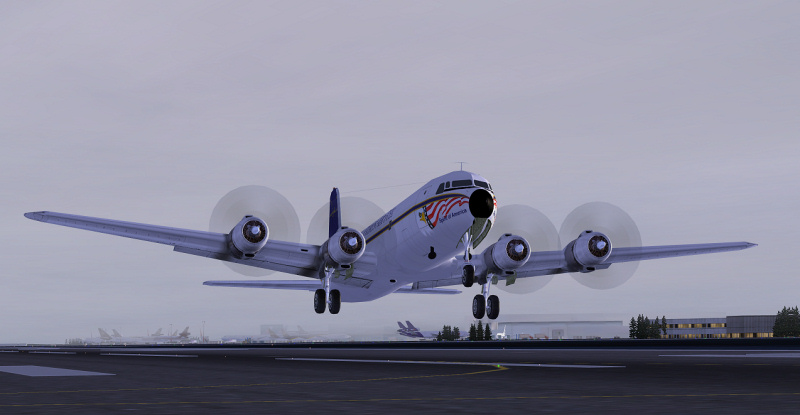
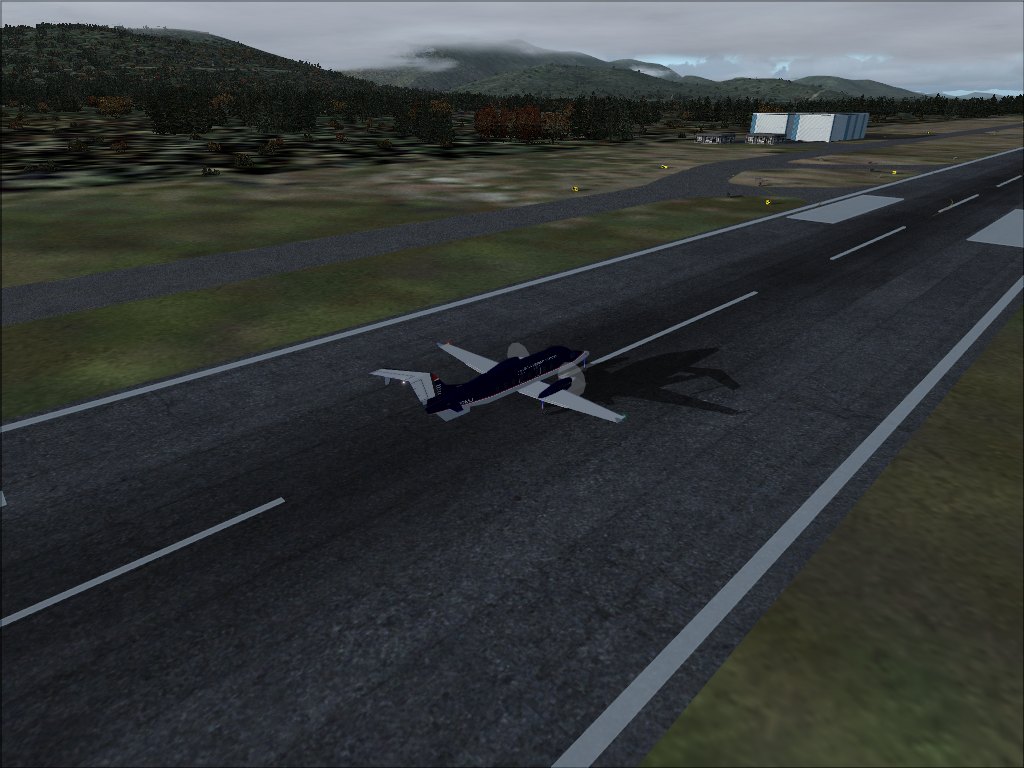
- the first shot has some nice weather (cloud formations are looking good) but the buildings textures are a bit blurry. I think this is because of the zoom. Instead of zooming IN, try to get closer to the plane and zoom OUT (but not too much). The blurry textures will not be a problem anymore ;)

- the shot #4 (the one on the runway) is interesting, especially the nice forest  and mountains in the background. Choose another plane (without props issues for example), and try to move your camera around to find a nice angle of view.
User avatar
Daube
Lieutenant Colonel
Lieutenant Colonel
 
Posts: 6611
Joined: Wed Oct 05, 2005 8:34 am
Location: Nice (FR)

Re: Around Duncan BC

Postby todayshorse » Sun Jan 11, 2009 5:30 pm
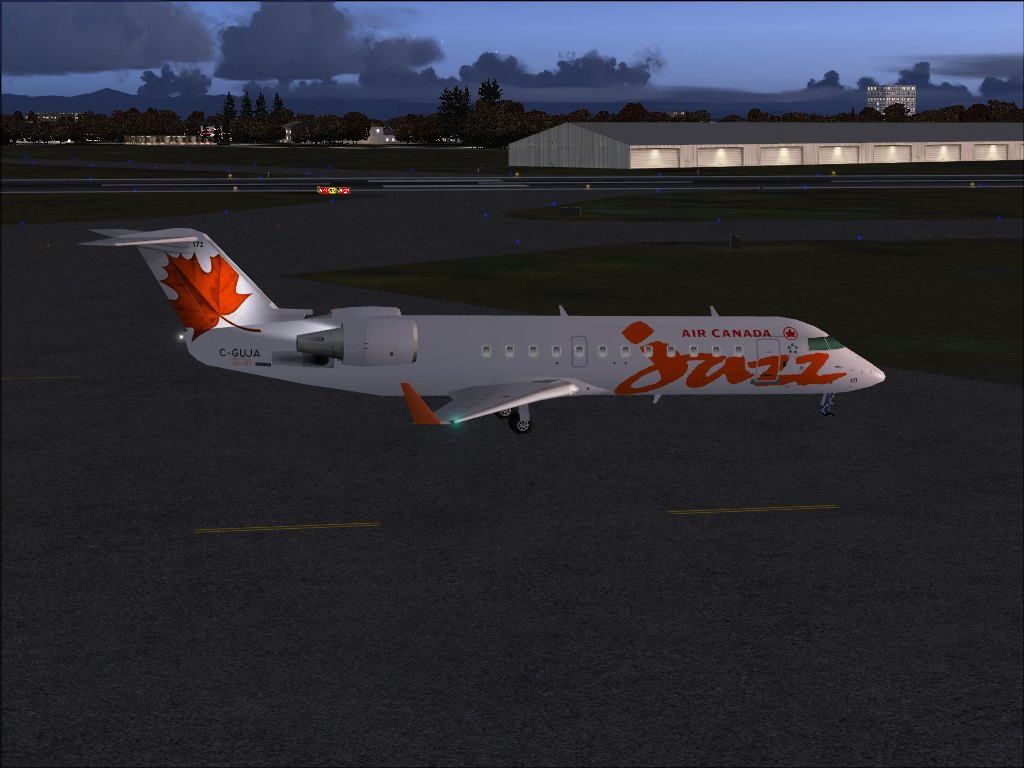
the 3rd shot jumped out at me,  sort of moody with the way its lit, but very real looking. ;)
Image
User avatar
todayshorse
Major
Major
 
Posts: 2808
Joined: Fri Mar 28, 2008 5:10 pm
Location: England

Re: Around Duncan BC

Postby haroldkip » Sun Jan 11, 2009 5:49 pm

cropping is a good idea, you might have seen several members here have been using this technique to make the shots look more original. But to me, cropping is a little bit like cheating (it's kind of editing the shot), and I prefer the technique suggested by Harold: find a better angle of view, trying to hide the imperfections of the surrounding scenery, and showing the nice stuff as much as possible.


I use both techniques; I generally take a shot that I really like and crop out any imperfections.

But I also use cropping to give the subject in a shot more impact.
As if I was using zoom ... like this or a more extreme example like this one
Last edited by haroldkip on Sun Jan 11, 2009 5:50 pm, edited 1 time in total.
User avatar
haroldkip
Lieutenant Colonel
Lieutenant Colonel
 
Posts: 5906
Joined: Wed Apr 12, 2006 5:13 am
Location: Amsterdam, The Netherlands

Re: Around Duncan BC

Postby scalper_old » Sun Jan 11, 2009 6:52 pm

Thanks for the Advise just have to figure out on how to crop.
scalper_old
Major
Major
 
Posts: 1431
Joined: Mon Dec 31, 1990 8:00 pm

Re: Around Duncan BC

Postby Brando14100 » Sun Jan 11, 2009 9:49 pm

Thanks for the Advise just have to figure out on how to crop.


It's very simple. If you have no other program, just put it on paint and copy and save only the part you want by clicking and dragging that section.

8-)
Brando14100
 

Re: Around Duncan BC

Postby scalper_old » Sun Jan 11, 2009 9:54 pm

Ok great Thanks for the advise I will try it.
scalper_old
Major
Major
 
Posts: 1431
Joined: Mon Dec 31, 1990 8:00 pm


Return to Simulation Screenshots Showcase

Who is online

Users browsing this forum: No registered users and 645 guests