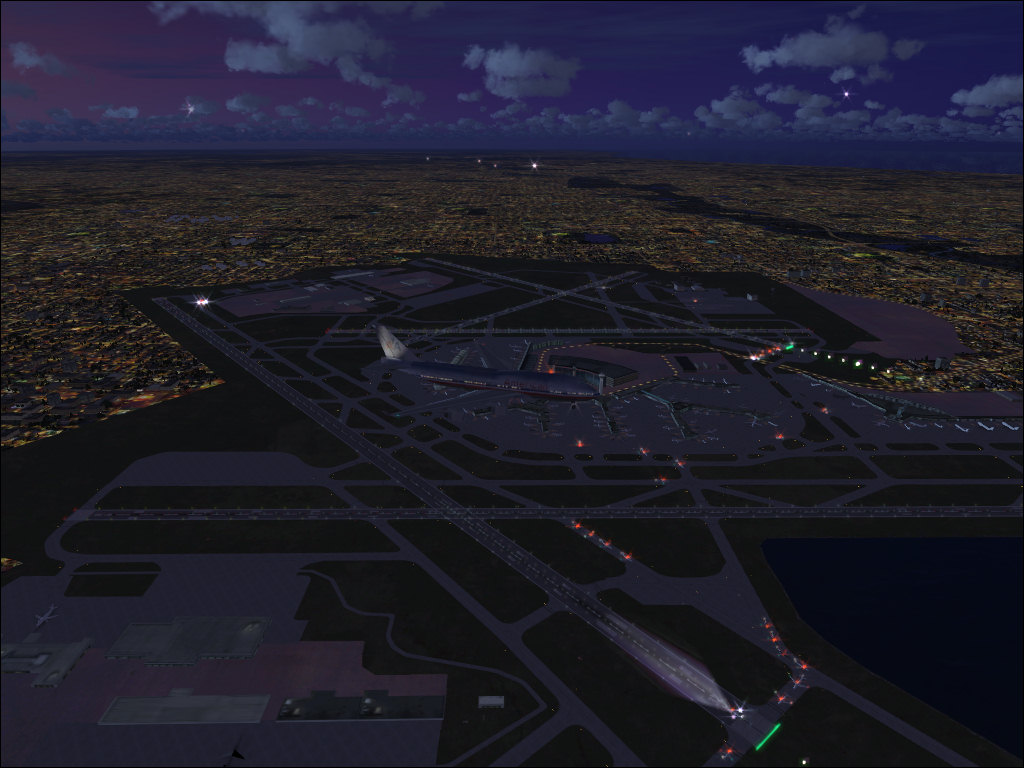
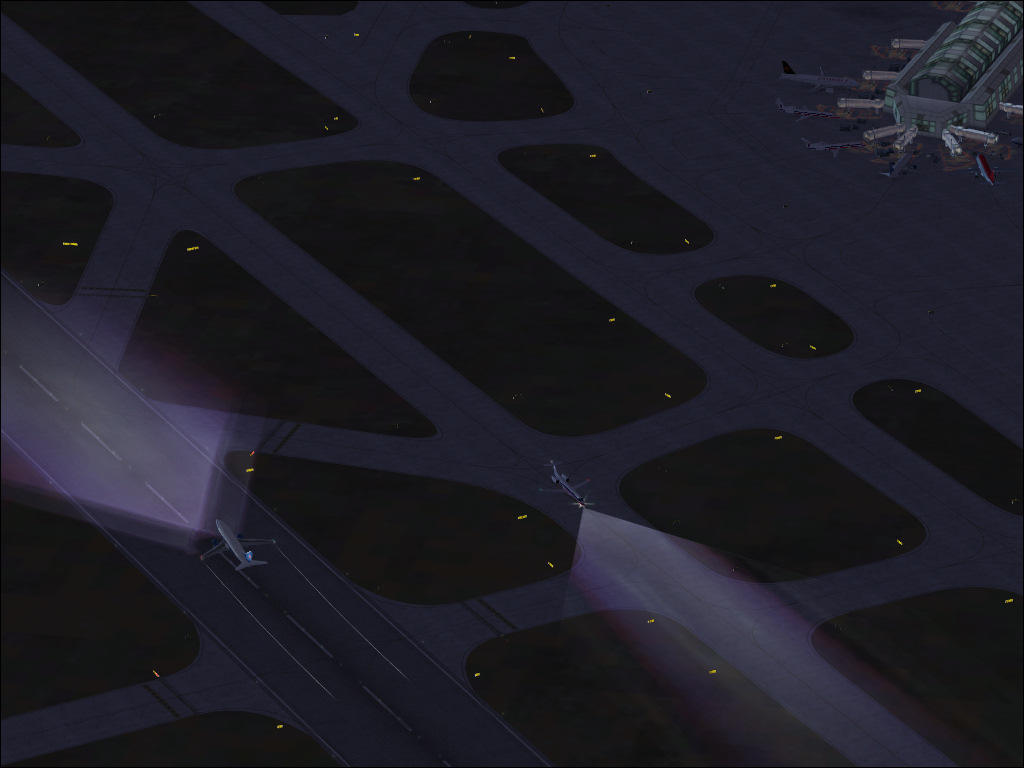

AI gone wild

Flight Simulation Screenshots displaying your Flight Simulation Experience. MSFS, FSX, Prepar3D, XPlane and other Flight Simulators. Focus is your Flight Simulator Experience. Please upload to Simviation (Button at top right)

AI gone wild

Postby ShaneG_old » Wed Sep 24, 2008 5:00 am

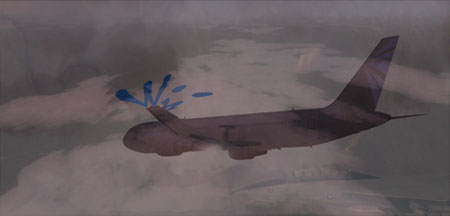
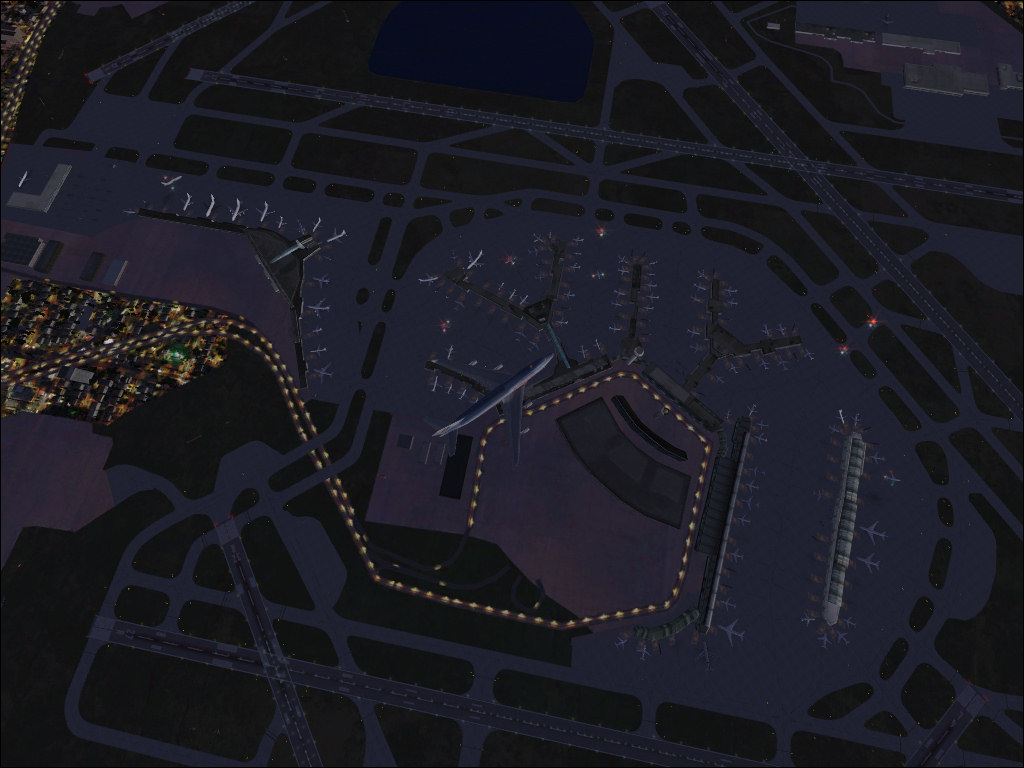
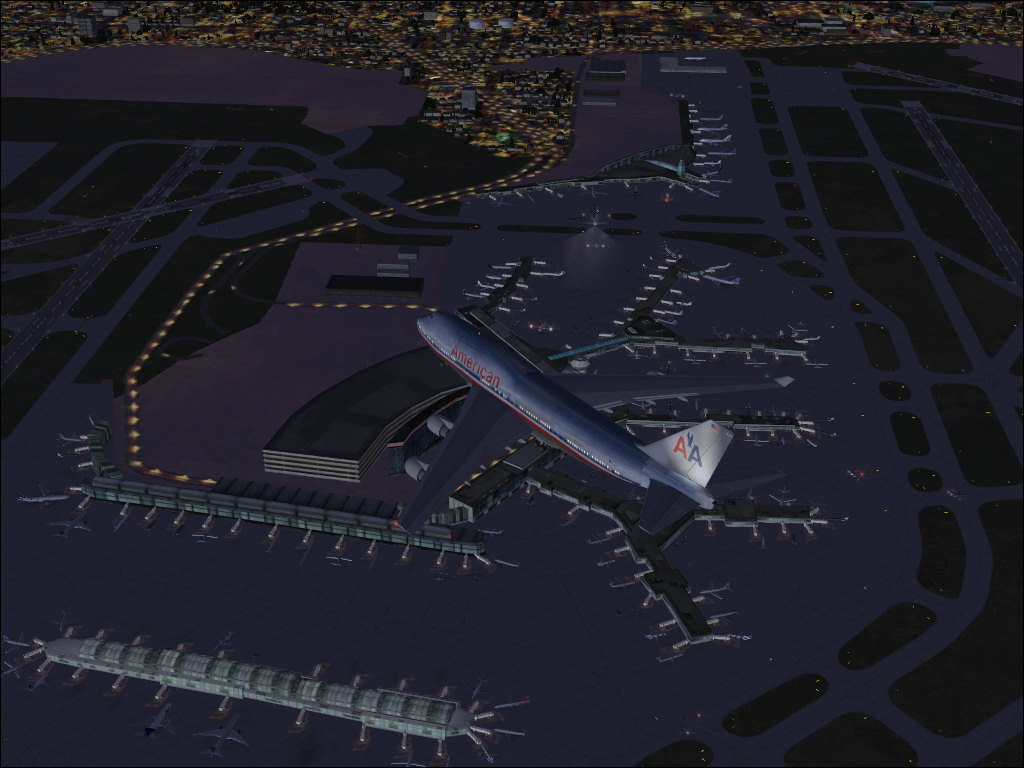
I finished installing EVERY PAI and MAIW package that I could find(minus the FS2002,FS9 packs) converted everthing to FSX and installed the FSX default GA, and now my AI is out of control no matter where I fly in the world! A few from a VERY busy O'hare.

Image

Image

Image

Image

Thanks for looking. :)
ShaneG_old
Lieutenant Colonel
Lieutenant Colonel
 
Posts: 9700
Joined: Tue Mar 11, 2008 11:52 am

Re: AI gone wild

Postby Daube » Wed Sep 24, 2008 7:33 am

Wow, now that's impressive  :o
Can you still fly with such an amount of AI ? My CPU would die with so much flames that my computer case would glow :/
User avatar
Daube
Lieutenant Colonel
Lieutenant Colonel
 
Posts: 6611
Joined: Wed Oct 05, 2005 8:34 am
Location: Nice (FR)

Re: AI gone wild

Postby ShaneG_old » Wed Sep 24, 2008 7:52 am

This is with the AI slider at 100, I usaually can't get above 10-15fps. :(
When I back it down to 50 or less I can keep it at 20fps. ;)
Great for watching AI or taking screenshots, but kinda pointless for enjoyable flying. ;)
ShaneG_old
Lieutenant Colonel
Lieutenant Colonel
 
Posts: 9700
Joined: Tue Mar 11, 2008 11:52 am

Re: AI gone wild

Postby eric59 » Wed Sep 24, 2008 2:10 pm

so beautiful
i was there in August
;)
User avatar
eric59
2nd Lieutenant
2nd Lieutenant
 
Posts: 63
Joined: Tue Jun 12, 2007 5:30 pm
Location: Lille french

Re: AI gone wild

Postby jime59 » Wed Sep 24, 2008 5:02 pm

I live only a few miles from there and yes, it does get like that.
Nice pics but I like #4 with only 2 planes in it. Love the lights coming from the planes.
Last edited by jime59 on Wed Sep 24, 2008 5:04 pm, edited 1 time in total.
The mind is like a parachute...it only works when it's open.
User avatar
jime59
Major
Major
 
Posts: 1607
Joined: Thu Oct 11, 2007 4:13 pm
Location: Streamwood,Il

Re: AI gone wild

Postby Wii » Wed Sep 24, 2008 5:30 pm

This is with the AI slider at 100, I usaually can't get above 10-15fps. :(
When I back it down to 50 or less I can keep it at 20fps. ;)
Great for watching AI or taking screenshots, but kinda pointless for enjoyable flying. ;)

I usually get 20 or less at max and 30 or so with AI at 50 or less. Though 3rd party AI has less of a hit, 75 packages will hit you no matter what ;D
User avatar
Wii
Major
Major
 
Posts: 2727
Joined: Wed Jun 13, 2007 2:33 pm
Location: Space

Re: AI gone wild

Postby EchoLdrWolf » Wed Sep 24, 2008 6:07 pm

Now THAT looks realistic for O'Hare  ;D Too bad my PC would explode with the force of 7 Nagasaki Atomic Bombs  ::)
Image
User avatar
EchoLdrWolf
1st Lieutenant
1st Lieutenant
 
Posts: 483
Joined: Wed Jan 16, 2008 4:34 pm
Location: Newton, N.J.

Re: AI gone wild

Postby ShaneG_old » Wed Sep 24, 2008 6:32 pm

Though 3rd party AI has less of a hit, 75 packages will hit you no matter what ;D


I wish it was only 75 ;D I downloaded just under 300 packages from PAI (21 pages worth, skipping the default traffic for '02 and '04!) and all 220 MAIW packages. I took some advice from the FSX forum and made a special AI folder in Simobjects, and for those that are hard drive sensitive, it's 10Gb total just for the aircraft!:o Thankfully AIFPC works with multiple .bgls at once! ;)
Last edited by ShaneG_old on Wed Sep 24, 2008 6:33 pm, edited 1 time in total.
ShaneG_old
Lieutenant Colonel
Lieutenant Colonel
 
Posts: 9700
Joined: Tue Mar 11, 2008 11:52 am

Re: AI gone wild

Postby EchoLdrWolf » Wed Sep 24, 2008 6:34 pm

Though 3rd party AI has less of a hit, 75 packages will hit you no matter what ;D


I wish it was only 75 ;D I downloaded just under 300 packages from PAI (21 pages worth, skipping the default traffic for '02 and '04!) and all 220 MAIW packages. I took some advice from the FSX forum and made a special AI folder in Simobjects, and for those that are hard drive sensitive, it's 10Gb total just for the aircraft!:o Thankfully AIFPC works with multiple .bgls at once! ;)

:o :o :o :o :o :o :o :o :o :o :o :-X
Image
User avatar
EchoLdrWolf
1st Lieutenant
1st Lieutenant
 
Posts: 483
Joined: Wed Jan 16, 2008 4:34 pm
Location: Newton, N.J.

Re: AI gone wild

Postby ShaneG_old » Wed Sep 24, 2008 6:47 pm

TRflyman01 made an EXCELLENT post about setting up the AI: http://www.simviation.com/cgi-bin/yabb2 ... 1221955733

HUGE thanks to him, I was so lost on how to get it all right for FSX until I read his post. ;)
ShaneG_old
Lieutenant Colonel
Lieutenant Colonel
 
Posts: 9700
Joined: Tue Mar 11, 2008 11:52 am

Re: AI gone wild

Postby firemonte007 » Wed Sep 24, 2008 7:43 pm

very impressive....i am with you with all the AI....I too converted about 250 airlines, plus all of WOAI GA planes, and all the default AC ;) so most of my airports are full also 8-)


Image
User avatar
firemonte007
Major
Major
 
Posts: 2288
Joined: Mon Aug 20, 2007 8:24 pm
Location: northern IL, USA

Re: AI gone wild

Postby TRflyman01 » Wed Sep 24, 2008 7:51 pm

TRflyman01 made an EXCELLENT post about setting up the AI: http://www.simviation.com/cgi-bin/yabb2 ... 1221955733

HUGE thanks to him, I was so lost on how to get it all right for FSX until I read his post. ;)


Glad I was able to help, but the real credit should go to Dave and mjrhealth. I was just following their lead. I have about fifty pkgs. installed now but I have to keep the trafffic to around 25 to 30% to be able to fly. Need more european and asian liners, airports are full here but get very little when flying abroad.
Image
TRflyman01
Major
Major
 
Posts: 1192
Joined: Tue May 06, 2008 12:42 pm
Location: united states


Return to Simulation Screenshots Showcase

Who is online

Users browsing this forum: No registered users and 672 guests