
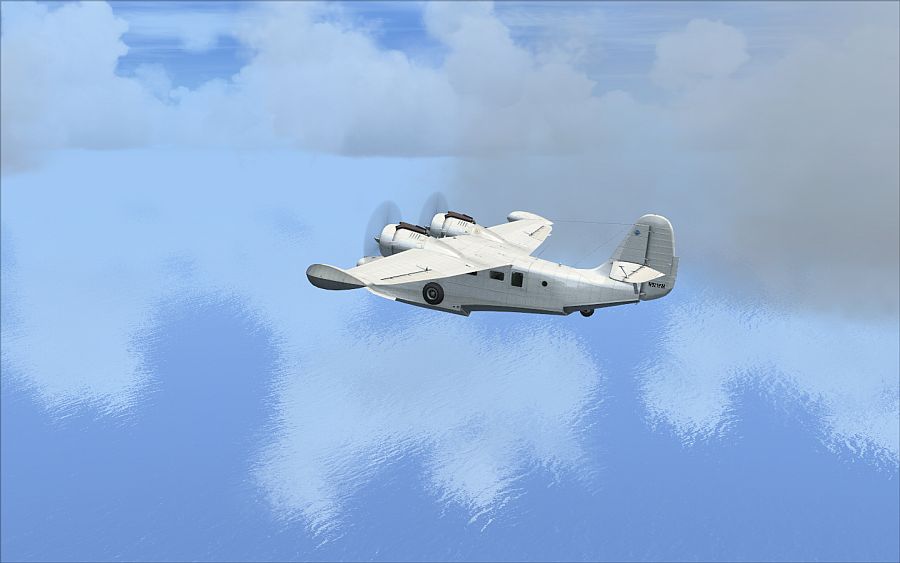
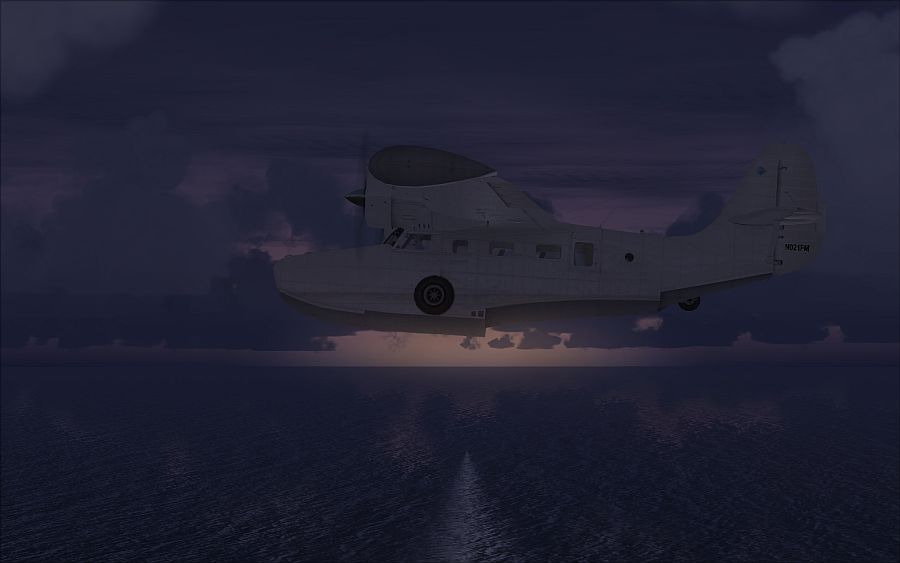
Storm cloud reflection appears very dark, very nice.
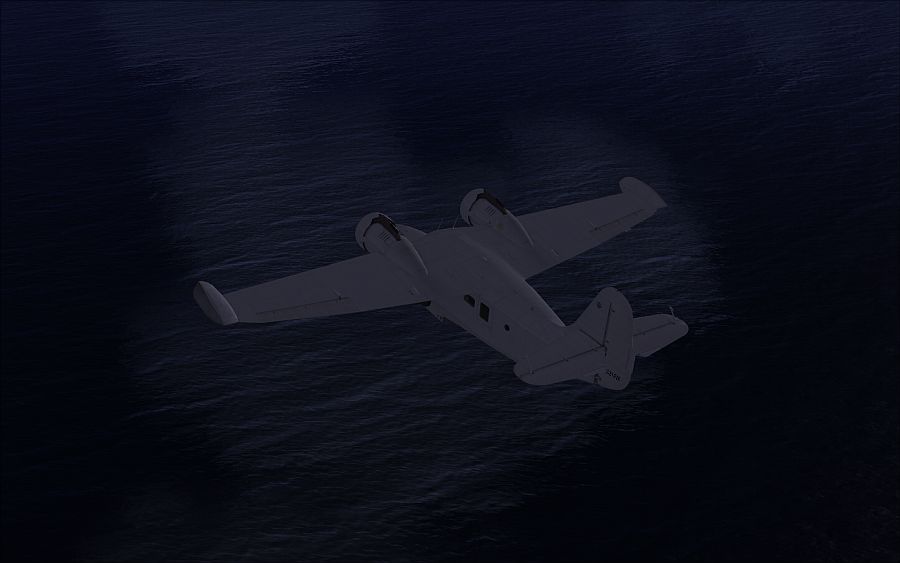
Stormy waters.
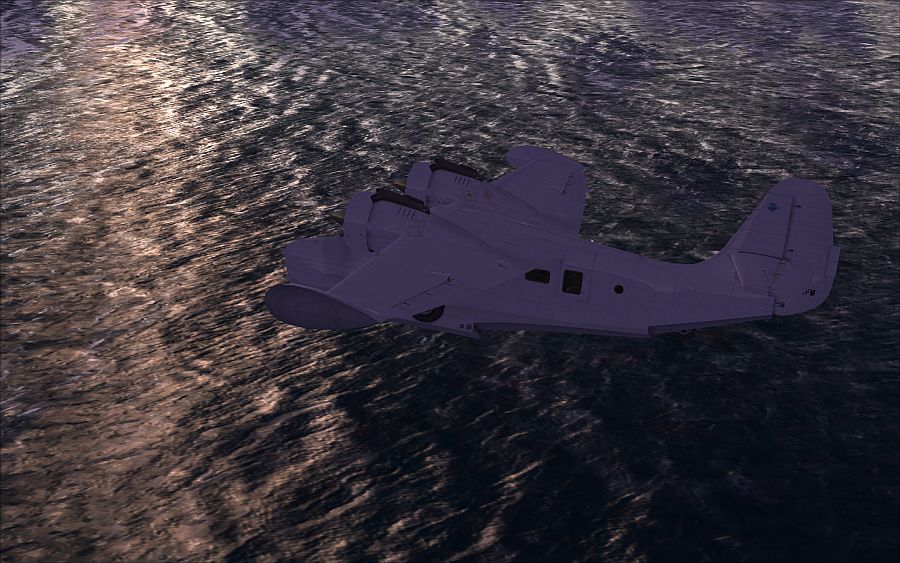
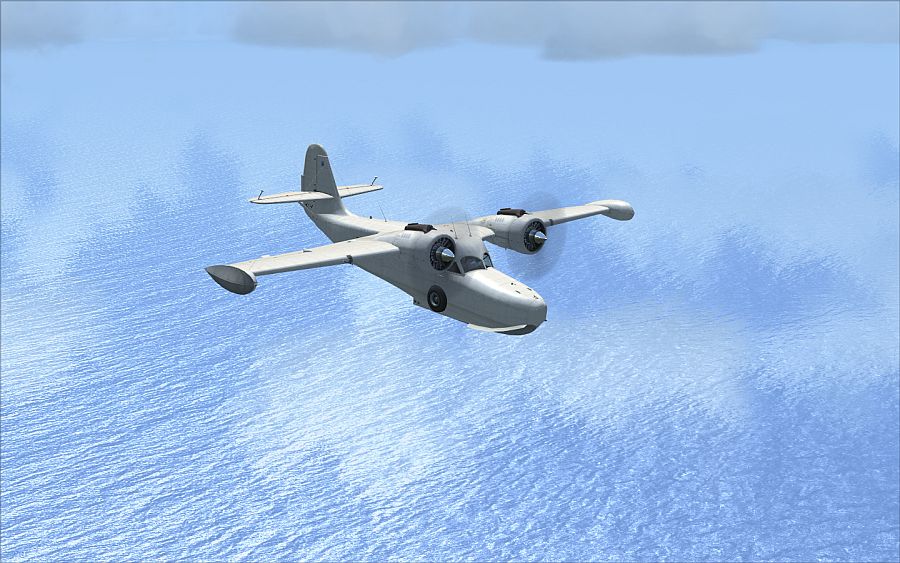
Better wave effect.
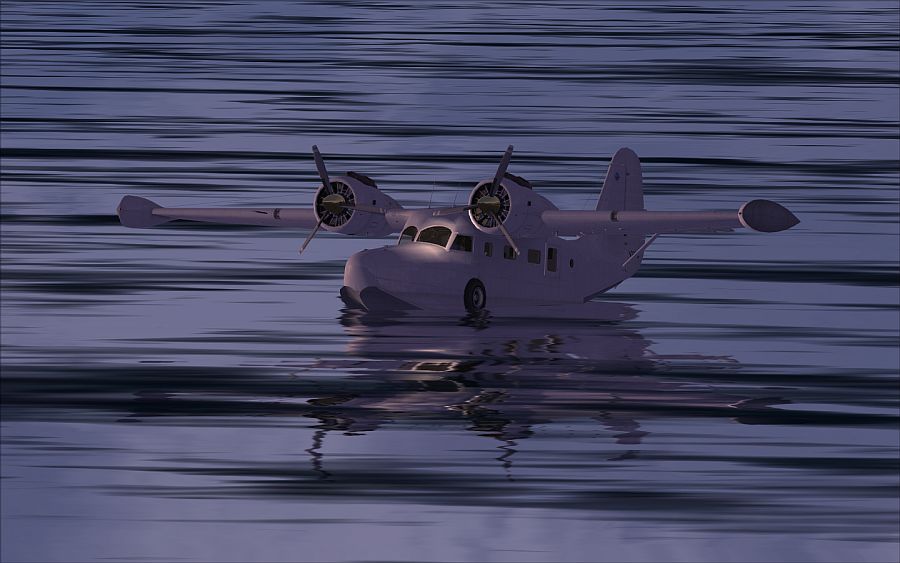
Nice reflective dusk.
A little choppy
Dead calm.
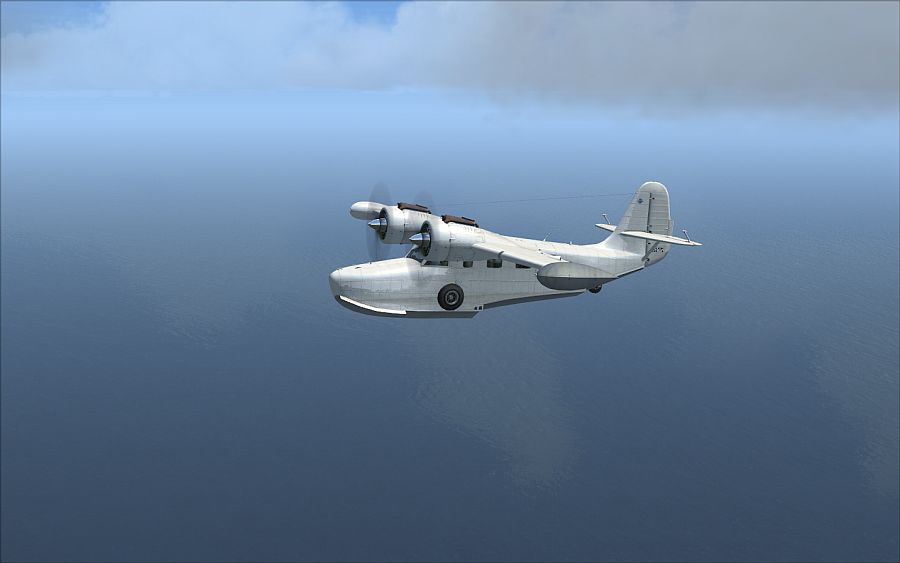
Try it you will LOVE IT!!

http://www.fswaterconfigurator.com/

Flight Simulator and other chat
 by waspiflab » Mon Jul 07, 2008 4:58 pm
by J. » Mon Jul 07, 2008 5:27 pm
 try john's favourite settings
by AMDDDA » Mon Jul 07, 2008 5:37 pm

by Flying Mouse » Tue Jul 08, 2008 1:20 am

by waspiflab » Tue Jul 08, 2008 1:27 am
nice shots, but some of them should be linked, cause some of us have to use crappy "laptop connect" cards whenever we're working ;;.
Mind posting your settings, I can't get mine to look too great during the night time / late afternoon.
by AMDDDA » Tue Jul 08, 2008 7:44 am
nice shots, but some of them should be linked, cause some of us have to use crappy "laptop connect" cards whenever we're working ;;.
Mind posting your settings, I can't get mine to look too great during the night time / late afternoon.
I just used the settings that were already done by other people.
by Flying Mouse » Tue Jul 08, 2008 7:48 am
nice shots, but some of them should be linked, cause some of us have to use crappy "laptop connect" cards whenever we're working ;;.
Mind posting your settings, I can't get mine to look too great during the night time / late afternoon.
I just used the settings that were already done by other people.
*cough* 600 KB posting limit per thread *cough*
by Fozzer » Tue Jul 08, 2008 9:54 am
nice shots, but some of them should be linked, cause some of us have to use crappy "laptop connect" cards whenever we're working ;;.
Mind posting your settings, I can't get mine to look too great during the night time / late afternoon.
I just used the settings that were already done by other people.
*cough* 600 KB posting limit per thread *cough*
I don't know how to see when a poster exceeds 600k per post but I doubt these does. As saving a Jpeg over water on high quality normally ends up been a small file anyway.
...!..!

by Hagar » Tue Jul 08, 2008 10:08 am
nice shots, but some of them should be linked, cause some of us have to use crappy "laptop connect" cards whenever we're working ;;.
Mind posting your settings, I can't get mine to look too great during the night time / late afternoon.
I just used the settings that were already done by other people.
*cough* 600 KB posting limit per thread *cough*
I don't know how to see when a poster exceeds 600k per post but I doubt these does. As saving a Jpeg over water on high quality normally ends up been a small file anyway.
It is a well known fact that "right-clicking" on an image and selecting "Properties" will display the details of the image, including its width and height, and also the total file size...



by waspiflab » Tue Jul 08, 2008 11:17 am
nice shots, but some of them should be linked, cause some of us have to use crappy "laptop connect" cards whenever we're working ;;.
Mind posting your settings, I can't get mine to look too great during the night time / late afternoon.
I just used the settings that were already done by other people.
*cough* 600 KB posting limit per thread *cough*
I don't know how to see when a poster exceeds 600k per post but I doubt these does. As saving a Jpeg over water on high quality normally ends up been a small file anyway.
It is a well known fact that "right-clicking" on an image and selecting "Properties" will display the details of the image, including its width and height, and also the total file size...
Quite. The total file size of all 7 images in this topic is 425 Kb which is well below the 600 Kb limit. Most of them are below 40 Kb each. I don't understand the problem here.
 been doing this for a while now *cough*
 Return to Simulation Screenshots Showcase
Users browsing this forum: FRANKPICARD and 226 guests