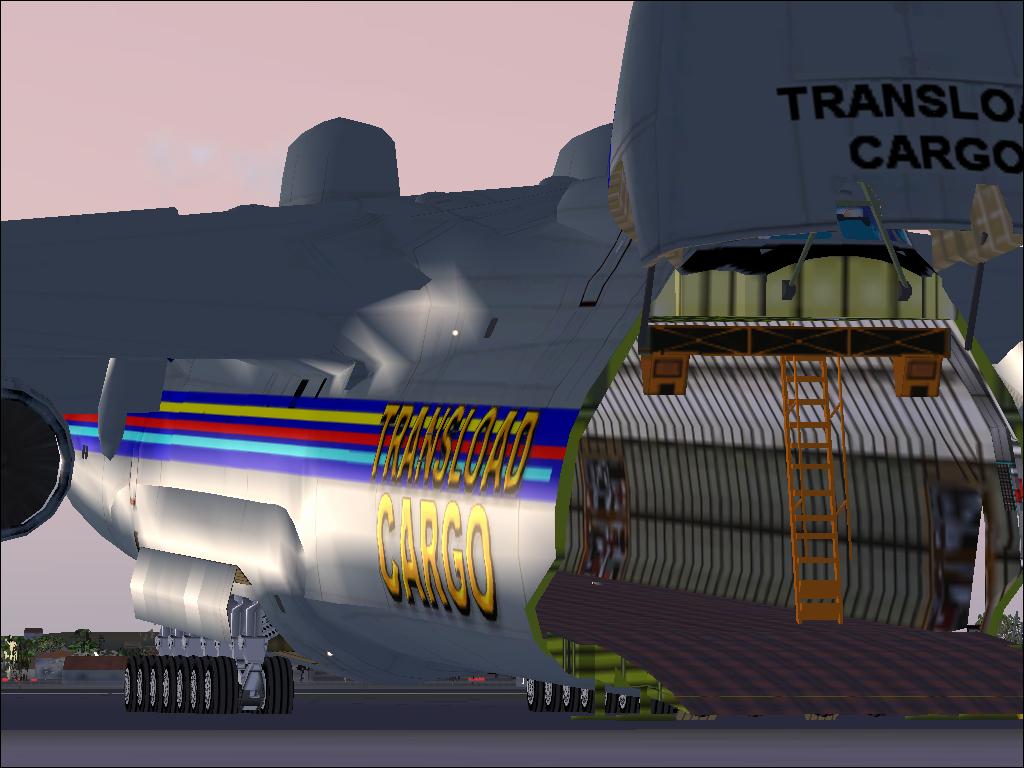
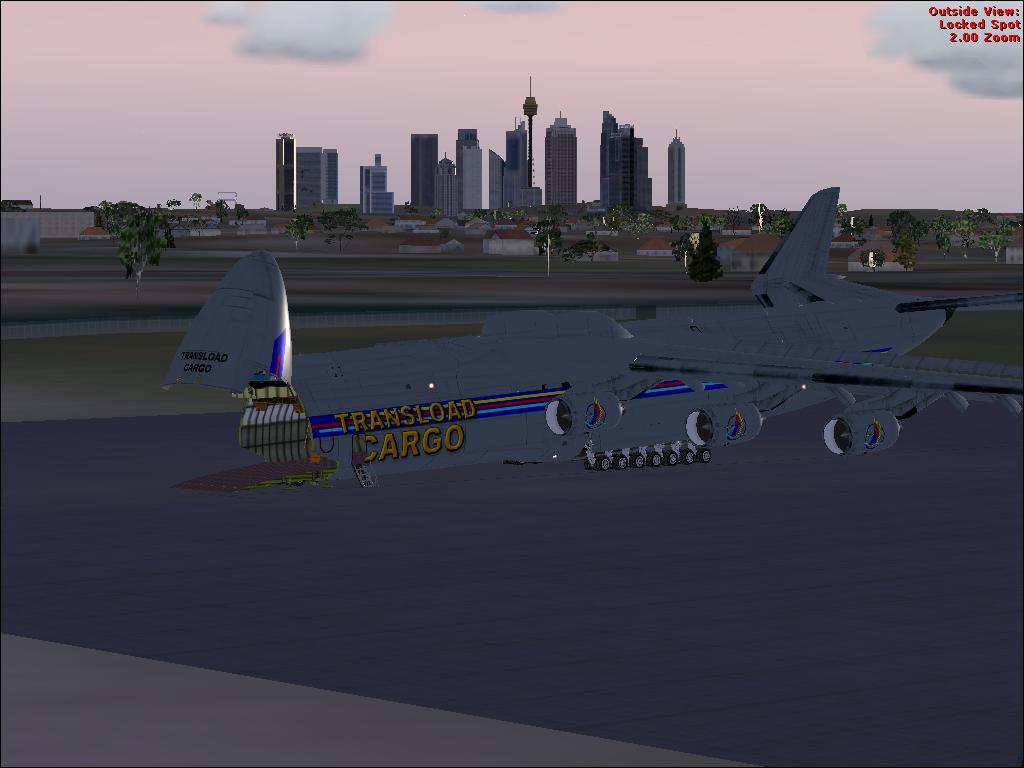
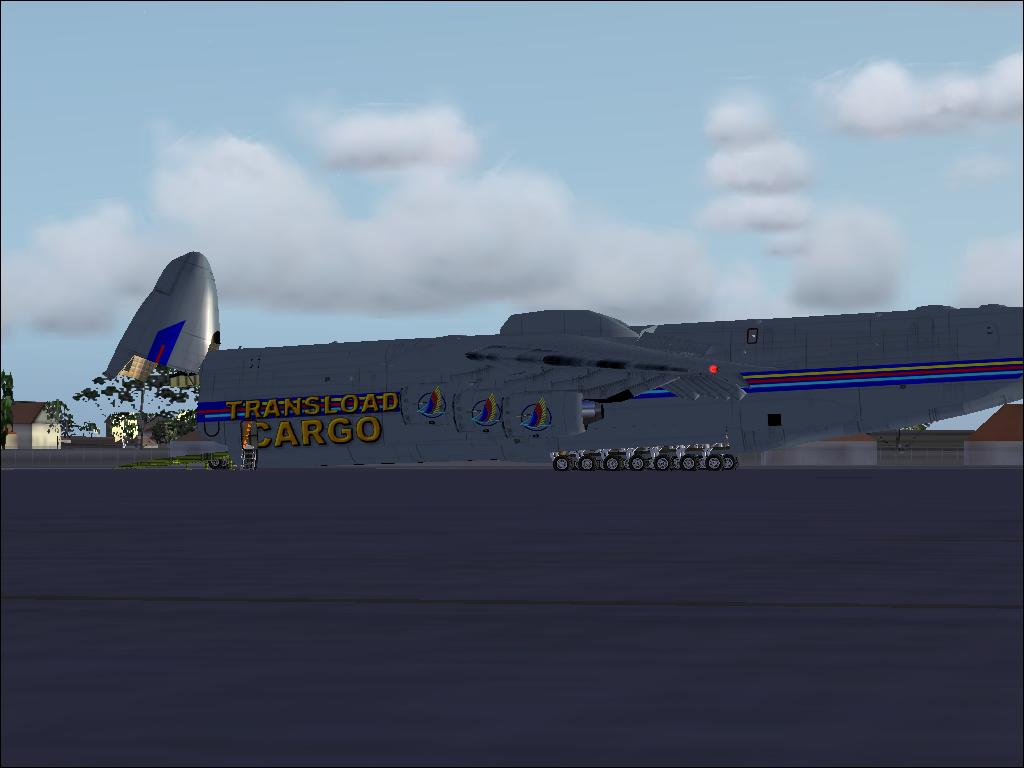
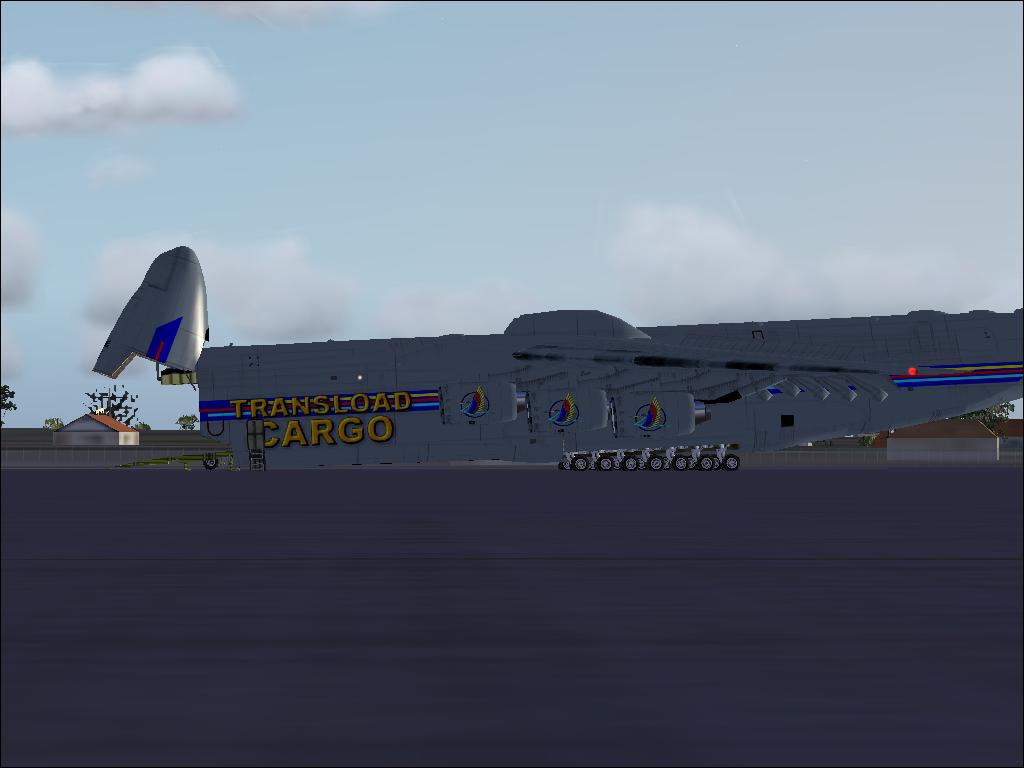
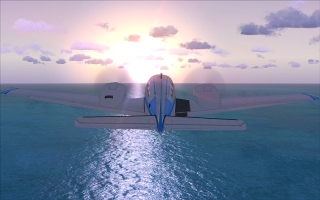
my big... BIG... BIG   FRIEND pt 1

Flight Simulation Screenshots displaying your Flight Simulation Experience. MSFS, FSX, Prepar3D, XPlane and other Flight Simulators. Focus is your Flight Simulator Experience. Please upload to Simviation (Button at top right)

my big... BIG... BIG   FRIEND pt 1

Postby ilka » Sat Jul 05, 2008 5:03 am

hi all  :)
i haven't posted here in ages

so here it goes

just some pics while playing around with my antov 225  :o :o :o

please leave your comment even if you dont like them ;)

Image

Image

Image

Image

thanks for looking
from ilka
At school they say I'm strange because i like FSX....But here I'm right at home.

My pride and joy:
i7 860 processor - 4 Gb DDR3 Ram  - 1TB Hard Drive - 1Gb HD 5750 ATI graph. card      .....jealous???
User avatar
ilka
2nd Lieutenant
2nd Lieutenant
 
Posts: 137
Joined: Sun Jul 29, 2007 7:55 am
Location: Australia

Re: my big... BIG... BIG

Postby Mazza » Sat Jul 05, 2008 6:09 am

AA needs to be waaaaaaaaaaaaaaaaaaaaaaaaay up ;) other wise nice shot ;)
Sunset Chasing...RULES
Image
AMD 9550 2.43 X4 - 2Gb RAM 800Mhz DDRII - Asus 4670
Corsair TX-750W
User avatar
Mazza
Major
Major
 
Posts: 2797
Joined: Sun Aug 05, 2007 12:10 am
Location: Melbourne, Australia.

Re: my big... BIG... BIG   FRIEND pt 1

Postby ilka » Sat Jul 05, 2008 6:48 am

im not the flight sim expert so could you give me a run down on AA   plz?
At school they say I'm strange because i like FSX....But here I'm right at home.

My pride and joy:
i7 860 processor - 4 Gb DDR3 Ram  - 1TB Hard Drive - 1Gb HD 5750 ATI graph. card      .....jealous???
User avatar
ilka
2nd Lieutenant
2nd Lieutenant
 
Posts: 137
Joined: Sun Jul 29, 2007 7:55 am
Location: Australia

Re: my big... BIG... BIG

Postby Anxyous » Sat Jul 05, 2008 6:53 am

AA is anti-aliasing, it smoothens rough edges.

It can be turned on in options, but it's recommended to do something else...

I'll let the experts step in now.
Image
User avatar
Anxyous
Major
Major
 
Posts: 2593
Joined: Mon Dec 25, 2006 4:04 pm

Re: my big... BIG... BIG

Postby chrism7262 » Sat Jul 05, 2008 10:40 am

haha well AA, if turned on in the game, helps a good deal. but it helps to turn anti-aliasing up on your graphics card, and then have it turned off in the game. it depends on the graphics card you have as to where you can go about turning up aa, but just go into the properties, most likely, for your card. hope this helps a little bit  ;)
chrism7262
Captain
Captain
 
Posts: 697
Joined: Wed Jul 04, 2007 12:03 am
Location: Allentown, PA


Return to Simulation Screenshots Showcase

Who is online

Users browsing this forum: No registered users and 725 guests