
This weeks randoms

Flight Simulation Screenshots displaying your Flight Simulation Experience. MSFS, FSX, Prepar3D, XPlane and other Flight Simulators. Focus is your Flight Simulator Experience. Please upload to Simviation (Button at top right)

This weeks randoms

Postby gtirob01 » Sat May 10, 2008 10:08 pm

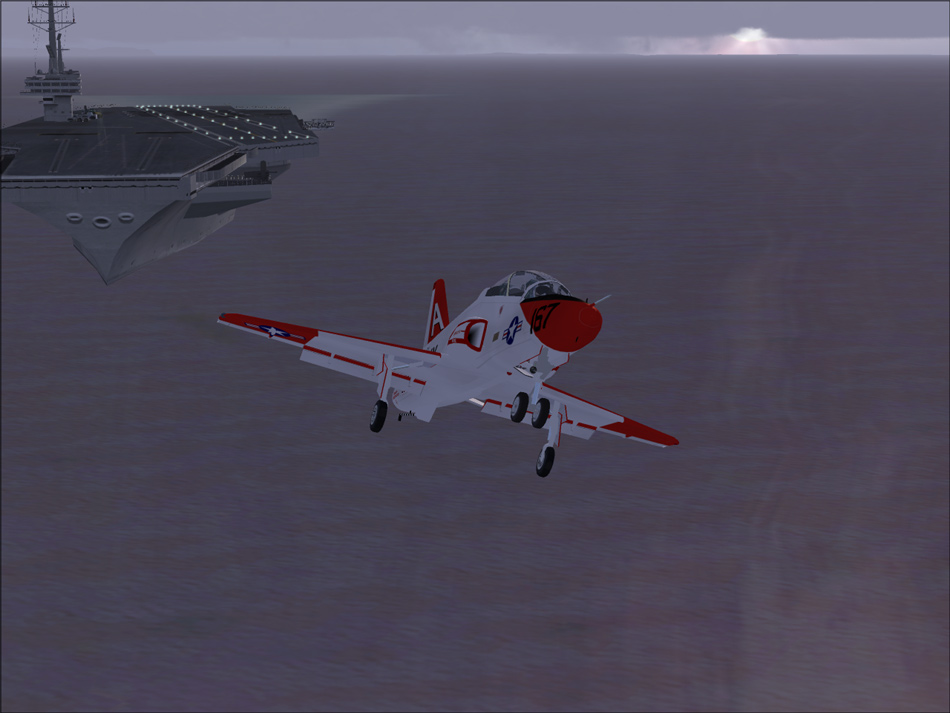
These were shots taken while either testing for various contests, or looking for that "one" to enter. C&C is appreciated.

Image

Image

Image

Image
My specs... A hard drive, motherboard, graphics card, some memory, a keyboard, mouse, and monitor - in other words, nothing special.

Image

My Posky
User avatar
gtirob01
Major
Major
 
Posts: 3605
Joined: Fri Jul 20, 2007 11:10 pm
Location: Ft. Walton Beach, FL

Re: This weeks randoms

Postby haroldkip » Sun May 11, 2008 6:15 pm

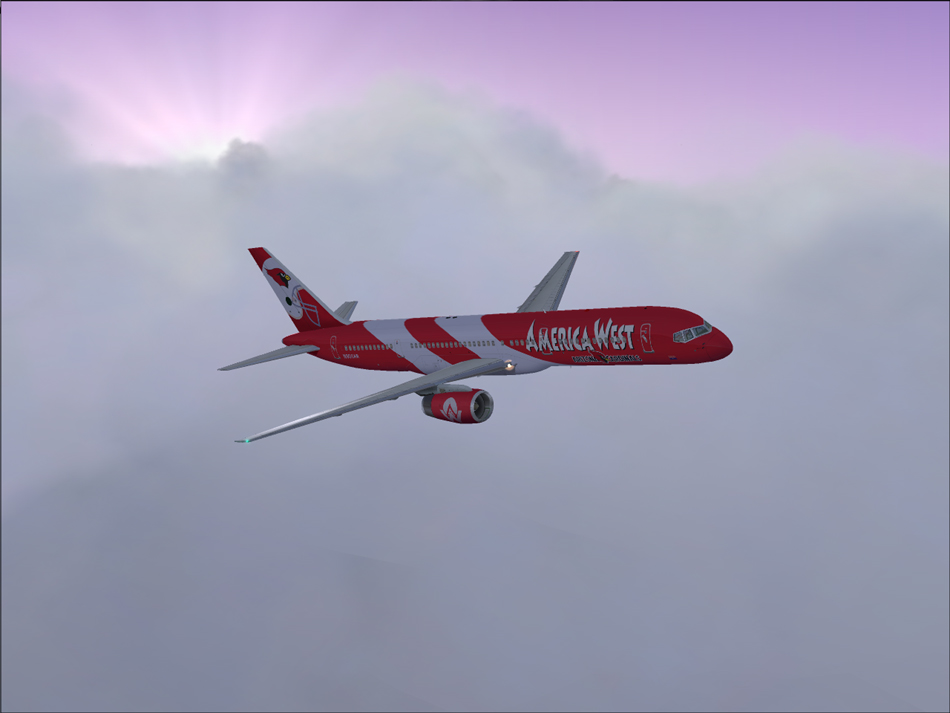
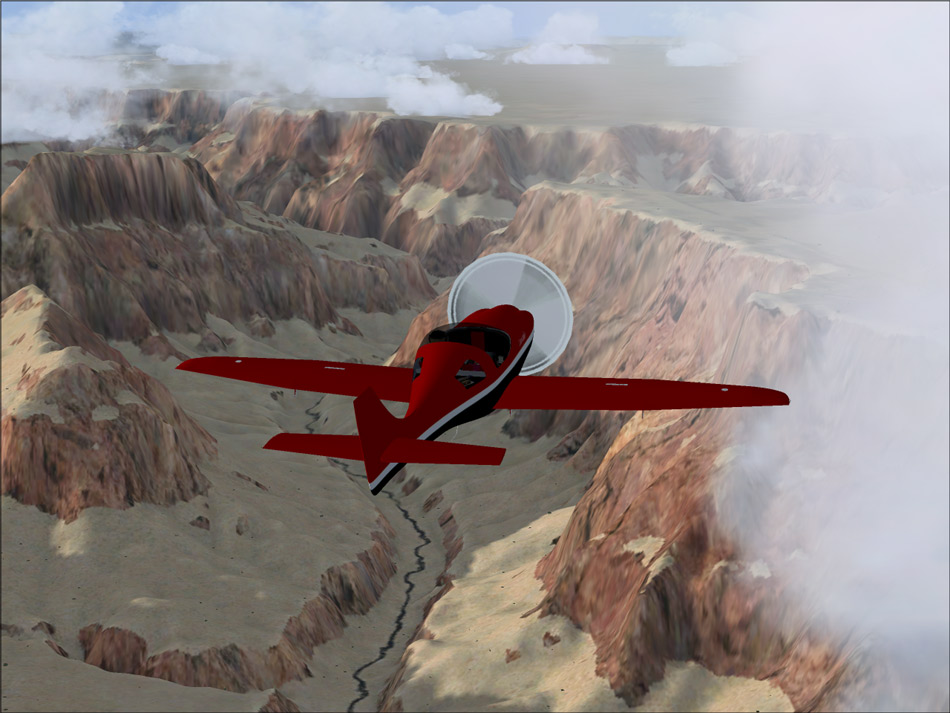
Nice! I can see where you got your inspiration to fuse the 757 and the Canyon.
User avatar
haroldkip
Lieutenant Colonel
Lieutenant Colonel
 
Posts: 5906
Joined: Wed Apr 12, 2006 5:13 am
Location: Amsterdam, The Netherlands

Re: This weeks randoms

Postby gtirob01 » Mon May 12, 2008 2:54 pm

Nice! I can see where you got your inspiration to fuse the 757 and the Canyon.


Yup! I had the idea when I first found the 757's livery. So I set out to find some freeware scenery of the grand canyon. Then did some test shots.
My specs... A hard drive, motherboard, graphics card, some memory, a keyboard, mouse, and monitor - in other words, nothing special.

Image

My Posky
User avatar
gtirob01
Major
Major
 
Posts: 3605
Joined: Fri Jul 20, 2007 11:10 pm
Location: Ft. Walton Beach, FL

Re: This weeks randoms

Postby todayshorse » Mon May 12, 2008 3:22 pm

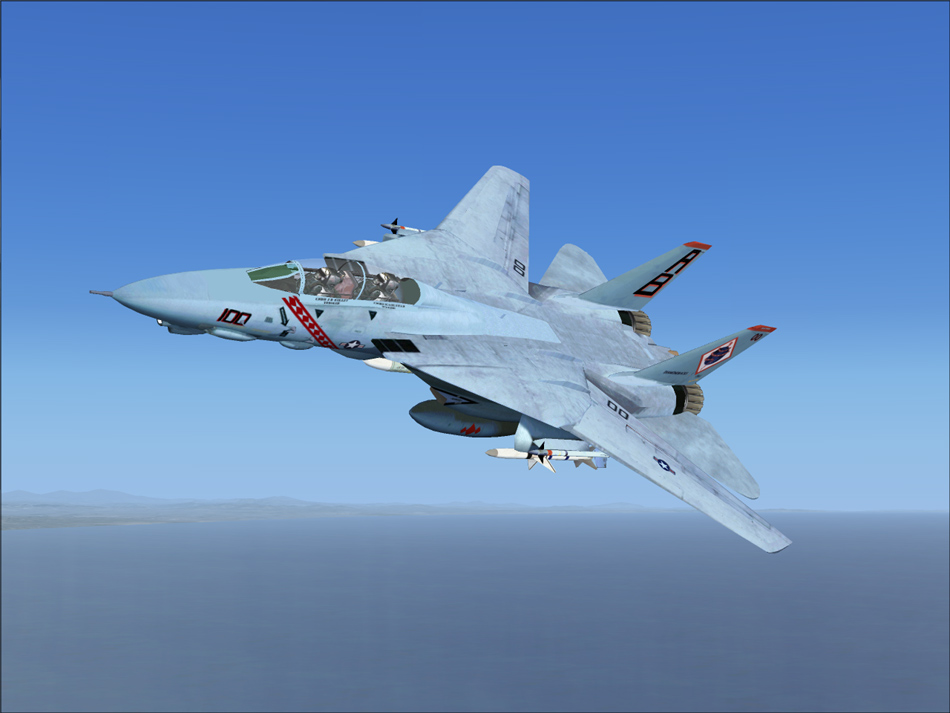
Wicked F-14 - now thats a proper Navy Jet!
Image
User avatar
todayshorse
Major
Major
 
Posts: 2808
Joined: Fri Mar 28, 2008 5:10 pm
Location: England

Re: This weeks randoms

Postby homebrewer » Mon May 12, 2008 11:52 pm

Nice Tomcat. Is it free? If it is, I want it...

My system: AMD Phenom 9500 cpu, 2 x eVGA e-GeForce 8800GTS Superclocked vidcards (640Mb DDR3 each), Zalman "sunflower" 9700 fan, Gigabyte GA-M57SLI-S4 mobo, 4Gb G.Skill PC2-6400 DDR2 800Mhz RAM, 2 x Sony 20X DVD writers, Thermaltake Toughpower 8
User avatar
homebrewer
Captain
Captain
 
Posts: 623
Joined: Mon Mar 03, 2008 1:36 am
Location: United States of Good Beer

Re: This weeks randoms

Postby Daube » Tue May 13, 2008 3:53 am

Nice Tomcat. Is it free? If it is, I want it...

This is the freeware Tomcat from Dino Cattaneo, available here at simviation in the FS2004 military section. It's one of the most famous FS9 freewares.
User avatar
Daube
Lieutenant Colonel
Lieutenant Colonel
 
Posts: 6611
Joined: Wed Oct 05, 2005 8:34 am
Location: Nice (FR)

Re: This weeks randoms

Postby Daube » Tue May 13, 2008 3:54 am

gtirob01, the propeller texture of the red plane should be edited to make it transparent. You can use DXTBMP for that, it's quite easy. ;)
User avatar
Daube
Lieutenant Colonel
Lieutenant Colonel
 
Posts: 6611
Joined: Wed Oct 05, 2005 8:34 am
Location: Nice (FR)

Re: This weeks randoms

Postby gtirob01 » Tue May 13, 2008 8:18 am

gtirob01, the propeller texture of the red plane should be edited to make it transparent. You can use DXTBMP for that, it's quite easy. ;)


Yea, that does bug me, but I have no idea how to fix it! haha. I guess I understand how its done, just have yet to try it.

The F-14, it is just fantastic! My favorite plane of all. Tho I run FSX, this is the 2004 version and it works just fine. But I am still looking for a clean version (no weapons, drop tanks) to play with.
My specs... A hard drive, motherboard, graphics card, some memory, a keyboard, mouse, and monitor - in other words, nothing special.

Image

My Posky
User avatar
gtirob01
Major
Major
 
Posts: 3605
Joined: Fri Jul 20, 2007 11:10 pm
Location: Ft. Walton Beach, FL

Re: This weeks randoms

Postby Daube » Wed May 14, 2008 9:17 am

Basically, the simplest thing you can try is the following:
- download and install DXTBMP
- make a full copy of the texture folder of that plane, just to keep the original version (not necessary if you still have the archive of the plane, of course)
- launch DXTBMP, and open the file that contains the texture of the propeller
- in the menu, find the item "invert Alpha Channel"
- save the file
- see what happens in FS.
Last edited by Daube on Wed May 14, 2008 9:17 am, edited 1 time in total.
User avatar
Daube
Lieutenant Colonel
Lieutenant Colonel
 
Posts: 6611
Joined: Wed Oct 05, 2005 8:34 am
Location: Nice (FR)


Return to Simulation Screenshots Showcase

Who is online

Users browsing this forum: No registered users and 694 guests