Infra-Red

Flight Simulation Screenshots displaying your Flight Simulation Experience. MSFS, FSX, Prepar3D, XPlane and other Flight Simulators. Focus is your Flight Simulator Experience. Please upload to Simviation (Button at top right)

Infra-Red

Postby aussiewannabe » Tue Aug 21, 2007 1:43 pm

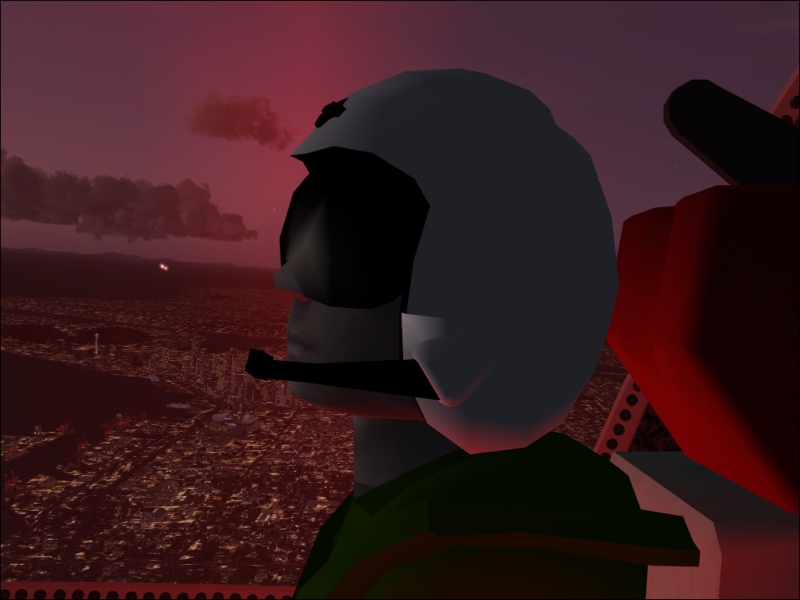
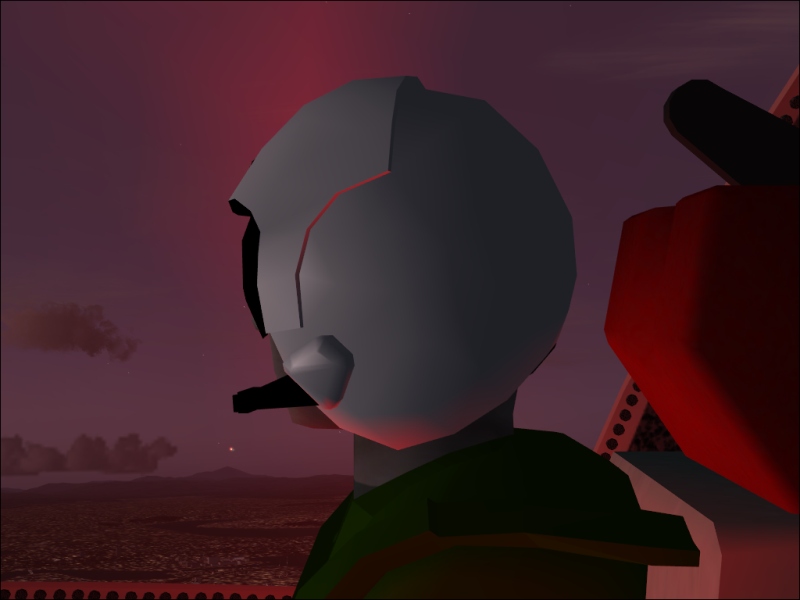
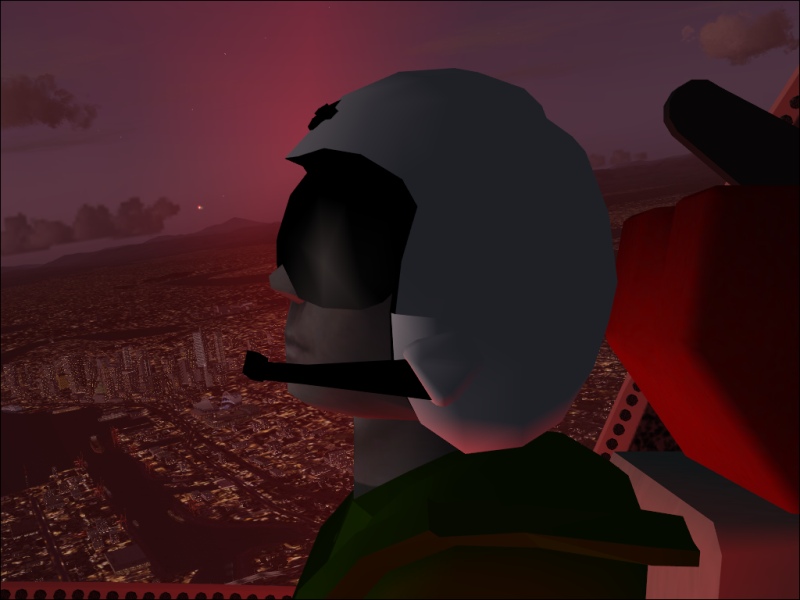
Not generally a "jet" man, but I'm checking out the new S-3B Viking:

http://www.simviation.com/fs2004military153.htm

Instrument panel isn't showing up (thought I put everything where it needed to go) so no instrument shots :-( Shame too, it has mirrors.

Image
Sorry about the compression here. One more click and it would have made it 100KB.
Image
Image
Last edited by aussiewannabe on Tue Aug 21, 2007 1:45 pm, edited 1 time in total.
HP Media Center Photosmart m7260n | 3.0GHz Intel Pentium D 830 | 2 GB RAM | 320 GB HD | Sapphire X1950 GT 512MB | Silencer 610 Watt PSU

[center][img]
http://www.simviation.com/yabbuploads/aussie_sig1.jpg
User avatar
aussiewannabe
Major
Major
 
Posts: 2530
Joined: Thu May 17, 2007 11:33 am

Re: Infra-Red

Postby simonmd » Tue Aug 21, 2007 1:56 pm

Are you useing FSX? If so, it says in the product description that the gauges won't show in it. Would be good to see more of the actual aircraft.
Image
This months's screenshot contest entry> http://www.simviation.com/cgi-bin/yabb2 ... 1197692798
User avatar
simonmd
Major
Major
 
Posts: 1847
Joined: Sun Nov 06, 2005 4:47 pm
Location: s wales, UK

Re: Infra-Red

Postby haroldkip » Tue Aug 21, 2007 3:17 pm

Original idea ... I like that. I'm putting these in my 'creative ideas' folder ;)
User avatar
haroldkip
Lieutenant Colonel
Lieutenant Colonel
 
Posts: 5906
Joined: Wed Apr 12, 2006 5:13 am
Location: Amsterdam, The Netherlands

Re: Infra-Red

Postby aussiewannabe » Tue Aug 21, 2007 9:23 pm

Are you useing FSX? If so, it says in the product description that the gauges won't show in it. Would be good to see more of the actual aircraft.


Nope, FS9. I also noticed it was former payware. That should have lit a light bulb ::) There's no read.txt, or uninstall.exe file.

For the life of me, I can't figure out as to why the instruments don't show up. A pdf file is included which shows the panel with operating switches.

If someone else can figure it out, then let the forum know. Otherwise, this o' girl will be heading to the recycle bin :D

And you're welcome, Harold. Glad to be of assistance 8-)

Last edited by aussiewannabe on Tue Aug 21, 2007 9:24 pm, edited 1 time in total.
HP Media Center Photosmart m7260n | 3.0GHz Intel Pentium D 830 | 2 GB RAM | 320 GB HD | Sapphire X1950 GT 512MB | Silencer 610 Watt PSU

[center][img]
http://www.simviation.com/yabbuploads/aussie_sig1.jpg
User avatar
aussiewannabe
Major
Major
 
Posts: 2530
Joined: Thu May 17, 2007 11:33 am

Re: Infra-Red

Postby Daube » Wed Aug 22, 2007 10:48 am

You are using it in FS9 but the instruments do not work ? Strange  :-?
Normally, it's only in FSX that the instrument do not show, simply because the gauges are incompatibles if I remember well...
Did you try putting the gauges directly into the panel subfolder of the plane ?
User avatar
Daube
Lieutenant Colonel
Lieutenant Colonel
 
Posts: 6611
Joined: Wed Oct 05, 2005 8:34 am
Location: Nice (FR)

Re: Infra-Red

Postby igorski » Wed Aug 22, 2007 12:05 pm

Hi, thought i'd check this out,

I downloaded the file and extracted to a new folder on my desktop to check that everything was in order (and it looked like it was) so copied all the folders into FS9's main folder, and fired up the sim.

Both 2D Panel and VC look fine to me.


Can I just check that your seeing a panel image (in 2D panel), just with no gauges?


Can you also check that your S-3's panel.cfg is present in the Panel folder, and that it shows a large number of gauges below a heading of [Window00]


Can you run a search on the FS9/Guages folder, looking for the filename "S3_Gauges.CAB"
If you cant find that, I suggest re-installing.
User avatar
igorski
Major
Major
 
Posts: 1453
Joined: Mon Oct 18, 2004 4:52 pm


Return to Simulation Screenshots Showcase

Who is online

Users browsing this forum: No registered users and 319 guests