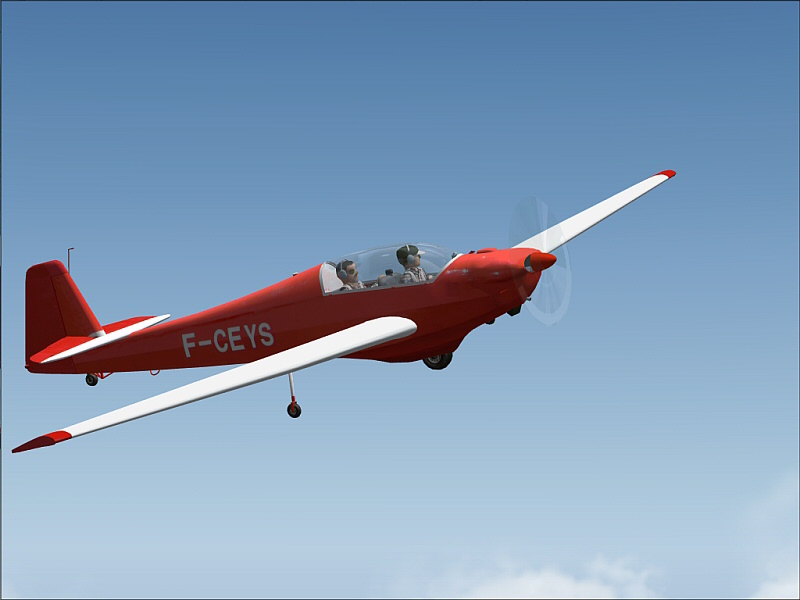
comments welcome
cheers
Dave


Flight Simulator and other chat
 by DaveT » Thu Aug 02, 2007 2:17 am


by Ben R » Thu Aug 02, 2007 4:34 am

by DaveT » Thu Aug 02, 2007 5:32 am
by haroldkip » Thu Aug 02, 2007 7:49 am


by DaveT » Thu Aug 02, 2007 1:02 pm
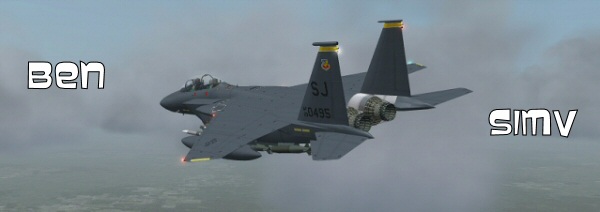
Looking good there Dave, although I think compression becomes more apparent when you have some heavy scenery in the shot, like your PanAm series ...
BTW: which AA setting are you using?


by Nick N » Thu Aug 02, 2007 2:15 pm

by DaveT » Thu Aug 02, 2007 3:40 pm
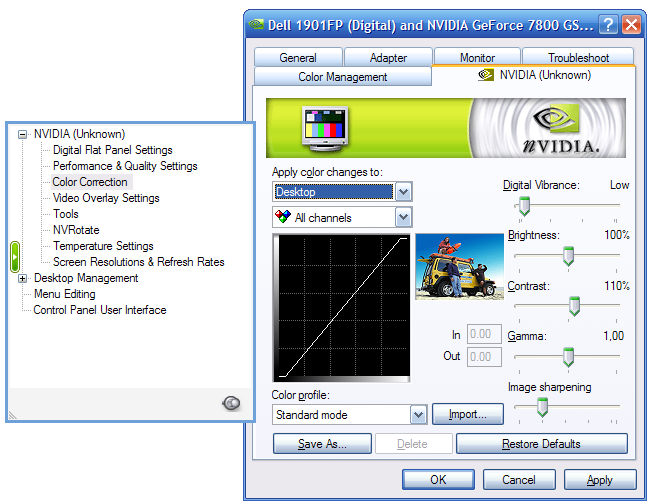
On Nvidia cards go to the driver control panel and bring up the "Adjust desktop color settings"
Make sure it is set for 'all channel" and if present "all technologies"
Increase the contrast about 5-10% and you can also increase the image sharpening 15-25% or so. the combination will help bring out better quality images. Increasing the digital vibrance a tad in very moody shots such as sunsets, etc can also make your snags pop.
Its a matter of playing in those areas.
Some flat panels look better with a slightly reduced GAMMA and a slightly increased contrast, it depends on the TFT and how well it handles its own base brightness and contrast.
I use a Chroma 4 Spider http://www.luminous-landscape.com/tutor ... file.shtml to get my FP set up first in perfect calibration between the OSD and the default driver settings, then fine tune using the Nv or ATi drivers for making 3D screens pop
FP calibration and settings changes from the OSD menu of the monitor will NOT change screenshots you post, just the image YOU see, but, any changes to Windows drivers for the video card WILL change/alter/enhance the actual screenshot taken that everyone else sees.
cheat?
Naaaa, cant be
thats what they gave you the driver settings for and since you are not altering the image in any photo program and taking it from the base hardware settings, its legit and very commonly done around here and other sites that post screens.
That would be like saying because you upgraded your drivers and they came with a new color profile, you are cheating.. doesn't work. As long as the image never passes through changes in a photo editing program and is the actual, unaltered snag that was taken in-sim, its legit.
LOL
by haroldkip » Thu Aug 02, 2007 5:13 pm
Increase the contrast about 5-10% and you can also increase the image sharpening 15-25% or so. the combination will help bring out better quality images. Increasing the digital vibrance a tad in very moody shots such as sunsets, etc can also make your snags pop.

by DaveT » Thu Aug 02, 2007 5:15 pm
Return to Simulation Screenshots Showcase
Users browsing this forum: No registered users and 310 guests