
Lock On - Randoms

Flight Simulation Screenshots displaying your Flight Simulation Experience. MSFS, FSX, Prepar3D, XPlane and other Flight Simulators. Focus is your Flight Simulator Experience. Please upload to Simviation (Button at top right)

Lock On - Randoms

Postby an-225 » Sun Mar 11, 2007 2:44 am

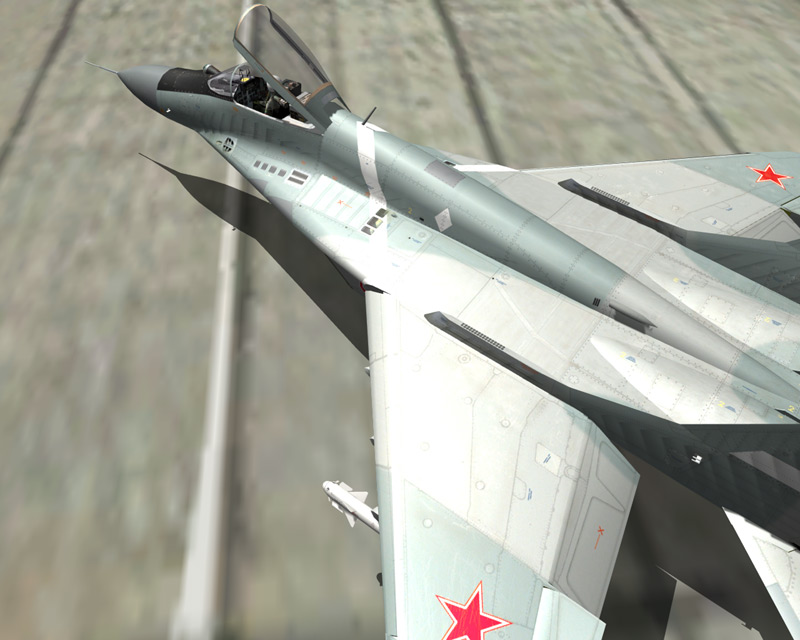
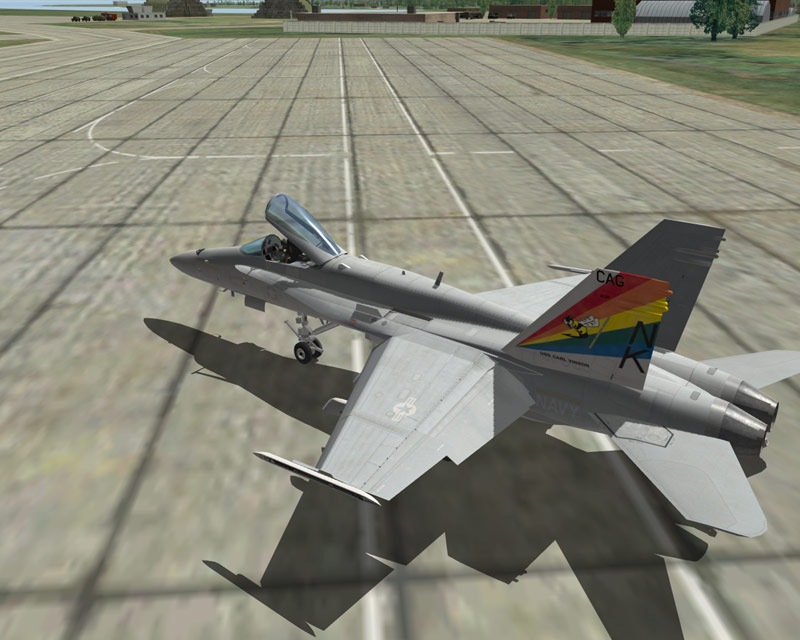
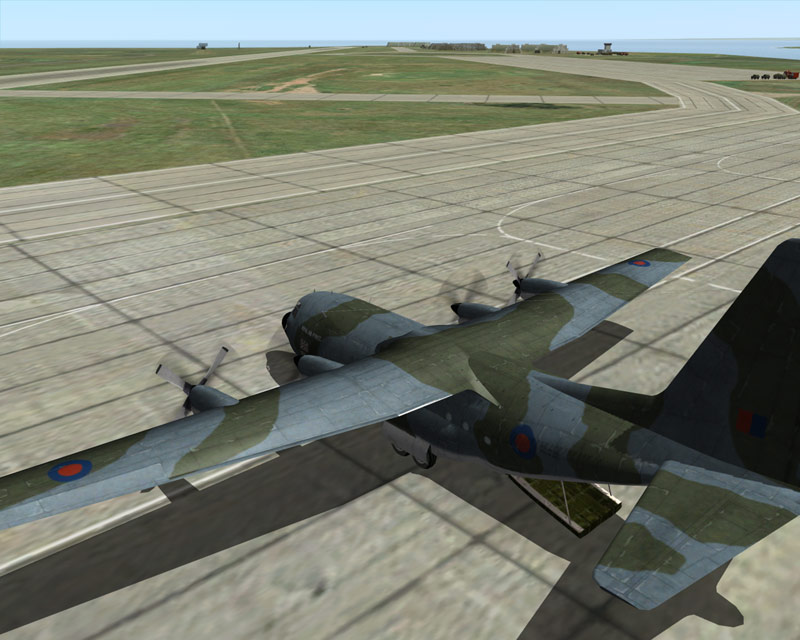
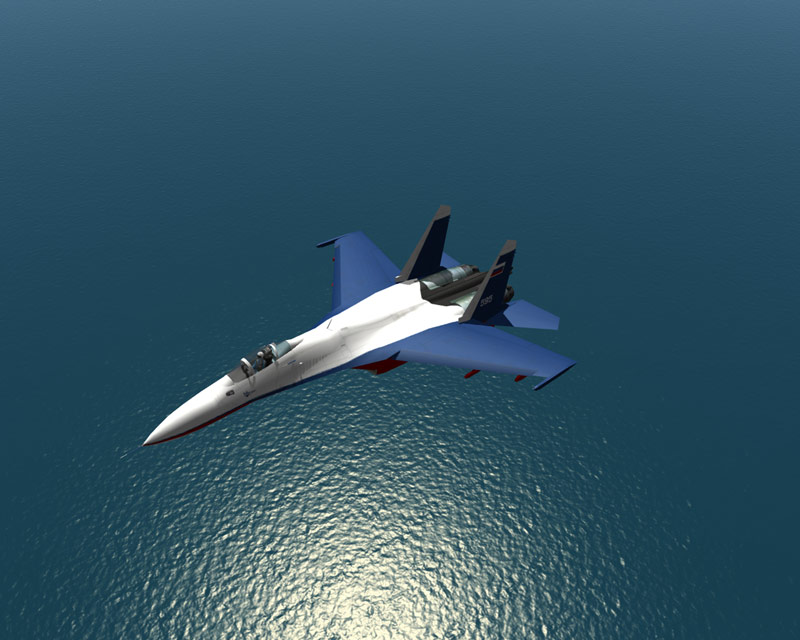
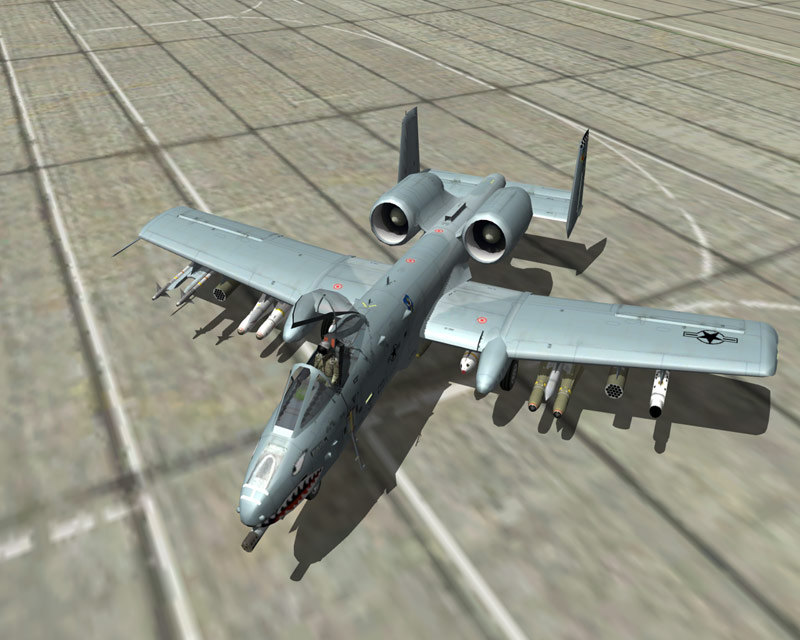
No complex storyline here. Just shots.  8-)

Image

Image

Image

Image

Image

Enjoy!  ;)
an-225
 

Re: Lock On - Randoms

Postby CSM » Sun Mar 11, 2007 2:48 am

nice shots mate, i recently installed that game to, whered you get the f-18??  8-)
Image
MacBook (Need I Say More)
User avatar
CSM
Captain
Captain
 
Posts: 750
Joined: Mon Oct 24, 2005 1:54 am
Location: Townsville, North Queensland

Re: Lock On - Randoms

Postby an-225 » Sun Mar 11, 2007 2:50 am

Fast reply!!!  ;D Well, I had to tweak it so it could become flyable...but I can't remember what I did though. Thanks for the comment. ;)
an-225
 

Re: Lock On - Randoms

Postby 2992 » Sun Mar 11, 2007 9:36 am

Nice shots ;)
Image
2992
Captain
Captain
 
Posts: 500
Joined: Fri Oct 28, 2005 6:44 am

Re: Lock On - Randoms

Postby Mobius » Sun Mar 11, 2007 10:42 am

Very nice.  I haven't pulled LOMAC out for a while...
Image
User avatar
Mobius
Major
Major
 
Posts: 3653
Joined: Thu Nov 04, 2004 10:44 pm
Location: Wisconsin

Re: Lock On - Randoms

Postby FSGT Gabe » Sun Mar 11, 2007 3:29 pm

#1's a beauty ;).  Great job.

- Kevin :D
Image
Studio V - Your destination for all your screenshot needs...
[move][color=#000066]Wi
User avatar
FSGT Gabe
Major
Major
 
Posts: 1576
Joined: Tue May 16, 2006 10:44 am
Location: Home airport: CYOO

Re: Lock On - Randoms

Postby Dan2229ATC » Sun Mar 11, 2007 5:19 pm

How u get the c130's ramp open?????

Nice shots
User avatar
Dan2229ATC
Ground hog
Ground hog
 
Posts: 26
Joined: Tue Feb 20, 2007 6:27 pm
Location: that place

Re: Lock On - Randoms

Postby an-225 » Sun Mar 11, 2007 6:32 pm

Thanks for the comments guys. ;) I found some new drivers from Nvidia for my 6800. So I put EVERYTHING on max. Set AA to 8, which my card doesn't normally do...or atleast function well with 8. Then I took these shots. I would say these are the most crisp screenies I have ever tried to take. :) And Dan2229ATC, I modified the C-130 to fly and then opened the "canopy" (CTRL+C). ;)
Last edited by an-225 on Sun Mar 11, 2007 6:33 pm, edited 1 time in total.
an-225
 

Re: Lock On - Randoms

Postby CSM » Sun Mar 11, 2007 7:30 pm

Hey,

Do you reckon youd be able to host that c-130 file on a website somewhere for me to download..... pretty pleasssssssse, theres a cookie in it for you 8-)
Image
MacBook (Need I Say More)
User avatar
CSM
Captain
Captain
 
Posts: 750
Joined: Mon Oct 24, 2005 1:54 am
Location: Townsville, North Queensland

Re: Lock On - Randoms

Postby an-225 » Sun Mar 11, 2007 7:34 pm

I forgot how to tweak it. Sorry.  :-[ Therefore I can't host it. I have to go out now. When I get back I will try to get you the C-130 and C-17 ok?  ;) I like the sound of your Nvidia 8800 offer.  ;D
an-225
 

Re: Lock On - Randoms

Postby Stormtropper » Sun Mar 11, 2007 9:05 pm

...from your Lock On root folder, double click on "ME" and then edit "meinit.xml" with notepad...

...change "HumanCockpit" to "yes" for the planes you want to fly...

...they all have the Su-33 cockpit and fly like a rocket ship...:P
Arizona State University
Viva la party!


Image
Stormtropper
Major
Major
 
Posts: 1237
Joined: Mon Oct 18, 2004 7:49 pm
Location: Grosse Pointe, MI


Return to Simulation Screenshots Showcase

Who is online

Users browsing this forum: No registered users and 223 guests