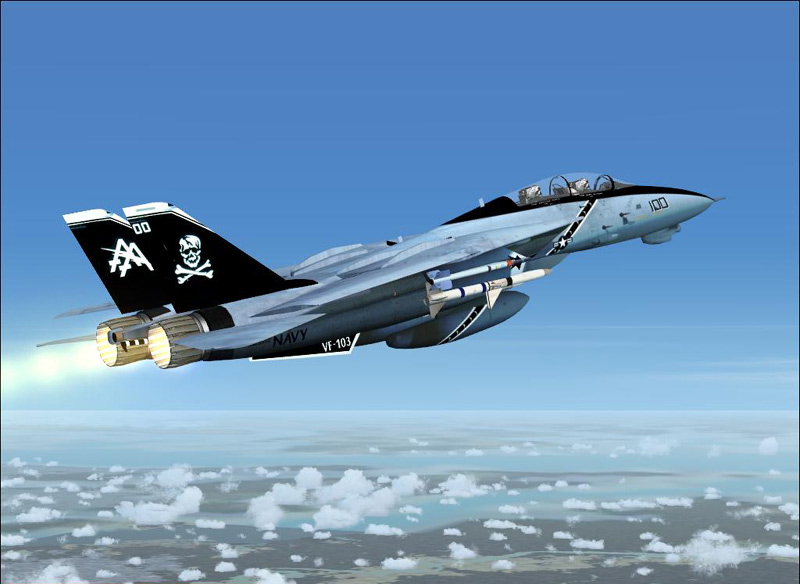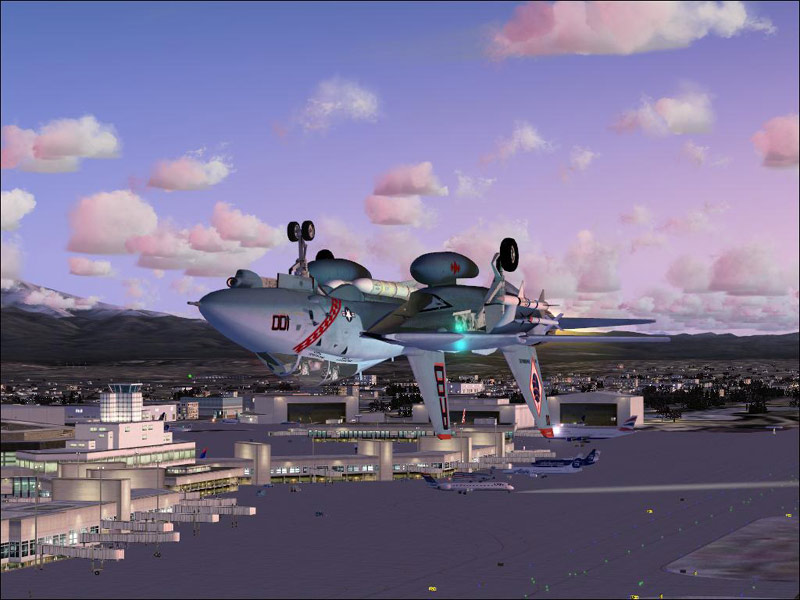
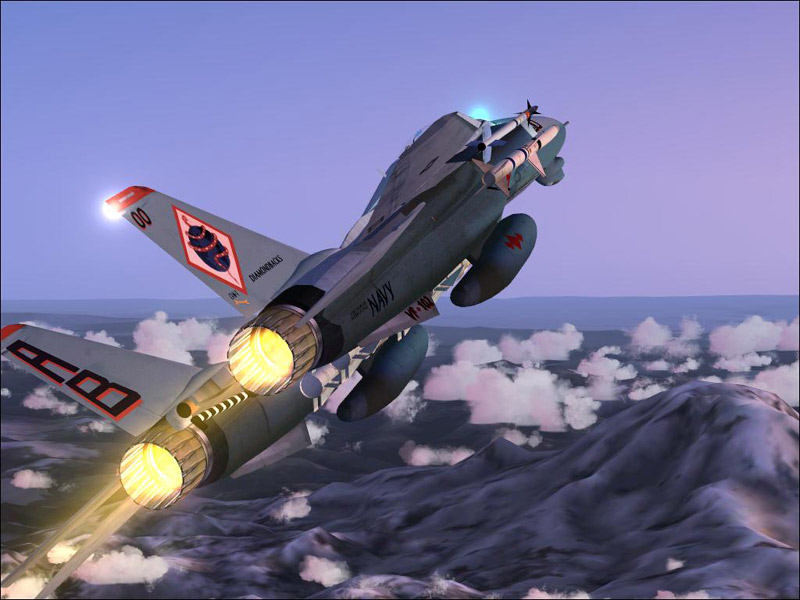
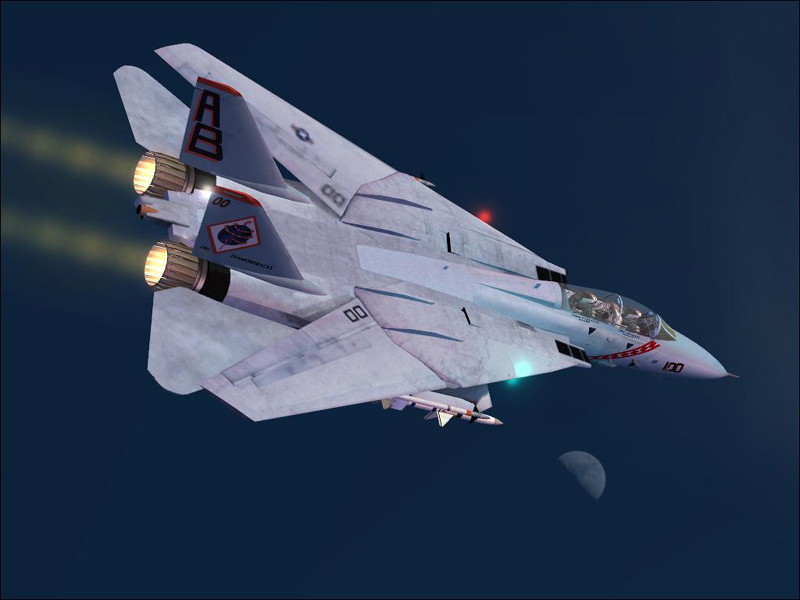
Does anyone know which key controls the swept wings on these puppies. Didn't see it in the readme file.
Thanks
Leon

Flight Simulator and other chat
 by Scudrunner » Thu Dec 28, 2006 5:05 pm

by Cobra » Thu Dec 28, 2006 5:20 pm



by Souichiro » Thu Dec 28, 2006 5:20 pm



by Jakemaster » Thu Dec 28, 2006 5:35 pm
The Flaps.
Flaps down is wing spread and eventually also the flaps and flaps up is wings swept like this
F5 to F8 keys default or hot-keys on joystick maybe?
by Isak922 » Thu Dec 28, 2006 6:10 pm
The Flaps.
Flaps down is wing spread and eventually also the flaps and flaps up is wings swept like this
F5 to F8 keys default or hot-keys on joystick maybe?
F7 is incremental down, F6 is incremental up, F5 is full up and F8 is full down.
Its a shame no one has made an XML gauge for the tomcat-the real one automatically swept the wings through to 1.2 Mach

by Jakemaster » Thu Dec 28, 2006 8:49 pm
The Flaps.
Flaps down is wing spread and eventually also the flaps and flaps up is wings swept like this
F5 to F8 keys default or hot-keys on joystick maybe?
F7 is incremental down, F6 is incremental up, F5 is full up and F8 is full down.
Its a shame no one has made an XML gauge for the tomcat-the real one automatically swept the wings through to 1.2 Mach
You can't say "no one". Iris did for their Tomcat ;) Of course, That's a payware plane though

by Bad_at_FS » Thu Dec 28, 2006 10:52 pm


by Isak922 » Thu Dec 28, 2006 11:29 pm
What plane is that?

by Mees » Fri Dec 29, 2006 7:31 am
The Flaps.
Flaps down is wing spread and eventually also the flaps and flaps up is wings swept like this
F5 to F8 keys default or hot-keys on joystick maybe?
F7 is incremental down, F6 is incremental up, F5 is full up and F8 is full down.
Its a shame no one has made an XML gauge for the tomcat-the real one automatically swept the wings through to 1.2 Mach


by Tweek » Fri Dec 29, 2006 7:39 am
Its a shame no one has made an XML gauge for the tomcat-the real one automatically swept the wings through to 1.2 Mach
by Ivan » Fri Dec 29, 2006 10:04 am
What plane is that?

by haroldkip » Fri Dec 29, 2006 12:42 pm

Return to Simulation Screenshots Showcase
Users browsing this forum: No registered users and 374 guests