Some more....

Flight Simulation Screenshots displaying your Flight Simulation Experience. MSFS, FSX, Prepar3D, XPlane and other Flight Simulators. Focus is your Flight Simulator Experience. Please upload to Simviation (Button at top right)

Some more....

Postby kingmarktheaviator » Sat Dec 23, 2006 12:24 pm

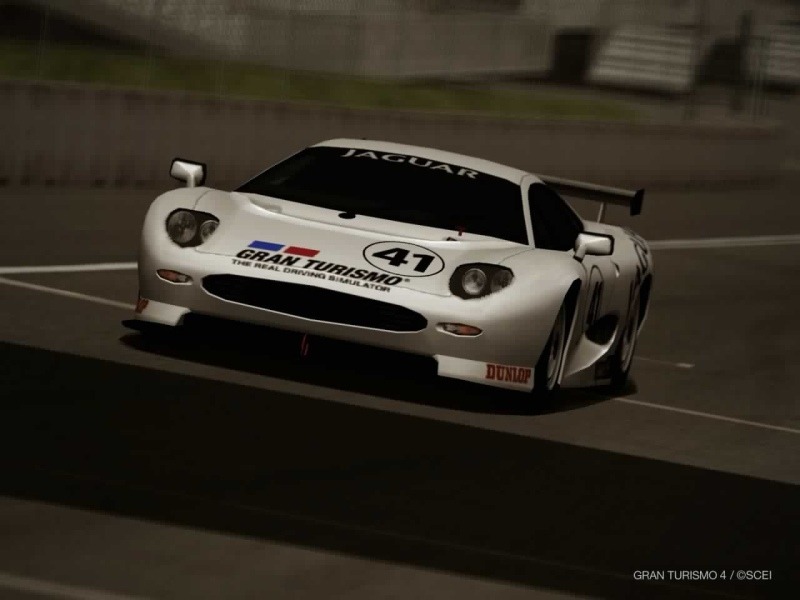
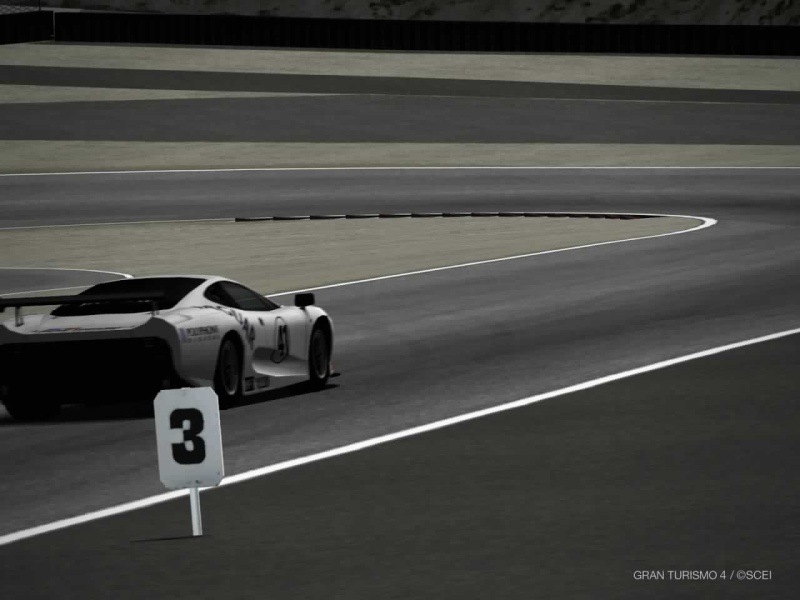
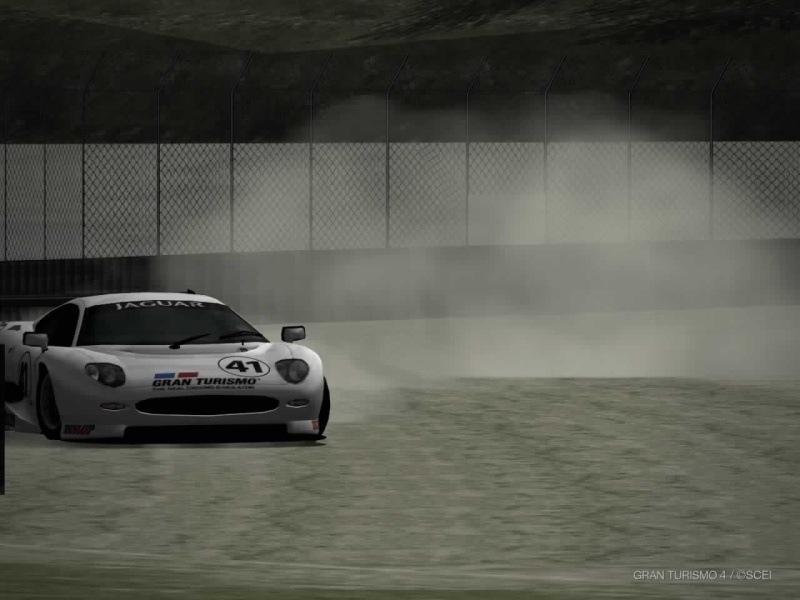
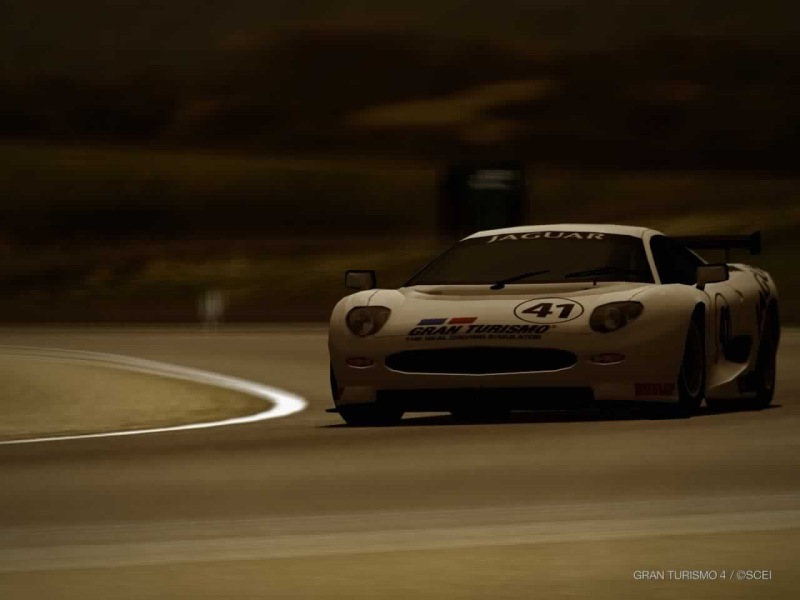
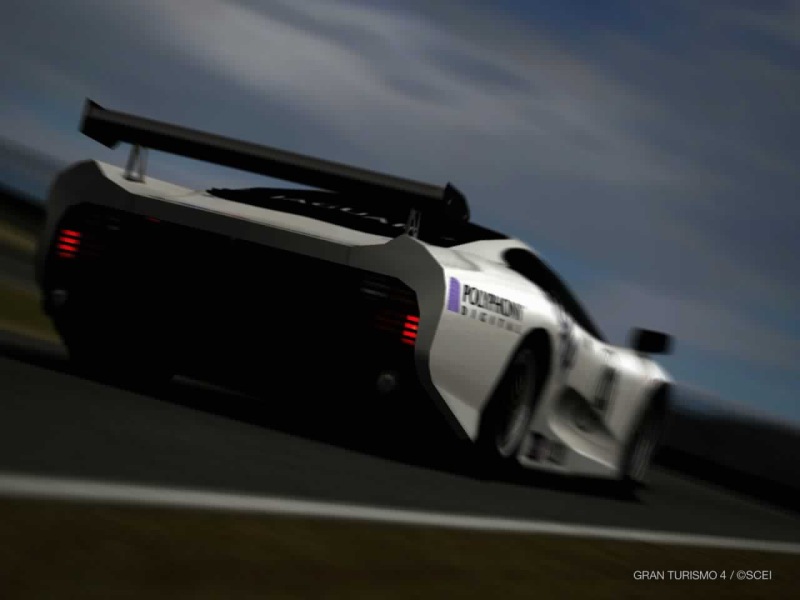
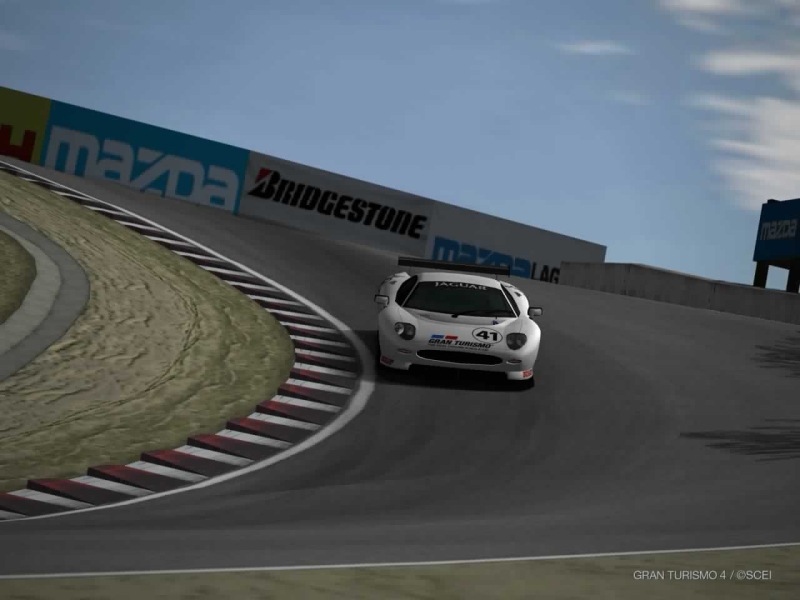
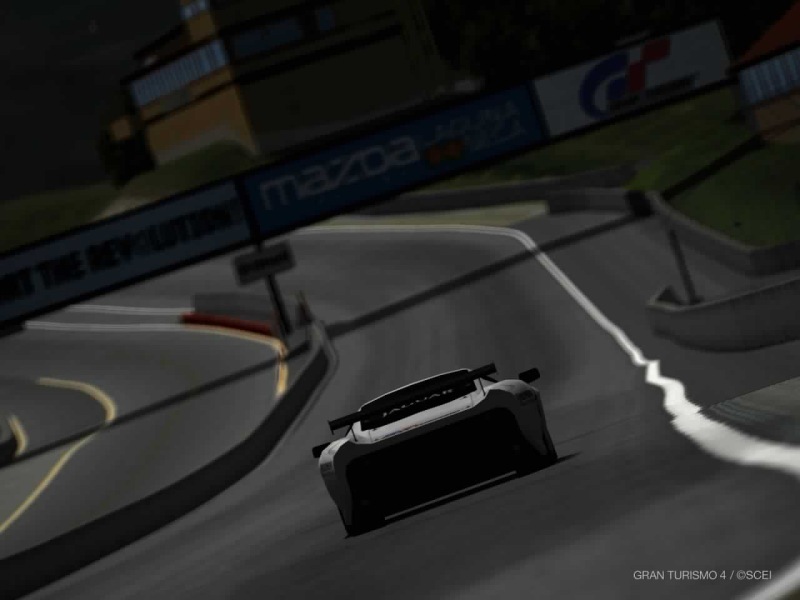
...GT4, racing around Laguna Seca in a Jaguar XJ220

Image

Image

Image

Image

Image

Image

Image

Hope you enjoyed these!  If you want more of certain cars, just ask.  I'll do my best to get you them.

Cheers,

Mark

Air Training Corps Cadet since 2003. Sergeant since Sept 2006, Staff Cadet since July '06.
User avatar
kingmarktheaviator
1st Lieutenant
1st Lieutenant
 
Posts: 451
Joined: Sun May 15, 2005 5:19 am
Location: Ivybridge, Nr Plymouth, UK

Re: Some more....

Postby cspyro21 » Sat Dec 23, 2006 1:26 pm

Fantastic game isn't it?

How did you save the pics? Did you save them to your memory card, transport it to a USB pen and then put them on your PC? I've tried it and it doesn't work....  :-?
User avatar
cspyro21
Major
Major
 
Posts: 4987
Joined: Sun Aug 28, 2005 6:11 am

Re: Some more....

Postby kingmarktheaviator » Sun Dec 24, 2006 8:50 am

Just put the Flash Disk into your PS2, get yourself into "Photo Drive" mode then drive around.  When you want to end it hit Start, then select to Exit, you will then see a replay.  In the replay press "Select" to get into the take photo mode, then set up your shot.  Press X to take it, then you get a full screen preview.  Press Start to save and select USB Flash Drive.

And yeah, it is a great game  :)

Hope this helped,

Mark
Air Training Corps Cadet since 2003. Sergeant since Sept 2006, Staff Cadet since July '06.
User avatar
kingmarktheaviator
1st Lieutenant
1st Lieutenant
 
Posts: 451
Joined: Sun May 15, 2005 5:19 am
Location: Ivybridge, Nr Plymouth, UK


Return to Simulation Screenshots Showcase

Who is online

Users browsing this forum: No registered users and 674 guests