
graphics Test

Flight Simulation Screenshots displaying your Flight Simulation Experience. MSFS, FSX, Prepar3D, XPlane and other Flight Simulators. Focus is your Flight Simulator Experience. Please upload to Simviation (Button at top right)

graphics Test

Postby Scudrunner » Fri Dec 22, 2006 11:42 am

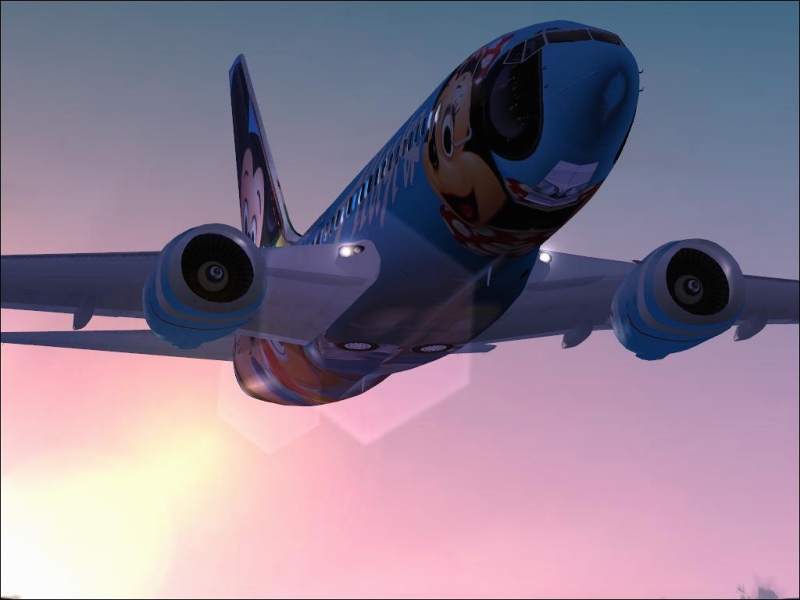
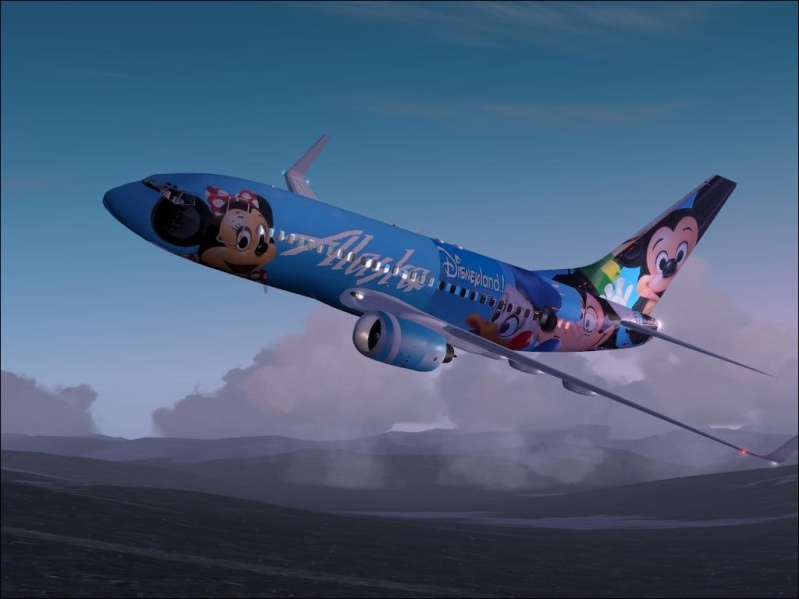
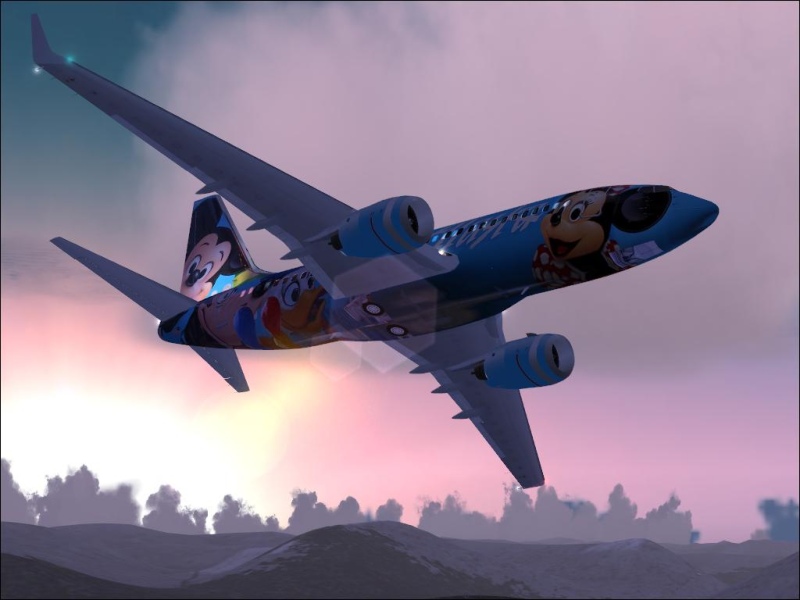
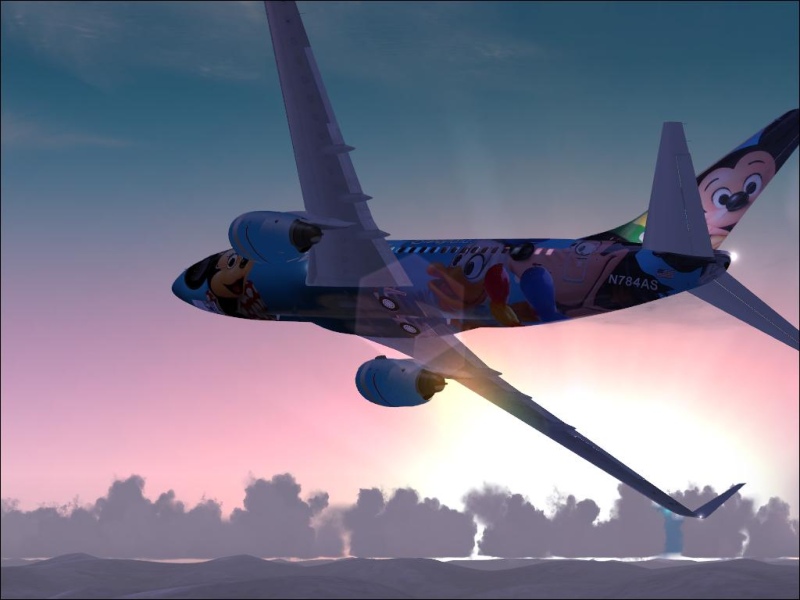
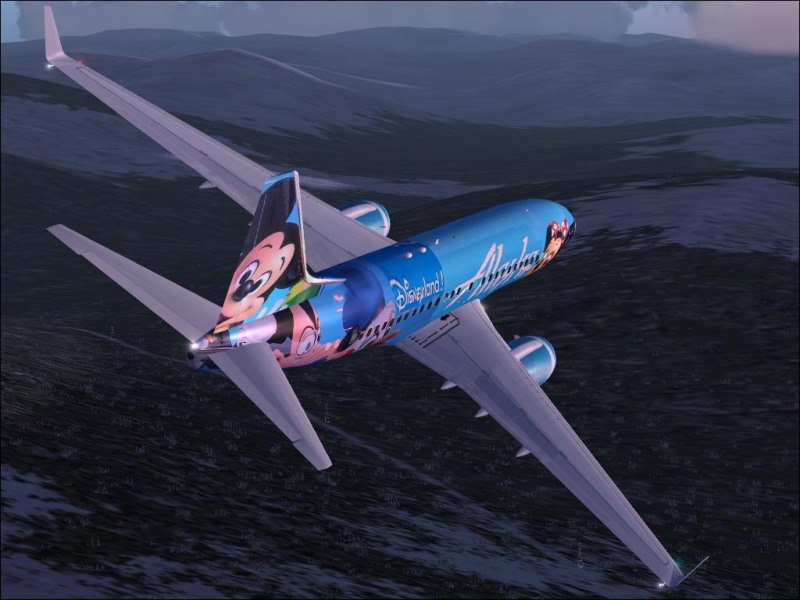
I am trying to get this compression thing right. I use fraps to get the screenshots. I was using Photoshop to resize and was saving the quality at 8. Some images were coming out over 100K and some well under. I tryed resizing these using Xara. It has a slider which I can move to get the image just under 100k. Anyhow, here are the results. comments welcome. Help me get this thing right.

     Image

     Image

     Image

     Image

     Image

Thanks
Scudrunner
2nd Lieutenant
2nd Lieutenant
 
Posts: 130
Joined: Thu Nov 30, 2006 5:09 pm
Location: USA

Re: graphics Test

Postby Hai Perso Coyone? » Fri Dec 22, 2006 11:50 am

Not too bad...You can use the handy dandy Save for Feature in Photoshop to get better results...Here's what I can come up with... ;)

http://www.simviation.com/cgi-bin/yabb2 ... 1166728966

Cheers,
Ashar ;)
Last edited by Hai Perso Coyone? on Fri Dec 22, 2006 11:50 am, edited 1 time in total.
User avatar
Hai Perso Coyone?
Ground hog
Ground hog
 
Posts: 0
Joined: Fri Jan 12, 2007 7:31 pm
Location: Rome, Italy

Re: graphics Test

Postby Scudrunner » Fri Dec 22, 2006 11:53 am

I will try that..
Scudrunner
2nd Lieutenant
2nd Lieutenant
 
Posts: 130
Joined: Thu Nov 30, 2006 5:09 pm
Location: USA

Re: graphics Test

Postby Scudrunner » Fri Dec 22, 2006 2:34 pm

Here are a couple more...

POST THEM IN A SEPERATE THREAD ..... 500K per thread
Last edited by eno on Fri Dec 22, 2006 2:48 pm, edited 1 time in total.
Scudrunner
2nd Lieutenant
2nd Lieutenant
 
Posts: 130
Joined: Thu Nov 30, 2006 5:09 pm
Location: USA

Re: graphics Test

Postby eno » Fri Dec 22, 2006 2:50 pm

If you are using photoshop there is an option to SAVE FOR WEB. Click on that and then on the small arrow button on the right and set the optimisation limit to 99k..... click save and bob's ya aunt.
[align=center][img]http://www.simviation.com/yabbuploads/imaginsigeno.jpg[/img][/align]
User avatar
eno
Lieutenant Colonel
Lieutenant Colonel
 
Posts: 6708
Joined: Sun Jan 18, 2004 12:30 pm
Location: Derbyshire UK

Re: graphics Test

Postby haroldkip » Fri Dec 22, 2006 3:31 pm

Very nice shots there Leon! I see you've nailed the Anti Aliasing too! And the compression in these shots are just right? I don't find the 'sharp' edges disturbing.

Just a tip: try not to shoot to the sun but away from it. The second and last shots in this series are a very good example. They have a very nice contrast!

Keep 'em coming!

BTW: that is a very cool skin on the bird!
Last edited by haroldkip on Fri Dec 22, 2006 3:33 pm, edited 1 time in total.
User avatar
haroldkip
Lieutenant Colonel
Lieutenant Colonel
 
Posts: 5906
Joined: Wed Apr 12, 2006 5:13 am
Location: Amsterdam, The Netherlands

Re: graphics Test

Postby Sooner266 » Fri Dec 22, 2006 8:02 pm
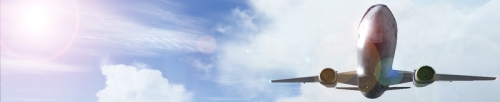
i'm guessing that that is the default lens flare?
there's a excellent add-on for that right here at SimV.
i have it and it looks great, much more circular...
its just a single fx file... so its easy to install.
Last edited by Sooner266 on Fri Dec 22, 2006 8:03 pm, edited 1 time in total.
Image
User avatar
Sooner266
2nd Lieutenant
2nd Lieutenant
 
Posts: 107
Joined: Fri Jun 23, 2006 12:06 am


Return to Simulation Screenshots Showcase

Who is online

Users browsing this forum: No registered users and 672 guests
