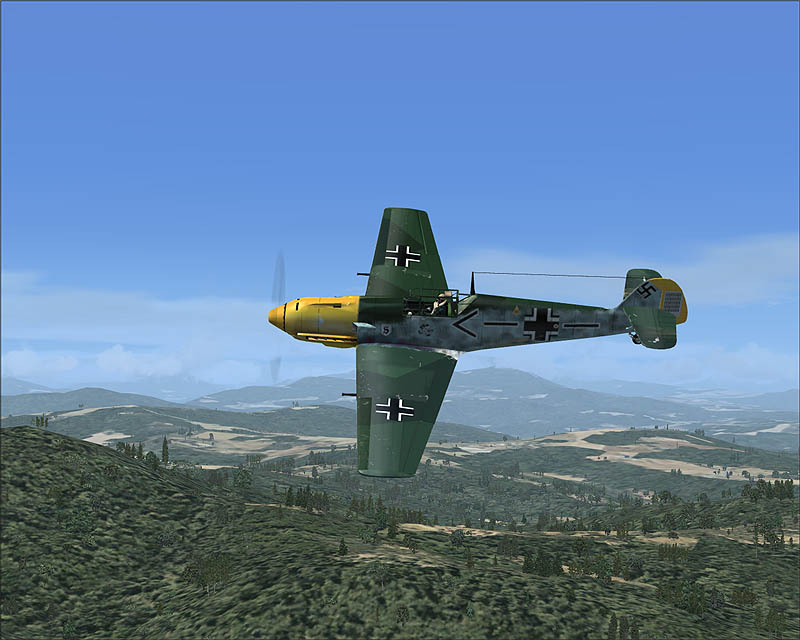
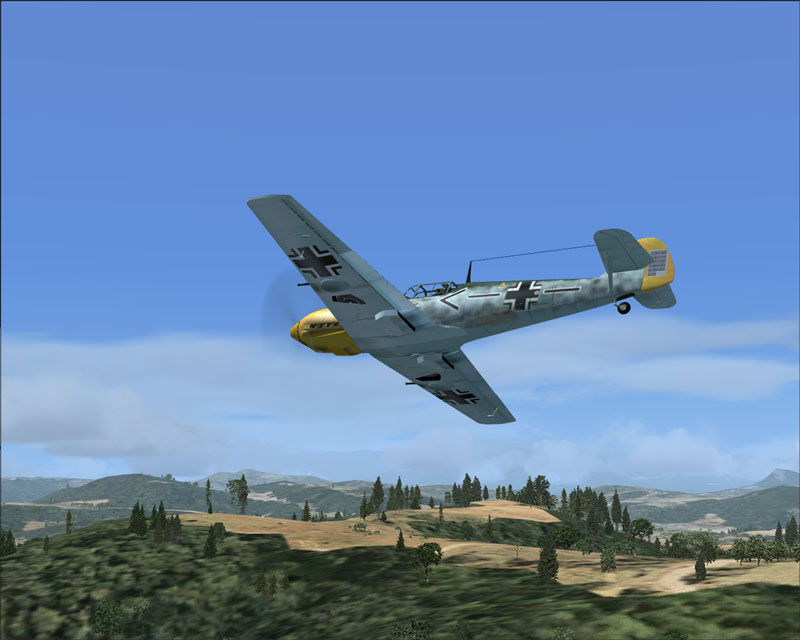
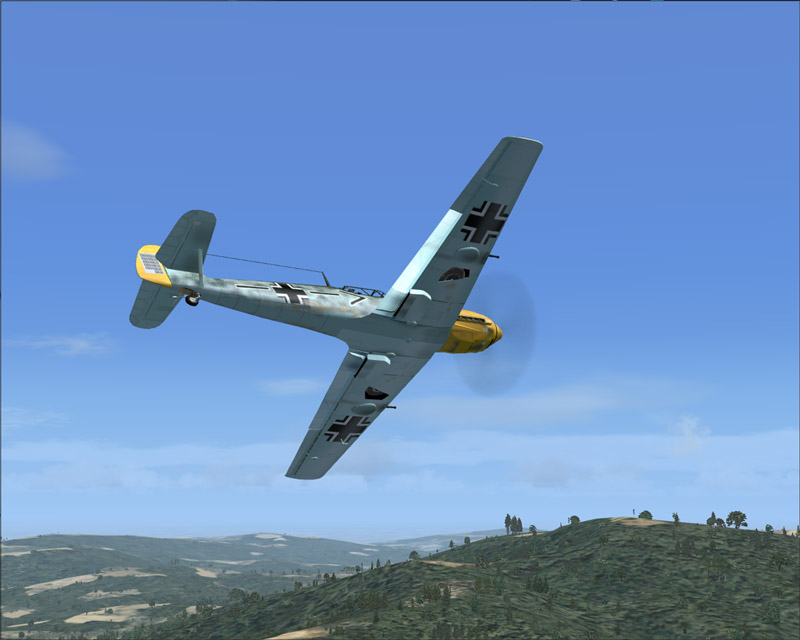
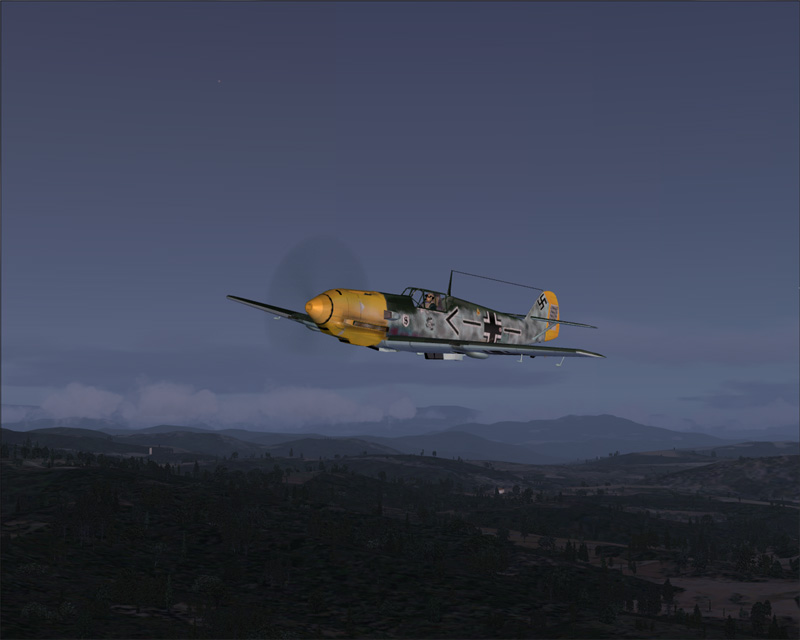
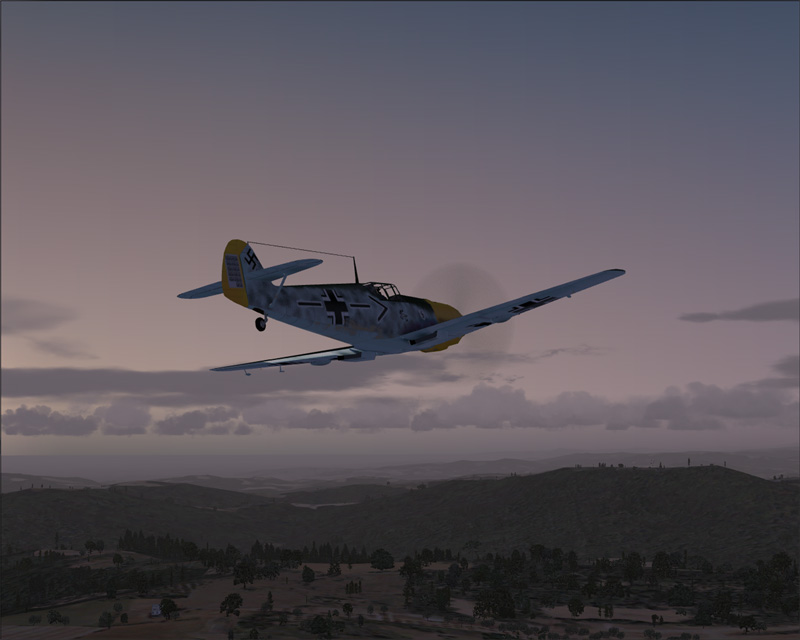

Emil goes Italian

Flight Simulation Screenshots displaying your Flight Simulation Experience. MSFS, FSX, Prepar3D, XPlane and other Flight Simulators. Focus is your Flight Simulator Experience. Please upload to Simviation (Button at top right)

Emil goes Italian

Postby RollerBall » Sat Nov 11, 2006 7:04 pm

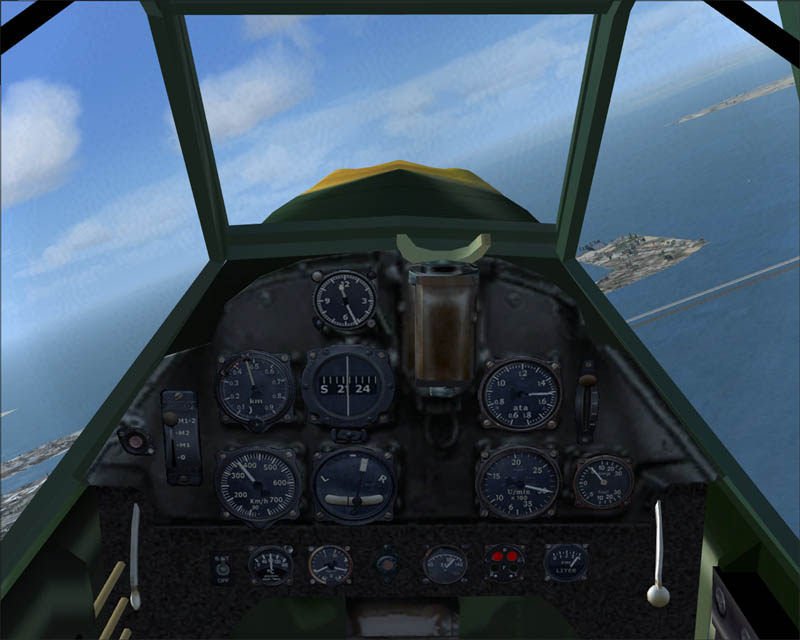
Great plane (but no gauges) and gorgeous FSX Italian scenery

Image

Image

Image

Image

Image
RollerBall
 

Re: Emil goes Italian

Postby Hai Perso Coyone? » Sun Nov 12, 2006 8:46 am

Wow! Italy looks awesome in FSX...Excellent pics Roger ;) ;)
User avatar
Hai Perso Coyone?
Ground hog
Ground hog
 
Posts: 0
Joined: Fri Jan 12, 2007 7:31 pm
Location: Rome, Italy

Re: Emil goes Italian

Postby Hagar » Sun Nov 12, 2006 9:26 am

Nice. If that's the AH free Me 109E the FS9 default a6m2_zero.gau, bf109e.gau & fw190a.gau should give you almost a full set of compatible gauges on both the 2D panel & DVC.

I take it this means that gauges from previous versions of CFS/FS are not included with FSX.
Last edited by Hagar on Sun Nov 12, 2006 9:27 am, edited 1 time in total.
Image

Founder & Sole Member - Grumpy's Over the Hill Club for Veteran Virtual Aviators
Member of the Fox Four Group
My Google Photos albums
My Flickr albums
User avatar
Hagar
Colonel
Colonel
 
Posts: 30869
Joined: Wed Jun 19, 2002 7:15 am
Location: Costa Geriatrica

Re: Emil goes Italian

Postby RollerBall » Sun Nov 12, 2006 9:42 am

You're right in that assumption Doug. And all of the default FSX gauges are XML in cab files which is one of the reasons why copying 'old' aircraft over from previous sims is a problem. I've had a lot which look and fly fine but because they use *.gau gauges which 'were made for FS98 or earlier versions' (something like that anyway), FSX will not run them.

Luckily we have a selection of 'old' aircraft with 'old' gauges in FS2004 (never thought I'd be grateful for all the historic planes I rarely if ever flew in that sim) so it will be possible to make up panels of a sort to more or less suit the aircraft without having to make completely new gauges. Eventually, people who like tinkering with panels will get access to more and more gauges of course as designers make new XML ones - but it'll be tricky using ConfigEdit to pop em in  ;)
RollerBall
 

Re: Emil goes Italian

Postby Hagar » Sun Nov 12, 2006 9:47 am

[quote]Eventually, people who like tinkering with panels will get access to more and more gauges of course as designers make new XML ones - but it'll be tricky using ConfigEdit to pop em in
Last edited by Hagar on Sun Nov 12, 2006 9:56 am, edited 1 time in total.
Image

Founder & Sole Member - Grumpy's Over the Hill Club for Veteran Virtual Aviators
Member of the Fox Four Group
My Google Photos albums
My Flickr albums
User avatar
Hagar
Colonel
Colonel
 
Posts: 30869
Joined: Wed Jun 19, 2002 7:15 am
Location: Costa Geriatrica

Re: Emil goes Italian

Postby fabiane » Sun Nov 12, 2006 11:58 am

Very nice, love the first one!
fabiane
 

Re: Emil goes Italian

Postby RollerBall » Sun Nov 12, 2006 12:15 pm

On this particular aircraft there's no need for any tinkering. Just paste those FS9 default gauges I listed into FSX\Gauges.

:)

Eeee by gum lad - the old boy's still got it.

Image

I originally looked in the FS9 gauges folder but couldn't find em and couldn't remember whether it had the gauges in FS04. But after what you said looked again a bit more closely and there they were.

Doug wins this week's SimV Sherlock Holmes award.... nice one eh
Last edited by RollerBall on Sun Nov 12, 2006 12:16 pm, edited 1 time in total.
RollerBall
 

Re: Emil goes Italian

Postby jankees » Tue Nov 14, 2006 1:27 pm

That first shot is wonderful!

Jan Kees
Image
jankees
Major
Major
 
Posts: 2799
Joined: Fri Aug 11, 2006 3:19 am
Location: Brussels, Belgium


Return to Simulation Screenshots Showcase

Who is online

Users browsing this forum: No registered users and 581 guests


