Still a gem

Flight Simulation Screenshots displaying your Flight Simulation Experience. MSFS, FSX, Prepar3D, XPlane and other Flight Simulators. Focus is your Flight Simulator Experience. Please upload to Simviation (Button at top right)

Still a gem

Postby Souichiro » Wed Nov 08, 2006 6:16 pm

Needs no Introduction really
Image

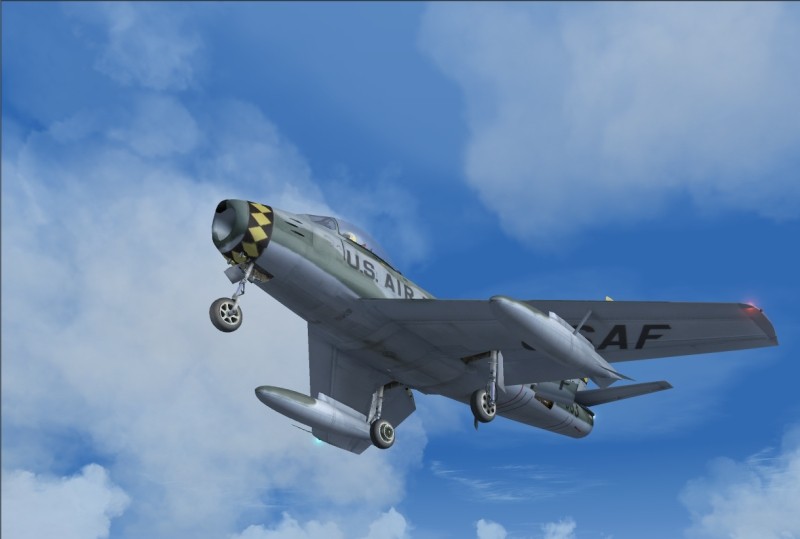
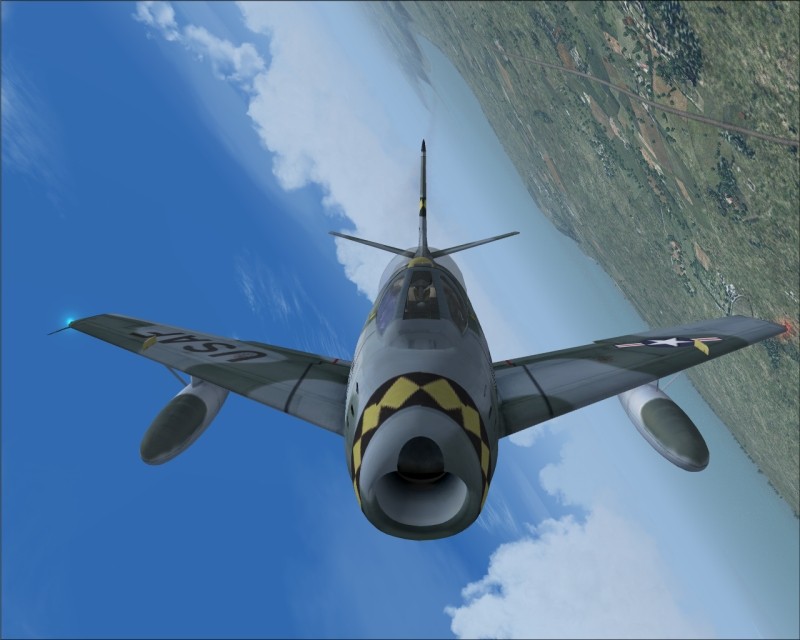
Yup you guessed right... Kirk Olson's Sabre
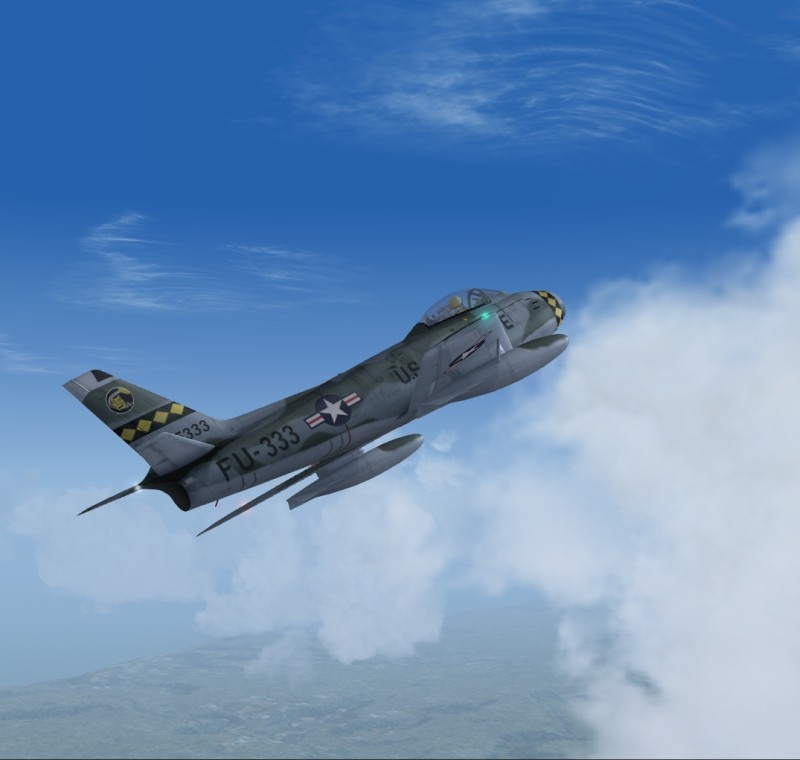
Image

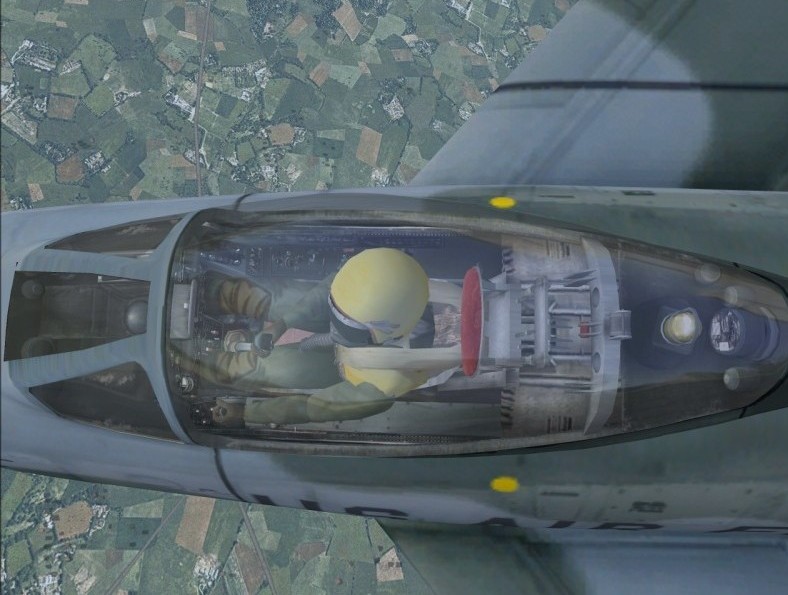
Fully modelled in VC mode ( except for landing gear)
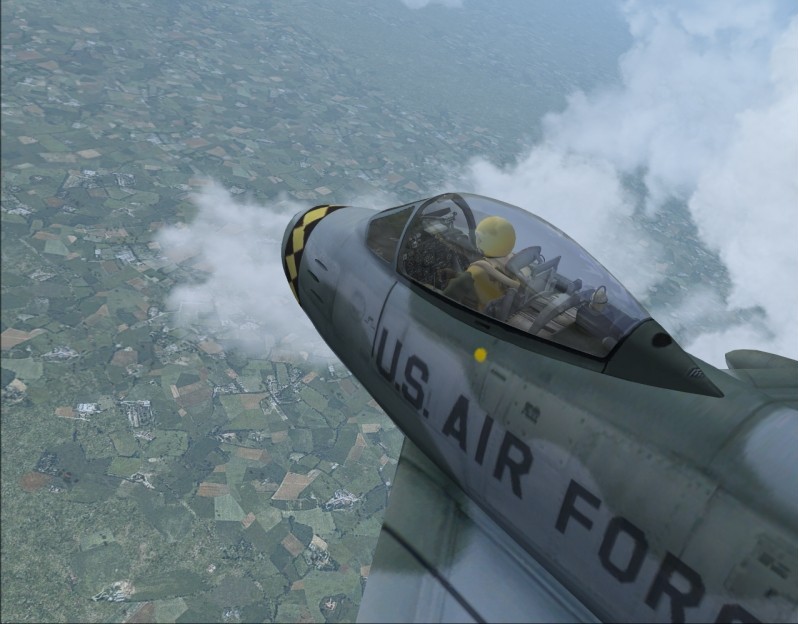
Image

And just look at that detail!
Image

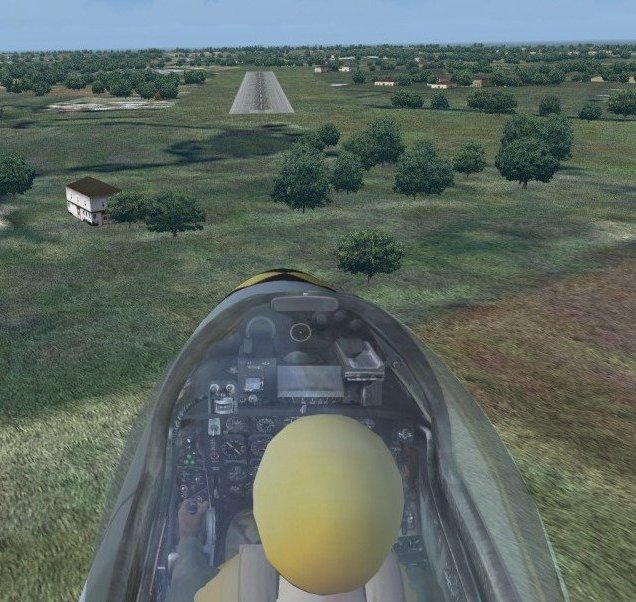
Coming in to land
Image

Gotta concentrate!
Image


Still one of my favorite's!
Image
User avatar
Souichiro
Ground hog
Ground hog
 
Posts: 0
Joined: Tue Aug 28, 2007 11:34 am

Re: Still a gem

Postby Ayle » Wed Nov 08, 2006 10:12 pm

Great but wich soft do you use for the camera? I cant do that with f1 view  :(
Ayle
Ground hog
Ground hog
 
Posts: 13
Joined: Sat Dec 17, 2005 9:09 am

Re: Still a gem

Postby AgentJohnson » Wed Nov 08, 2006 10:26 pm

he might be using recorder, sry but not realy sure were i got it from. do a google search for it. oh and awsome pics, is that fsx or fs9?
Last edited by AgentJohnson on Wed Nov 08, 2006 10:26 pm, edited 1 time in total.
AgentJohnson
2nd Lieutenant
2nd Lieutenant
 
Posts: 91
Joined: Fri Sep 22, 2006 11:11 pm

Re: Still a gem

Postby krigl » Thu Nov 09, 2006 3:20 am

Nice work Soui... one of my faves.

[quote]Great but wich soft do you use for the camera? I cant do that with f1 view
If you're bored of an evening - and you'll have to be - you can check out my screenshot gallery: Kriglsflightsimscreens...HERE

[center][img]http://www.simviation.com/phpup
krigl
Lieutenant Colonel
Lieutenant Colonel
 
Posts: 8234
Joined: Fri Jun 10, 2005 3:47 am

Re: Still a gem

Postby Souichiro » Thu Nov 09, 2006 3:41 am

Krigl is correct my friends! If you go to the hard wings model you have some paintschemes which also say full VR or something like that... With that you can scroll outside with F1-view!
Image
User avatar
Souichiro
Ground hog
Ground hog
 
Posts: 0
Joined: Tue Aug 28, 2007 11:34 am

Re: Still a gem

Postby jimm57 » Thu Nov 09, 2006 10:14 am

Good shots and they inspired me to fly that plane this morning, but I cant get the views you are getting with F1 key. Nothing happens in the VC view if I hit the key. What do I need to do to move the camera view?

Thanks
User avatar
jimm57
2nd Lieutenant
2nd Lieutenant
 
Posts: 166
Joined: Thu May 11, 2006 3:03 pm
Location: Apex NC

Re: Still a gem

Postby krigl » Thu Nov 09, 2006 11:40 am

Good shots and they inspired me to fly that plane this morning, but I cant get the views you are getting with F1 key. Nothing happens in the VC view if I hit the key. What do I need to do to move the camera view?

Thanks


:D

You need to download the free F1 View utility from Flight 1's website.

Look, here it is:

http://atr.flight1.net/atr_downloads.asp

Have fun!

Krigl
If you're bored of an evening - and you'll have to be - you can check out my screenshot gallery: Kriglsflightsimscreens...HERE

[center][img]http://www.simviation.com/phpup
krigl
Lieutenant Colonel
Lieutenant Colonel
 
Posts: 8234
Joined: Fri Jun 10, 2005 3:47 am

Re: Still a gem

Postby Souichiro » Thu Nov 09, 2006 11:43 am


:D

You need to download the free F1 View utility from Flight 1's website.

Look, here it is:

http://atr.flight1.net/atr_downloads.asp

Have fun!

Krigl


Tss I use this too sooo much and you thought I wouldn't make it availible on simv is I could

http://www.simviation.com/fs2004utilities8.htm


:P :P
Image
User avatar
Souichiro
Ground hog
Ground hog
 
Posts: 0
Joined: Tue Aug 28, 2007 11:34 am

Re: Still a gem

Postby jimm57 » Thu Nov 09, 2006 12:57 pm

Oh, thats SO COOL!  :o

Thanks Krigl and Souichiro. I needed that!  ;D
User avatar
jimm57
2nd Lieutenant
2nd Lieutenant
 
Posts: 166
Joined: Thu May 11, 2006 3:03 pm
Location: Apex NC


Return to Simulation Screenshots Showcase

Who is online

Users browsing this forum: No registered users and 494 guests