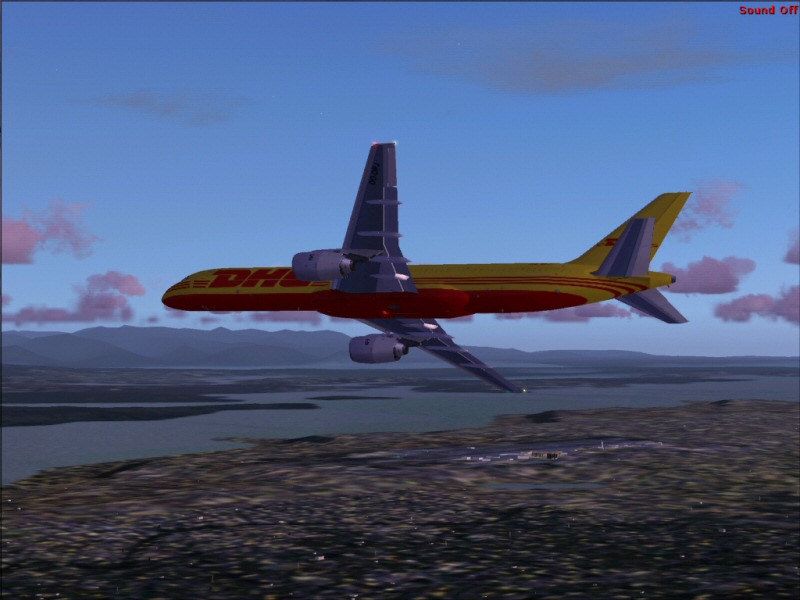
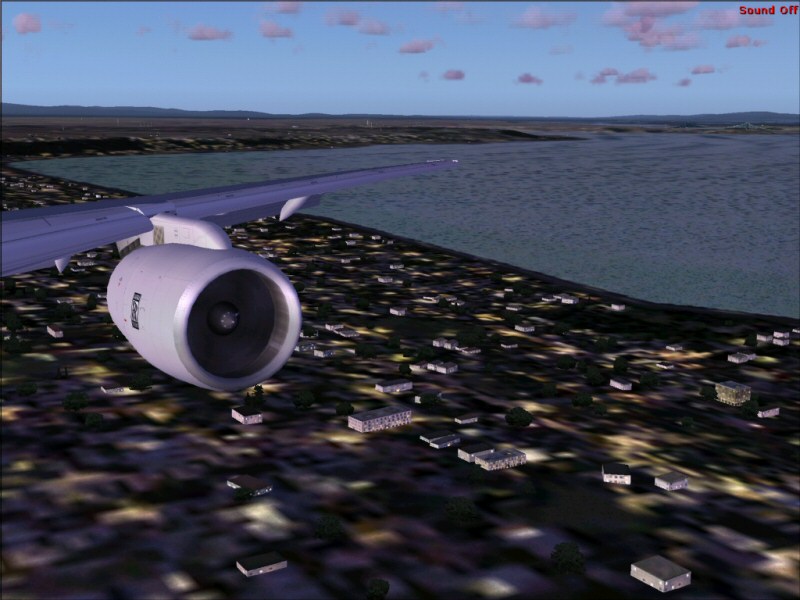
Spent some time...

Flight Simulation Screenshots displaying your Flight Simulation Experience. MSFS, FSX, Prepar3D, XPlane and other Flight Simulators. Focus is your Flight Simulator Experience. Please upload to Simviation (Button at top right)

Spent some time...

Postby gottoflynow » Sun Aug 13, 2006 5:01 pm

...Soaking up good framerates in FS9 today.
Took my Posky 752 in DHL colors for a spin...kinda fun.

Climbing out.
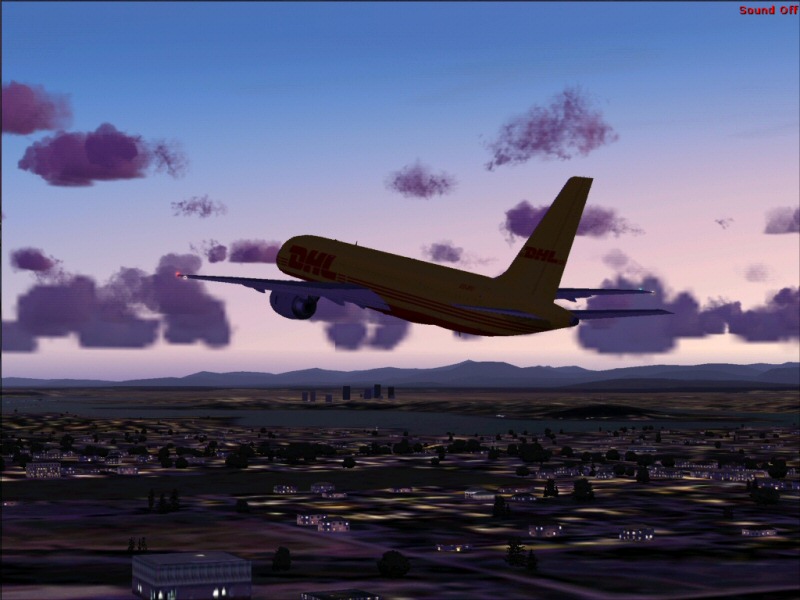
Image

These water Textures look better than the FSX ones on my rig.
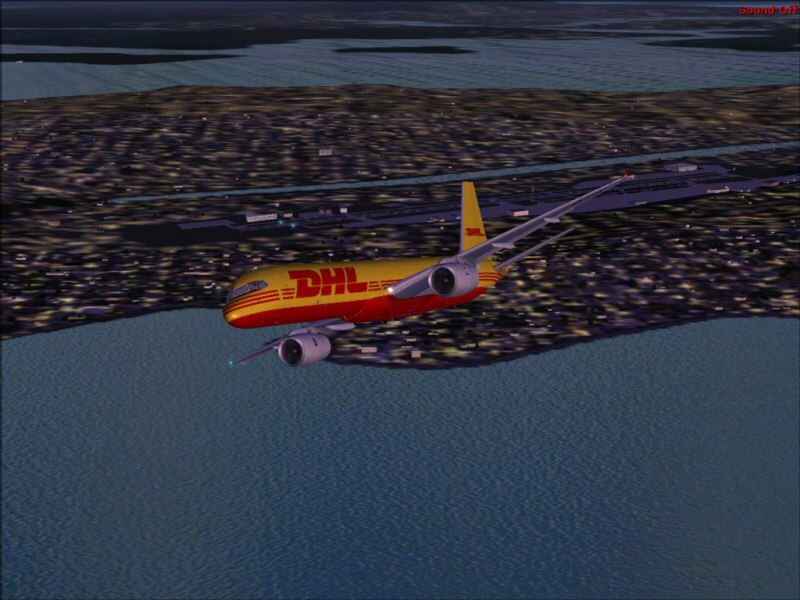
Image

Base.
Image

Final approach from wingview.
Image

Hope you enjoyed...leave a comment!

-gottoflynow

Dell Dimension E520
Windows Vista Home Premium
Intel Core 2 Duo 6300 1.86 GHZ
2GB of ram
ATI Radeon X1300 Pro 256MB
Soundblaster Audigy 24bit Sound Card w/ Surround Sound Speakers  
160GB HD
User avatar
gottoflynow
Captain
Captain
 
Posts: 710
Joined: Mon Jan 09, 2006 7:07 pm

Re: Spent some time...

Postby haroldkip » Mon Aug 14, 2006 12:35 pm

Nice shots but if I may give you a tip; position the camera on the plane as you like it and before you take the shot go grab a cup of coffee or go out for a smoke or something like that. Just leave your PC to render the ground textures ...
This way you'll get a much more defined background in these shots!

Atleast ... that's what I always do. I always have blurries and doing the above gets me better a backdrop in my shots.

Hope this helps ;)

P.S. post a few shots if you feel like it ...
User avatar
haroldkip
Lieutenant Colonel
Lieutenant Colonel
 
Posts: 5906
Joined: Wed Apr 12, 2006 5:13 am
Location: Amsterdam, The Netherlands

Re: Spent some time...

Postby MOUSY » Mon Aug 14, 2006 1:21 pm

...before you take the shot go grab a cup of coffee or go out for a smoke or something like that. Just leave your PC to render the ground textures ...

Or use the Refresh Scenery command in FS. It can be set to a key combo in the options, like Ctrl+F5. Usually results in much more detail in the are closest to the plane, and reducing detail going out. Works like a charm. ;)
[align=center][img]http://www.simviation.com/phpupload/uploads/1379790172.png[/img]
Current Work in Progress: CaribSky: GrenadaX
[url]www.facebook.com/richersimulations[/url][/align]
User avatar
MOUSY
Major
Major
 
Posts: 2110
Joined: Thu Jan 19, 2006 8:47 pm
Location: Commonwealth of Dominica

Re: Spent some time...

Postby haroldkip » Mon Aug 14, 2006 2:35 pm

Or use the Refresh Scenery command in FS. It can be set to a key combo in the options, like Ctrl+F5. Usually results in much more detail in the are closest to the plane, and reducing detail going out. Works like a charm. ;)

Does that work for the textures to then? I never got it to work ... or are my textures already that good ??? ;D
User avatar
haroldkip
Lieutenant Colonel
Lieutenant Colonel
 
Posts: 5906
Joined: Wed Apr 12, 2006 5:13 am
Location: Amsterdam, The Netherlands

Re: Spent some time...

Postby MOUSY » Wed Aug 16, 2006 12:49 am

Yes it does. If your textures don't improve anymore then there already fully loaded... Lucky you... ;D
[align=center][img]http://www.simviation.com/phpupload/uploads/1379790172.png[/img]
Current Work in Progress: CaribSky: GrenadaX
[url]www.facebook.com/richersimulations[/url][/align]
User avatar
MOUSY
Major
Major
 
Posts: 2110
Joined: Thu Jan 19, 2006 8:47 pm
Location: Commonwealth of Dominica


Return to Simulation Screenshots Showcase

Who is online

Users browsing this forum: No registered users and 673 guests