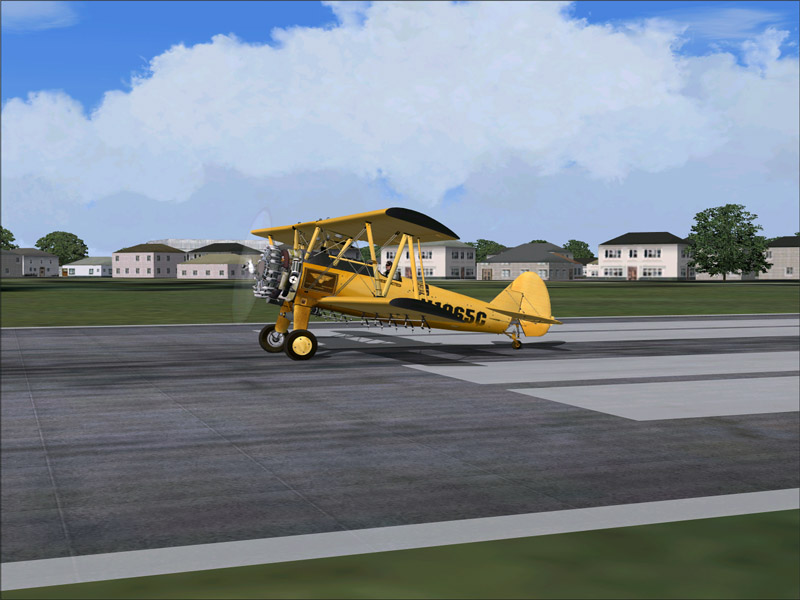
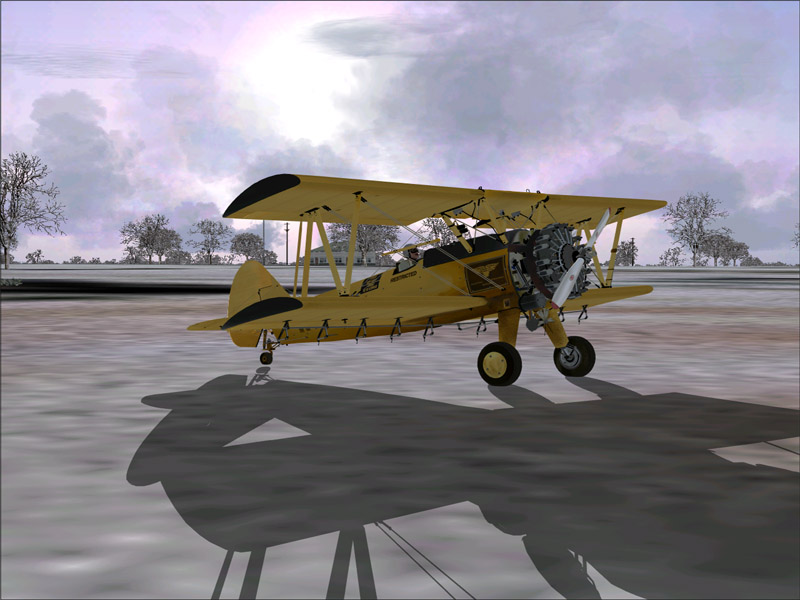

Detail

Flight Simulation Screenshots displaying your Flight Simulation Experience. MSFS, FSX, Prepar3D, XPlane and other Flight Simulators. Focus is your Flight Simulator Experience. Please upload to Simviation (Button at top right)

Detail

Postby Wind-Farmer » Fri Jan 13, 2006 7:07 pm

Image

Image

Image

Image

Very nice plane
Last edited by Wind-Farmer on Fri Jan 13, 2006 7:08 pm, edited 1 time in total.
Wind-Farmer
2nd Lieutenant
2nd Lieutenant
 
Posts: 128
Joined: Wed Dec 21, 2005 11:26 am
Location: Minnesota, USA

Re: Detail

Postby Clipper » Fri Jan 13, 2006 7:25 pm

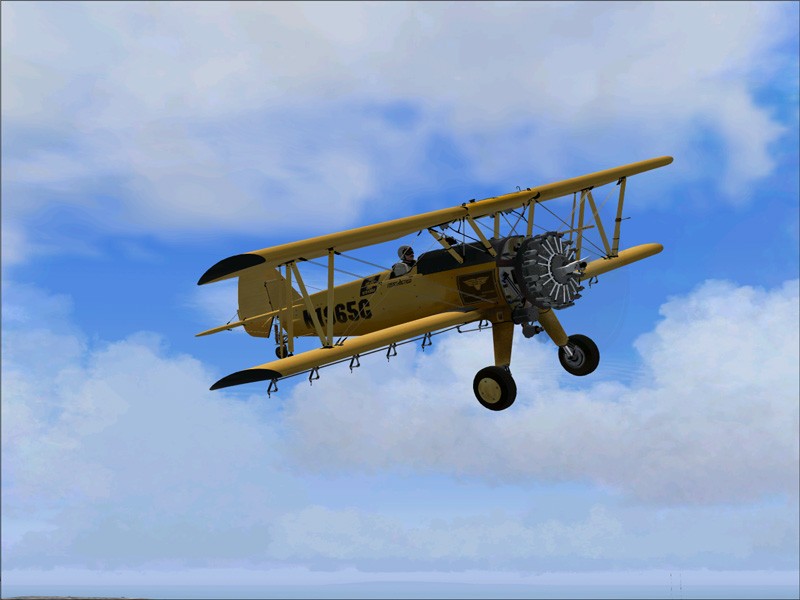
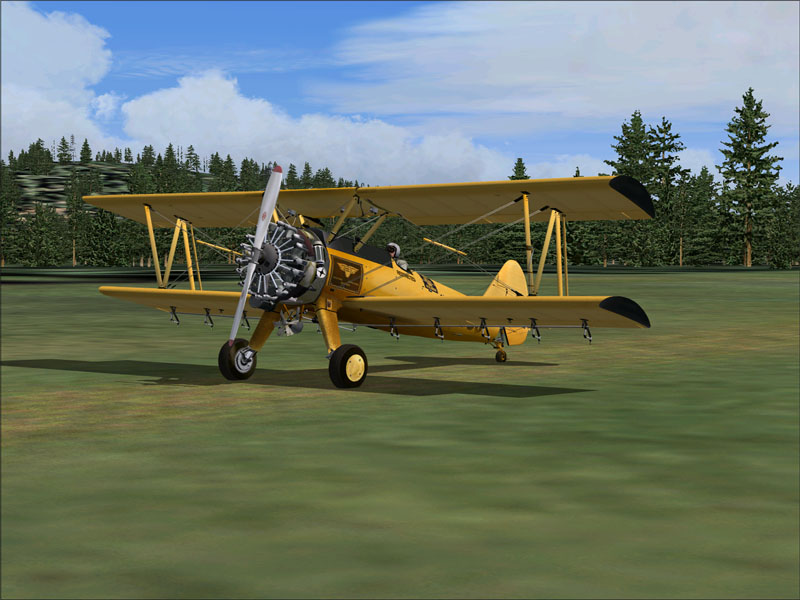
WoW! Looks like you've got an impressive set up Wind. The details in this aircraft are superb, and your shots do a fine job of showing them off! Nice stuff.. :)
Image
User avatar
Clipper
Global Moderator
Global Moderator
 
Posts: 8420
Joined: Tue Aug 23, 2005 5:40 am

Re: Detail

Postby Sir_Crashalot » Fri Jan 13, 2006 7:27 pm

Great shots. Number three is fantastic. Well done.

Crash ;)
Sir_Crashalot
 

Re: Detail

Postby flyboy 28 » Fri Jan 13, 2006 7:31 pm

Very cool. :)
User avatar
flyboy 28
Colonel
Colonel
 
Posts: 10266
Joined: Thu Jun 12, 2003 4:01 pm
Location: Jacksonville, FL

Re: Detail

Postby M.R.Maiornikov » Fri Jan 13, 2006 8:48 pm

yah nice plane, infact the only one to get a place with all my paywares but i have a question for you: do you have problem in starting fs9 after installing this plane? For me it seems that when i install it and i able to fly but when i exit flight simulator and then want to get in i have a start-up error about a panel.dll (not sure exactly why) because the plane doesnt replace the 9.1 panel.dll. Please respond as i would also like to enjoy this amazing plane but afraid to install it because i already reinstalled my fs9 because of this error.
Image
Proud SimV Member since August 10th, 2004
User avatar
M.R.Maiornikov
Captain
Captain
 
Posts: 708
Joined: Tue Aug 10, 2004 3:43 am

Re: Detail

Postby Iant333 » Fri Jan 13, 2006 8:48 pm

I have this plane and dont have that problem.
Image
Iant333
2nd Lieutenant
2nd Lieutenant
 
Posts: 61
Joined: Fri Jan 06, 2006 6:05 pm

Re: Detail

Postby C » Sat Jan 14, 2006 10:19 am

Wind farmer,

Nice shots, but when this page was loading I noticed it went well above 500kb - looking at the shots, all of them are over 100kb, the SimV limit (800wide, 100kb, 500kb max per thread). If you don't resize them they will probably disappear very soon...

Charlie :)
User avatar
C
Colonel
Colonel
 
Posts: 11977
Joined: Mon May 19, 2003 1:04 pm
Location: Earth

Re: Detail

Postby Wind-Farmer » Sat Jan 14, 2006 11:13 am

What the heck, when I resize them I make sure they go under 100KB, now looking at them, yes they are above...hmmmmm

Sorry again I'll stop posting
Wind-Farmer
2nd Lieutenant
2nd Lieutenant
 
Posts: 128
Joined: Wed Dec 21, 2005 11:26 am
Location: Minnesota, USA

Re: Detail

Postby Craig. » Sat Jan 14, 2006 11:17 am

The forum tags add an extra few kb in many cases dont know why, I'd say 115kb is the max you could get away with.
User avatar
Craig.
Colonel
Colonel
 
Posts: 15569
Joined: Sun Sep 29, 2002 10:04 am
Location: Birmingham

Re: Detail

Postby C » Sat Jan 14, 2006 11:41 am

What the heck, when I resize them I make sure they go under 100KB, now looking at them, yes they are above...hmmmmm

Sorry again I'll stop posting


If that's the problem, see what happens when you resize them down to around 75kb. Also, what are you using to resize them?
User avatar
C
Colonel
Colonel
 
Posts: 11977
Joined: Mon May 19, 2003 1:04 pm
Location: Earth

Re: Detail

Postby Wind-Farmer » Sat Jan 14, 2006 12:04 pm

I am using photoshop 7.0 to resize them...when I save them it shows the size and they are about 155KB when I save them, so I move the slider down and they are usually 75KB-89 etc, I rarely keep them above 100KB.  Then now I look at them in the forum and they are huge.

Sorry again
Wind-Farmer
2nd Lieutenant
2nd Lieutenant
 
Posts: 128
Joined: Wed Dec 21, 2005 11:26 am
Location: Minnesota, USA

Re: Detail

Postby C » Sat Jan 14, 2006 3:04 pm

No need to apologise. :)

Several of us use a very easy program to resize our screenshots, called IRFANVIEW. It has a very easy to use and resizing shots takes a matter of seconds. I've never had a problem with keeping the shots under 100kb with it.

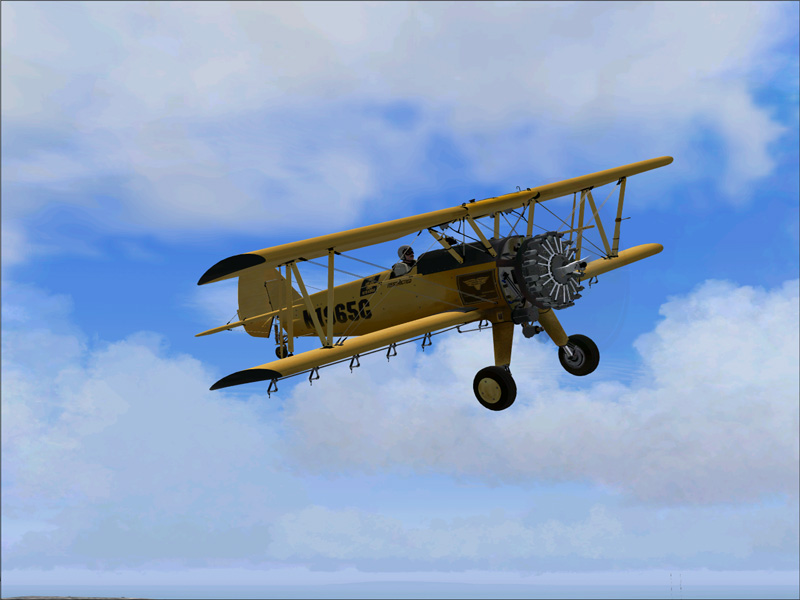
I just took the liberty of resizing the largest shot using 90% detail when saving using Irfanview. 75kb... :)

Image
Last edited by C on Sat Jan 14, 2006 3:12 pm, edited 1 time in total.
User avatar
C
Colonel
Colonel
 
Posts: 11977
Joined: Mon May 19, 2003 1:04 pm
Location: Earth

Re: Detail

Postby krigl » Sat Jan 14, 2006 3:23 pm

Lovely, Wind Farmer, she's looking great! Some very nice cloudscapes too...
If you're bored of an evening - and you'll have to be - you can check out my screenshot gallery: Kriglsflightsimscreens...HERE

[center][img]http://www.simviation.com/phpup
krigl
Lieutenant Colonel
Lieutenant Colonel
 
Posts: 8234
Joined: Fri Jun 10, 2005 3:47 am


Return to Simulation Screenshots Showcase

Who is online

Users browsing this forum: No registered users and 637 guests