Boeing and Lockheed screens

Flight Simulation Screenshots displaying your Flight Simulation Experience. MSFS, FSX, Prepar3D, XPlane and other Flight Simulators. Focus is your Flight Simulator Experience. Please upload to Simviation (Button at top right)

Boeing and Lockheed screens

Postby Mynameisnemo » Tue Dec 27, 2005 6:37 pm

As it says above this post contains both Boeing and Lockheed aircraft:

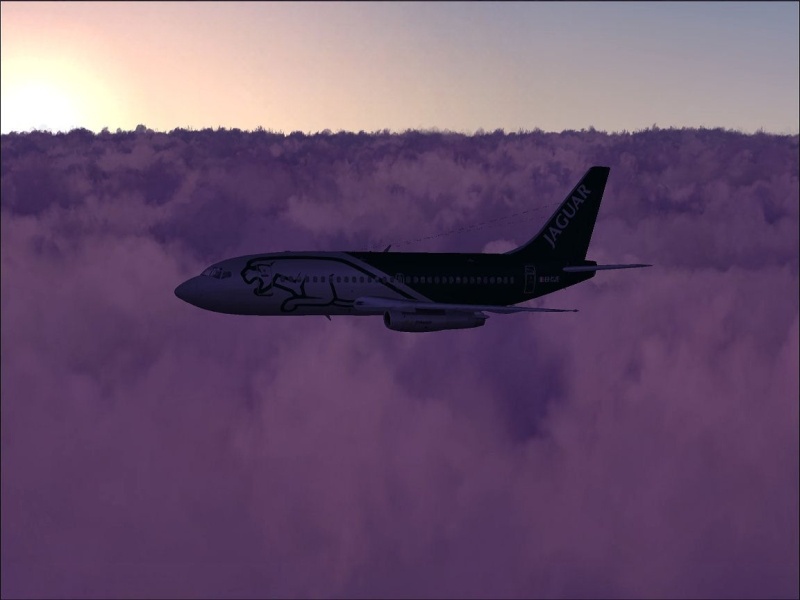
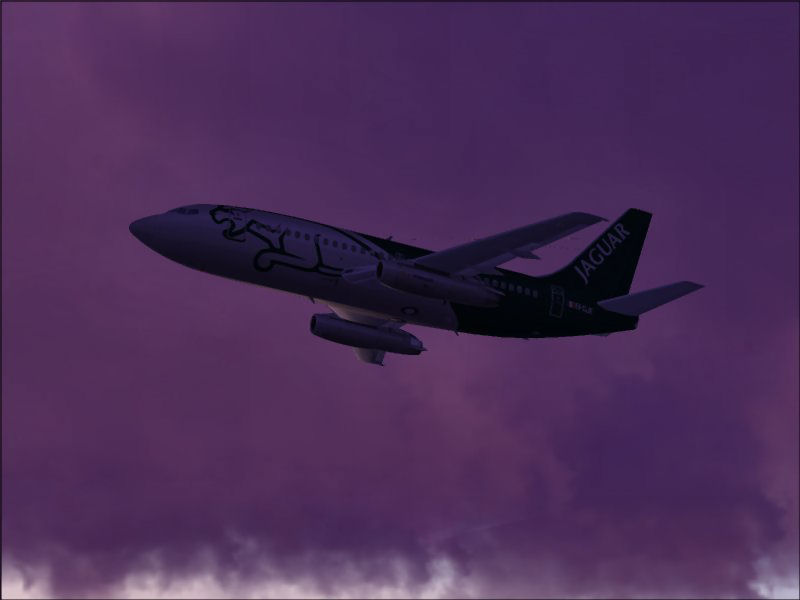
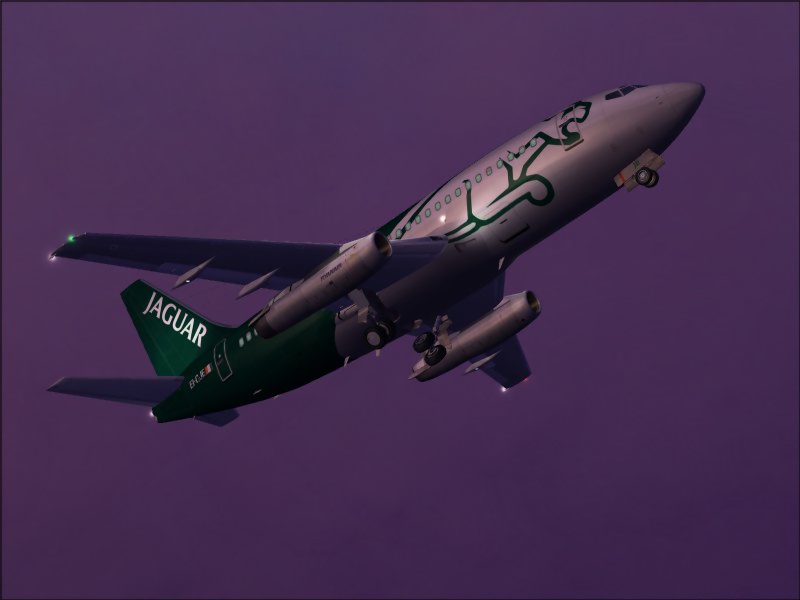
First off the Kittyhawk Boeing 737-200 In Ryanair/Jaguar Colours:
Image
Image
Image
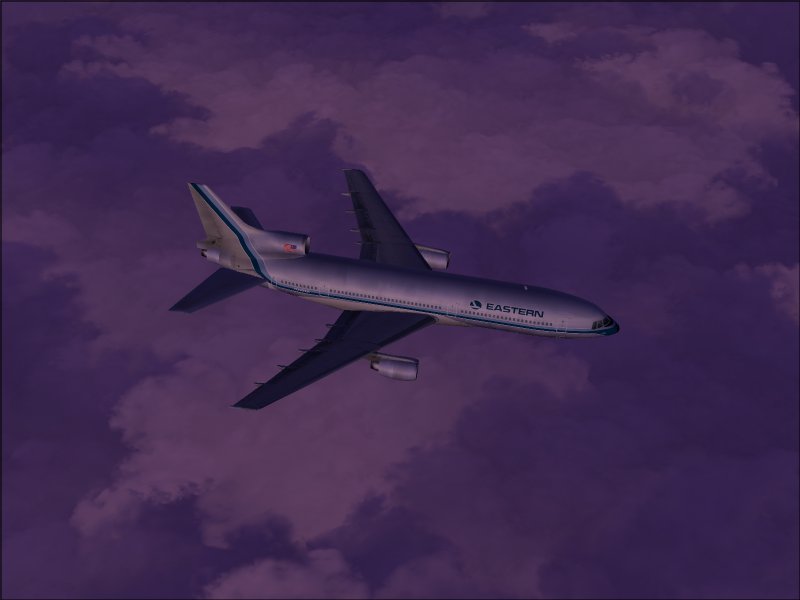
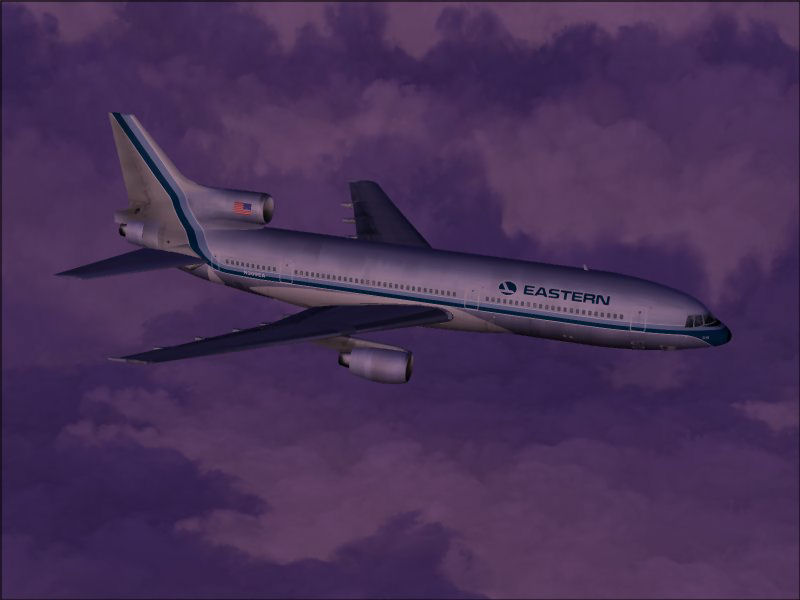
Now the Lockheed L-1011 from Vistaliners:

Image
Image
Image

Total File Size 287kb
Sky Colour FSSkyworld (Fixed Dawn) set14
Various FSSkyworld cloud textures
flying at dawn mostly and.......a little bit of tweaking of the Graphic Card Colours enabled me to take these shots.

Comments Welcome

Nemo........

Mynameisnemo
 

Re: Boeing and Lockheed screens

Postby Clipper » Tue Dec 27, 2005 7:07 pm

Ahhh. good old Ryanair. The clouds look really good in these shots Nemo. I see you've got that cloud layers thing going in pic 4. Love these liveries and the shots. Nice stuff  :)
Image
User avatar
Clipper
Global Moderator
Global Moderator
 
Posts: 8420
Joined: Tue Aug 23, 2005 5:40 am

Re: Boeing and Lockheed screens

Postby SkyNoz » Tue Dec 27, 2005 7:56 pm

Sweet love the good old 200 (737). ;) :D
Project Kfir!
Image
My Gmax page
Aircraft modeler/Aircarft painter

Aye the key!
[GeneralEngineData]
//0=Piston, 1=Jet, 2=N
SkyNoz
Major
Major
 
Posts: 1703
Joined: Sat Aug 06, 2005 11:02 am

Re: Boeing and Lockheed screens

Postby A/SGT.Mav316 » Tue Dec 27, 2005 8:06 pm

what weather conditions do you have to set to get the clouds to display in layers (or is that an addon that creates that effect).
Its only in your mind, strong mind, strong soul and nobody can take that from you!
User avatar
A/SGT.Mav316
Major
Major
 
Posts: 1325
Joined: Sun Feb 02, 2003 12:31 am
Location: New York City

Re: Boeing and Lockheed screens

Postby Midnight_LS1 » Wed Dec 28, 2005 2:56 am

what weather conditions do you have to set to get the clouds to display in layers (or is that an addon that creates that effect).


I'm guessing Active Sky 6 addon, it's payware.
-Chris
Active Camera Pro
MegaScenery NY
PSS 777-200LR
Aerosoft Scenery Manhattan
TrackIR3 Pro with Vector
ActiveSky 6
PMDG 747 'Queen of the Skies'
AlphaSim F-117
Midnight_LS1
1st Lieutenant
1st Lieutenant
 
Posts: 394
Joined: Mon Apr 05, 2004 2:30 pm

Re: Boeing and Lockheed screens

Postby MonkeyNanas » Wed Dec 28, 2005 7:37 am

what weather conditions do you have to set to get the clouds to display in layers (or is that an addon that creates that effect).


I'm guessing Active Sky 6 addon, it's payware.


just a little answer from me about the layers of the clouds, its created in user created weather, try setting the first cloud height to 16,000ft and then add a new layer from 16,500 feet to which ever height you want, you should then have the layered effect as shown below in pic #4, as far as i know (and i'm going through add/remove programs at the moment) there is no Active Sky 6 addon installed, i'll ask nemo in a bit but i'm sure its not there........

vickie xxxx
MonkeyNanas


Return to Simulation Screenshots Showcase

Who is online

Users browsing this forum: No registered users and 608 guests