Irfanview quirk pt 2, the incomplete plane

Flight Simulation Screenshots displaying your Flight Simulation Experience. MSFS, FSX, Prepar3D, XPlane and other Flight Simulators. Focus is your Flight Simulator Experience. Please upload to Simviation (Button at top right)

Irfanview quirk pt 2, the incomplete plane

Postby gryshnak » Wed Nov 16, 2005 4:37 pm

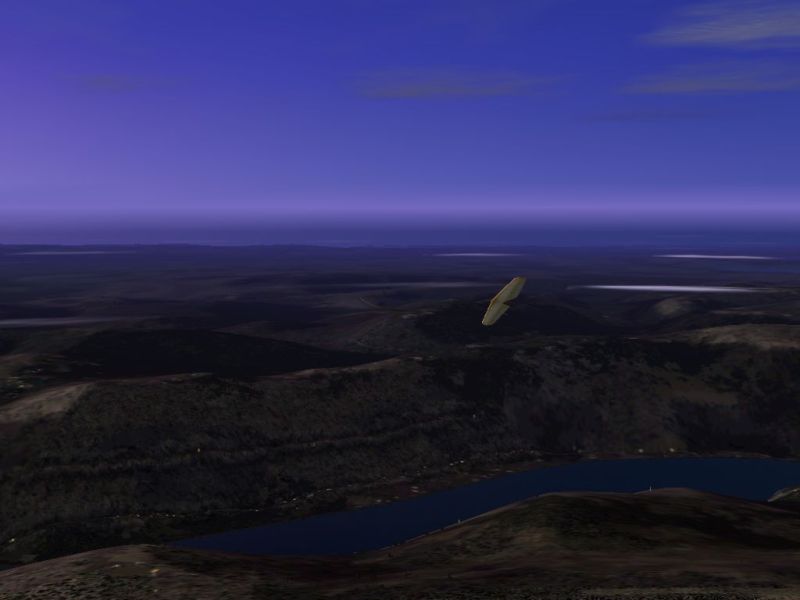
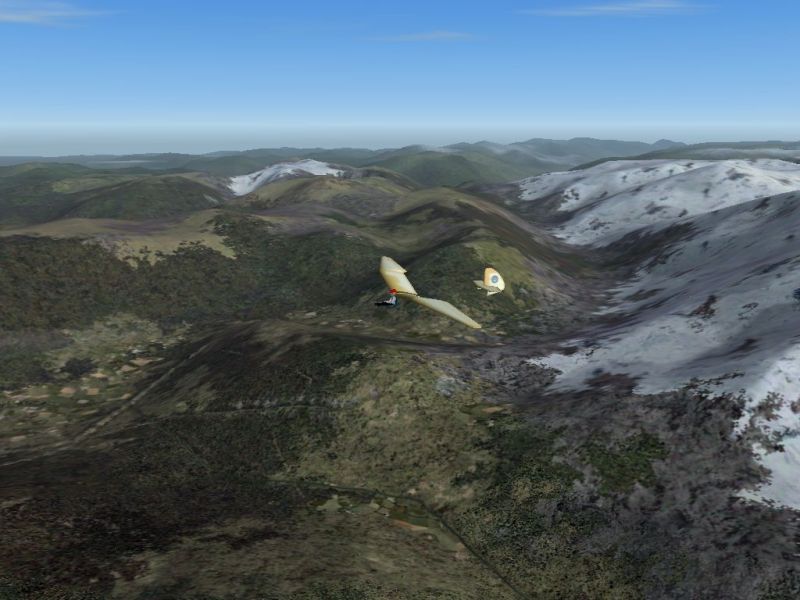
Attempting to figure out what was happening with Irfanview occasionally capturing screenshots of invisible planes, I returned to the Swiss Alps - this time with a Minimoa.
Image
I took lots of screenshots, every now and then a bit of my plane went missing
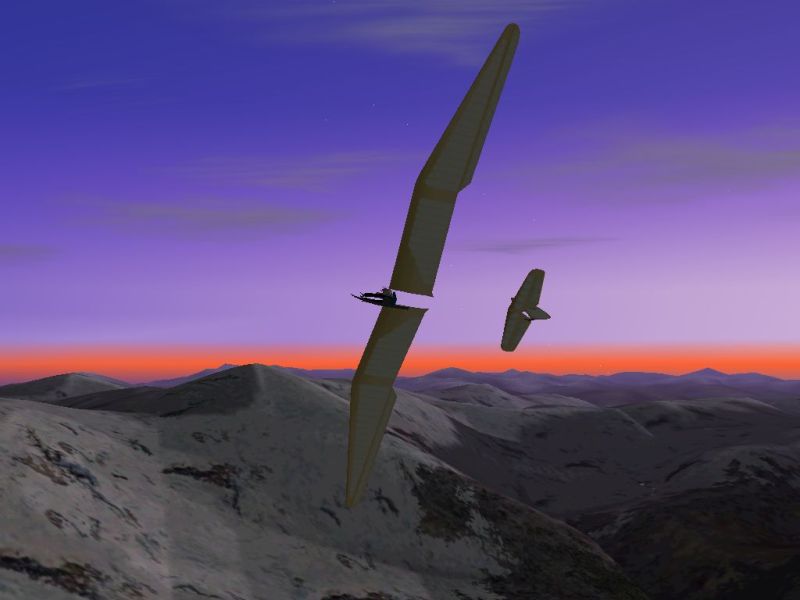
Image
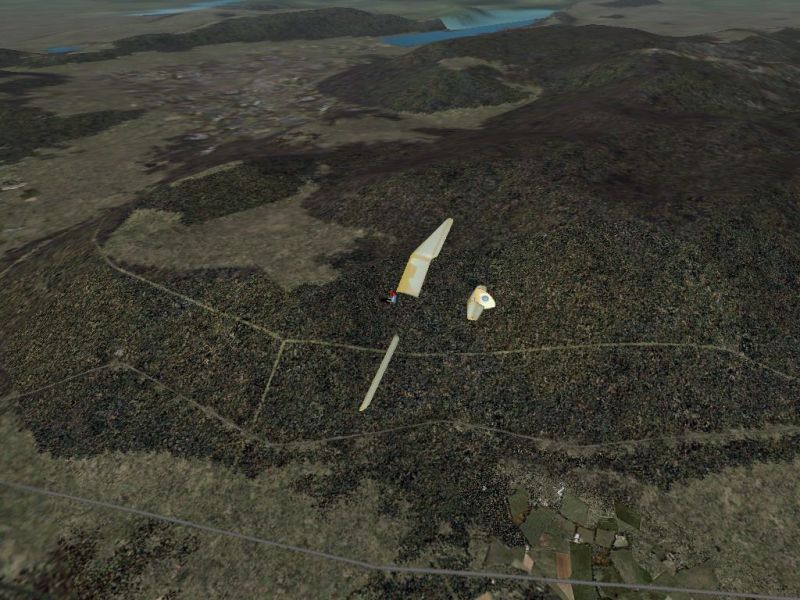
Sometimes most of it!
Image
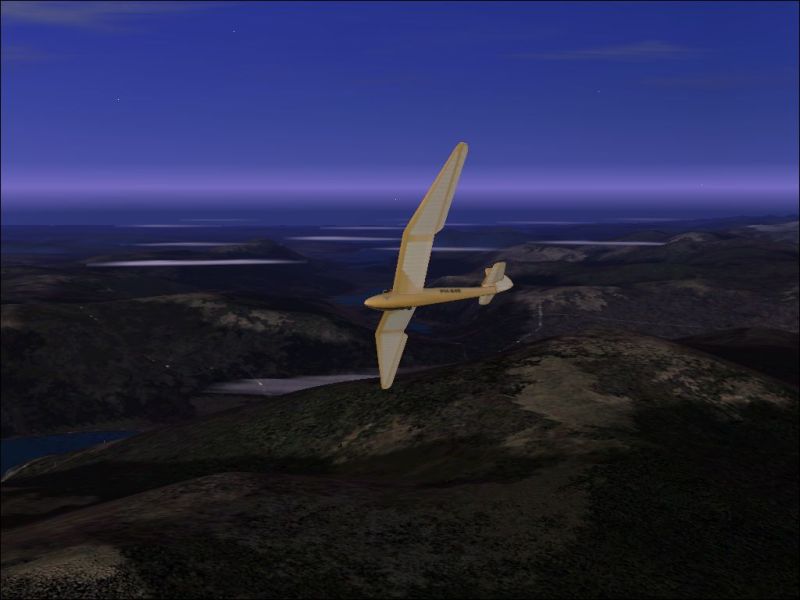
A bit disconcerting really...
Image
Image
It looks to me like Irfanview is capturing an image while the plane is being redrawn.  I can't see a way around that.

Gryshnak

User avatar
gryshnak
Major
Major
 
Posts: 1027
Joined: Sun Oct 30, 2005 8:32 am
Location: Hull. Yorkshire, UK

Re: Irfanview quirk pt 2, the incomplete plane

Postby Omag 2.0 » Wed Nov 16, 2005 4:43 pm

Quick Scotty... we need more tape! More tape I tell you!

Captain! She ain't holding!


;D  ;D  ;D
[center]
Image

Check my aviation-photo's at www.airliners.be

Or go straight to Omag's Album[/cent
User avatar
Omag 2.0
Lieutenant Colonel
Lieutenant Colonel
 
Posts: 9490
Joined: Tue Aug 05, 2003 6:43 am
Location: Somewhere, Belgium

Re: Irfanview quirk pt 2, the incomplete plane

Postby The_Joker_Flyer » Wed Nov 16, 2005 4:45 pm

funny looking... all i can say  ::)
Image

^Bigbunny^


The_Joker_Flyer
User avatar
The_Joker_Flyer
Major
Major
 
Posts: 1972
Joined: Sun Oct 16, 2005 5:24 am
Location: Europe

Re: Irfanview quirk pt 2, the incomplete plane

Postby Splash » Wed Nov 16, 2005 5:46 pm

;D
Are you pausing for screenshots or taking them on the fly?  I don't pause at all, and have never experienced anything like that before.
Cheers
Splash(Ed)
Splash
 

Re: Irfanview quirk pt 2, the incomplete plane

Postby Jakemaster » Wed Nov 16, 2005 8:51 pm

just use gcs.
Jakemaster
 

Re: Irfanview quirk pt 2, the incomplete plane

Postby TSC. » Thu Nov 17, 2005 8:43 am

I get it a lot with Irfanview - the easiest solution is just to take multiple shots of the same picture (3 or 4 of each pic) & then just keep the shot you like the most.

Other than that it's hardly worth worrying about.

Cheers,

TSC.
Image

'Only two things are infinite.......The Universe and Human stupidity........and I'm not too sure about the Universe' - Einstein
User avatar
TSC.
Major
Major
 
Posts: 4273
Joined: Wed Nov 03, 2004 11:11 am
Location: Torquay, Devon, England.

Re: Irfanview quirk pt 2, the incomplete plane

Postby Fozzer » Thu Nov 17, 2005 8:54 am

Quick Scotty... we need more tape! More tape I tell you!

Captain! She ain't holding!


;D  ;D  ;D


"Scotty, get down to the weapons room, I think we are having problems with the Cloaking Device!"...!

"Cap'n! We are right out of  invisible paint"... :o...!

LOL...!

Paul... 8)...!
Win 8.1 64-bit. DX11. Advent Tower. Intel i7-3770 3.9 GHz 8-core. 8 GB System RAM. AMD Radeon HD 7700 1GB RAM. DVD ROM. 2 Terra Byte SATA Hard Drive. Philips 17" LCD Monitor. Saitek Cyborg X Fly-5 Joystick. ...and a Briggs and Stratton Petrol Lawn Mower.
User avatar
Fozzer
Colonel
Colonel
 
Posts: 27370
Joined: Thu Jan 31, 2002 3:11 pm
Location: Hereford. England. EGBS.

Re: Irfanview quirk pt 2, the incomplete plane

Postby Hagar » Thu Nov 17, 2005 8:58 am

Are you sure this is a bug with IrfanView & not something to do with your video card or display settings? I suggest you try using a different screengrab utility like GCS or MultiGrab to see if you have the same problems.
Image

Founder & Sole Member - Grumpy's Over the Hill Club for Veteran Virtual Aviators
Member of the Fox Four Group
My Google Photos albums
My Flickr albums
User avatar
Hagar
Colonel
Colonel
 
Posts: 30869
Joined: Wed Jun 19, 2002 7:15 am
Location: Costa Geriatrica


Return to Simulation Screenshots Showcase

Who is online

Users browsing this forum: No registered users and 454 guests